AI video extender
AI Video Extender: Make Your Video Longer with AI
Add 5, 10 or 15 seconds to any clip. Upload a video or pick one you made on OnVid, say what happens next if you like, and get one longer video with the same people, place and style.
- 1Upload a clip or pick one you made
- 2Say what happens next (optional)
- 3Download the longer video
- 1Upload a clip or pick one you made
- 2Say what happens next (optional)
- 3Download the longer video
 Kling 3 4K · cinematic
 Veo 3.1 native audio
 Seedance 2 #1 arena
 Wan 2.7 image-to-video
 Hailuo 2.3 expressive
 Hunyuan open sourceKling 3 4K · cinematicVeo 3.1 native audioSeedance 2 #1 arenaWan 2.7 image-to-videoHailuo 2.3 expressiveHunyuan open source
Why extend a video with AI
Most AI video generators stop after 5 or 10 seconds, often just before the moment you wanted. Generating a new clip starts over. Extending picks up from the last frame.
An AI video extender that keeps the scene
More seconds, same people, same place.
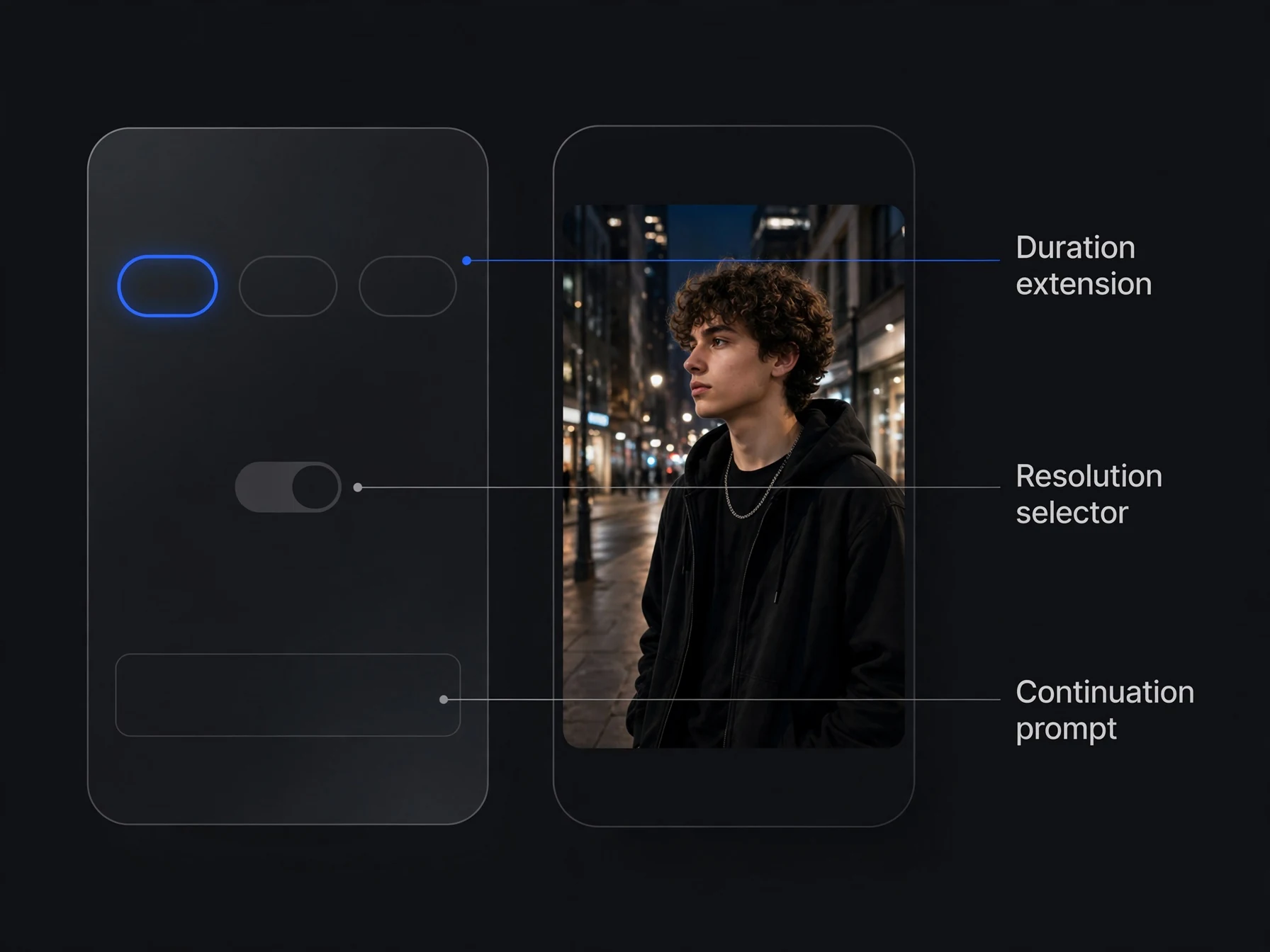
+5, +10 or +15 seconds
Pick the length; extend again to keep going.
Optional direction
Describe what happens next in plain words, or let the scene continue on its own.
768p, 1080p or 2K
Choose the quality of the new footage.
Consistent people and places
The extension reads your clip so faces, setting and camera style carry on.
One MP4 with sound
Original and new footage joined, with the soundtrack carried through.
Who extends video with OnVid
From short AI clips to ads that need a few more seconds.
AI video creators
Turn a 5-second clip into a full shot without losing the character or the look.
Every leading video model, one studio
Match the right engine to each idea — no extra accounts, no juggling tools.
Cinematic 4K text-to-video with native audio and multi-shot consistency.
The only model with synchronized dialogue and sound.
Film-grade generation with strong prompt adherence and synced audio.
Sharp, physically accurate motion in crisp 4K.
Native 2K motion with synced audio and omni-reference — the Hailuo 3 generation.
Expressive, characterful motion with lively faces.
Black Forest Labs' unified image + video + audio model, with clips up to ~20 seconds.
Native 4K clips up to 30s with synced sound.
Fast clips with synced native audio.
| Model | Resolution | Max length | Best for | Speed |
|---|---|---|---|---|
| 1080p | 5s / 10s | Cinematic, multi-shot | Max quality | |
| 720p / 1080p / 4K | 8s | Native audio | Balanced | |
S2 Sora 2 | 720p / 1080p | 4s / 8s / 12s | Prompt adherence | Balanced |
| 480p / 720p / 1080p | 5s / 10s | Sharp motion | Fast | |
| 768p / 2K | 5s / 10s | 2K detail with sound | Balanced | |
| 768p | 6s / 10s | Expressive motion | Fast | |
| 1080p+ | ~20s | Unified multimodal | Max quality | |
| 480p / 720p / 1080p | 5s / 10s | References + video remix | Fast | |
| 480p / 720p | 6s | Fast clips with sound | Balanced |


How to extend a video in three steps
No editing timeline, no re-generating from scratch.
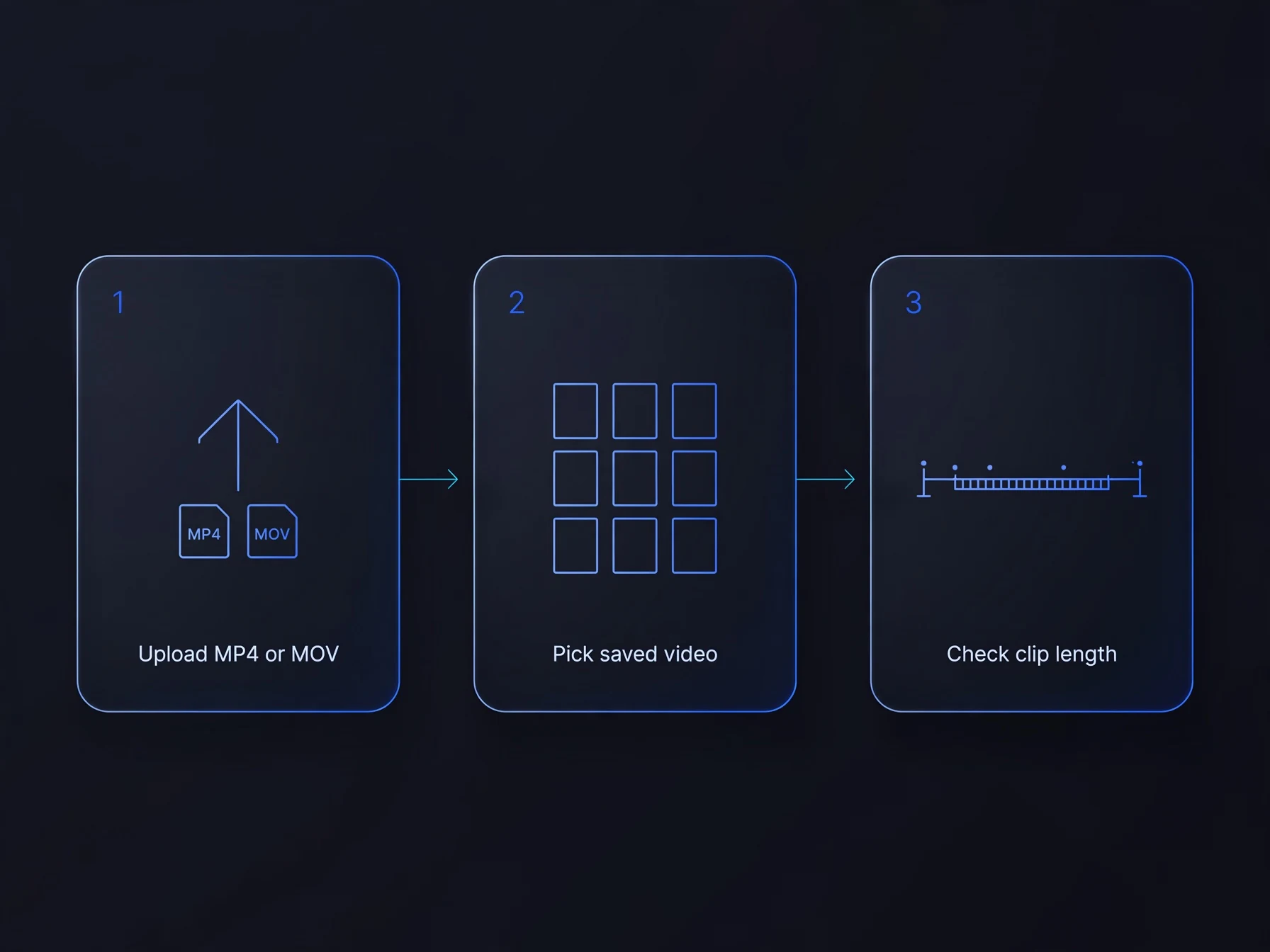
Add your clip
Upload an MP4 or MOV between 2 and 60 seconds (up to 50 MB), or pick one of your OnVid videos.
Choose the length
Add 5, 10 or 15 seconds, pick 768p, 1080p or 2K, and say what happens next if you want to.
Download the longer video
After a few minutes the original and the new footage are one MP4 in your Library.
How does an AI video extender work?
How to make a video longer, and how to get a smooth result.
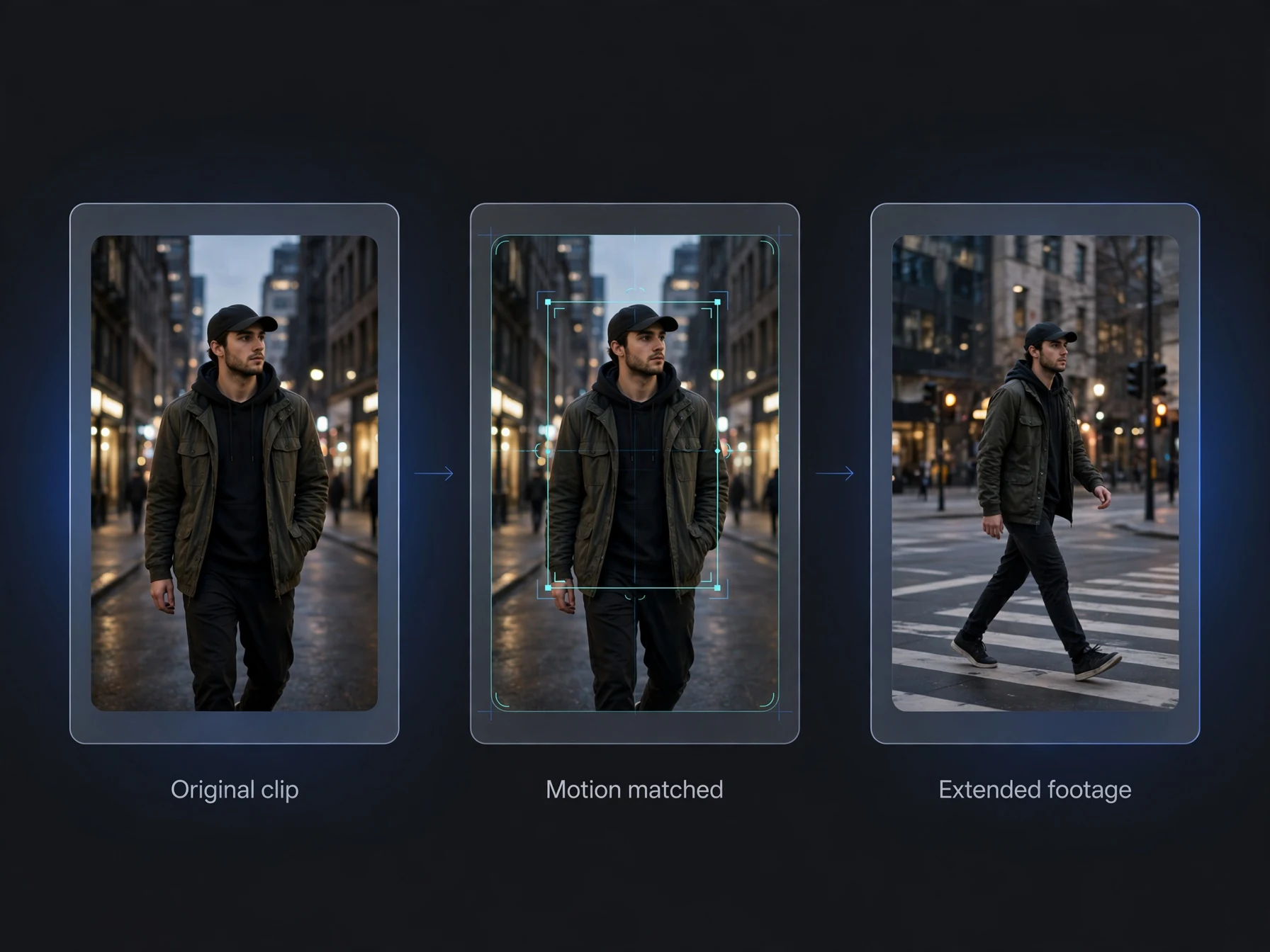
What is an AI video extender?
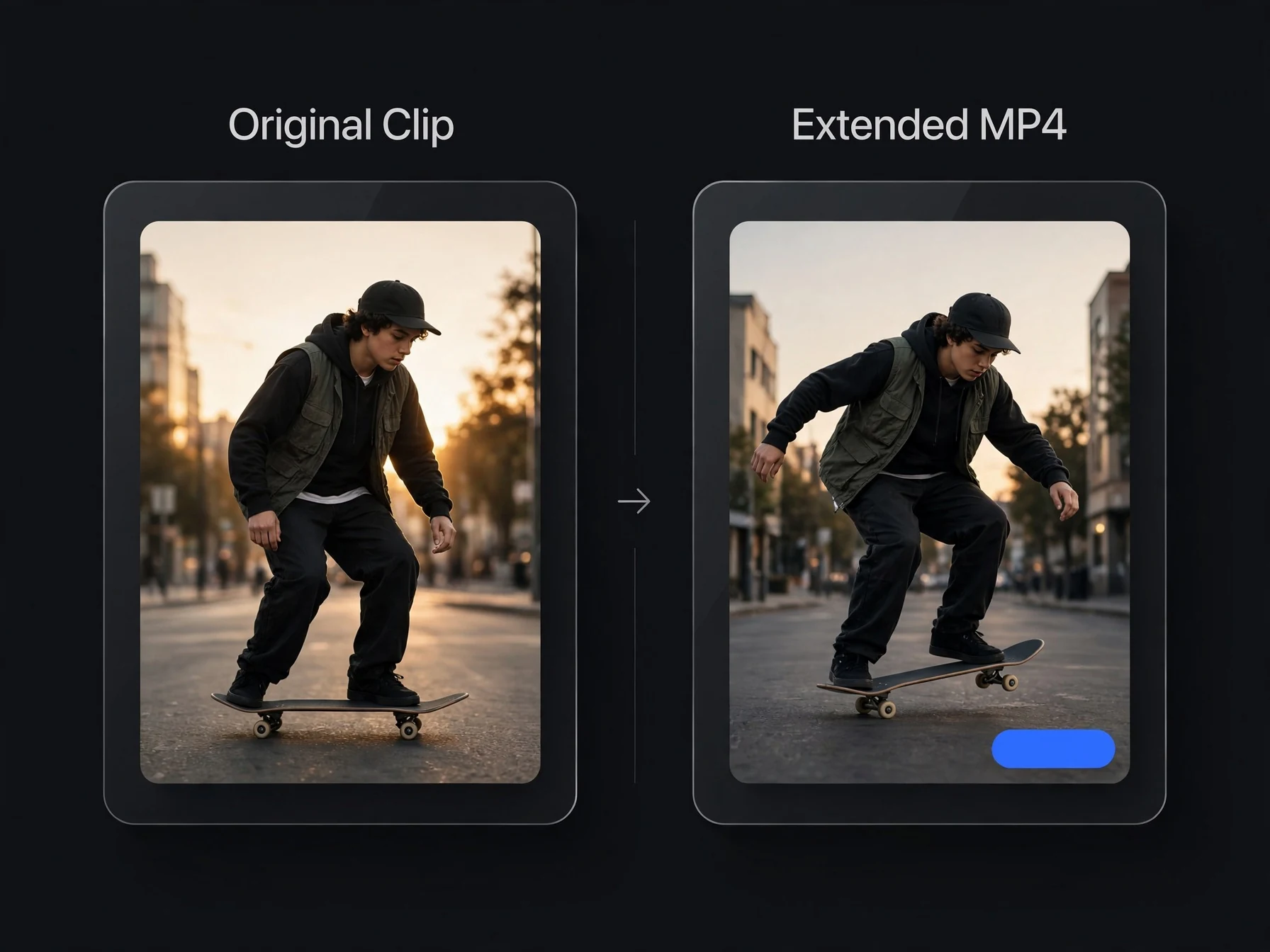
An AI video extender adds new footage to the end of an existing video. It looks at the last moments of your clip, works out who and what is in the scene and how the camera moves, and generates the next few seconds to match. OnVid's extender adds 5, 10 or 15 seconds to clips between 2 and 60 seconds long and returns the original and the new footage as one MP4.
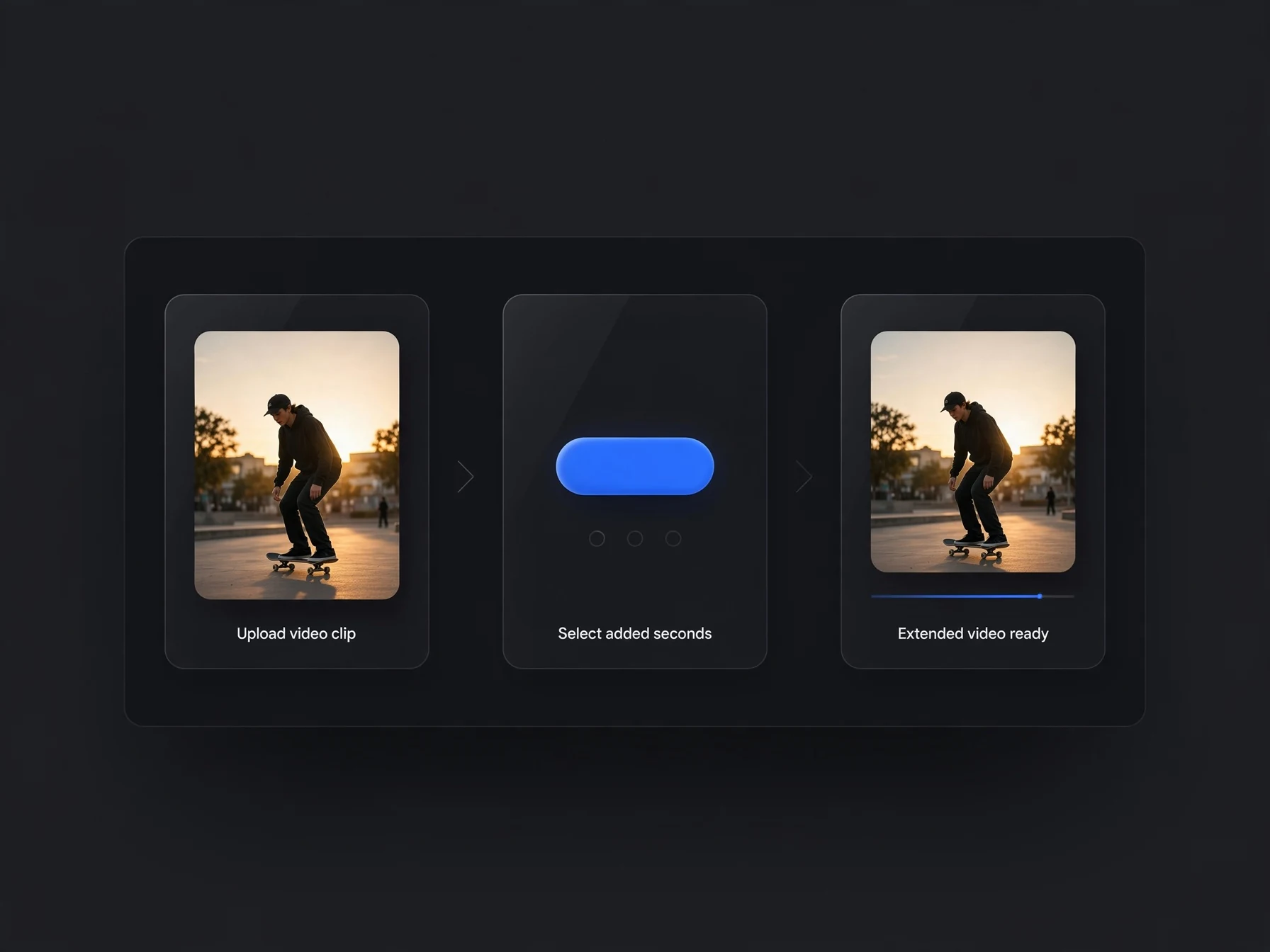
How to make a video longer with AI
Open the extender and upload an MP4 or MOV, or pick one of the videos you made on OnVid. Choose how much to add (+5, +10 or +15 seconds) and the quality (768p, 1080p or 2K). Optionally describe what happens next. Start it, and after a few minutes the longer video is in your Library. To go further, extend that result again.
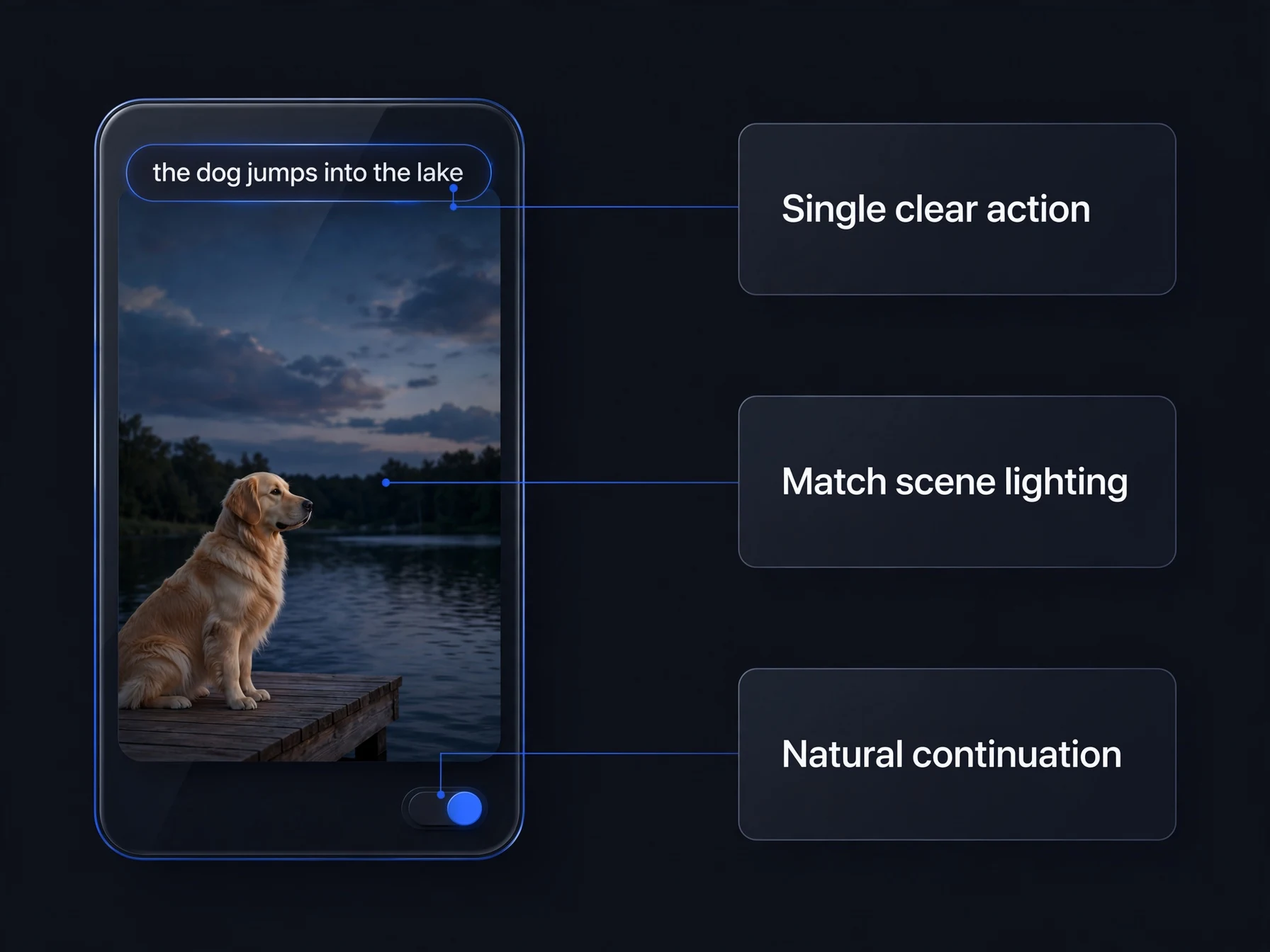
Writing a good 'what happens next' prompt
Describe the next action, not the scene you already have: 'the dog jumps into the water', 'the camera slowly pulls back to show the whole street'. One clear action works better than several. Keep it consistent with the clip: if it's night, don't ask for sunshine. Leaving the prompt empty tells the extender to continue the scene naturally, which is often the smoothest option.
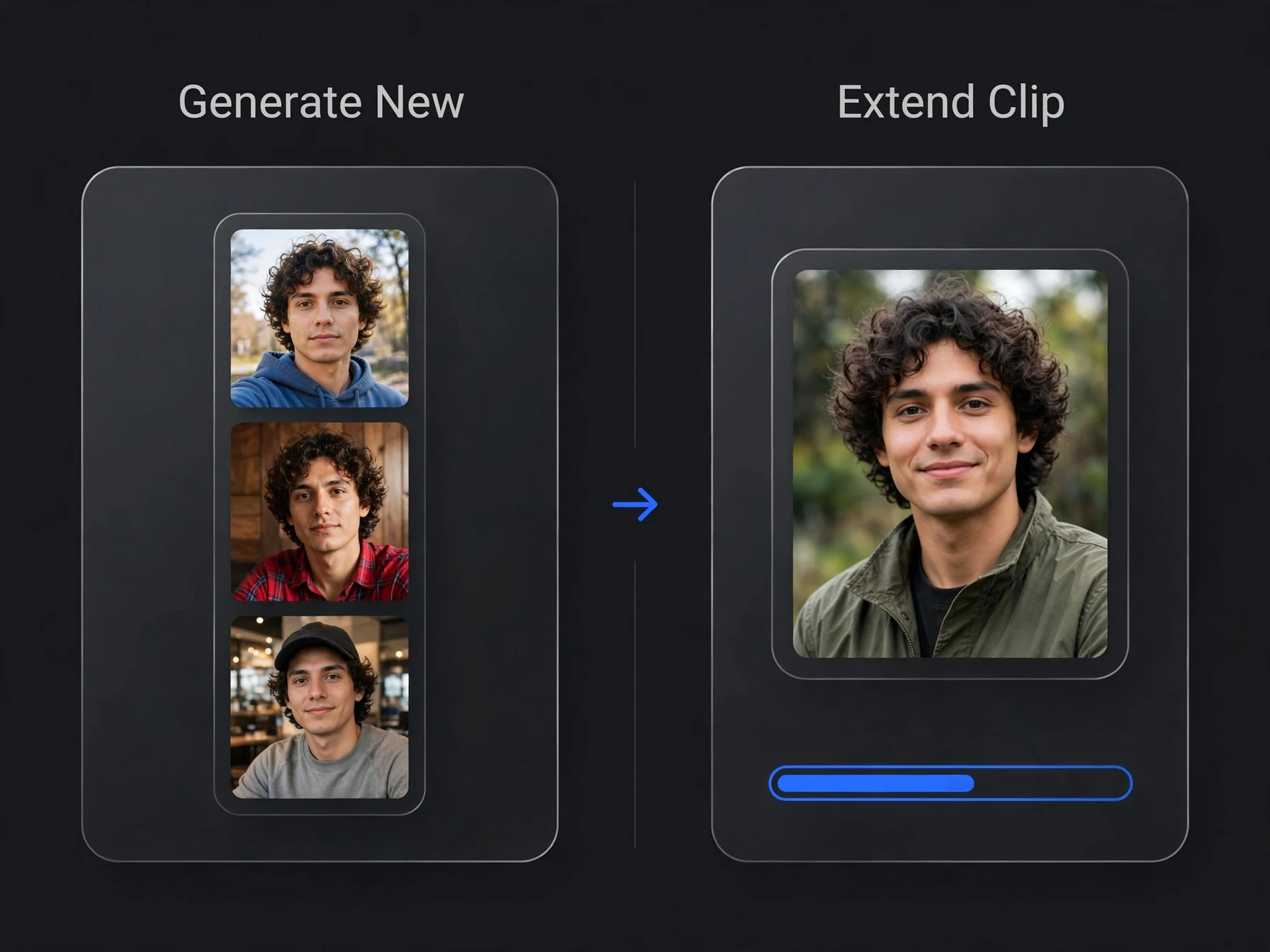
Extend a video vs. generate a new one
Generating a new clip from the same prompt gives you a different take: new faces, new framing, new motion. Extending keeps everything you liked about the first clip and only adds time. It is the way to get a 15- or 20-second shot from a model that renders 5 or 10 seconds at a time.
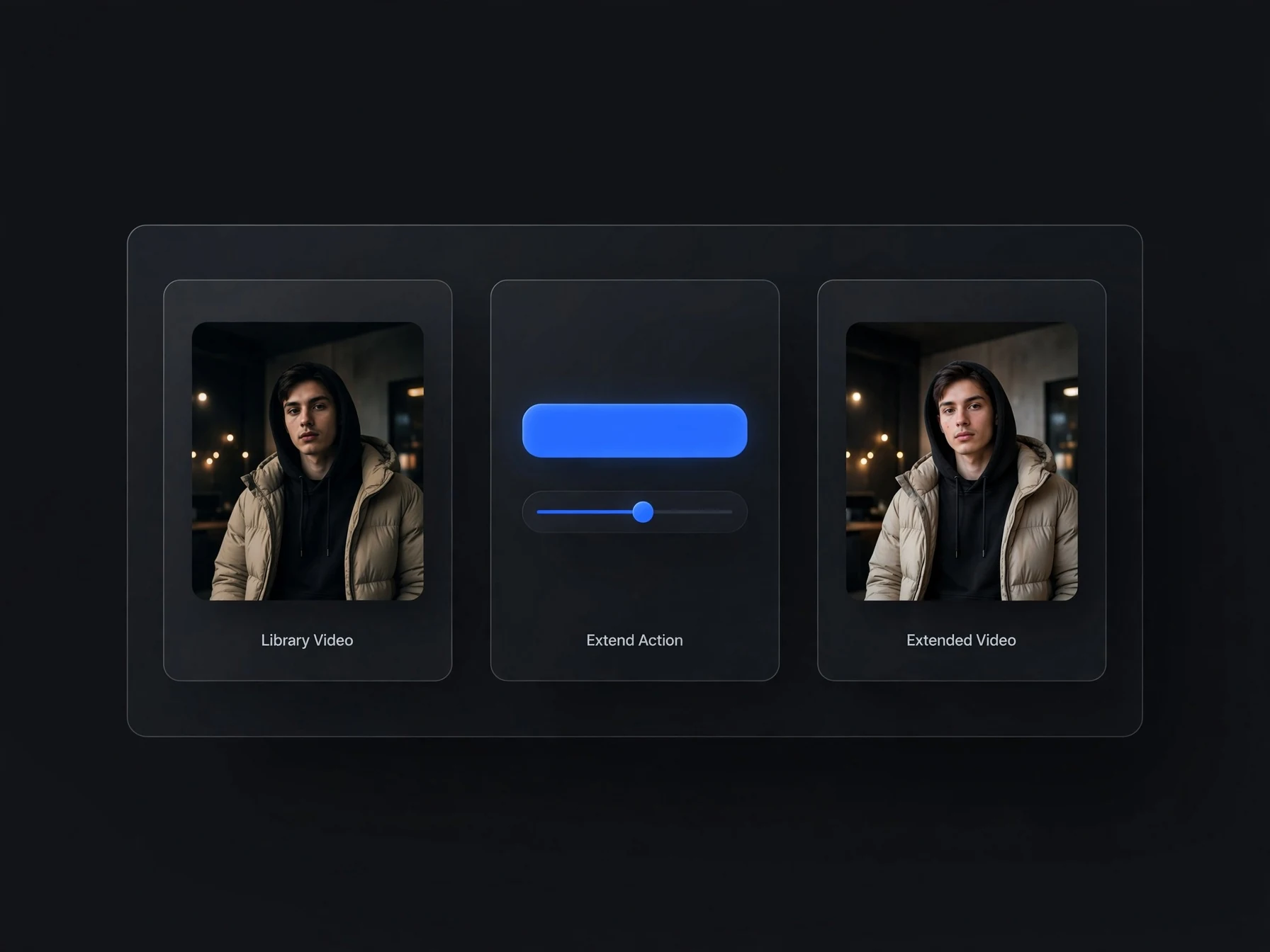
Extending AI-generated videos
Any finished video in your OnVid Library can be extended in one tap: open it and choose Extend. That works the same whichever model made the clip, and it is the easiest way to give a short AI clip a proper ending.
Made with OnVid
Real clips generated from a single prompt — hover any card to play.
Seedance 2Kling 3MiniMax H3Extending videos with AI, answered
Lengths, pricing and what to expect.
How do I make a video longer with AI?
Upload the clip to OnVid's AI video extender (or open one of your OnVid videos and tap Extend), choose +5, +10 or +15 seconds, and optionally describe what happens next. You get one longer MP4 with the original and the new footage.
How long can my video be?
The clip you extend can be 2 to 60 seconds long and up to 50 MB, in MP4 or MOV format.
How much can I add?
5, 10 or 15 seconds at a time. To go longer, extend the result again.
Do I have to write a prompt?
No. Leave it empty and the scene continues naturally. Add one line if you want a specific action next.
Will the people and the place stay the same?
That's what the extender is built for: it reads the end of your clip and continues the same people, setting, lighting and camera style. Big changes in the prompt, like a new location, are more likely to drift.
Is the AI video extender free?
No. Extending is part of OnVid's Pro and Max plans and uses credits. At 768p, +5 seconds costs 362 credits, +10 costs 724 and +15 costs 1,087. 1080p and 2K cost more, and the exact price is on the button before you start.
Does the extended video have sound?
Yes. Your original soundtrack is kept, and the new seconds get matching sound.
Can I extend a video I made with another AI tool?
Yes. Upload any MP4 or MOV between 2 and 60 seconds, whichever app or model made it.
How long does it take?
Usually a few minutes. You can leave the page; the video appears in your Library when it's ready.
What happens if it fails?
Your credits go back to your balance automatically.
Don't regenerate. Extend it.
Keep the clip you like and add the seconds you need.