Kling AI provides a free tier with daily login credits that refresh each day, though free exports include a watermark and a lower resolution cap. Creators asking is Kling AI free can test core text to video tools right away, while longer clips and higher-resolution exports require a paid plan.
To answer is Kling AI free for new creators, testing the platform reveals that it operates on a daily credit allowance rather than unrestricted generations. When you create an account on Kling, you receive daily login credits that reset every day. These basic credits let you test core video generation capabilities without paying upfront fees.
The free daily credits do not roll over or accumulate over time. Credits you don't use expire, and the balance resets the next day. Each text-to-video prompt or image animation consumes a fixed portion of your daily balance based on duration and mode settings.
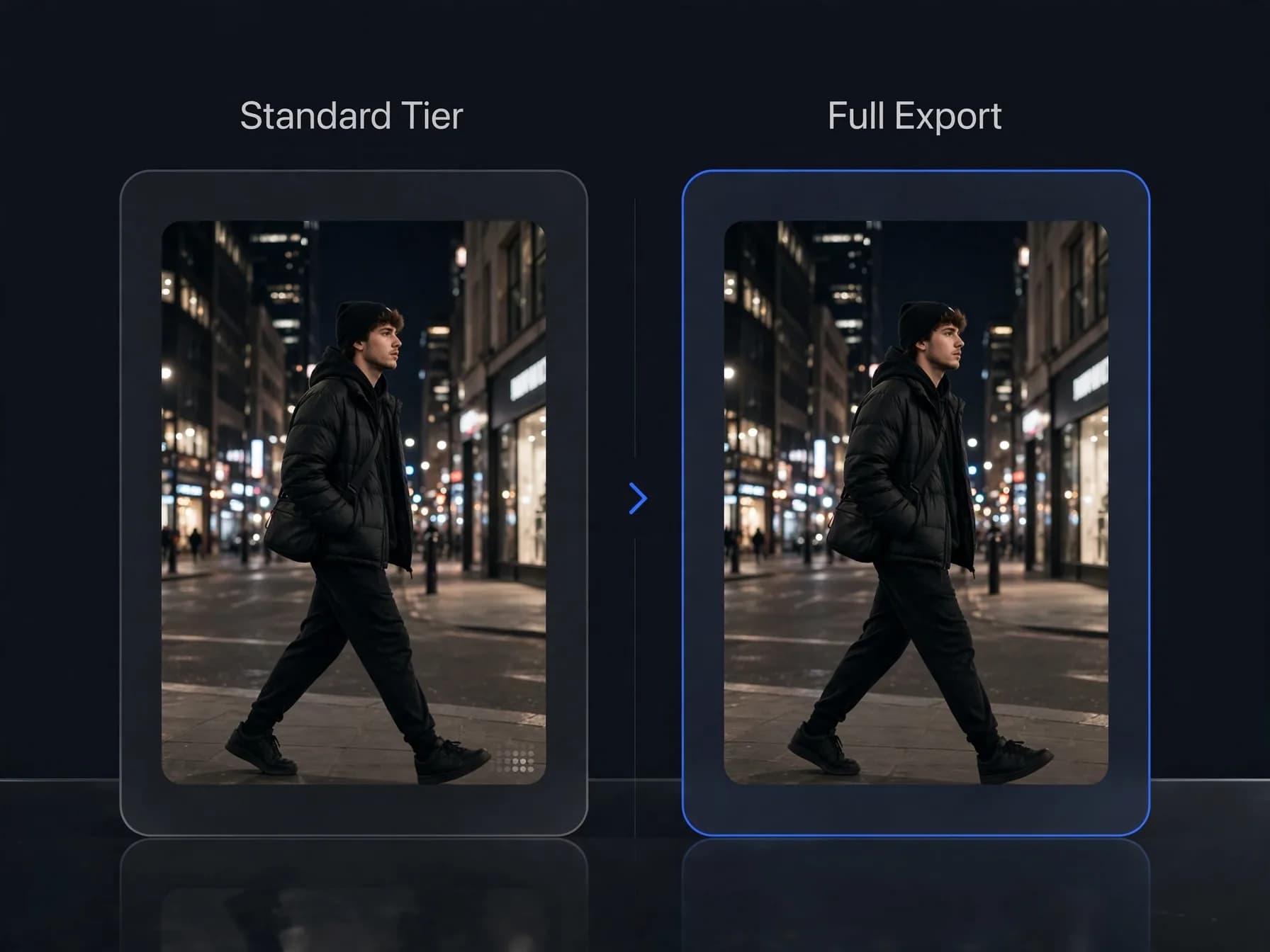
Output produced under the free tier carries noticeable constraints. Videos render at a lower resolution than paid plans and carry a visible watermark in the corner. For casual experimenters, this structure provides a practical starting point to observe how camera movement and character consistency perform.
Kling AI interface showing daily free credit allocation on a workstation screen
Understanding Kling AI pricing across subscription tiers
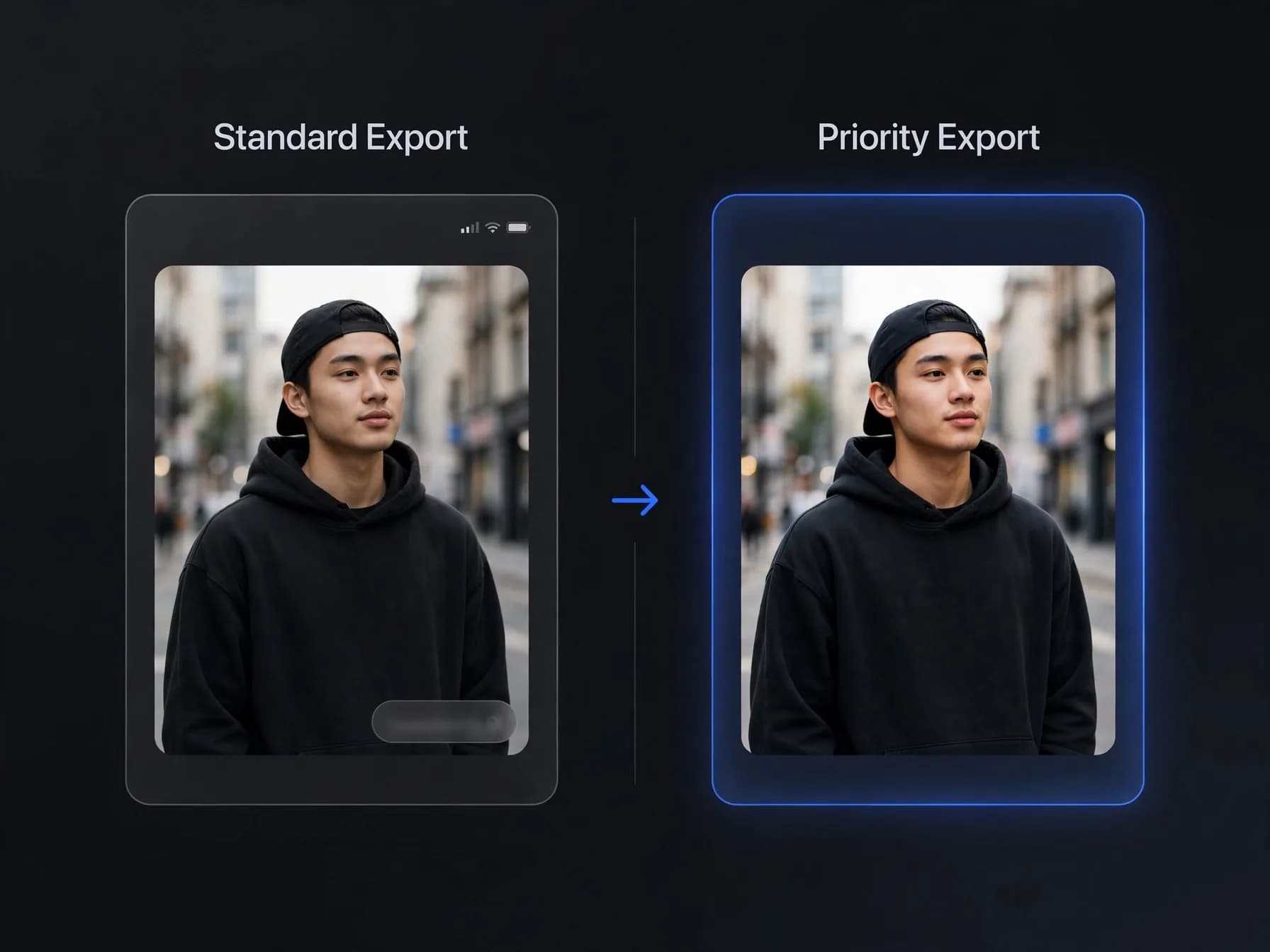
Standard and Pro tiers. Reviewing Kling AI pricing shows several paid memberships designed for heavier workloads. The platform offers Standard, Pro, Premier, and Ultra tiers, each granting a larger monthly credit package. Upgrading to a paid plan removes the watermark, unlocks higher-resolution exports, and gives faster rendering priority.
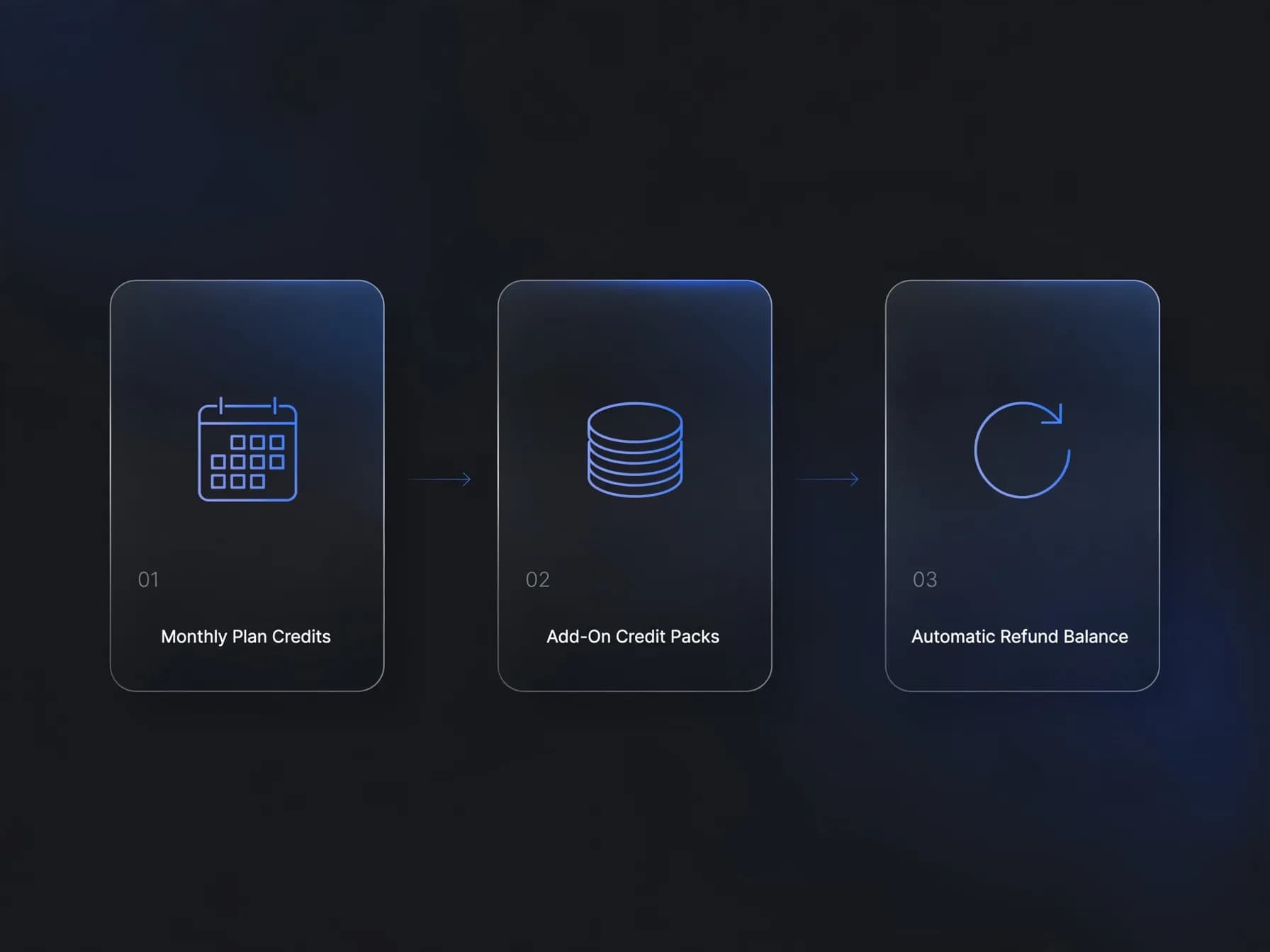
Premier and Ultra plans. Higher memberships provide substantial monthly credit allocations for professional workflows. Managing your overall Kling AI cost depends on your generation volume and whether you choose monthly or annual billing. The platform also lets members purchase add-on credit bundles if their project demands exceed monthly allowances.
Credit expiration rules. Membership credits stay valid for one month from distribution before expiring. Separately purchased credit packs stay valid for longer. If a video fails to generate due to server errors, the system refunds the consumed credits back to your balance automatically.
Comparison of paid membership tiers and monthly credit packages
Does Kling AI have a trial period?
Many creators look for a Kling AI trial to test premium features before paying. Kling does not offer a time-limited trial that unlocks Pro or Premier features for seven or fourteen days. Instead, the daily login credits are how new users try the platform.
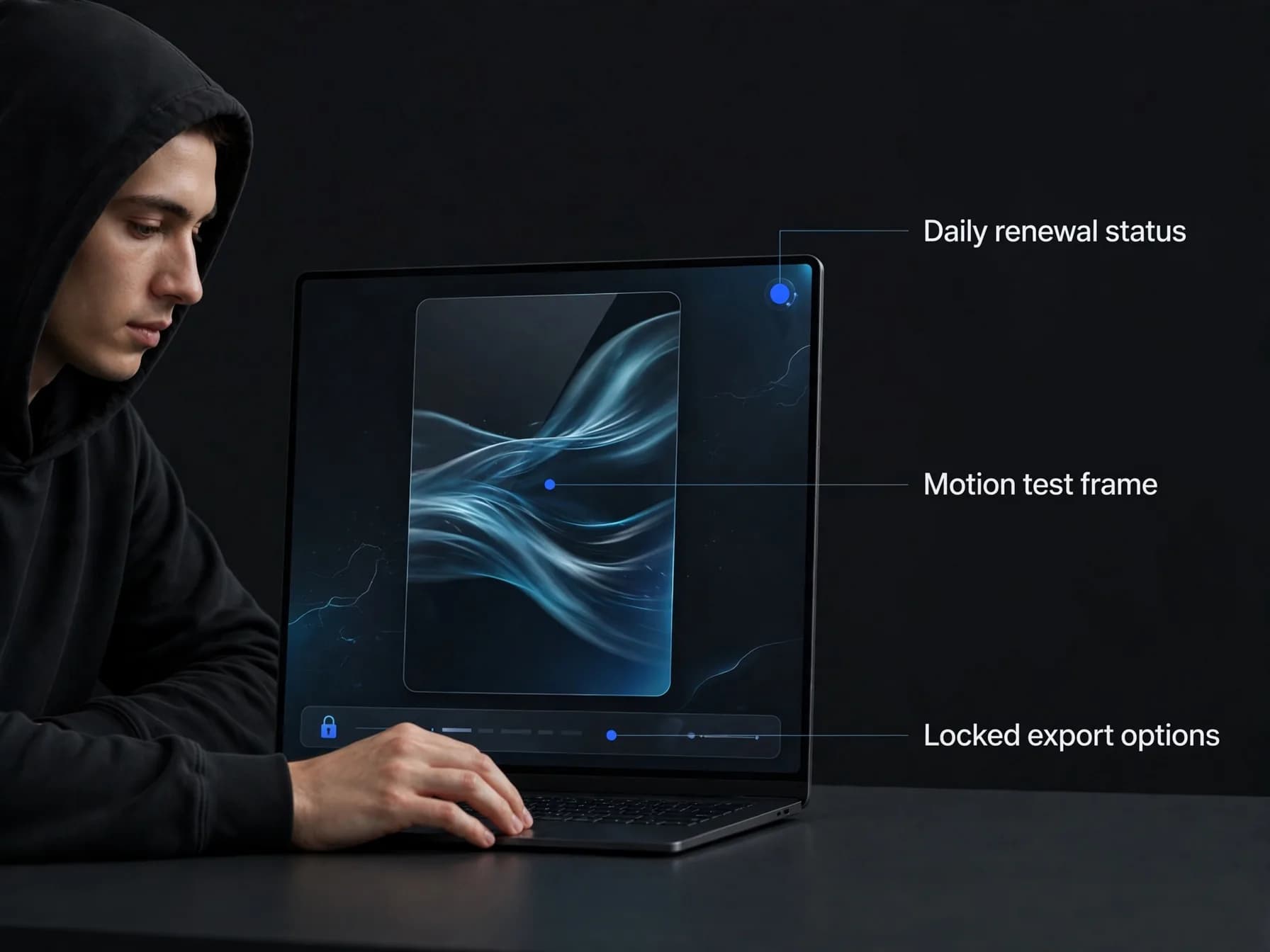
Because the daily allowance renews every day, you can test Kling over several days without paying. However, higher-resolution exports and watermark-free downloads stay locked behind paid memberships, and there is no way to try those perks temporarily without buying a plan.
Third-party sites advertising modified apps or cracked premium passes carry real security risks. Official access runs only through Kling's own web and mobile apps, and the daily login credits give you an honest preview of motion quality and prompt following.
Mobile device display showing daily credit login verification
Why is Kling AI free with watermarks and render queues?
Visual watermarks and resolutions. Operating compute-heavy video models costs significant server resources. Free exports include a permanent watermark and a lower resolution cap. While this lets you preview scene motion and composition, the branding makes free clips less suitable for client delivery or commercial campaigns.
Processing speed and queues. Free tier users sit in standard processing queues behind paying subscribers. During peak traffic hours, rendering a single five-second clip can take substantially longer than it would on a paid tier. Subscribers on Premier or Ultra receive priority execution, ensuring faster turnaround times when deadlines approach.
Commercial licensing terms. Commercial use depends on the model that made the video; check the OnVid Terms of Service and the model's terms before commercial use. On Kling, free tier creations generally remain restricted to personal experimentation. Reviewing Kling AI alternatives can help you identify other platforms if you need different credit structures or commercial clarity.
Digital timeline displaying video resolution settings and export watermark constraints
How to test Kling models on OnVid
If you want to use Kling without juggling multiple standalone tools, OnVid offers integrated access to selected models. OnVid's AI video generator supports Kling 2.5 Turbo on Pro and Max plans, while Kling v3 is available on the Max plan. To see how newer versions compare, check our breakdown of Kling 2.6. You can use these models for both text to video and image to video generations directly inside one interface.
OnVid is free to start after you sign up, operating on structured plans with clear usage limits. Pro costs $7.99 a week or $14.99 a month for videos up to 30 seconds, while Max costs $14.99 a week or $28.99 a month for videos up to 60 seconds. Generations charge credits per second of video, and failed videos refund their credits automatically.
If you need to transform existing footage, explore video to video on OnVid rather than searching for standalone motion tools. Upload a reference clip under 30 seconds alongside reference photos to place a person or style into an existing scene with Seedance 2.5 or remix it with Wan 3.0. This unified setup lets you compare leading models side by side without managing separate subscriptions.
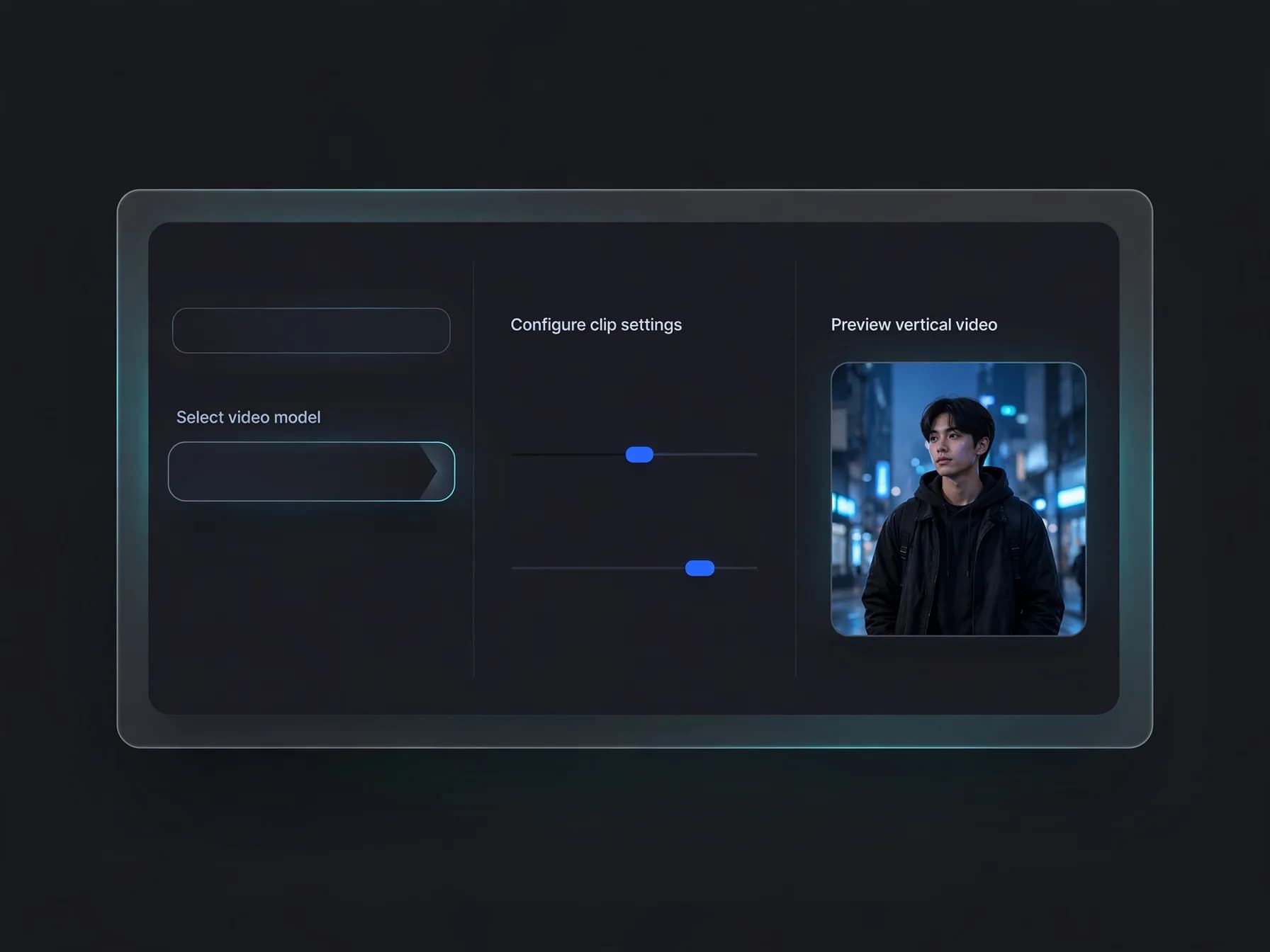
OnVid workspace displaying AI video generator model selection options
The bottom line on Kling pricing
Understanding whether Kling AI is free comes down to your production goals and patience with daily limits. The free tier gives you a functional way to test core tools with daily login credits, though it caps resolution and adds a watermark.
Creators who need commercial flexibility, clean exports, or higher resolution will eventually need a paid membership. Reviewing your weekly output volume ensures you pick the right balance between free testing and credit-based video generation.
Common questions on whether Kling AI is free
Get direct answers about login credits, watermarks, and export resolutions to discover whether Kling AI is free for your creative workflow.
Is Kling AI free to use for everyday AI video creation?
Kling AI provides a free tier that gives users daily login credits upon their first login each day. Those credits reset every day and do not accumulate, which means you can create test clips daily without upfront payment. For creators asking is Kling AI free, the basic experience is accessible at no cost, though outputs carry a visible watermark and have a lower resolution cap.
How many daily credits do you get with Kling AI?
Kling AI grants daily login credits every day you log in, refreshing each day. These daily credits allow you to test text-to-video and image-to-video features on base settings. Because the credits expire at the end of each day, you cannot bank them across multiple days to produce longer clips.
Is Kling AI free from watermarks on the basic plan?
No, free-tier generations produced on Kling AI include a prominent watermark in the corner of your video. Removing the watermark requires upgrading to a paid membership or using a multi-model platform with clean downloads. If you need clean clips, paid tiers on Kling or OnVid's AI video generator provide watermark-free HD exports.
Is Kling 3.0 free for all registered users?
Basic access allows testing select modes, but is Kling 3.0 free with full capabilities? Advanced modes such as multi-shot outputs and the highest resolutions are generally restricted to paid memberships. Kling Video 3.0 requires significant compute, so high-tier features require active subscription credits.
Can you use Kling 3 free without subscribing?
You can try Kling 3 free on the platform's daily credit allowance when the model is made available on the standard tier. However, daily credits deplete rapidly when running advanced v3 prompts, and daily queues can be slow during peak hours. Full access to Kling v3 on OnVid is also available under the Max plan.
What features are included in the Kling AI Standard plan?
The Kling AI Standard plan is the entry-level paid membership offering monthly credits valid for 30 days. It removes the watermark, unlocks faster generation queues, and enables higher-resolution settings. Subscribing to the Kling AI Standard plan also allows users to experiment with extended video modes.
Is Kling AI free to download your completed clips?
You do not have to pay to download your completed free clips, as long as you do not mind the watermark. Once generated, your video files can be downloaded directly to your device. Creators wondering is Kling AI free for basic testing will find the free tier sufficient to preview motion quality before buying a plan.
How much is a Kling AI subscription per month?
Kling AI offers multiple membership tiers named Standard, Pro, Premier, and Ultra, each bundled with a monthly credit allotment. Exact regional pricing fluctuates based on active discounts and billing location, so checking their official site provides current numbers. Membership credits remain valid for one month from the distribution date.
How do I cancel my Kling AI subscription?
You can cancel your Kling AI membership through your account billing settings by turning off auto-renewal before the next billing cycle begins. Once canceled, your remaining monthly credits remain usable until the end of your billing period. Unused subscription credits expire after 30 days and do not carry over indefinitely.
Is Kling AI worth it compared to an all-in-one tool?
A standalone Kling AI subscription limits you to a single engine. Using OnVid gives you access to Kling 2.5 Turbo and Kling v3 alongside other leading models, making it easy to choose the right engine for any prompt.
Can I use Kling models on OnVid without a Kling subscription?
Yes. Signing up for OnVid is free, and generating with Kling uses credits from an OnVid plan instead of a Kling membership. Kling 2.5 Turbo runs on Pro and Max, while Kling v3 is on Max only. Credits are charged per second of video, and failed videos refund their credits.
What is the latest version of Kling AI Premium APK?
Unofficial Kling AI Premium APK files found across third-party websites are unauthorized and unsafe. Kling AI processes all video rendering on cloud servers through secure account accounts, so a modified APK cannot unlock paid features or extra credits. Always access the platform through its official website or legitimate mobile applications.
What is better than Kling AI for generating varied AI videos?
Whether another tool is better depends on whether you prioritize motion continuity, speed, or stylization. Models like Seedance 2.5 excel at native audio synchronization, while platforms combining multiple engines allow you to switch models freely. Readers can explore our Seedance 2 free guide to compare capabilities across leading video engines.
Can I use Kling AI videos commercially?
Commercial use depends on the model that made the video; check the OnVid Terms of Service and the model's terms before commercial use. Free-tier creations from Kling often carry commercial restrictions alongside watermarks. Always inspect the current platform licensing agreement before using any generated asset in client or advertising work.
Can I copy a reference video's motion with Kling on OnVid?
No. Kling's motion-copy feature runs only in Kling's own app and API, and OnVid does not offer it. To put your own character or style into an existing clip on OnVid, use video to video on the Pro or Max plan. Our Kling motion guide explains how Kling's own tool works.