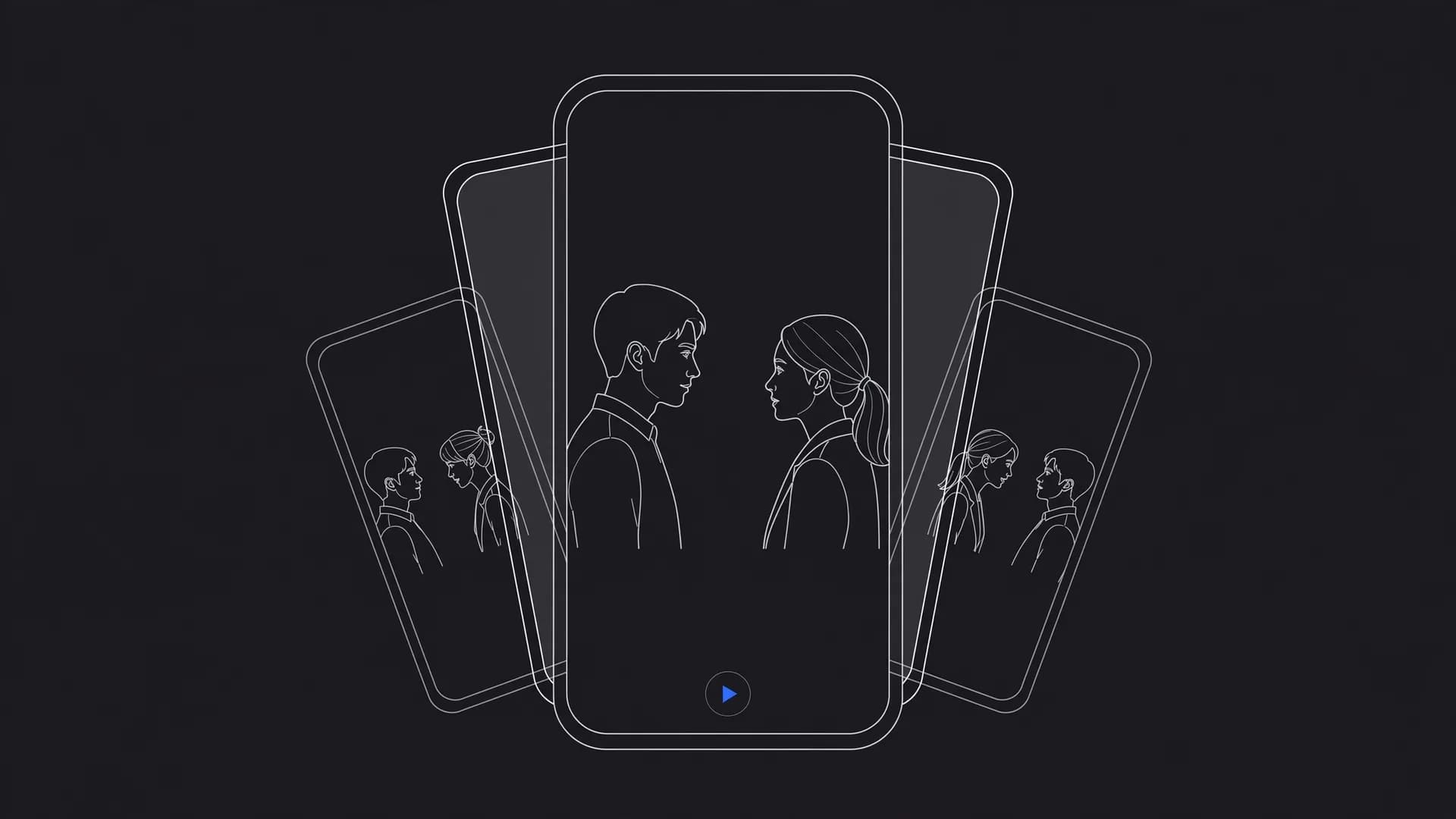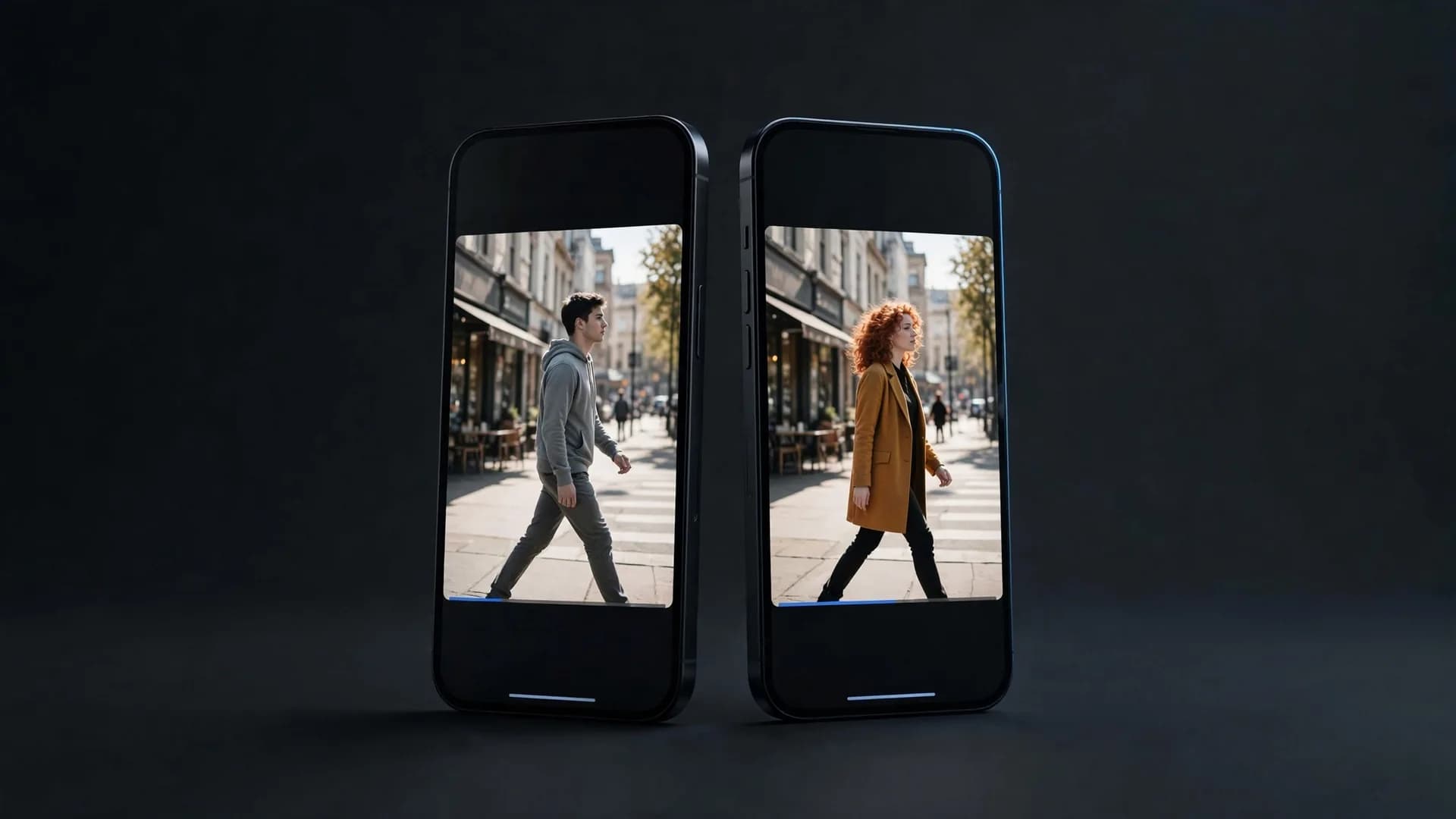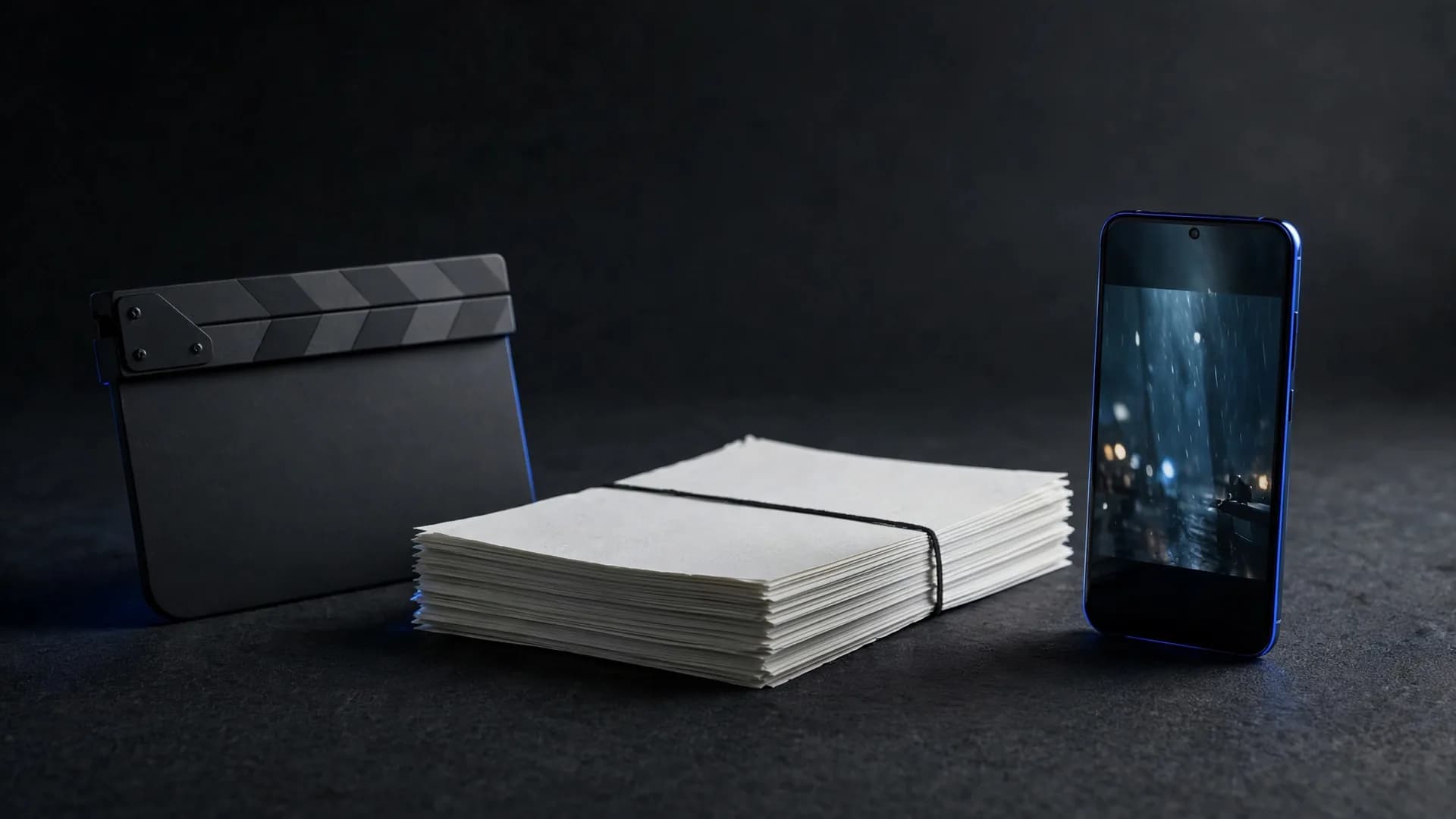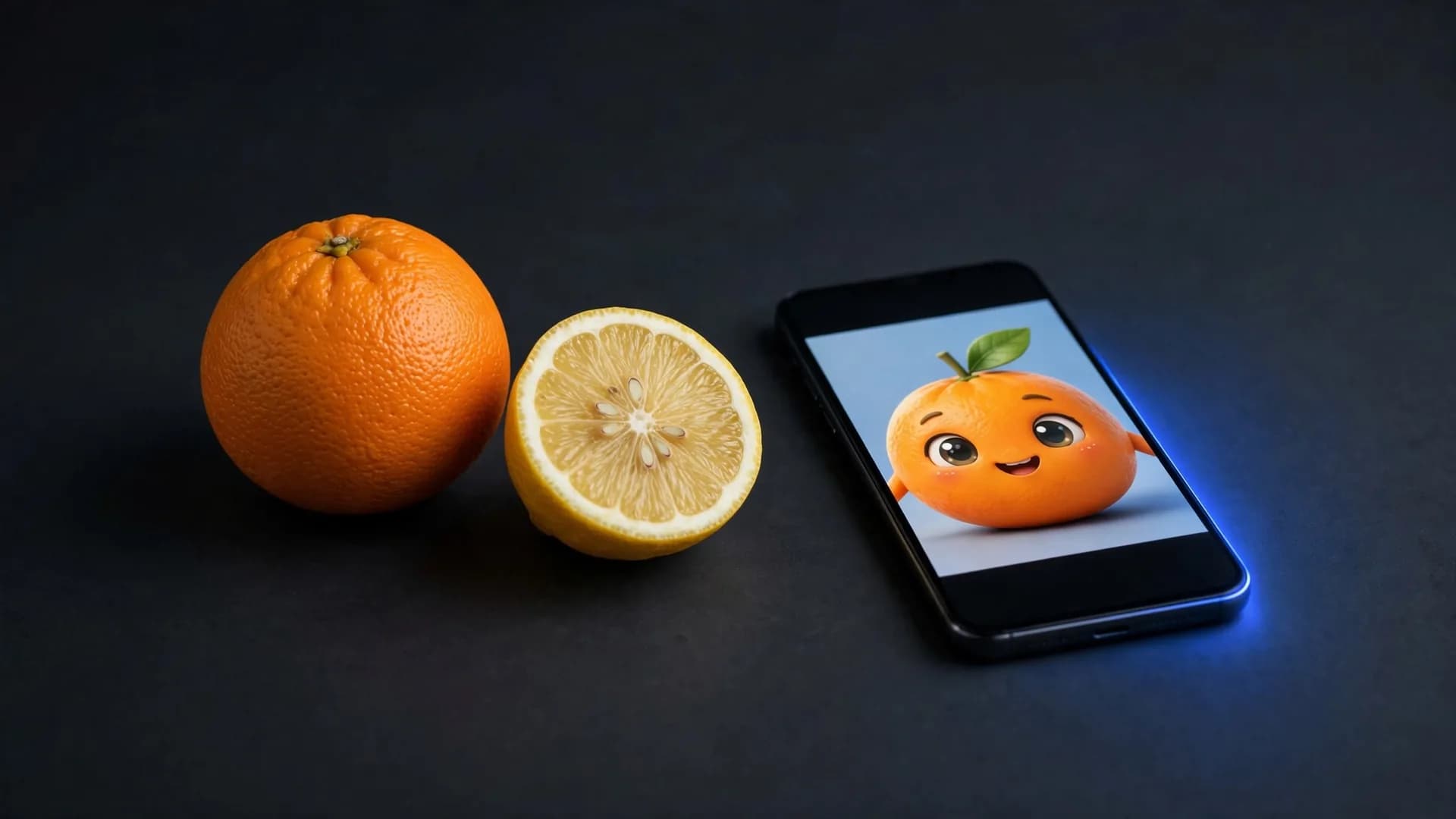

What is AI video generation and how does it start?
What is AI video generation in everyday terms? It is the process of using artificial intelligence models to produce moving footage from a text prompt or a still image. The technology analyzes your written words or source images to synthesize frames that flow naturally together as a finished AI video.
When exploring the AI video meaning, you quickly realize it is different from traditional camera work or standard editing. Instead of filming actors on a physical set or cutting existing footage on a complex timeline, you type what you want to see. The software then generates fresh visuals, camera pans, and motion directly on your screen.
Most modern platforms let you start from your phone or browser within moments. You do not need expensive software or prior animation experience to see results. A single sentence can produce a crisp clip ready to watch and share with your friends.
How AI video generation works behind the scenes
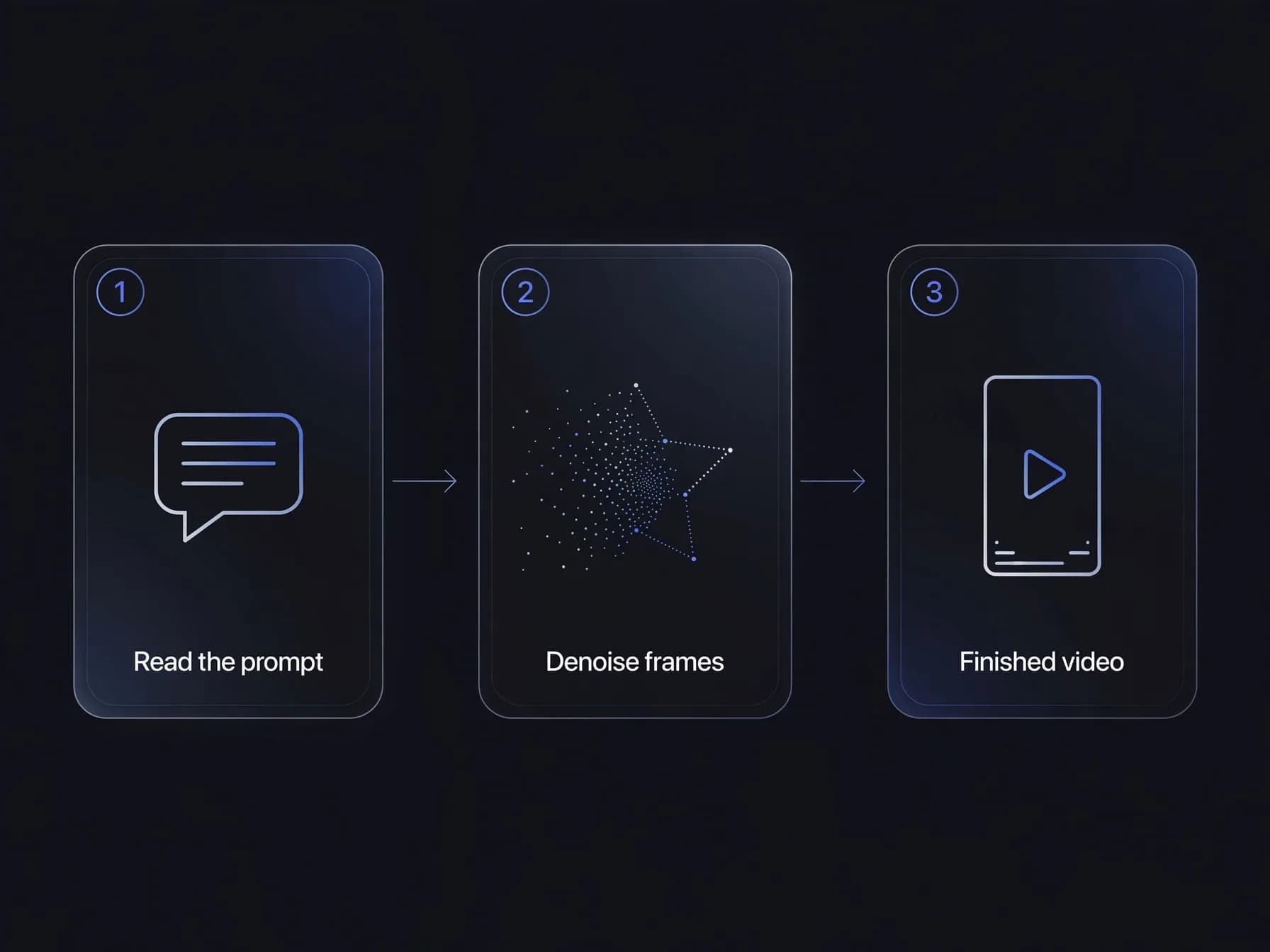
Understanding how AI video generation works helps you write clearer prompts and get better results. At its core, the system pairs a language model with a video diffusion model. The language model reads your description to grasp the scene, lighting, and subjects you want.
The diffusion model then begins with a field of visual noise and gradually sculpts it into sharp video frames. It calculates how objects should move across consecutive seconds so the motion stays smooth. This process explains how AI video works without requiring physical cameras or three-dimensional animation rigs.
Once the frames are generated, the system sequences them into a standard video file. Platforms like OnVid assemble these frames quickly into downloadable files up to 1080p resolution. You can then preview the final motion immediately without waiting for heavy desktop rendering.
The main ways to produce an AI video today
Creators generally use three primary methods when building moving scenes with artificial intelligence. The first method is text to video, where you type a scene description and receive a finished clip. This approach is ideal when you want to explore a fresh concept from scratch without existing media.
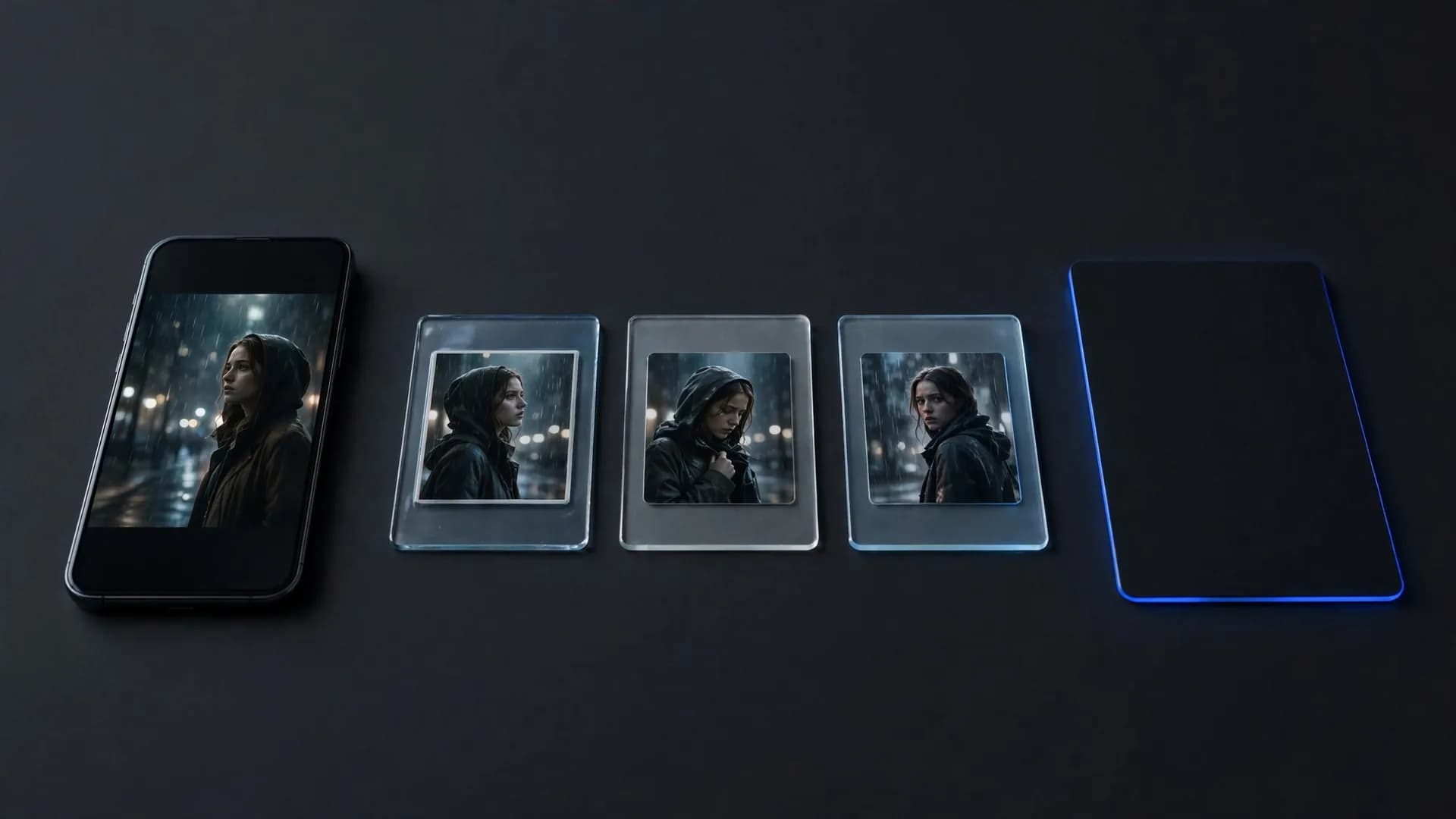
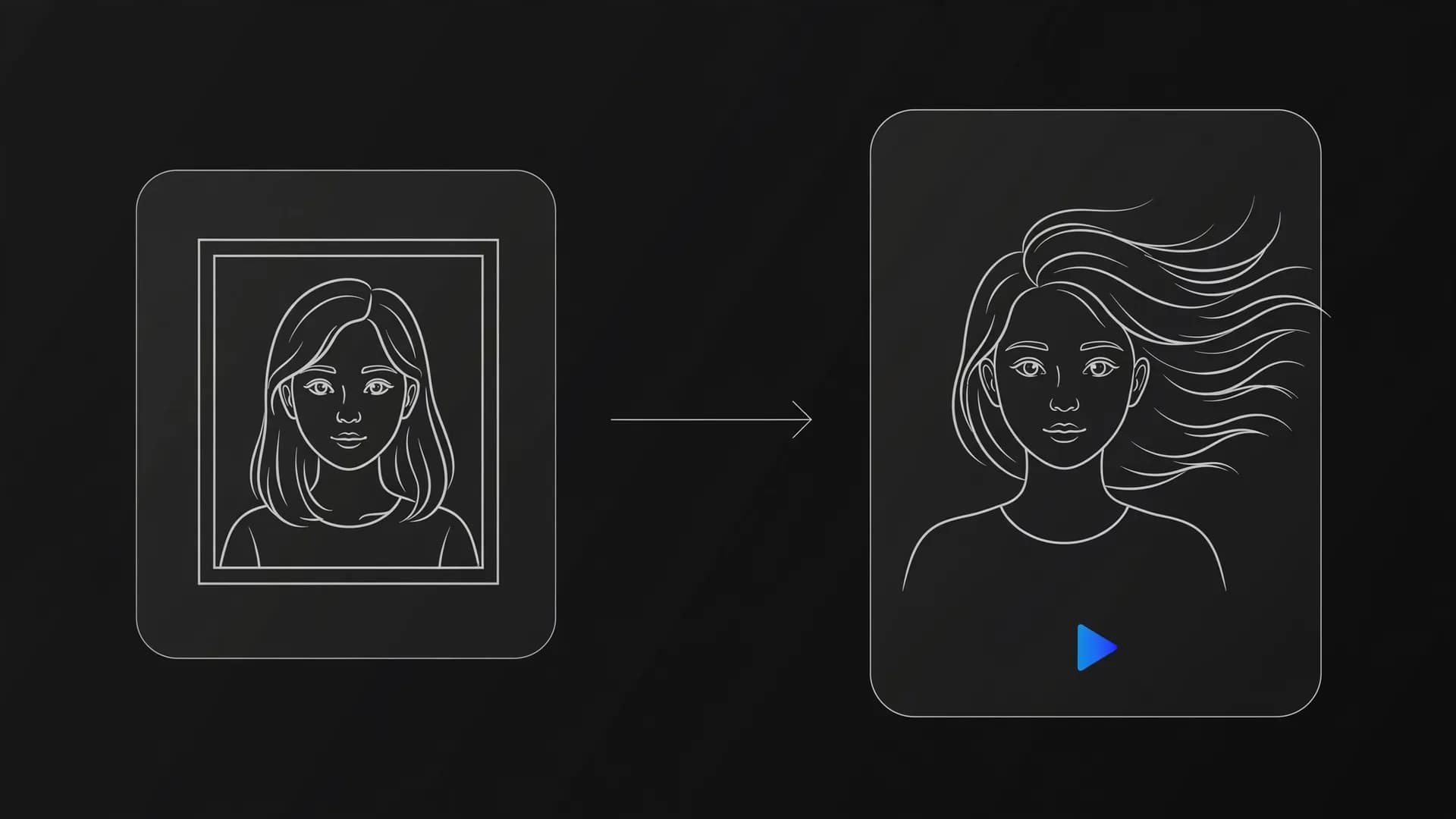
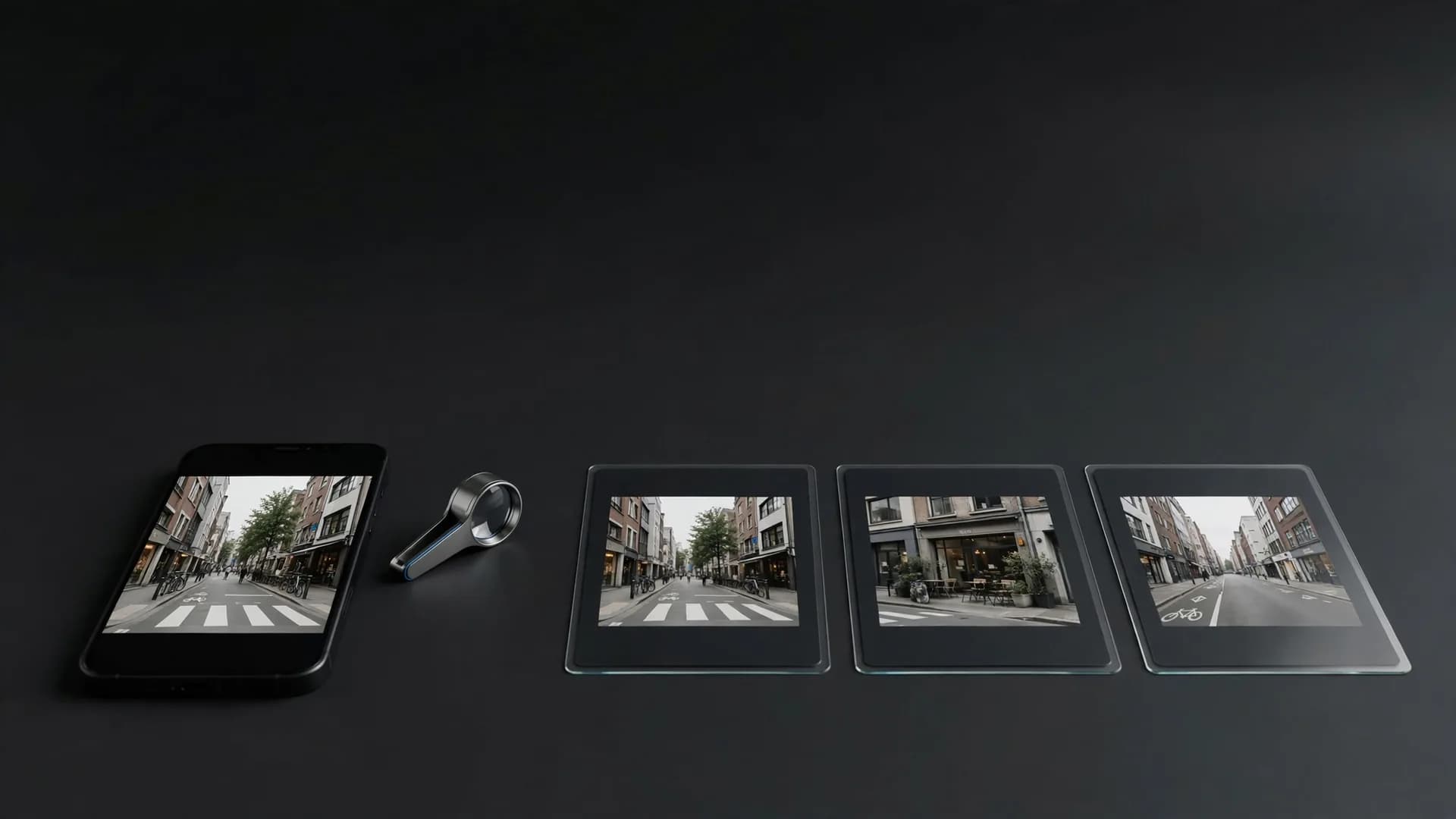
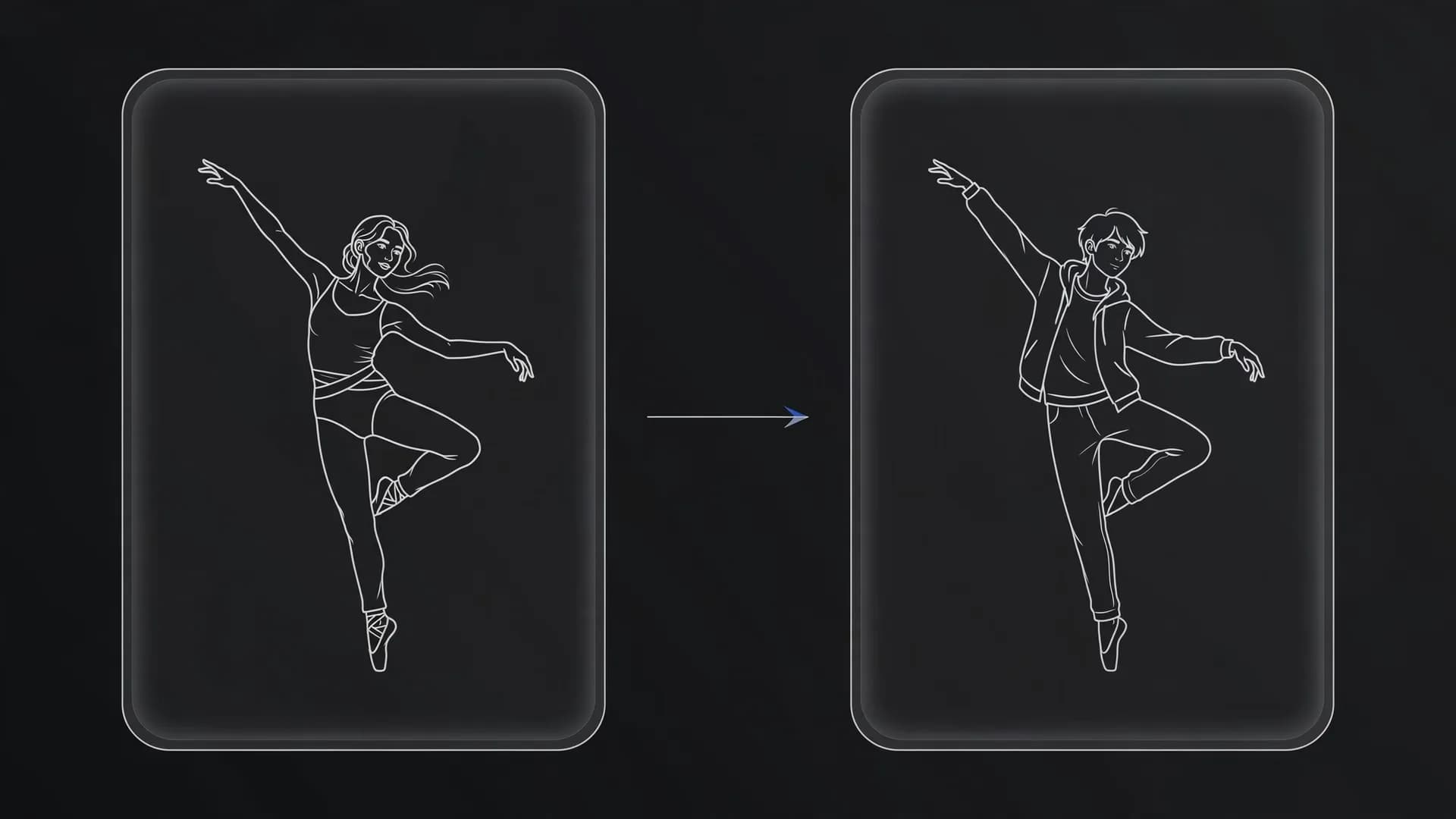
The second method is image to video, which takes an existing photo and adds natural motion to it. You upload a portrait, landscape, or product picture and specify camera movement like a pan or zoom. Many people also rely on video to video, uploading a short reference clip to restyle characters or environments.
Advanced creators often connect these methods into a complete AI video workflow for larger projects. OnVid's AI video generator offers both text and image modes so you can test prompts or bring your favorite still pictures to life. Each path gives you flexible controls over pacing and visual direction.
Everyday AI video applications across the web
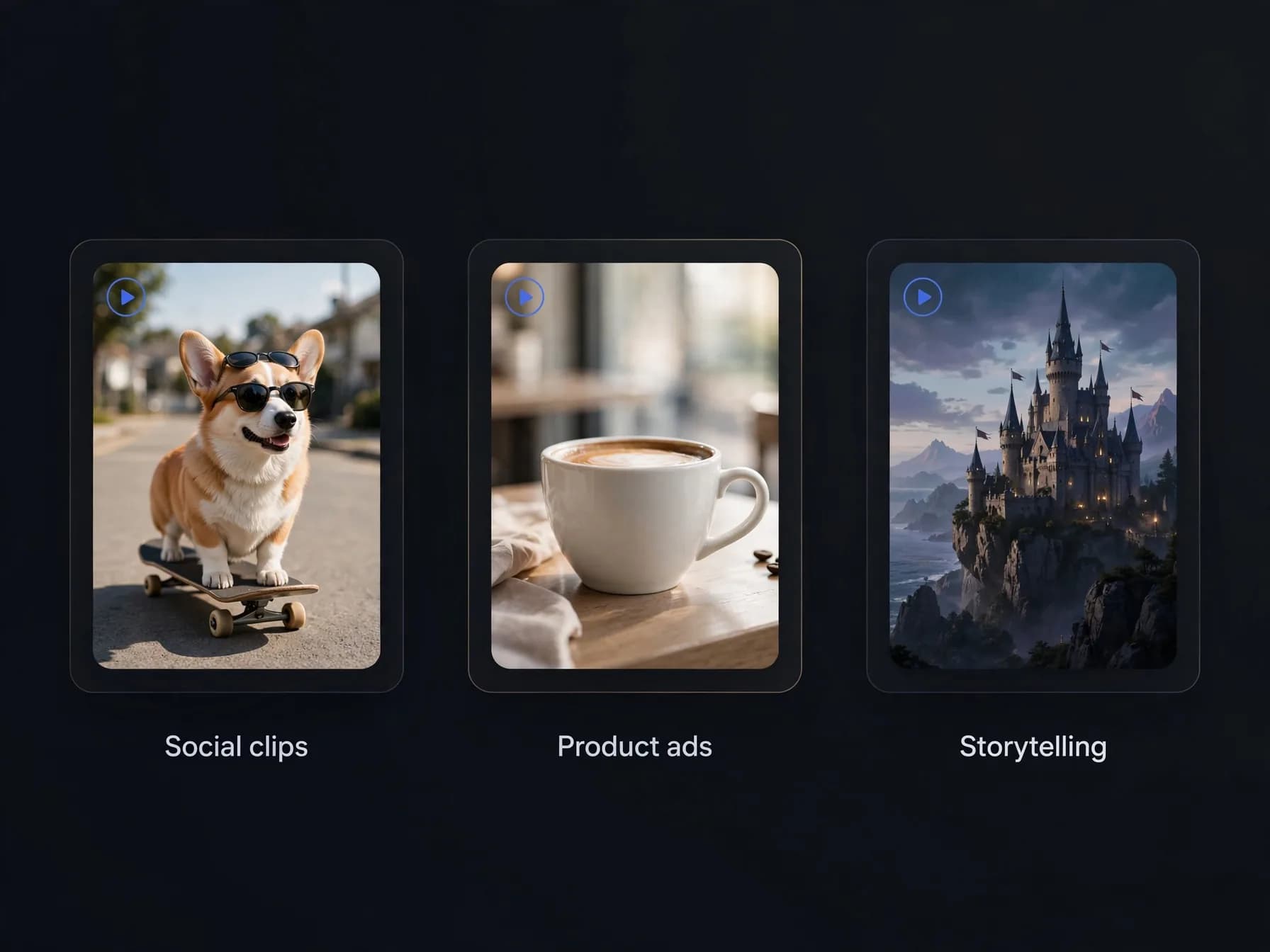
Practical uses for synthetic video now extend across social media, creative storytelling, and quick marketing tests. Casual creators use automated tools to build entertaining clips for TikTok, Instagram Reels, and YouTube Shorts. You can turn a funny thought or fictional scenario into a shareable clip quickly. Serialized formats like AI short drama are one of the fastest-growing uses.
Small business owners also rely on AI video creation to create product teasers and eye-catching visual ads. Instead of spending thousands of dollars on a commercial shoot, they animate product photos or generate mood footage from text. This makes testing multiple creative angles fast and inexpensive.
Independent writers and hobbyists use these clips to visualize characters and pitch concept trailers. You can produce quick storyboards or mood boards that help collaborators see your vision clearly. As detailed in our AI video report, the barrier to producing expressive motion pictures has never been lower for everyday storytellers.
What AI video tools do best today
Recognizing where these tools shine will save you time and set clear expectations. The technology shines at short narrative vignettes, surreal visual concepts, and dynamic background loops. It lets solo creators produce visually stunning moments that would normally require a full production crew.
Current systems excel at generating clips ranging from five to sixty seconds depending on your chosen plan. For instance, OnVid supports videos up to thirty seconds on Pro and sixty seconds on Max. While feature-length cinema still requires human direction, short scenes and social clips render smoothly.
The technology is less suited for frame-perfect technical blueprints or ultra-precise physical measurements. For creative storytelling, atmospheric clips, and social updates, however, it delivers reliable visual quality. Knowing these strengths helps you pick the right projects to tackle first.
Simple habits to produce a better AI video
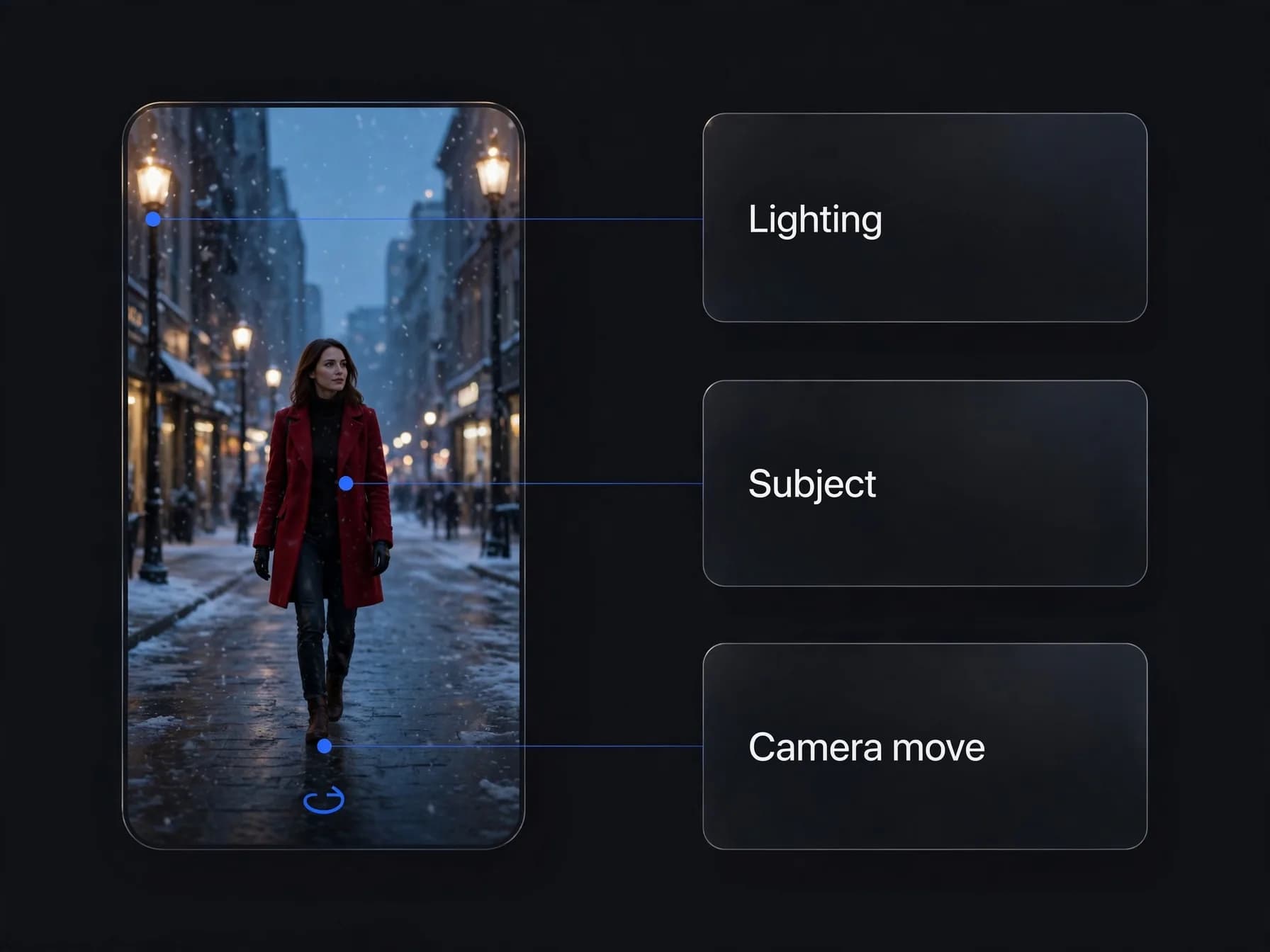
Getting great results begins with how you frame your written prompt or source photo. Start by describing the primary subject clearly before adding details about lighting, background action, and camera motion. Specific camera cues like slow zoom in or cinematic tracking shot help the model interpret your vision. You can also consult our Sora 2 prompt guide for practical tips on structuring your descriptions.
Keep your scenes focused on one or two key actions rather than crowding too many events into a single clip. When using image to video, choose high-resolution photos with good contrast and sharp subjects. Clear source materials give the diffusion model a much stronger foundation for natural movement.
Finally, experiment with different styles and pacing to find what matches your personal taste. You can review our AI video model leaderboard to see how different generative engines handle motion and detail. Testing short iterations will quickly teach you how to achieve your desired look.