Why structured prompts matter in Sora 2
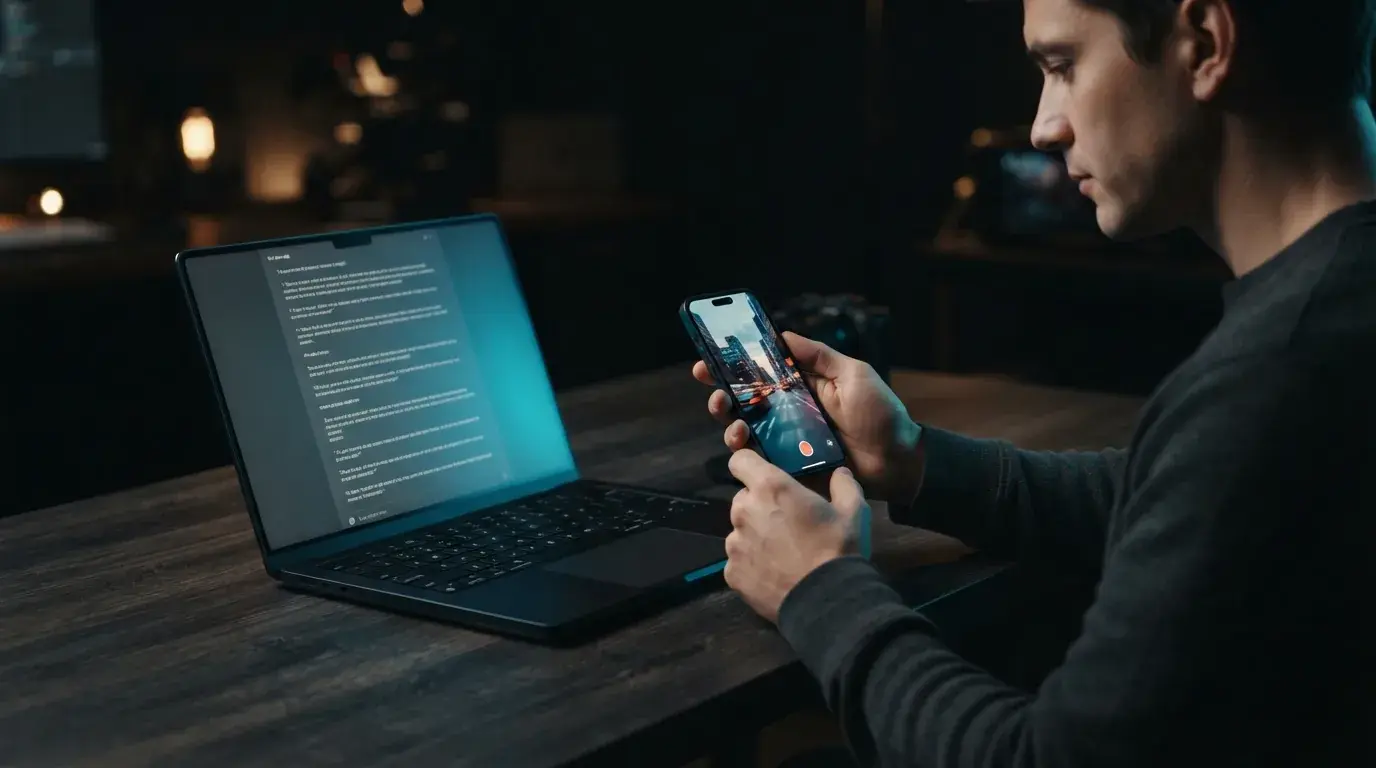
Sora 2 interprets narrative intent with higher spatial coherence and physical realism than earlier generation models, which means vague descriptors produce generic footage while structured inputs yield production-ready AI video. When creators ask how to prompt Sora 2 effectively, the answer begins with directional clarity rather than keyword stuffing. In this Sora 2 Prompt Guide, you will learn the exact sequence of camera movement, subject behavior, physical lighting, and environmental audio cues required to direct complex scenes. Understanding modern video models removes the guesswork from text prompt composition, ensuring each scene captures fluid physical weight, stable focal planes, and consistent visual momentum across extended clip durations.
Sora 2 prompting structure: the foundational four-part formula
A dependable Sora 2 prompting structure organizes descriptive text into four sequential layers: subject description, focal action, camera motion, and ambient environment. Stacking these elements logically prevents semantic confusion in the underlying model, ensuring the digital lens follows your intended character instead of drifting across background artifacts. For example, testing distinct Sora 2 prompt examples reveals that placing physical actions before stylistic tags yields far more convincing motion cadence. When building multi-shot narratives or learning how to turn text into video, establishing your subject's baseline geography inside the opening phrase keeps dynamic elements anchored throughout the entire duration.
30 Sora 2 prompt examples you can copy
Each example below follows the four-part formula: subject, action, camera, and light plus sound. Paste one into Sora 2 Pro on OnVid as written, then change one element at a time so you can see exactly what each phrase controls. Keep each prompt to a single shot of roughly 8 to 12 seconds.
Prompt 1: Rainy neon alley
A woman in a yellow raincoat walks toward camera down a rain-soaked neon alley at night, handheld tracking shot at chest height, pink and cyan reflections rippling in puddles, soft rain hiss and distant traffic.
Prompt 2: Coffee pour close-up
Macro close-up of espresso pouring into a white ceramic cup on a wooden counter, slow push-in, warm morning window light from the left, shallow depth of field, gentle liquid pour sound.
Prompt 3: Desert drone reveal
Aerial drone shot rising over a lone red jeep crossing golden sand dunes at sunrise, slow tilt down to reveal long shadows, wind whistling across the dunes.
Prompt 4: Street interview
Medium shot of a young man on a busy city sidewalk answering an off-camera question, handheld documentary framing, natural overcast daylight, he says: "Honestly, I never thought I'd like it."
Prompt 5: Product hero spin
A matte black wireless headphone rotates slowly on a glossy turntable against a seamless grey backdrop, studio key light with a soft rim light, locked-off camera, subtle mechanical hum.
Prompt 6: Snowy cabin arrival
Wide shot of a child in a red coat running through deep snow toward a glowing log cabin at dusk, camera follows from behind at low height, snow crunching underfoot.
Prompt 7: Chef plating
Overhead top-down shot of a chef's hands plating seared salmon with microgreens on a slate plate, precise tweezers movements, soft diffused kitchen light, quiet sizzle in the background.
Prompt 8: Skateboard trick
Low-angle tracking shot beside a skateboarder landing a kickflip in an empty concrete skatepark at golden hour, slight slow motion on the landing, wheels clacking on concrete.
Prompt 9: Library whisper
Two students lean across a wooden library table, one whispers "Did you finish it?" and the other nods, static medium shot, warm lamp light, faint page-turning sounds.
Prompt 10: Ocean cliff
Slow dolly forward toward a lone lighthouse on a cliff as waves crash against the rocks below, stormy grey sky, sea spray drifting through the frame, roaring surf.
Prompt 11: Morning run
Side-on tracking shot of a runner jogging along a riverside path at dawn, mist over the water, steady gimbal movement, rhythmic footsteps and birdsong.
Prompt 12: Vintage car interior
Interior shot from the back seat of a 1960s convertible driving along a coastal road, the driver's hand resting on the wheel, sun flares through the windshield, engine rumble and wind.
Prompt 13: Cat on windowsill
Close-up of a ginger cat on a sunny windowsill slowly turning its head to watch a bird outside, shallow depth of field, soft afternoon light, gentle purring.
Prompt 14: Rooftop toast
Medium wide shot of four friends clinking glasses on a city rooftop at blue hour, slow orbit around the group, string lights glowing, laughter and a soft "Cheers!"
Prompt 15: Paper boat
Macro shot of a paper boat drifting along a rain gutter stream, camera floating just above the water surface, overcast light, trickling water sounds.
Prompt 16: Blacksmith forge
Close-up of a blacksmith hammering a glowing orange blade on an anvil, sparks flying toward camera, dark workshop lit only by the forge, rhythmic metallic clangs.
Prompt 17: Subway platform
Static wide shot of a subway platform as a train arrives and doors open, commuters stepping off in both directions, cool fluorescent light, train brakes screeching.
Prompt 18: Mountain lake canoe
Aerial top-down shot of a red canoe gliding across a mirror-still alpine lake, slow forward drift, pine forest reflections, paddle dipping softly into water.
Prompt 19: Unboxing hands
Top-down shot of hands opening a minimalist white gift box to reveal a silver watch, smooth push-in as the lid lifts, bright soft studio light, crisp paper rustle.
Prompt 20: Old man chess
Close-up of an elderly man in a park moving a chess piece and smiling, his opponent's hand entering frame, dappled tree shade, he says quietly: "Your move."
Prompt 21: Neon arcade
Slow tracking shot past rows of glowing arcade cabinets, a teenager in the background slamming buttons, saturated purple and blue light, retro 8-bit sound effects.
Prompt 22: Wheat field wind
Wide shot of a golden wheat field rippling in the wind under a dramatic cloudy sky, slow pan left to reveal a red barn, wind rushing through the stalks.
Prompt 23: Bakery morning
Handheld medium shot of a baker pulling a tray of croissants from a stone oven, steam rising, warm tungsten light, oven door creak and soft chatter.
Prompt 24: Astronaut window
Interior of a spacecraft, an astronaut floats up to a round window and looks at Earth below, slow push-in over her shoulder, cool blue earthlight, low hum of life support.
Prompt 25: Dog beach sprint
Low tracking shot of a golden retriever sprinting along the shoreline toward camera, water splashing in slow motion, bright afternoon sun, waves and happy barking.
Prompt 26: Fashion walk
Full-body tracking shot of a model walking toward camera on a concrete runway, flowing emerald dress, dramatic top-down spotlight, camera slowly pulls back, bass-heavy music.
Prompt 27: Candle-lit study
Close-up of a hand writing with a fountain pen by candlelight, ink glistening on the paper, slow rack focus from the pen to the flickering flame, quiet scratching of the nib.
Prompt 28: City timelapse
Locked-off wide shot over a city skyline as day turns to night, clouds streaming quickly, lights flickering on across buildings, ambient city hum.
Prompt 29: Kid science fair
Medium shot of a girl proudly presenting a homemade volcano at a school science fair, foam erupting as classmates cheer, bright gymnasium lighting, she says: "It works!"
Prompt 30: Forest fog walk
Slow gimbal shot following a hiker through a foggy pine forest at dawn, soft light beams cutting through the mist, twigs snapping underfoot and distant birds.
Mastering Sora 2 cinematography tips for cinematic AI videos
Applying deliberate Sora 2 cinematography tips allows you to replace chaotic camera wander with realistic lens physics and cinematic framing. Rather than using generic adjectives like photorealistic or hyper-detailed, specify exact technical focal lengths, depth of field settings, and deliberate dolly movements. You might direct an anamorphic 35mm lens tracking low to wet asphalt at dawn, capturing warm rim lighting and gentle motion blur as a protagonist walks past vintage storefronts. Grounding your descriptions in real production terminology guides the model toward authentic glass reflections, balanced optical distortion, and steady parallax shifts that elevate raw outputs into compelling visual stories.
How to direct dynamic motion in your Sora 2 prompts step by step
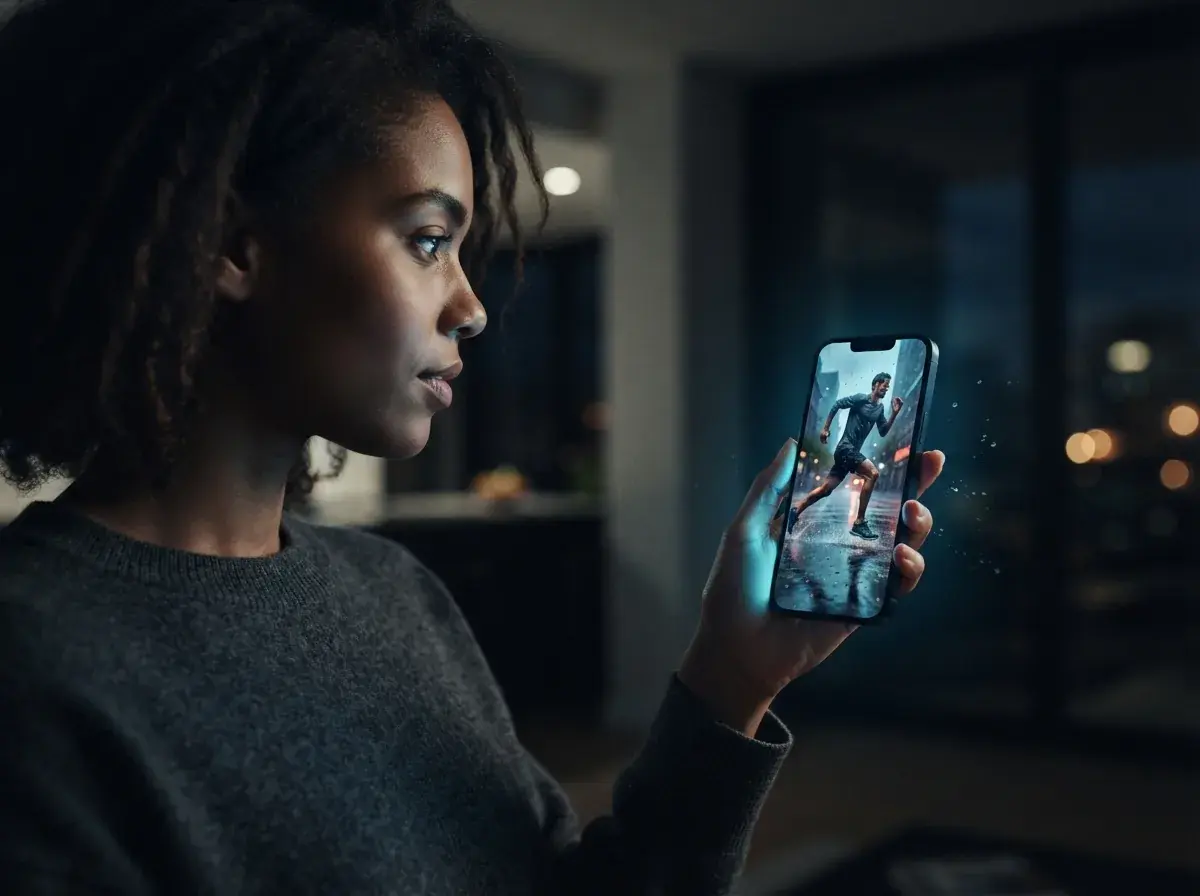
Directing complex physical actions in Sora 2 prompts requires breaking continuous scenes into precise mechanical beats. Step 1: Establish the primary subject anchor by defining clothing texture, starting stance, and initial gaze vector within the frame. Step 2: Define the primary mechanical action with active transitive verbs, specifying real-world friction, momentum transfer, and interaction with surrounding objects. Step 3: Command the camera trajectory relative to subject acceleration, using smooth crane tracks, slow orbiting pans, or handheld shoulder stability. Following these three chronological steps prevents limb distortion and keeps secondary motions like flowing hair, splashing water, or drifting steam visually stable.
What common prompt mistakes ruin Sora 2 AI videos?
The most frequent error creators make when exploring this Sora 2 prompting guide involves loading single sentences with contradictory directions. When you command a rapid zoom alongside a slow stationary gaze, or request sudden time-lapse clouds within a real-time conversational clip, the motion engine splits attention and introduces visual jitter. Another widespread pitfall is omitting ambient environmental lighting sources, forcing the model to invent arbitrary highlights that flatten contrast. Learning how to create cinematic AI video begins with pruning redundant quality buzzwords, letting clean physical descriptions, directional light sources, and measured pacing dictate frame fidelity.
Where to test and refine your Sora 2 prompts
Putting prompt principles into practice requires rapid iteration where you can evaluate motion stability, color science, and scene continuity without waiting hours for feedback. Testing structured descriptions against OnVid's free AI video generator lets you observe how subtle modifications in camera speed or lighting cues alter finished motion immediately. Experimenting with different narrative scenarios, from handheld documentary styles to vibrant product reels, helps you internalize the balance between descriptive detail and temporal freedom. Once you master how technical pacing coordinates with subject action, translating creative concepts into finished high-definition video clips becomes intuitive and repeatable across every project. For the general rules that carry over to every model, read how to write AI video prompts, and see how Sora 2 stacks up against Google's model in Veo 3 vs Sora 2.