Can ChatGPT generate videos directly without extra tools?
When users ask can ChatGPT generate videos directly on its own interface, the straightforward answer is no because it is fundamentally a text-based large language model. While it can produce vivid video scripts, scene outlines, shot lists, and tailored creative prompts, its core engine does not render video files or export MP4 formats natively. Users asking can ChatGPT make videos directly often encounter text-only responses detailing cinematic scenes rather than an actual video file. To get an actual moving clip from your text prompt, the written script from the chatbot must be paired with dedicated video models or specialized extensions. Understanding this boundary saves time and prevents confusion when planning your creative workflow.
Info: ChatGPT outputs scripts and prompts, but turning them into playable video requires an external video tool.
How people make AI videos with ChatGPT using creative workflows
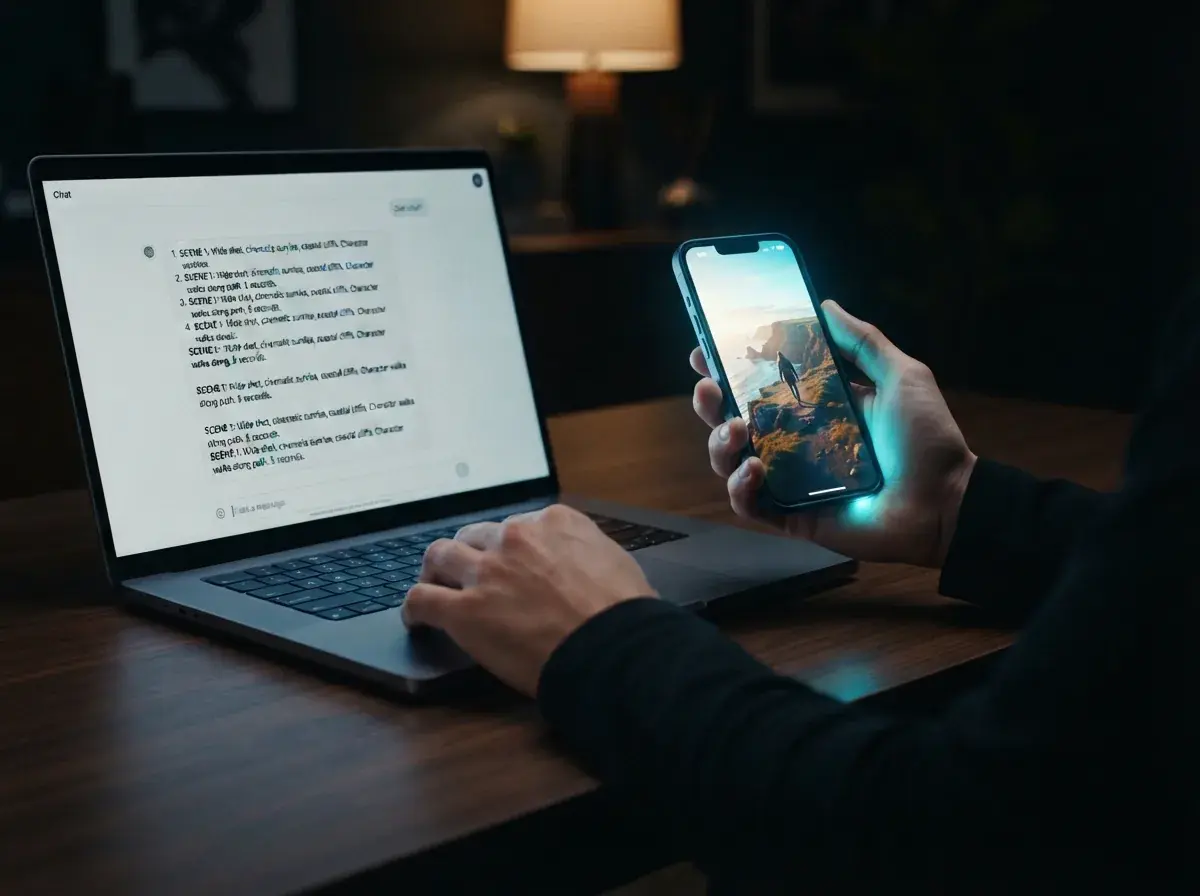
Creators frequently make videos with ChatGPT by treating the AI as an automated pre-production assistant. In this hybrid workflow, the conversational AI drafts the narrative hook, writes character dialogue, and splits the concept into numbered visual scenes with precise camera directions. Once you have a strong script, you paste those scene descriptions into a dedicated AI video maker or an image-to-video tool to produce actual moving footage. Some users also install third-party plugins or custom GPT integrations inside their paid accounts that connect text prompts to external media editors, adding voiceovers and stock footage automatically.
Technical limits: why can ChatGPT generate videos only as text scripts
Large language models predict text tokens rather than pixels arranged across continuous temporal frames. A genuine video generator calculates motion vectors, lighting consistency, and character persistence at twenty-four to thirty frames per second. Generating video requires specialized diffusion or autoregressive visual architectures trained on massive video libraries, demanding vast graphics computing clusters. When you ask can ChatGPT generate videos, the model understands the structural theory of film directing, but it lacks the visual rendering pipeline necessary to output compressed video files like WebM or MP4.
Tip: Use the language model for dialogue and pacing, then export the visual prompts to a dedicated video engine.
The standard three-step workflow from text prompt to finished AI video clips
Step 1: Ask the chatbot to generate a tight thirty-second video script with visual descriptions, camera angles, and pacing notes. Step 2: Copy the detailed scene descriptions and open a specialized generator like OnVid's free text to video platform to turn the raw concept into high-definition visual clips. Step 3: Review the rendered footage, adjust prompt styling if needed, and assemble your final export with audio tracks or captions. This streamlined sequence bridges the gap between text generation and video production without demanding professional filming equipment or intricate editing software.
Top ChatGPT video generation alternatives for creators
Several ChatGPT video generation alternatives provide direct text-to-video rendering without requiring multi-app workarounds or manual stitching. Modern dedicated platforms allow users to enter a simple descriptive idea and download finished video files almost immediately. Tools like OnVid, Runway, and Pika focus purely on visual diffusion, turning plain sentences or uploaded still photos into dynamic scenes with smooth camera motion. Exploring a dedicated chatgpt video generator alternative eliminates the friction of managing API keys, third-party plugin errors, or complex video timeline assemblies when all you need is a quick shareable video.
Info: Direct video platforms generate finished scenes in one step without juggling multiple plugins.
Can ChatGPT animate photos into AI video clips?
ChatGPT cannot animate photos into moving clips even if you upload them using its multimodal vision features. When you upload a picture, the model inspects the pixels, describes the subjects, and suggests animation concepts in text form. To actually animate a portrait, landscape, or product still into a flowing clip, you must transfer that image into an image-to-video AI platform. Dedicated video tools analyze the static image's depth map and apply fluid motion, camera pans, and atmospheric effects to deliver real video files ready for social sharing.