ByteDance does not provide an open-source download or zero-cost tier, which explains why so many creators wonder is Seedance 2 free before launching a project. Platforms like OnVid let you create AI video clips with Seedance 2.0 using credit-based plans after you sign up.
Many creators wonder if a Seedance 2 free option exists to generate realistic clips without committing to a paid subscription. The direct answer is that ByteDance does not provide Seedance 2 as an open, unrestricted service. Running this advanced neural model demands intensive GPU compute, meaning every generated second incurs real infrastructure costs.
Because of these heavy compute requirements, asking whether is Seedance 2.0 free requires looking at third-party platforms. ByteDance offers enterprise access through its Volcano Engine infrastructure, which charges developers per second of output. Consumer platforms absorb those technical costs and package the model into subscription tiers or credit pools.
Some web tools offer a few introductory credits before you upgrade. On OnVid, creating an account is free, but generating video with Seedance 2.0 or 2.5 needs a Pro or Max plan, because free accounts cannot generate clips.
How to access Seedance 2 without regional hurdles
Learning how to access Seedance 2 directly through official developer channels can be frustrating for international users. ByteDance manages the raw model through Volcano Engine, which requires mainland Chinese business verification and local phone numbers. These strict administrative barriers lock out most casual creators and independent filmmakers.
Third-party creative platforms solve this barrier by hosting the model on global servers. Instead of managing enterprise contracts or API tokens, creators can use intuitive web interfaces that connect directly to the generation engine. This approach lets you bypass regional verification entirely while keeping generation speeds fast.
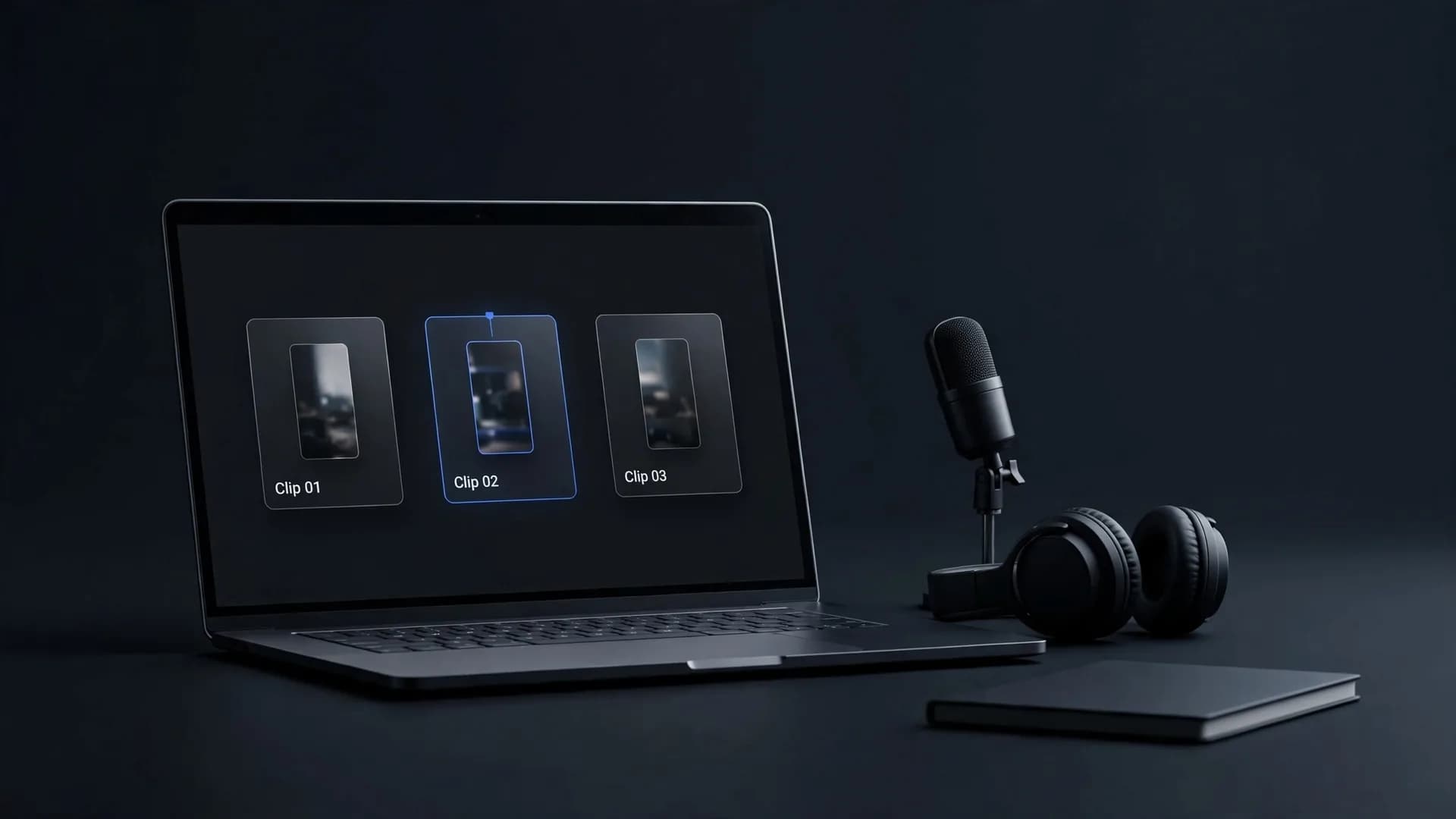
OnVid hosts both Seedance 2.0 and Seedance 2.5 on its Pro and Max plans. This setup allows you to create 5 or 10 second clips up to 1080p resolution with native audio. You get direct access through standard browser tools without managing complex cloud infrastructure.
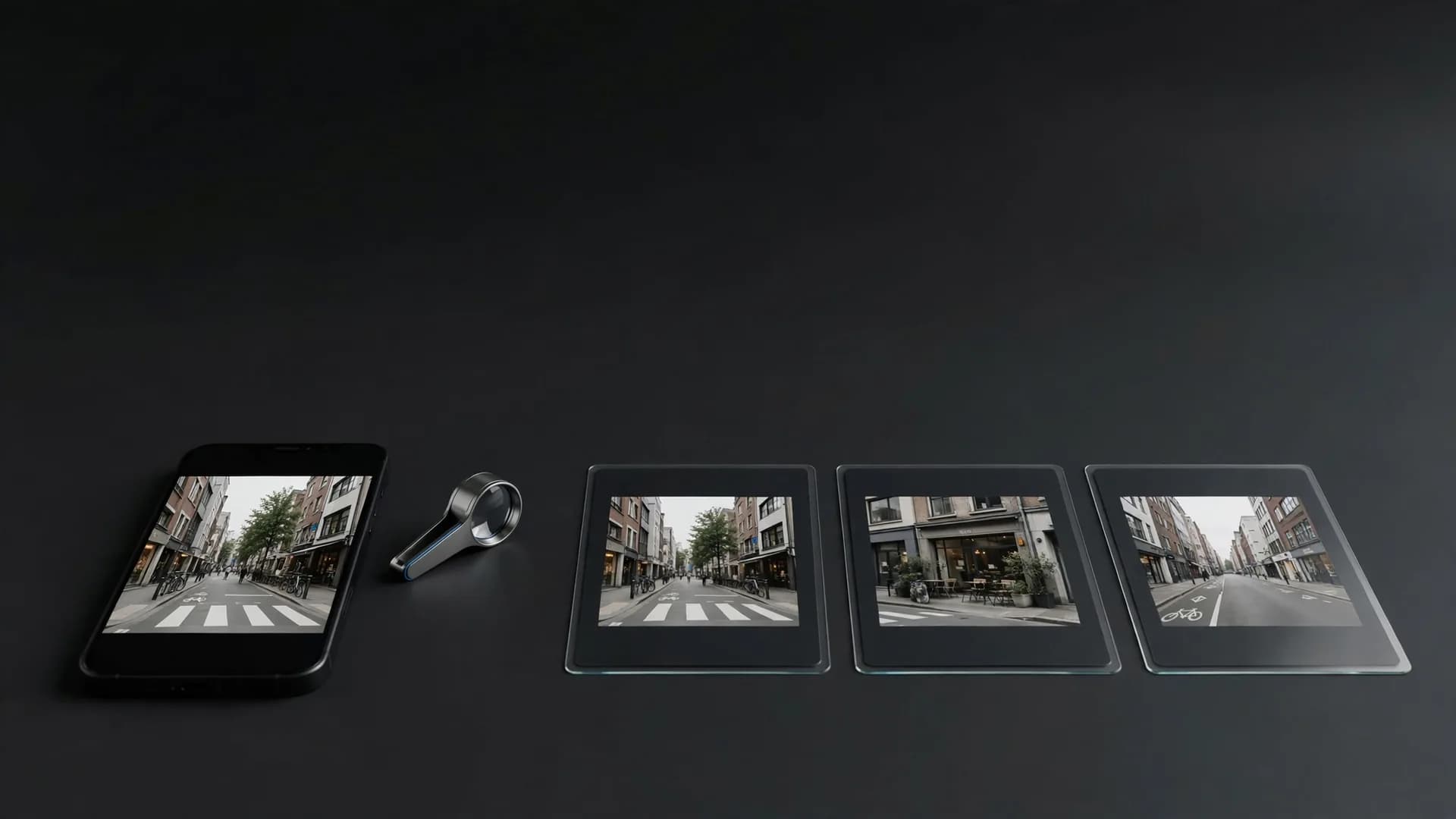
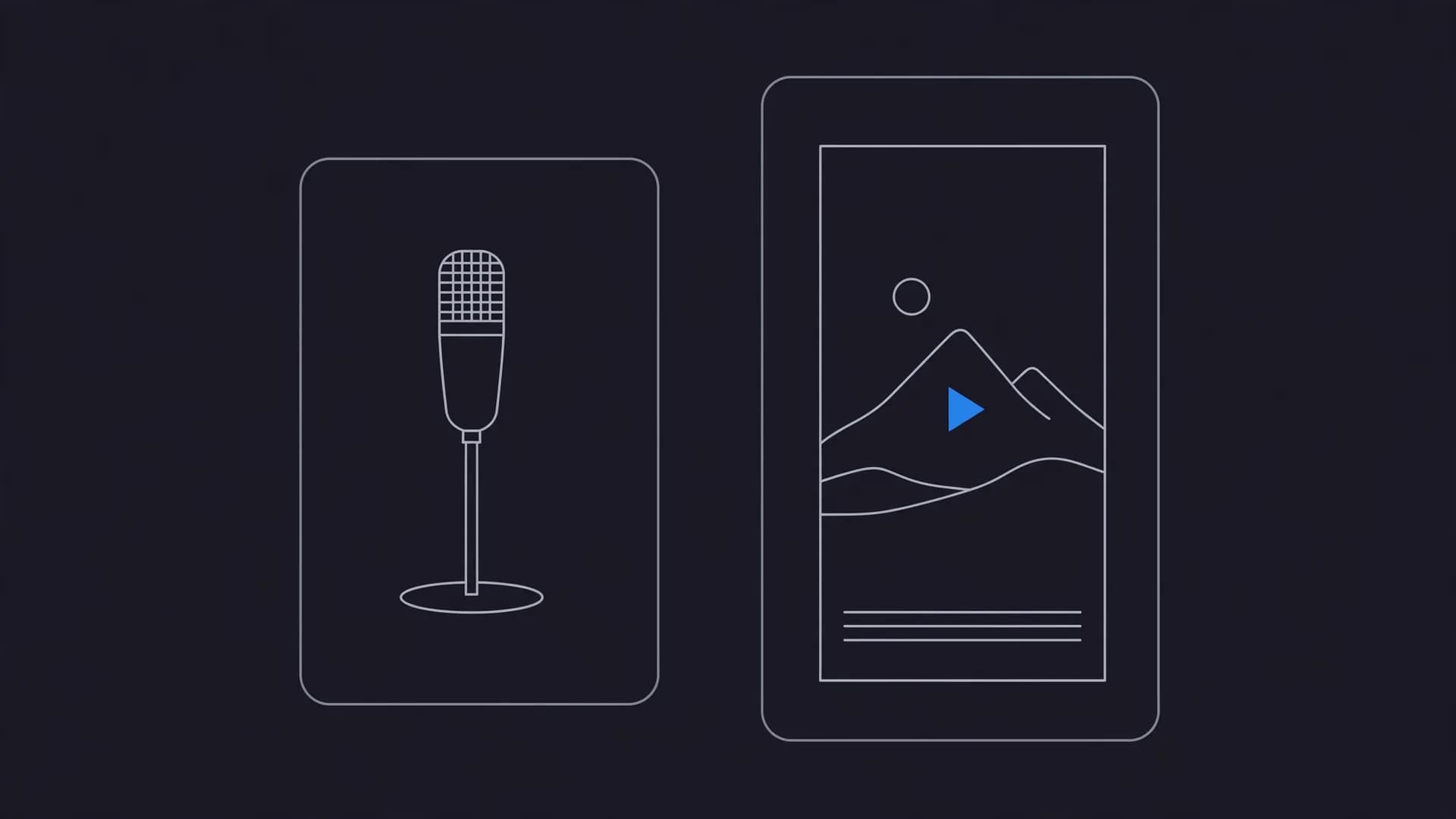
Three ways to access an AI video model: creative apps, a developer API and video platforms
How to create your first AI video in three steps
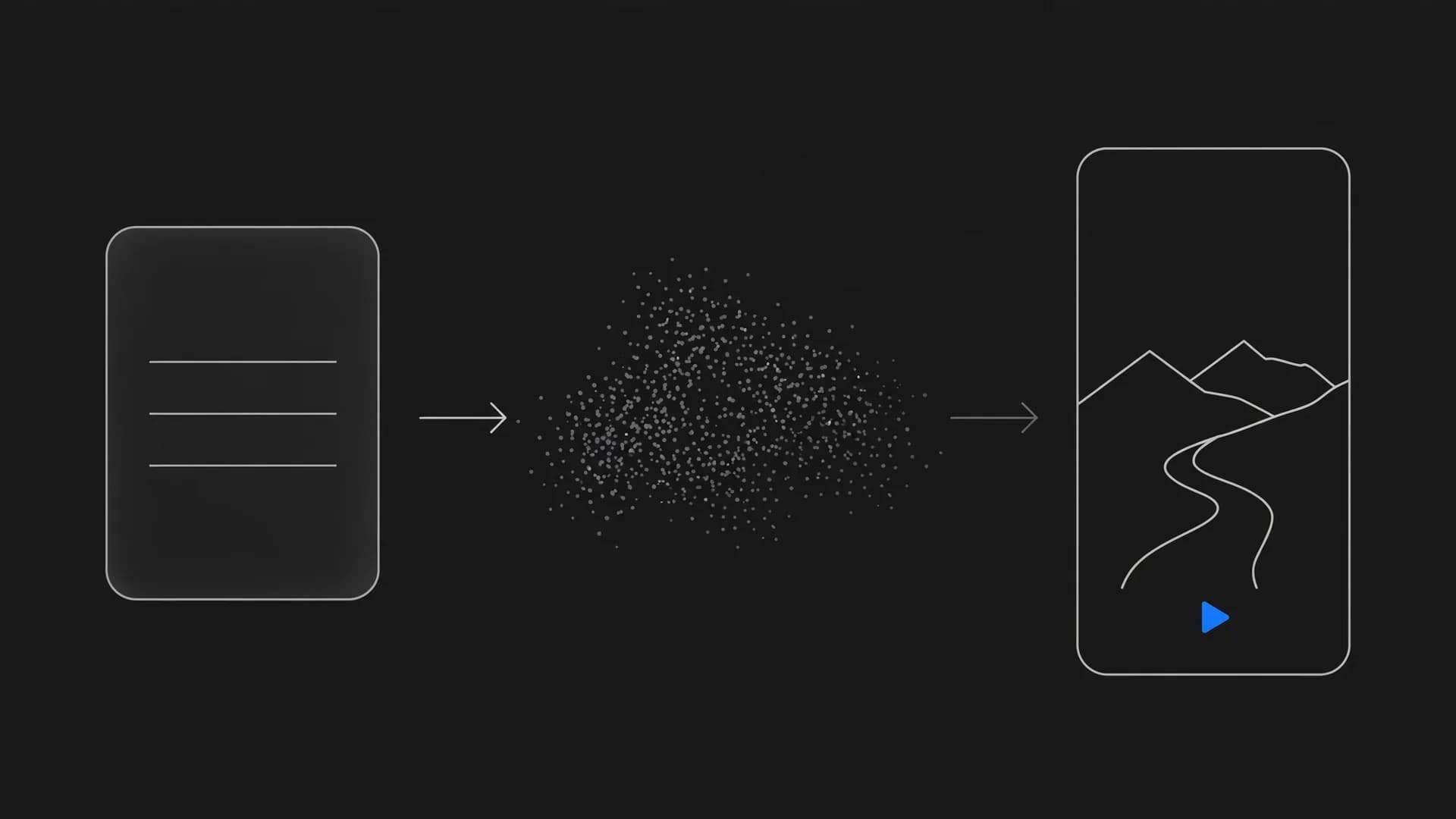
Searching for a Seedance 2.0 free workflow usually leads creators to streamlined web applications. OnVid's text to video workspace and image to video tools eliminate the need for coding knowledge or complex software installations. Following a structured creation process ensures your prompt translates into fluid, coherent motion on your first attempt.
Step 1: Choose your prompt and aspect ratio in the generation panel. Describe your scene with clear subjects, lighting choices, and environmental details. Step 2: Configure your motion parameters and camera movement before pressing generate. Step 3: Preview the rendered clip in your browser and download the finished MP4 file.
Writing specific movement cues helps the model produce consistent results across the entire clip length. Avoid contradictory directions like telling the camera to zoom and pan in opposite directions simultaneously. Clear descriptive text consistently produces smooth character movement and realistic environmental physics.
Why is Seedance 2 free tier access so rare?
Curious users often ask why is Seedance 2 free tier access so rare across digital video platforms. High-fidelity video generation requires massive clusters of dedicated AI accelerators running billions of calculations per second. Unlike static image generators, video synthesis processes temporal consistency, motion vectors, and complex physics across hundreds of individual frames.
The overall Seedance 2 cost reflects these sustained hardware and energy demands. When thousands of users request clips simultaneously, server queues back up unless platforms maintain paid compute allocations. Free platforms that attempt unlimited generations quickly suffer from extreme wait times, degraded resolutions, or sudden service outages.
Metered credit systems provide a reliable balance between affordability and high performance. Platforms assign credit costs per second of video, ensuring that failed generations refund their credits back to your account. This structure guarantees reliable server bandwidth and fast turnaround times whenever you submit a prompt.
Limited trial with one surf clip compared with a paid plan showing six clips from the same coastal film
Seedance 2 pricing and commercial licensing rules
Reviewing Seedance 2 pricing tiers helps creators select the right subscription for their ongoing video projects. OnVid provides clear access through two straightforward tiers: Pro at $7.99 a week or $14.99 a month, and Max at $14.99 a week or $28.99 a month. These plans unlock watermark-free HD downloads and support clips up to 30 seconds on Pro or 60 seconds on Max.
Before using generated clips in client projects or social advertisements, you must examine the applicable licensing rights. Commercial use depends on the model that made the video; check the OnVid Terms of Service and the model's terms before commercial use. Different model providers maintain specific guidelines regarding commercial monetization, distribution rights, and synthetic media disclosures.
Both Pro and Max tiers support 5 or 10 second clips up to 1080p with native audio synchronization using Seedance 2.0 and Seedance 2.5. Credits deduct based on the exact duration and model chosen for each generation. Choosing a structured plan ensures you always have the necessary compute to complete your video productions.
The bottom line on Seedance 2 access
Determining whether is Seedance 2 free comes down to how ByteDance distributes compute across testing portals and partner platforms.
While limited promotional credits and waitlists exist, ongoing generation relies on metered credits rather than open tiers. Creators planning to make an AI video with native audio get the most dependable results by relying on structured credit plans instead of temporary trial workarounds.
Frequently asked questions: is Seedance 2 free for AI video?
Review straightforward answers below covering generation credits, model access, and whether is Seedance 2 free to test before producing your clips.
Is Seedance 2 free to use for personal projects?
Anyone asking is Seedance 2 free should know that the foundational model is not released as an open-source, complimentary download. OnVid makes Seedance 2.0 accessible via plan credits on Pro and Max subscriptions, which let you begin exploring after you sign up. Each clip deducts credits based on its duration and model settings.
Can I get Seedance 2.0 for free?
You cannot access Seedance 2.0 for free as an unlimited standalone tool because compute costs require server subscriptions. Creating an OnVid account is free, but Seedance 2.0 generations run on Pro or Max plan credits. Ongoing production requires either a Pro plan at $7.99 a week or $14.99 a month, or a Max plan at $14.99 a week or $28.99 a month.
Is Seedance free without an account or subscription?
If you want to know whether is Seedance free without registering, the answer is no because every official provider requires user authentication. Third-party platforms running the model require registration and metered compute pools. OnVid lets you explore the AI video generator after registration, but regular rendering relies on structured credit bundles.
Where to use Seedance 2 today?
Deciding where to use Seedance 2 is simple. OnVid provides hosted access to Seedance 2.0 on both Pro and Max plans, producing 5 or 10 second clips up to 1080p right in your browser. For ByteDance's newer iteration, see our dedicated Seedance 2.5 model page.
What is the current Seedance 2 pricing structure?
Understanding Seedance 2 pricing involves checking plan subscription rates alongside per-second credit costs. On OnVid, Pro costs $7.99 a week or $14.99 a month, while Max costs $14.99 a week or $28.99 a month. Plan credits are charged per second of video and vary by model, with failed videos refunded automatically.
Is Seedance 2 free on mobile devices or does it require a paid plan?
Regarding whether is Seedance 2 free on mobile, third-party APKs claiming unpaid access are often unauthorized or unsafe. Legitimate web platforms require cloud processing resources and account authentication. OnVid allows you to access Seedance 2.0 and Seedance 2.5 through a mobile web browser with metered plan credits.
Which is the best free video generator for beginners?
OnVid lets beginners turn simple prompts or photos into quick videos without complex editing software. You can try different styles before picking a Pro or Max plan.
Is Synthesia AI free or paid?
Synthesia operates strictly as a paid commercial platform with tiered subscriptions aimed at corporate training and marketing. While it occasionally offers a brief web demo for a single test slide, standard usage requires an ongoing monthly or annual subscription fee. It focuses primarily on digital avatars rather than prompt-based diffusion scenes.
Is Wan 2.2 AI free to use?
WAN models created by Alibaba are open-weight models that developers can download and host on personal GPUs without licensing fees. Running them locally requires high-end graphics cards with substantial memory, so non-technical users typically pay hosted platforms for cloud compute. On hosted sites, generation is metered by credits rather than offered without cost.
Where can I use Wan 2.2 for free online?
Community demo spaces on Hugging Face occasionally host low-priority web interfaces for WAN models, though users frequently experience long queue times. Commercial creative suites package the model into dependable cloud rendering pipelines. OnVid integrates modern WAN releases alongside other top engines on its Pro and Max tiers for fast processing.
Does Wan 2.2 allow NSFW content generation?
Official releases and hosted web services apply content safety filters that strictly block explicit or adult material. While open-weight releases can technically be uncensored by local developers, reputable commercial web apps maintain safety guardrails against sensitive visuals. Always adhere to community guidelines and acceptable use policies when generating clips.
Is Wan 2.2 still good compared to Seedance 2?
WAN delivers impressive physical motion and prompt adherence, making it a viable alternative for text-guided camera dynamics. Seedance 2.0 and Seedance 2.5 stand out for native audio synchronization and cinematic character stability. Trying both models helps you determine which motion style fits your specific creative scene.
Is Wan 2.2 by Alibaba?
Yes, the WAN family of video models was developed and released by Alibaba Group research teams. Their architecture focuses on open-weight diffusion transformer technology for scalable video synthesis. The model lineup covers text-to-video as well as image-to-video generation tasks.
Does Wan 2.2 do images or only video clips?
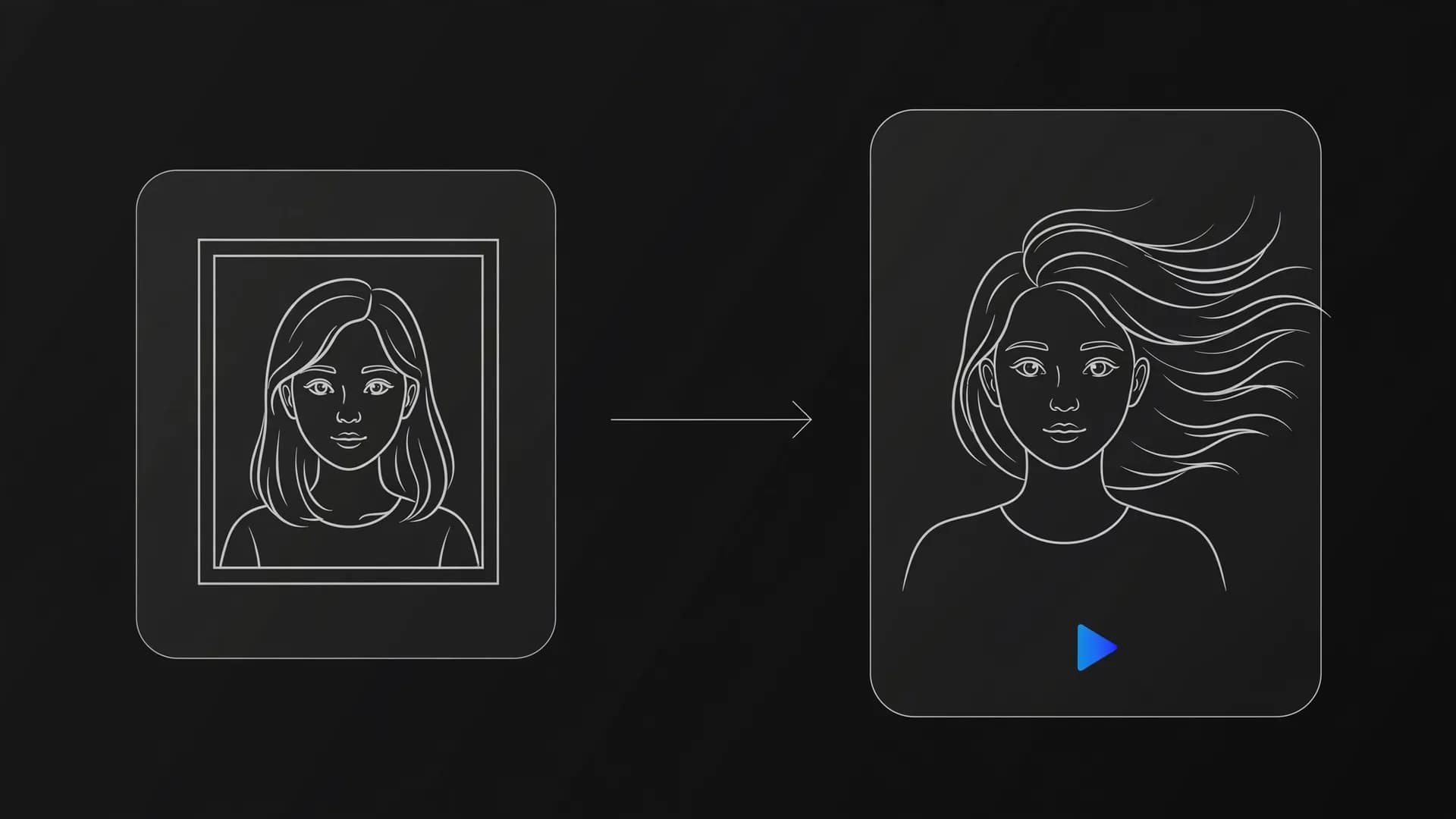
WAN is primarily engineered as a video generation system rather than a standalone still-image synthesis engine. However, creators frequently use image-to-video features by supplying an existing photograph to animate camera movement and character actions. Dedicated image models are generally preferred when producing static starting frames.
What commercial rights do I receive with Seedance 2 outputs?
Commercial use depends on the model that made the video; check the OnVid Terms of Service and the model's terms before commercial use.
How long can videos be when generated with Seedance on OnVid?
Clips generated with Seedance 2.0 or 2.5 typically render in 5 or 10 second segments at resolutions up to 1080p. Platform plan limits allow total video length up to 30 seconds on Pro and up to 60 seconds on Max. This setup gives creators the flexibility to assemble short clips or build longer sequential scenes.