What our Grok Imagine Review revealed about speed and quality
Conducting this Grok Imagine Review reveals an engine designed for immediate output rather than deep manual configuration. When you enter a prompt into the interface, the model produces four initial still frames in roughly three to five seconds, allowing you to select a composition before committing to motion. Converting that still into a moving clip takes an additional thirty to forty seconds, which puts its delivery speed well ahead of older generation pipelines. The visual fidelity leans vibrant and saturated, prioritizing stylized pop and social appeal over subtle color grading. While close-up portraits and landscape pans maintain crisp edge definition, complex scenes with multiple moving subjects often exhibit minor physics anomalies, such as shifting textures or morphing hands. For everyday users wanting a fast way to see an idea in motion, the platform delivers instant gratification without demanding technical prompt engineering.
How Grok Imagine video generation handles motion and prompts
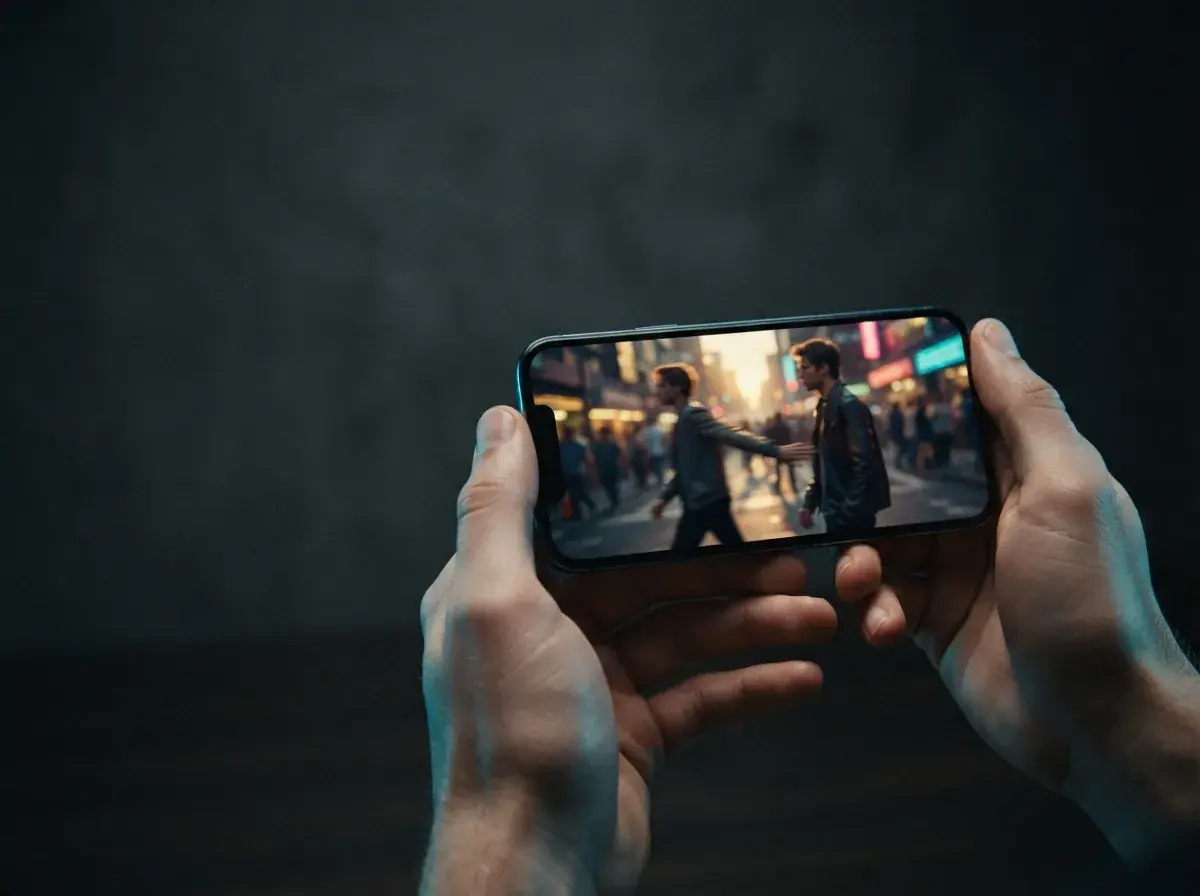
Grok imagine video generation handles camera movements like slow push-ins and gentle aerial orbits well, and simple, single-subject instructions produce the most reliable camera dynamics. When prompts specify a directional camera path alongside lighting cues like golden hour or neon backlighting, the motion remains stable across the clip. However, the system struggles when asked to coordinate multiple independent character actions simultaneously. If two characters must cross paths while speaking or exchanging objects, limbs often blur or merge momentarily into the background geometry. The native output length caps out at short bursts (six seconds per clip on OnVid, at up to 720p), which means creators wanting multi-scene narratives must assemble individual clips manually in an external timeline. For quick social posts and mood boards, the motion engine holds up well, provided you keep the subject motion focused on a single focal point.
Is Grok Imagine actually good for daily AI video creation?
Whether this tool suits your creative workflow depends heavily on the project scope and how much control you require over duration and style. For casual meme creation, quick story updates, and rapid concept visualization, the workflow is fast and straightforward. You do not need camera gear, rendering rigs, or prior filming knowledge to get an interesting clip onto your screen. The primary limitation surfaces when you need extended scenes or granular camera directing. Because generations are capped at a few seconds, producing longer storytelling sequences requires continuous re-prompting and stitching. Furthermore, style controls are relatively automated, meaning subtle adjustments to lens focal length or specific shutter speeds cannot be dialed in directly. Creators seeking comprehensive control often pair these quick clips with broader editing workflows or choose dedicated tools like OnVid to generate videos, from quick clips to chained sequences up to 60 seconds from text or photos without strict duration roadblocks.
Info: Short clips work best when you focus each prompt on a single subject and a single continuous camera motion.
Privacy and visibility on Grok Imagine: who can see your AI videos?
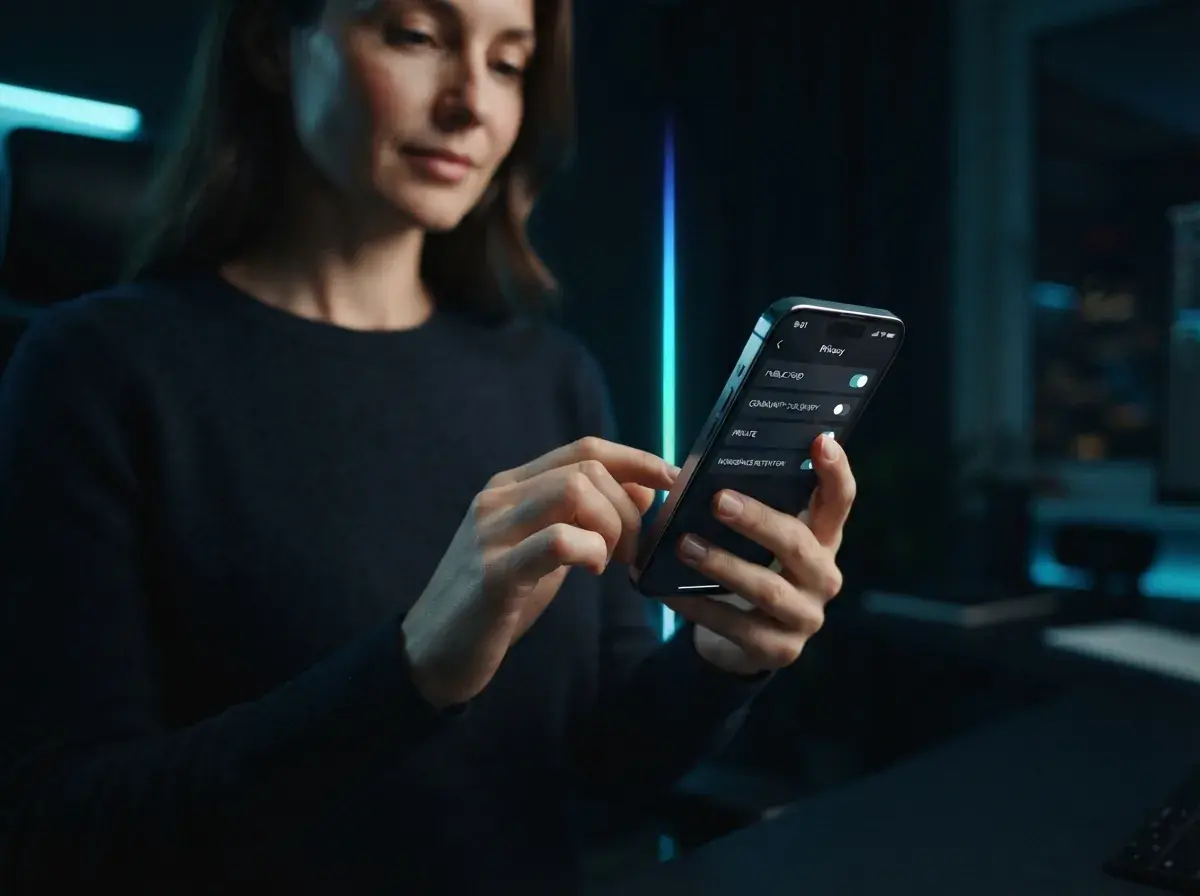
User privacy remains one of the most common questions raised by creators exploring the platform. Content produced through standard consumer prompts can appear in public feeds or community discovery tabs depending on account tier and sharing preferences. If you create an AI video with default public settings enabled, other users on the connected social ecosystem can view, like, and remix your prompt structure. For personal family photos or sensitive proprietary concepts, reviewing privacy toggles before clicking generate is essential. Platform telemetry also monitors generation patterns to refine safety filters and prevent unauthorized public figure likenesses. If your goal is to animate private family photos or produce commercial marketing footage in total privacy, verifying workspace retention policies and private project defaults must be your first step before uploading source media.
Is a Grok Imagine Review enough to make you switch tools?
Reading community discussions and grok imagine reviews shows a clear divide between casual social hobbyists and dedicated video creators. Social users appreciate the direct integration with existing timeline feeds and the rapid turn-around for topical humor. In contrast, creators producing YouTube tutorials, explainer sequences, or narrative fiction frequently hit walls around asset consistency and aspect ratio flexibility. Learning how to create cinematic AI video often requires flexible framing, custom pacing, and reliable image-to-video motion that respects your original photo composition. While the model serves as an entertaining entry point into prompt-driven media, it does not replace a full-featured video generator when you need custom aspect ratios, extended scene lengths, and zero-friction export workflows ready for cross-platform publishing.
Tip: Compare output resolution, export limits, and aspect ratio support before locking an engine into your regular production routine.
Best practices to get cleaner AI videos from your prompts
Maximizing visual clarity begins with how you frame subject descriptions and environmental lighting. First, describe the lighting environment explicitly, naming sources like diffused window glow, soft morning sunlight, or harsh overhead fluorescent lamps to ground the subject. Second, specify physical camera movement using standard cinematography vocabulary, such as steady tracking shot, low-angle tilt up, or static tripod wide shot. Avoiding ambiguous action verbs prevents the diffusion model from guessing motion vectors and generating warped anatomy. Third, if animating a still photo, choose high-resolution portraits with clear subject separation from the backdrop to avoid edge blurring during camera motion. Following this three-part prompt structure consistently produces stable motion, cleaner silhouettes, and far fewer unusable artifacts across every generation.