
What you need before you make an AI movie
Making an AI movie begins with understanding that artificial intelligence produces cinematic clips rather than a complete feature-length film in a single click. Modern filmmakers build cohesive stories by generating individual scenes, establishing visual consistency, and stitching those shots together inside an editing timeline.
Every project requires a solid story outline, clear character descriptions, and a reliable platform to render each sequence. Instead of renting expensive camera gear or hiring a film crew, you direct digital models by typing descriptive text prompts or animating still concept photos.
Planning your narrative structure in advance saves substantial production time and platform credits. When you break your concept down into concrete camera angles and focused visual beats, you make AI films with predictable visual quality and narrative momentum.
How to turn a script into scenes, step by step
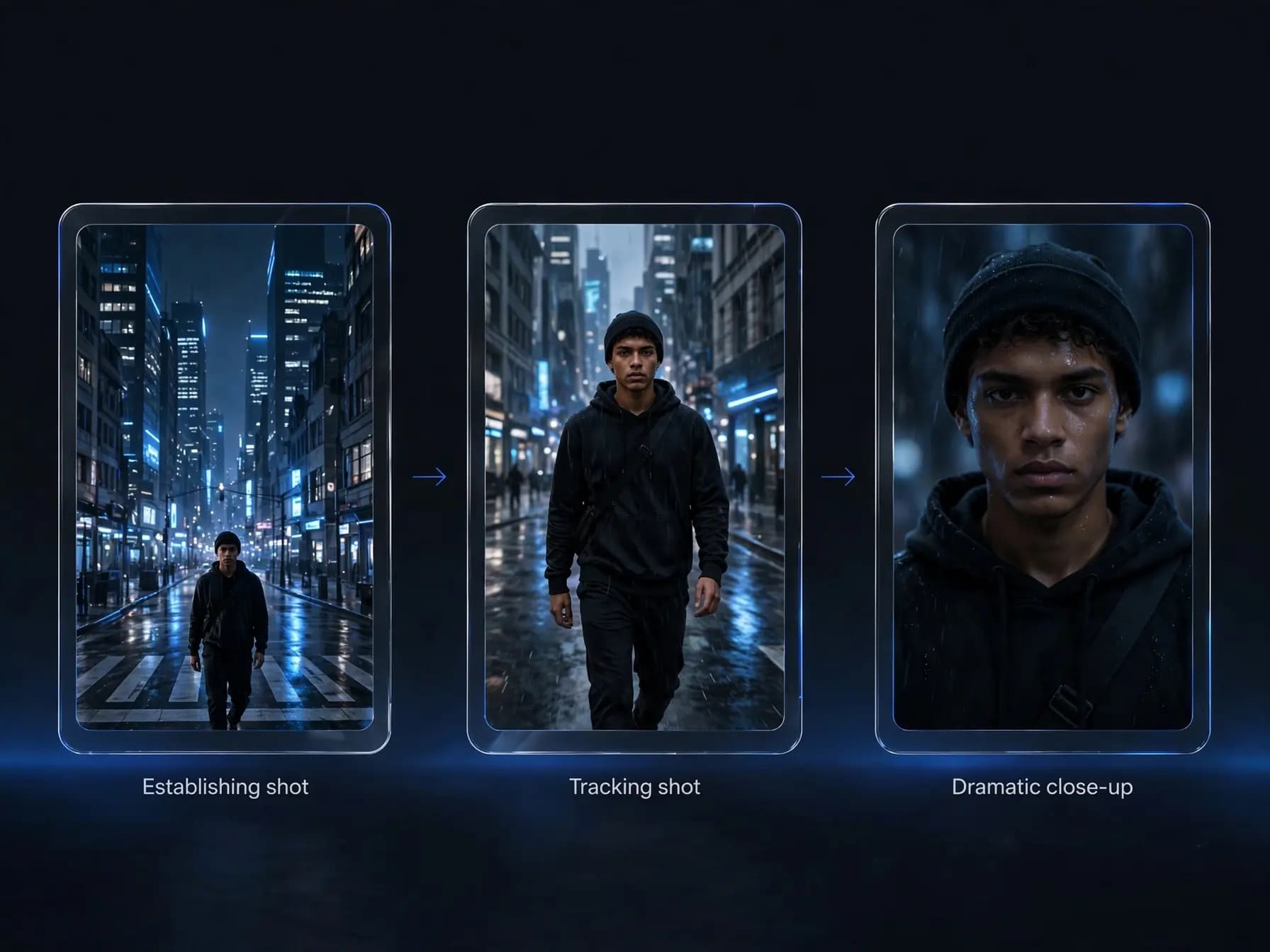
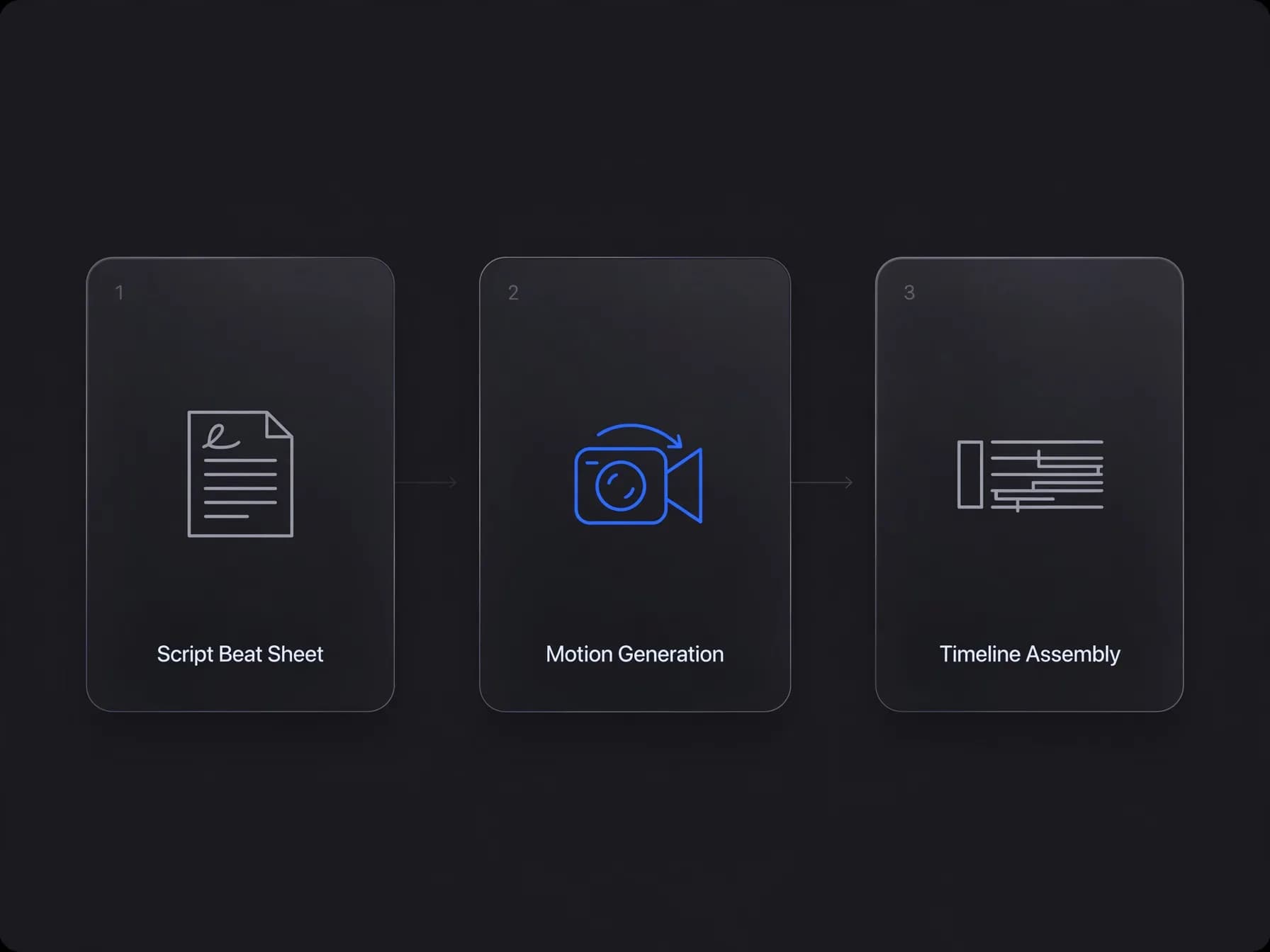
When you want to create AI movie from script scenes, the production process follows four distinct creative phases. Translating written dialogue and action lines into finished footage requires deliberate prompt drafting and shot sequencing.
Step 1: Write a visual beat sheet with specific scene descriptions, lighting notes, and
Step 2: Generate core character portraits and environment plates using image generation
Step 3: Turn your prompts into motion clips through text to video, selecting clip length
Step 4: Assemble your rendered clips inside a standard video editor, layering dialogue,
Can an AI short film generator keep characters consistent?
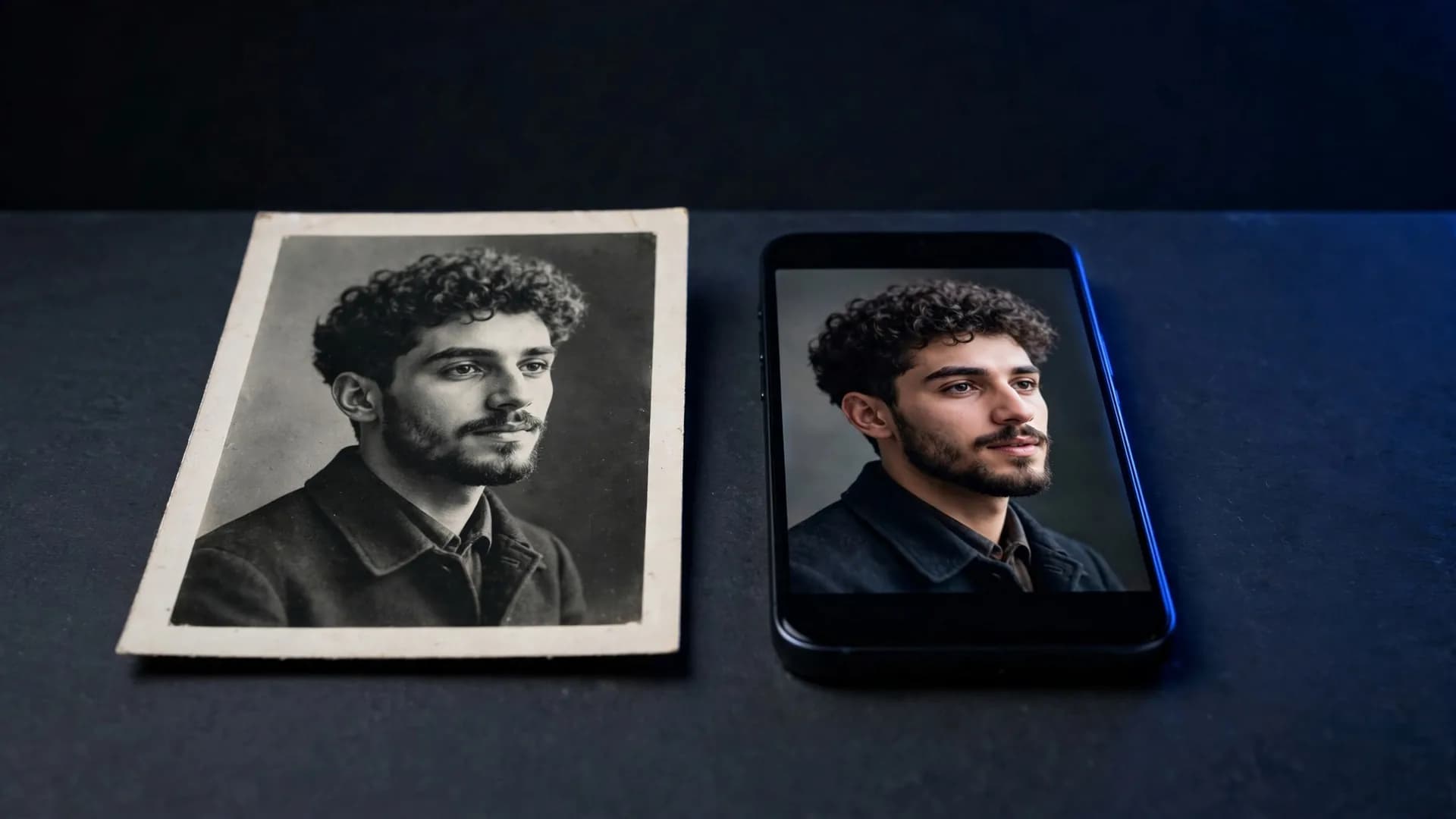
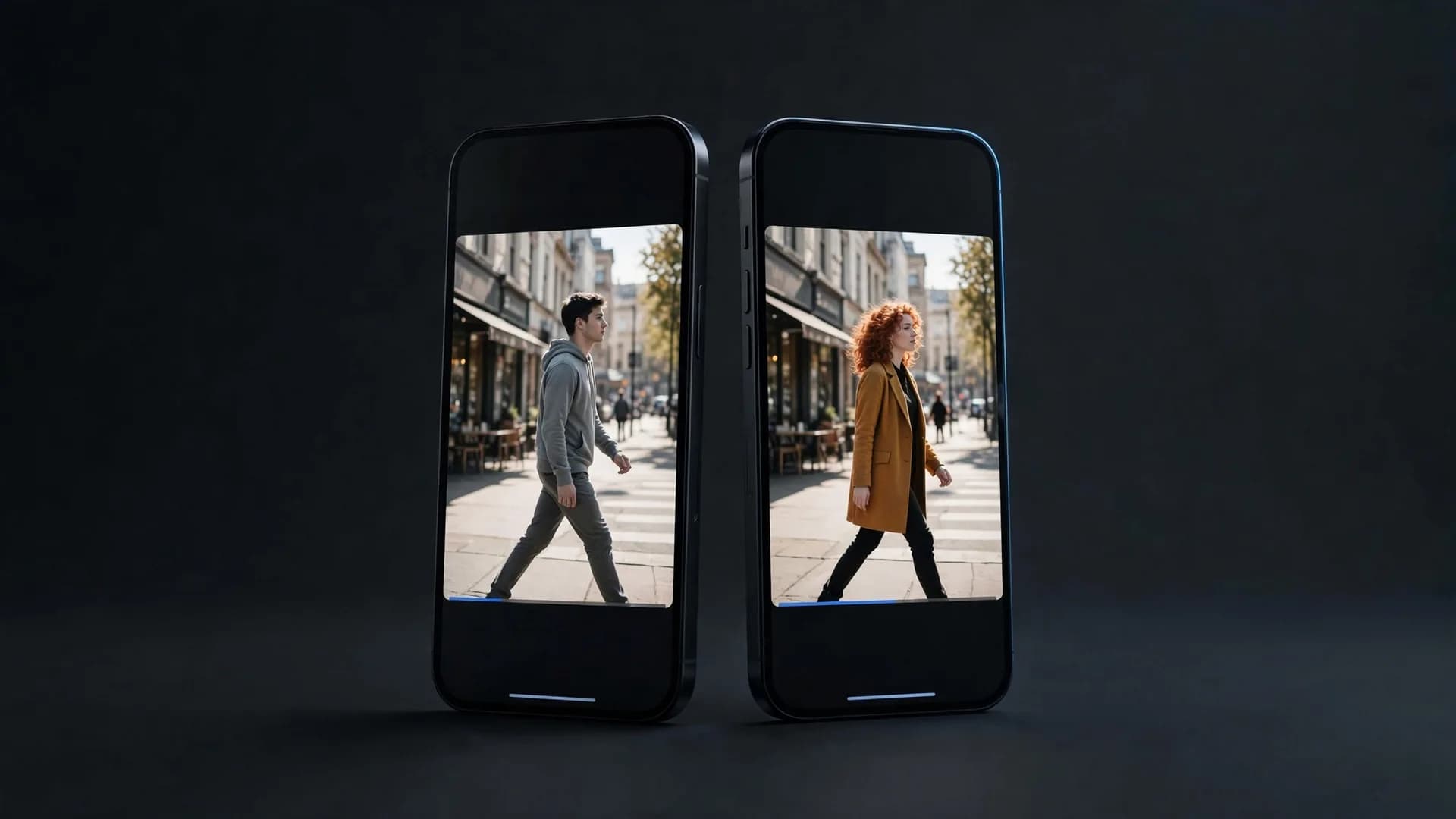
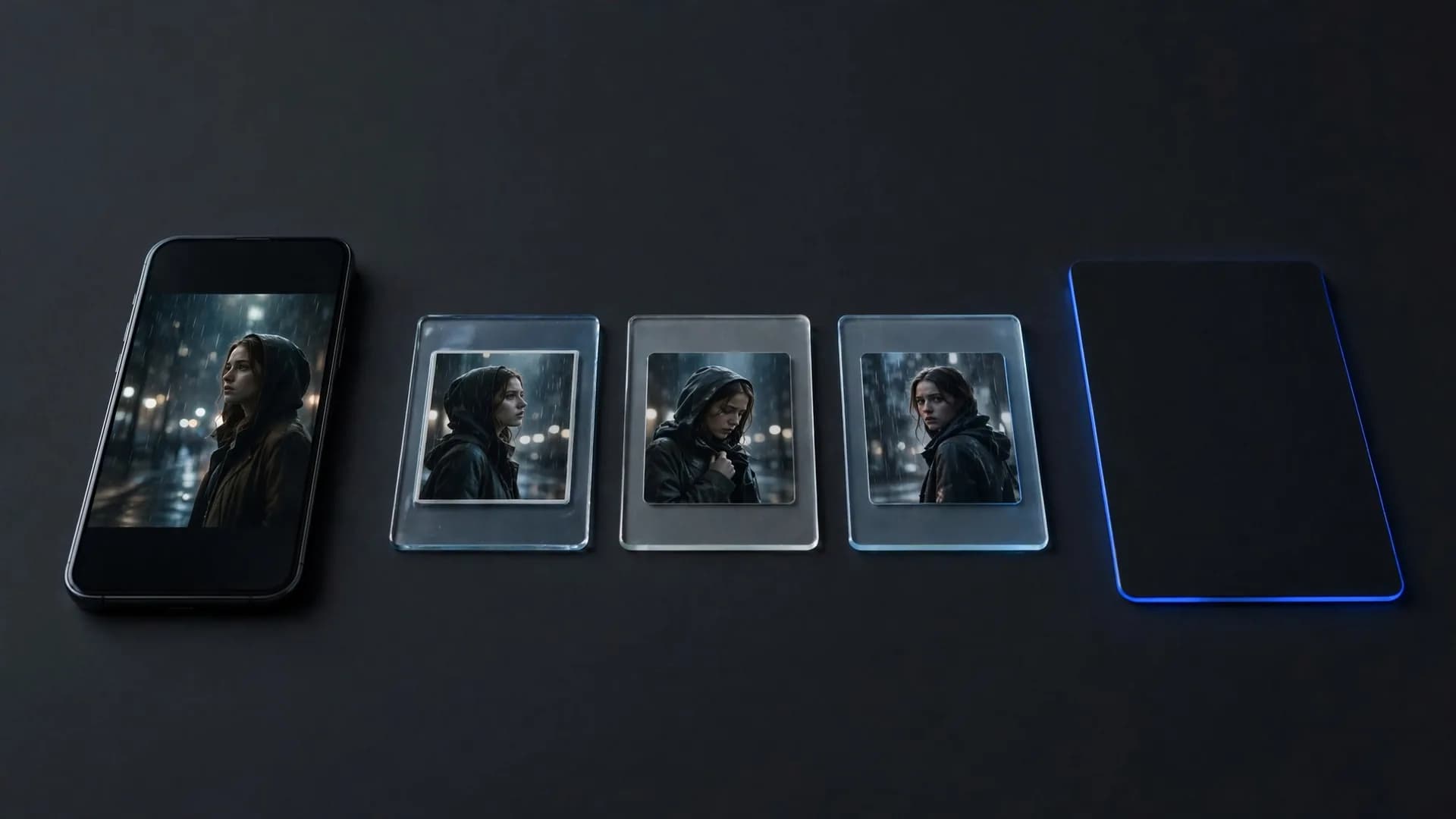
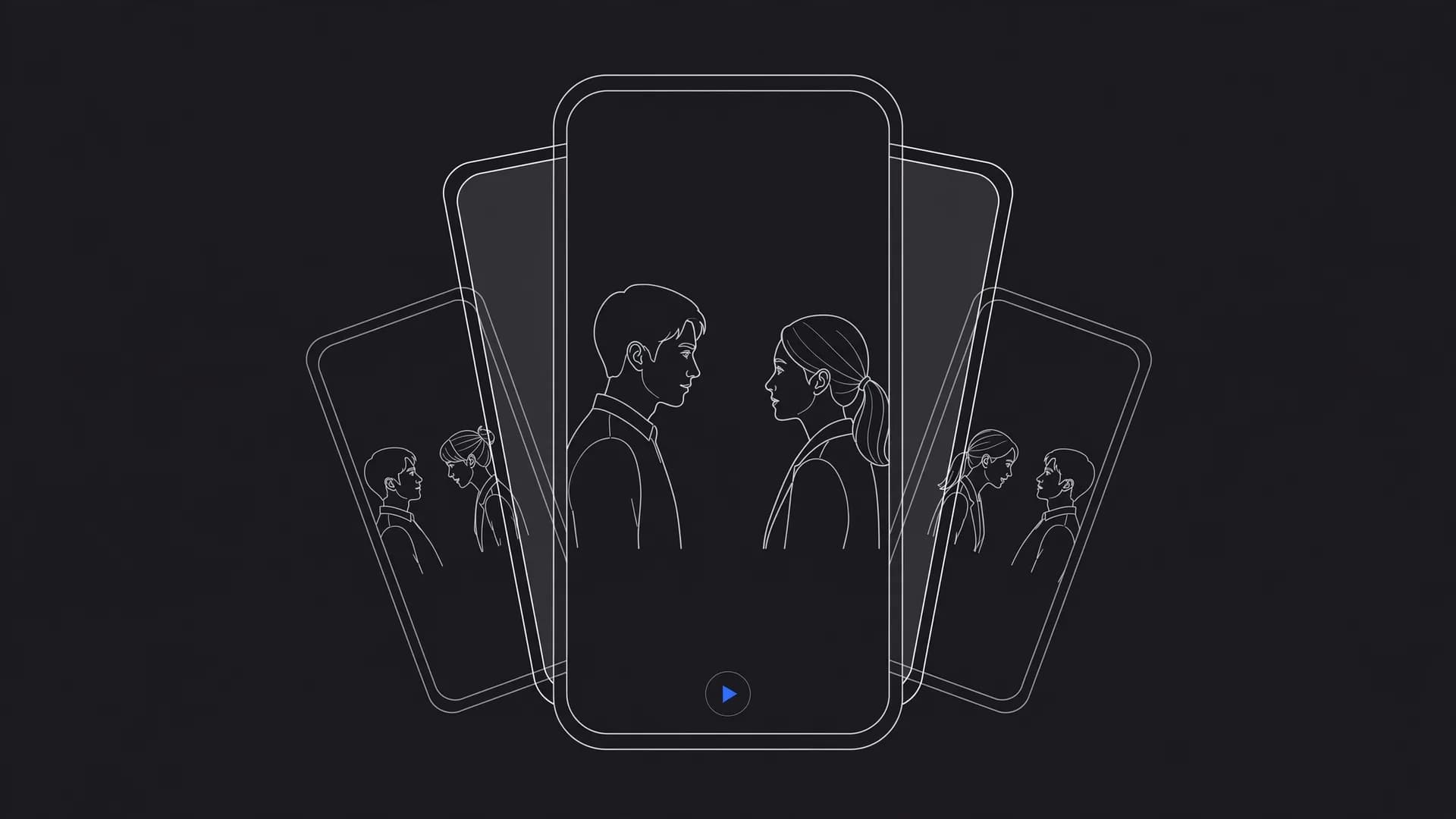
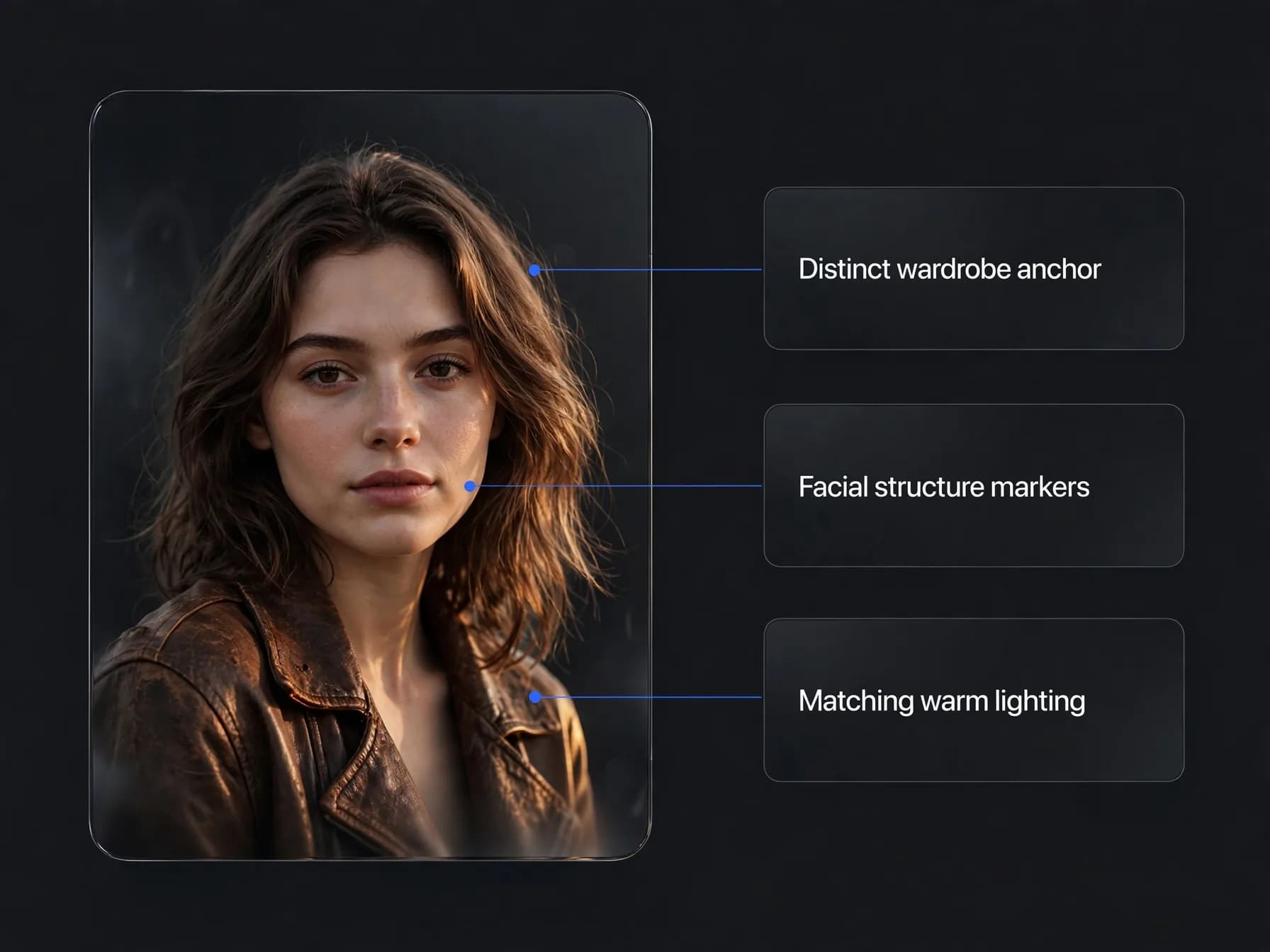
Using an AI short film generator often introduces the challenge of facial drift across consecutive cuts. You can maintain reliable visual continuity by generating a pristine front-facing portrait of your character first, then feeding that still into an image to video workflow.
Multi-image reference models allow you to carry specific facial features, clothing colors, and hair textures from one angle to the next. Describing distinct wardrobe choices, such as a weathered brown leather jacket or neon yellow glasses, helps the video model preserve identifying markers across different camera movements.
Capturing matching lighting conditions between shots further reinforces the illusion of a single continuous reality. When every prompt specifies the same golden hour sunlight or dim cyberpunk interior, your viewers stay locked into the story rather than noticing digital variations.
Cinematography prompts to direct each scene
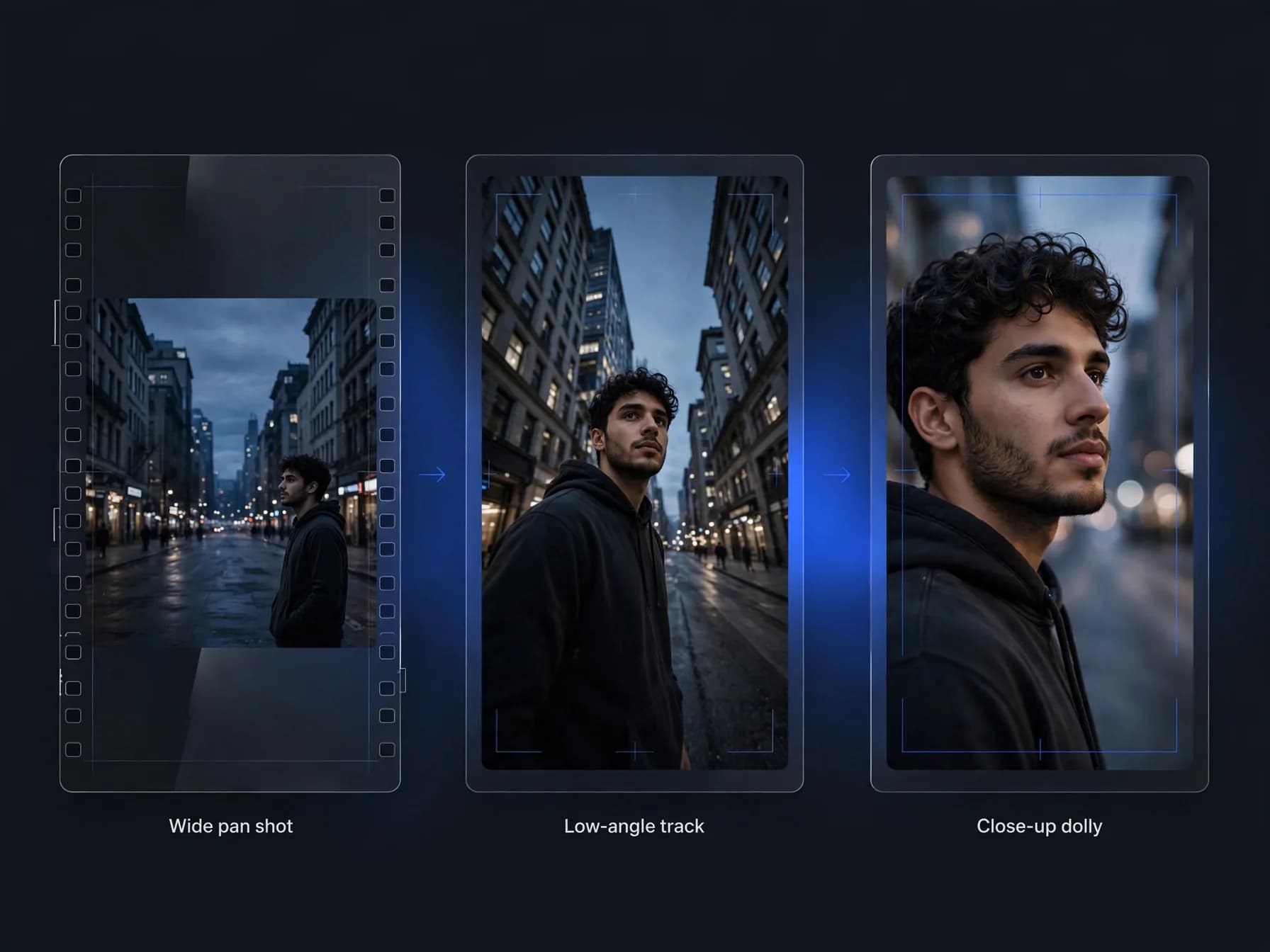
Cinematic visual quality depends directly on how precisely you instruct camera motion and lens framing. Rather than typing vague action requests, you can study how to write AI video prompts that specify focal length, camera tracks, and lighting mood.
Use concrete camera terminology such as slow dolly zoom, low-angle tracking shot, extreme close-up, or wide drone pan. Describing optical characteristics like anamorphic lens flare, shallow depth of field, or thirty-five millimeter film grain helps the generator produce authentic cinema textures.
Pairing camera movement with natural physical action gives the scene realistic weight. Asking a character to slowly turn their head while the virtual camera tracks forward creates natural visual momentum that elevates standard text outputs into compelling cinematic sequences.
Adding dialogue, sound and the final edit
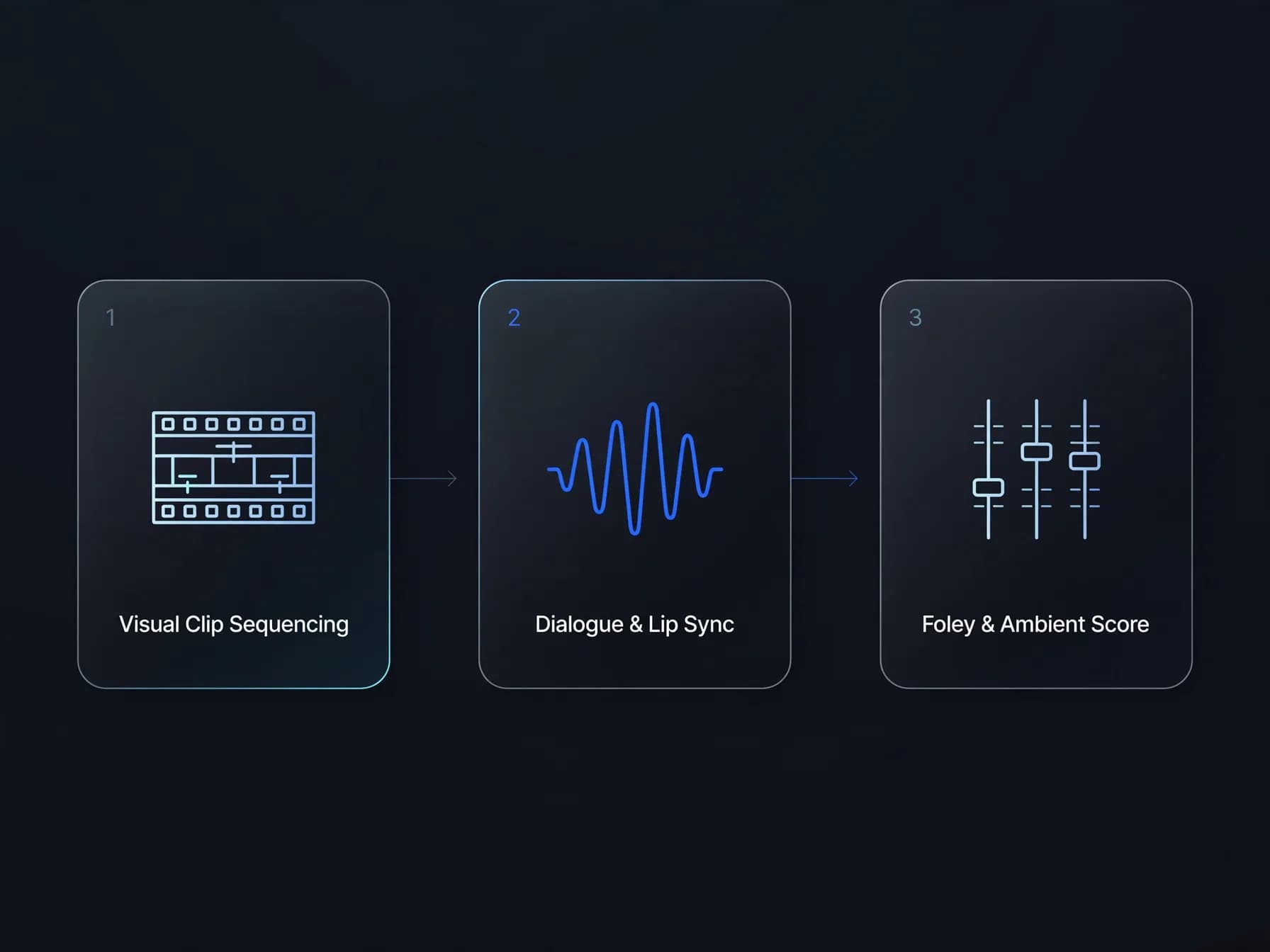
The final stage takes place on your editing timeline after your visual shots finish rendering. Even the most striking visual clip falls flat without intentional audio design, Foley layers, and clear vocal presence.
Export your generated clips in high definition and arrange them to match your original script timing. Add separate audio tracks for ambient room tone, localized sound effects like footsteps or closing doors, and an original instrumental track that sets the emotional pace.
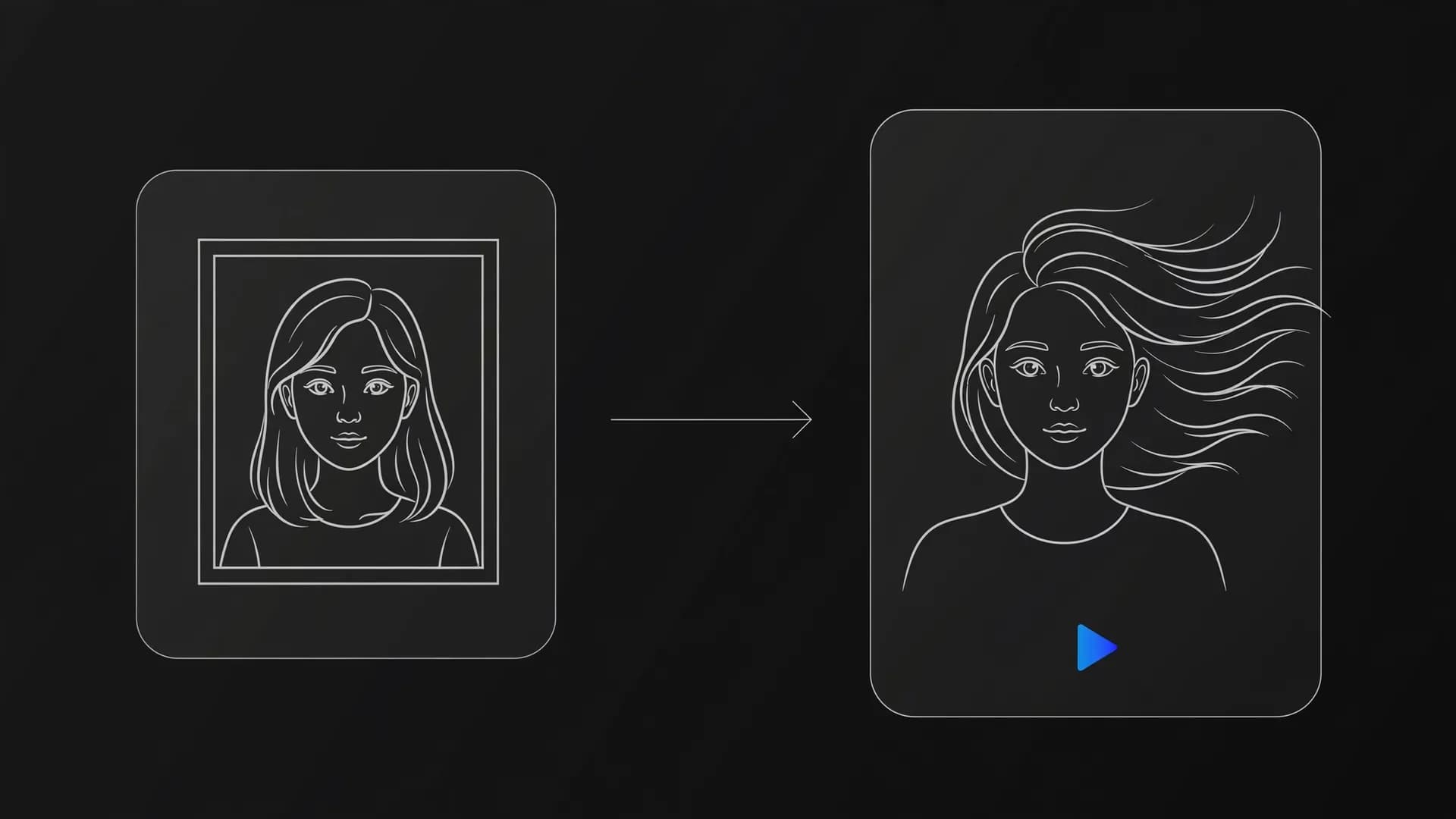
If your story calls for speaking characters, bring your still portraits into talking photo tools to produce synchronized lip movement before cutting them into your scene. Balancing voice clarity with background ambience pulls all your separate generated clips into a unified theatrical experience.
What pitfalls to avoid when directing an AI film
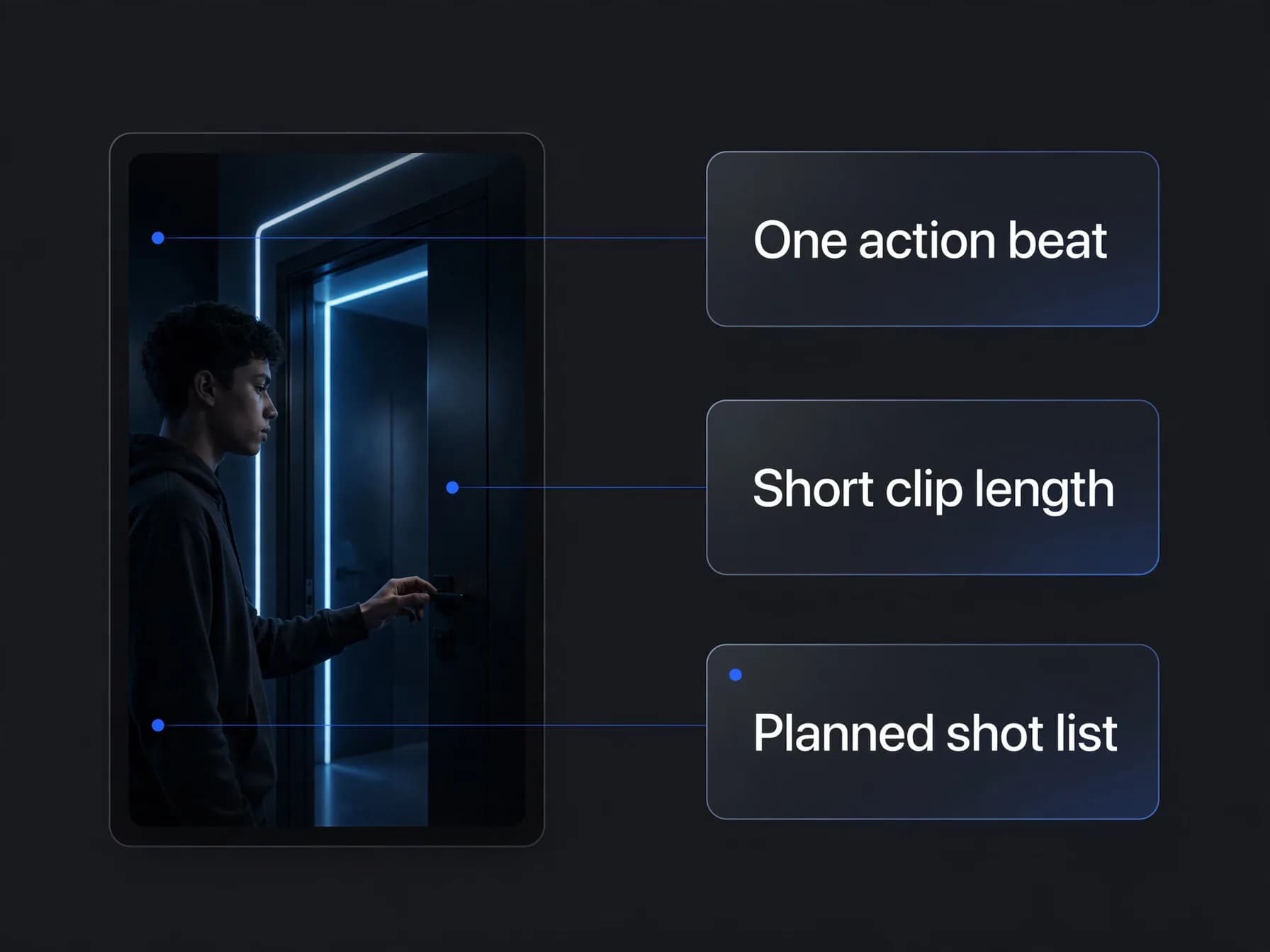
Creators who set out to make AI movies frequently run into avoidable mistakes by attempting to generate overly complex actions in a single prompt. Asking a character to sprint, open a door, pull out a key, and speak simultaneously overwhelms the motion model and results in distorted limbs.
Break intricate actions into shorter, modular clips of five or ten seconds that focus on one physical beat at a time. This modular approach protects your credit balance because re-generating a brief five-second reaction shot is far more efficient than re-rendering an entire thirty-second sequence.
Avoid skipping the script phase in an attempt to improvise visuals randomly. A disciplined shot list keeps your project focused, ensuring you create AI movies that hold audience attention from opening title to closing credits.