You can spot synthetic footage by looking for unnatural eye movement, warping textures around fingers, and unsynchronized speech. Learning how to tell if a video is AI generated comes down to catching these physical glitches and verifying digital provenance before sharing.
What visual glitches show how to tell if a video is AI generated?
Learning how to spot AI videos starts with watching for physics glitches that standard cameras never record. Synthetic clips often struggle with physical continuity, revealing morphing fingers, floating accessories, and liquid transitions between objects. When you watch closely, solid edges may soften and reform across different frames.
Lighting inconsistencies also give away synthetic rendering. Shadows might point in two contradictory directions, or reflections in puddles and eyeglasses fail to match the surrounding scene. Natural light follows strict optical laws that generative diffusion models frequently approximate rather than calculate accurately.
Finally, observe the background details behind the main subject. Crowds in synthetic footage often feature distorted faces, repeating body parts, or people who fade into architecture. These visual anomalies make it simple to spot AI generated video material without specialized gear.
12 signs a video is AI generated
Learning how to spot AI videos starts with fine details that video models still get wrong. Check a suspicious clip against these 12 signs:
Hands and fingers: digits merge, split, bend the wrong way or change count between frames.
Faces and teeth: teeth, earrings or glasses morph, and facial features drift when the head turns.
Blinking: eyes blink too rarely, too often or with a rigid, mechanical rhythm.
Hair and clothing edges: strands and fabric melt into the background instead of keeping a clean outline.
Text: signs, labels and screens show garbled letters that shift from frame to frame.
Background objects: items appear, vanish or change shape when the camera moves.
Straight lines: fences, door frames and window edges bend or ripple during a pan.
Light and shadows: shadows point in different directions or don't match the visible light source.
Reflections: mirrors, water and glasses reflect something that doesn't match the scene.
Physics: liquids pour oddly, objects pass through each other or ignore gravity.
Lip sync and voice: mouths miss the closures on p, b and m sounds, and voices lack breaths or room tone.
Shot length: the video is a string of 5 to 10 second shots with no long, continuous take.
One sign alone proves little, since real footage can be blurry or compressed. Several signs together are a strong hint the clip is synthetic.
Video frame annotated with three places to check for AI clues: text and signs, reflections, and hands and objects
Three inspection steps to verify if an AI video is real
Step 1: Pause the clip and examine freeze frames around high-speed motion
Scrubbing through individual frames exposes unnatural blurring, extra limbs, and boundary warping that normal playback hides. High-action scenes usually reveal warping textures around hands and facial boundaries first.
Step 2: Zoom into human facial features like eyelashes, teeth, and skin texture
Genuine footage retains organic pores, asymmetrical wrinkles, and distinct eye reflections. Synthetic human renders frequently produce waxy, over-smoothed complexions paired with unnaturally uniform teeth.
Step 3: Analyze the temporal consistency across every camera pan
Real camera moves create predictable parallax shifts between foreground and background layers. Following these three steps allows anyone to identify AI videos before sharing them across social feeds.
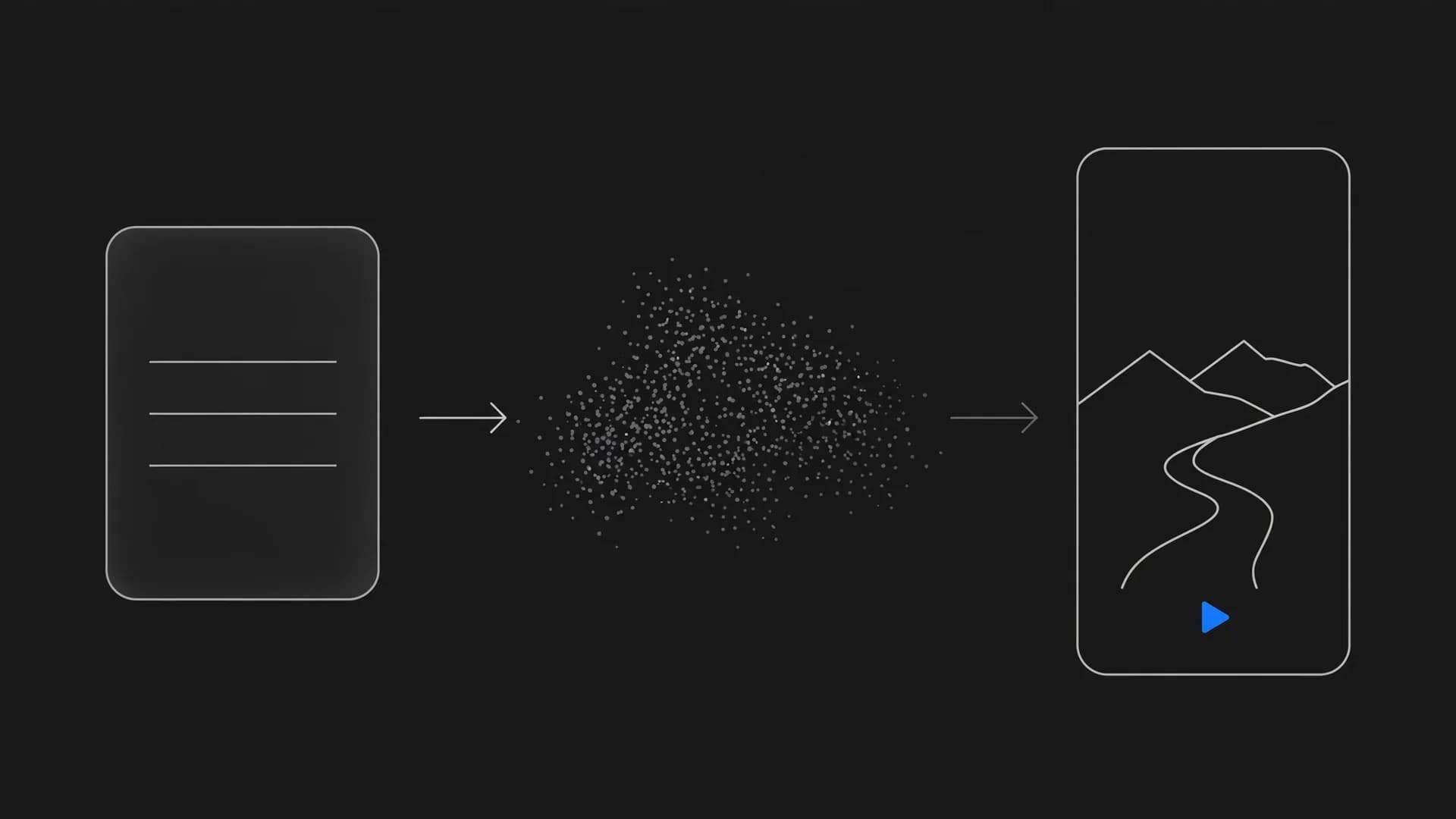
Video check workflow: upload a clip, inspect close-up frames and get an inconclusive result
Can you check if video is AI generated online free with automated tools?
Many creators want to check if video is AI generated online free without purchasing enterprise forensic software. Free online scanners evaluate digital noise, compression artifacts, and pixel distributions to flag synthetic markers. These web utilities provide rapid probability scores to help you decide if further manual review is needed.
However, automated detectors carry clear limitations that users should remember. Heavy social media compression, repeated re-encoding, and low video resolution often confuse detection algorithms. A compressed real clip may register as synthetic, while a pristine AI clip might slip through undetected.
Treat free online scanners as an initial screening layer rather than an absolute verdict. Combine algorithmic scores with your own visual check to reach a balanced conclusion. Modern AI video detection works best when automated scanning supports human visual scrutiny.
Audio mismatches and unnatural speech rhythms in AI video scenes
Sound design offers another dependable method to evaluate whether a video contains synthetic elements. Generative speech often lacks organic breathing sounds, natural vocal fry, and subtle room acoustics. Synthetic voices can sound flat, with mechanical pacing and uniform syllable duration across long sentences.
Lip synchronization provides immediate visual evidence during spoken passages. Pay close attention to whether plosive consonants like B, P, and M line up with mouth closures. In synthetic clips, the mouth often continues moving after speech ends or opens before words begin.
Ambient room tone can also expose automated production techniques. Real recordings capture small background sounds, mic handling noise, and acoustic reverberation that match the physical room. When you detect AI video assets, missing room acoustics often reveal synthetic dialogue immediately.
Why source tracing reveals how to tell if a video is AI generated
Investigating the original source and file provenance is critical in understanding how to tell if a video is AI generated. Running reverse image searches on extracted keyframes helps trace where the footage first appeared online. This technique frequently leads back to generative forums, creator portfolios, or prompt showcase channels.
Digital provenance standards like C2PA credentials embed cryptographic metadata directly into media files. Platforms and modern cameras use these content credentials to record whether footage was captured on hardware or produced by software. Checking file metadata often confirms the origin without any subjective guesswork.
Understanding the broader ethics of AI video helps viewers navigate modern social media responsibly. Responsible creators using OnVid's text to video platform clearly label synthetic media to maintain audience trust. Verifying the creator account and examining publication context prevents misleading footage from spreading unchecked.
Provenance record in three steps: original source, editing history and AI disclosure
The bottom line on AI video verification
Knowing how to tell if a video is AI generated comes down to combining careful visual observation with technical verification tools.
Always inspect fine details like hand anatomy, light reflections, and unnatural speech sync before trusting an unverified clip. When visual inspection leaves doubt, reverse image searches and digital provenance records provide a reliable second layer of confirmation.
Frequently asked questions about how to tell if a video is AI generated
Find direct answers to the most common questions about how to tell if a video is AI generated, from spotting physical motion flaws to inspecting audio tracks and digital provenance.
How to tell if a video is AI generated?
To check if a video is AI generated, inspect hands, facial boundaries, and background continuity for unnatural morphing or drifting pixels. Real footage maintains consistent light sources and physical mass, whereas generative models frequently show subtle visual warping during rapid movement. You can also inspect audio sync and digital provenance metadata to verify original recording details.
What are the clearest visual signs a video is AI generated?
The most reliable visual signs a video is AI generated include irregular blinking patterns, extra fingers, teeth that blur together, and jewelry that melts into skin. Background details also reveal synthetic origin when text shifts into meaningless glyphs or straight architecture subtly bends between frames. Pausing the clip during fast action makes these temporal anomalies instantly visible.
Can you use an AI video checker to detect synthetic footage?
An online AI video checker analyzes frame sequences and compression noise patterns to detect synthetic outputs from generative tools. While automated detection software offers a fast baseline score, high-compression social media re-uploads can sometimes confuse classifiers. Combining an automated detector with manual visual inspection of physics and edges gives the most accurate assessment.
How to tell if a video is AI generated on social media platforms?
Knowing how to tell if a video is AI generated on platforms like YouTube or Instagram requires checking upload metadata, account history, and audio characteristics. Many platforms now apply automated synthetic media labels when provenance standards detect output from an AI video generator. If labels are absent, search the audio track or run keyframes through reverse image search to trace the source.
Can AI be detected in video through lighting and reflections?
Yes, lighting and reflections remain challenging for generative algorithms to simulate across multiple frames. Look closely at sunglasses, mirrors, and wet surfaces to confirm whether reflected objects match the actual environment. In authentic footage, cast shadows match the direction and intensity of every visible light source, while synthetic clips often show floating or shifting shadows.
How can you identify deepfake videos where someone's face is replaced?
Identify deepfake videos by watching the neckline, chin borders, and hairline where the swapped face meets the original actor. Face-swap models often struggle with extreme head angles, creating moments where the facial plane flickers or separates from the ears. Blurring around mouth edges and mismatched skin tones under direct lighting are additional giveaways.
How can you tell if an audio recording inside a video is AI?
Synthetic audio often lacks natural room acoustics, natural breathing cadence, and spontaneous micro-pauses between sentences. Listen for metallic robotic artifacts on sharp consonant sounds like 's' or 't', as well as emotionally flat intonation during dramatic statements. When voice tracks are paired with visual avatars, small lipsync delays often reveal artificial generation.
What is the most common AI voice used across online videos?
The viral text-to-speech voice nicknamed 'Jessie' from TikTok and standard default voices from eleven-labs or OpenAI represent the most recognized synthetic narrators online today. These voices feature clean, energetic delivery and steady pacing that make them easy to recognize across thousands of promotional and informational clips.
What words do AI voiceover scripts use most frequently?
Automated video scripts heavily rely on formulaic words like 'delve', 'testament', 'tapestry', 'crucial', and 'game-changing' to build dramatic cadence. Synthetic narrators also favor transition phrases such as 'in a world where' or 'it is important to remember' to link disconnected concepts without human nuance.
Can metadata and C2PA credentials reveal how to tell if a video is AI generated?
Content credentials built on C2PA standards embed cryptographically signed provenance data directly into media files, showing exactly which AI video generator or editing tool touched the clip. If a file preserves this metadata, inspecting the file properties in provenance viewers reveals its origin immediately, though social platforms frequently strip this data during re-encoding.
Why do hands and fingers look strange in many synthetic clips?
Generative diffusion models understand hands as visual texture patterns rather than articulated skeletons with joints and fixed bone lengths. As a character moves, the underlying network recalculates the hand outline on each frame, causing fingers to merge, multiply, or shrink. Modern systems continue to improve, but complex hand movements still produce noticeable visual glitches.
How does clip length help determine whether a clip is synthetic?
Most current tools create clips ranging from 5 to 10 seconds, with advanced platforms like OnVid's AI video generator supporting extended sequences up to 60 seconds on top tiers. When you encounter a video composed of short, disconnected 4-second shots stitched together with crossfades, it often indicates an AI video generator workflow designed around model length limits.
Can reverse image search help verify suspect footage?
Taking a clear screenshot from the video and uploading it to Google Images or TinEye helps locate earlier instances of the underlying image. If the search returns an identical still photograph from years ago, someone likely animated the photo using an image-to-video workflow. Reverse search also reveals whether an event shown in the video was reported by credible news outlets.
Do AI video generators add watermarks to exported files?
Many platforms place semi-transparent icons or digital watermarks in corner frames to identify synthetic content. OnVid's AI video generator provides clean HD downloads without watermarks on Pro and Max plans, meaning viewers must rely on visual analysis and provenance data rather than visible badges alone.
Why do background pedestrians and cars vanish in synthetic scenes?
Generative video architectures focus attention on foreground subjects, leading to temporal coherence breakdowns in the background. Background walkers may glide without taking steps, blend into benches, or vanish behind thin lampposts without reemerging on the other side. Checking peripheral background motion quickly exposes artificial rendering.
What should you do if an AI video appears realistic and convincing?
When visual signs fail, rely on context by checking verified news channels, official agency statements, and original primary sources before resharing the clip. For creators interested in ethical production, learning about the ethics of AI video helps clarify proper labeling practices and transparency standards.