September 29, 2026
10 min read
Guide

How to Write AI Video Prompts That Actually Work

Learning how to write AI video prompts comes down to naming your subject, motion, camera angle, and lighting in clear details instead of vague adjectives. When you specify concrete actions and physical framing, you produce consistent AI video clips right away without wasting time on guessing games.

Why clear prompts matter for AI video

An AI video prompt is a descriptive text command that directs an artificial intelligence model to generate visual motion, camera angles, subjects, and lighting in a moving scene. Unlike static image prompting, video prompting requires you to describe movement over time rather than a single frozen frame. When your instructions lack concrete motion cues, the generative engine has to guess what should move, which often results in distorted limbs, static figures, or chaotic camera shifts. Mastering a few practical AI video prompt tips saves you from wasted generations and frustration. The most dependable outputs happen when you treat the text box like a director talking to a camera crew. You state who or what is in the frame, define their action clearly, specify the background environment, and select a distinct visual style before hitting generate. Giving the generator specific boundaries lets you produce clean clips that match your creative vision from the first attempt.

The essential AI video prompt structure guide

Following this AI video prompt structure guide gives you a dependable formula for every scene you build. A high-performing prompt organizes visual information into five core elements: subject, action, setting, camera movement, and aesthetic style. Arranging your description in this exact order helps the neural network parse your instructions in priority sequence. Start with the subject by detailing their appearance, clothing, and initial stance. Next, declare the primary action using active verbs such as strolling, turning, sipping, or leaping. Third, anchor the scene in a specific setting with ambient details like rainy asphalt, sunlit kitchen counters, or neon-lit alleyways. Fourth, dictate camera framing and movement, such as a slow pan right or a low-angle tracking shot. Finally, establish the visual medium by requesting photorealistic texture, vintage 35mm film grain, or clean digital cinematography. Sticking to this predictable structure ensures every critical variable is accounted for before generation begins.
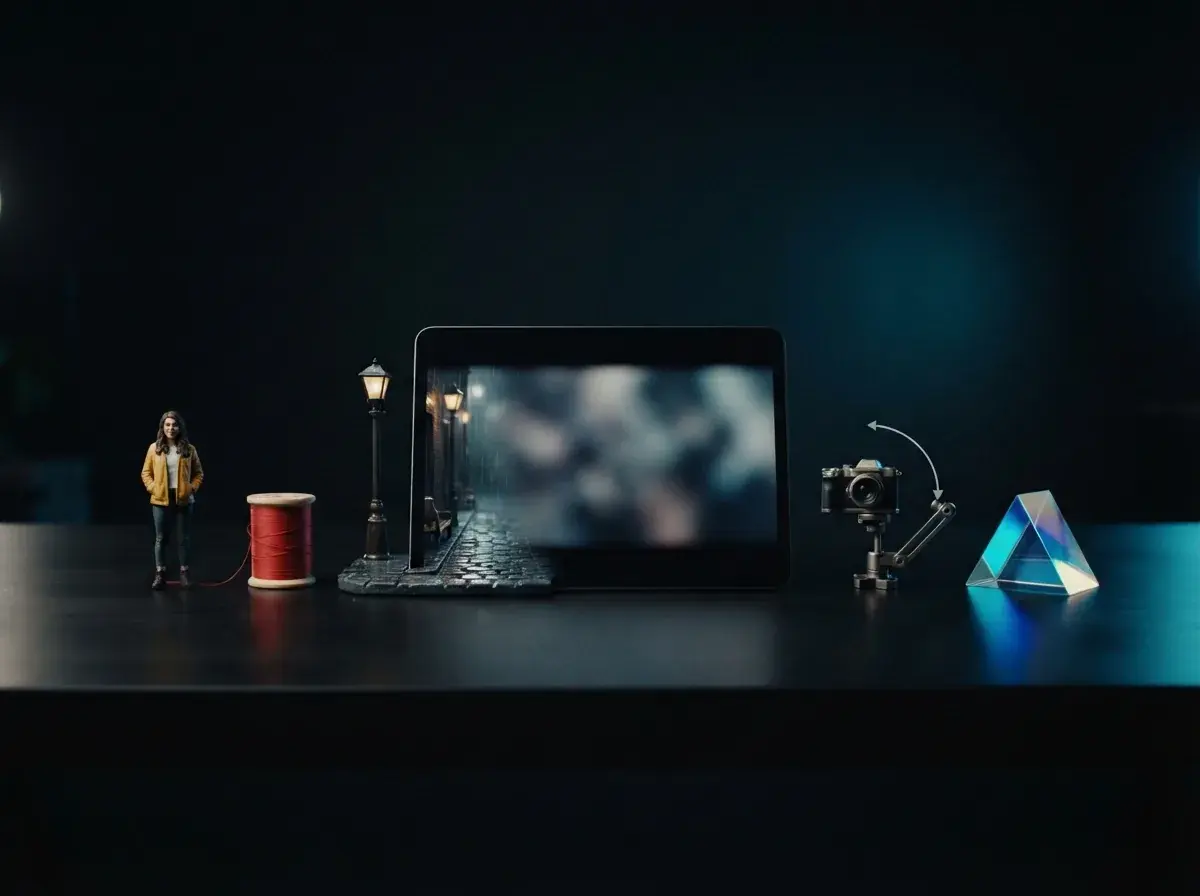
Digital editor workspace illustrating an AI video prompt structure guide with visual parameters and video preview

How to write AI video prompts in four simple steps

Writing AI video prompts with dependable results comes down to executing a repeatable workflow rather than guessing words at random. You can follow these four concrete steps to craft clear instructions for any scene:

  1. Define the focal subject and wardrobe with two or three physical descriptors, such as a young botanist wearing a beige canvas apron.
  2. Assign a single, continuous physical action so the motion remains smooth throughout the clip, such as carefully inspecting a glowing orchid with brass tweezers.
  3. Establish the environment and lighting conditions, placing the subject inside an overgrown Victorian greenhouse lit by warm afternoon sunbeams streaming through dusty glass panels.
  4. Specify the camera motion and focal distance, choosing a slow forward dolly shot at eye level with shallow depth of field.

This clear progression eliminates ambiguity and delivers a coherent AI video ready to export and share.

How do camera movements change your AI video?

Camera movements dictate how dynamic and professional your AI video feels by guiding the viewer focus and controlling visual pacing. Static prompts without camera direction often produce jarring or unpredictable zooms. When you explicitly request cinematic terminology like tracking shot, aerial drone flyover, orbital pan, or steady handheld tilt, the underlying model applies consistent directional physics to the entire frame. Lighting complements camera travel by anchoring shadow depth and surface reflections. Phrases like golden hour rim light, diffused softbox glow, or harsh overhead fluorescent illumination tell the engine how light interacts with skin, fabric, and background objects as the viewpoint shifts. You can learn more advanced combinations in our overview of AI video prompt patterns to see how specific camera angles amplify mood across different genres. Pairing an exact lens movement with deliberate lighting keeps the subject sharp while the background blurs smoothly.
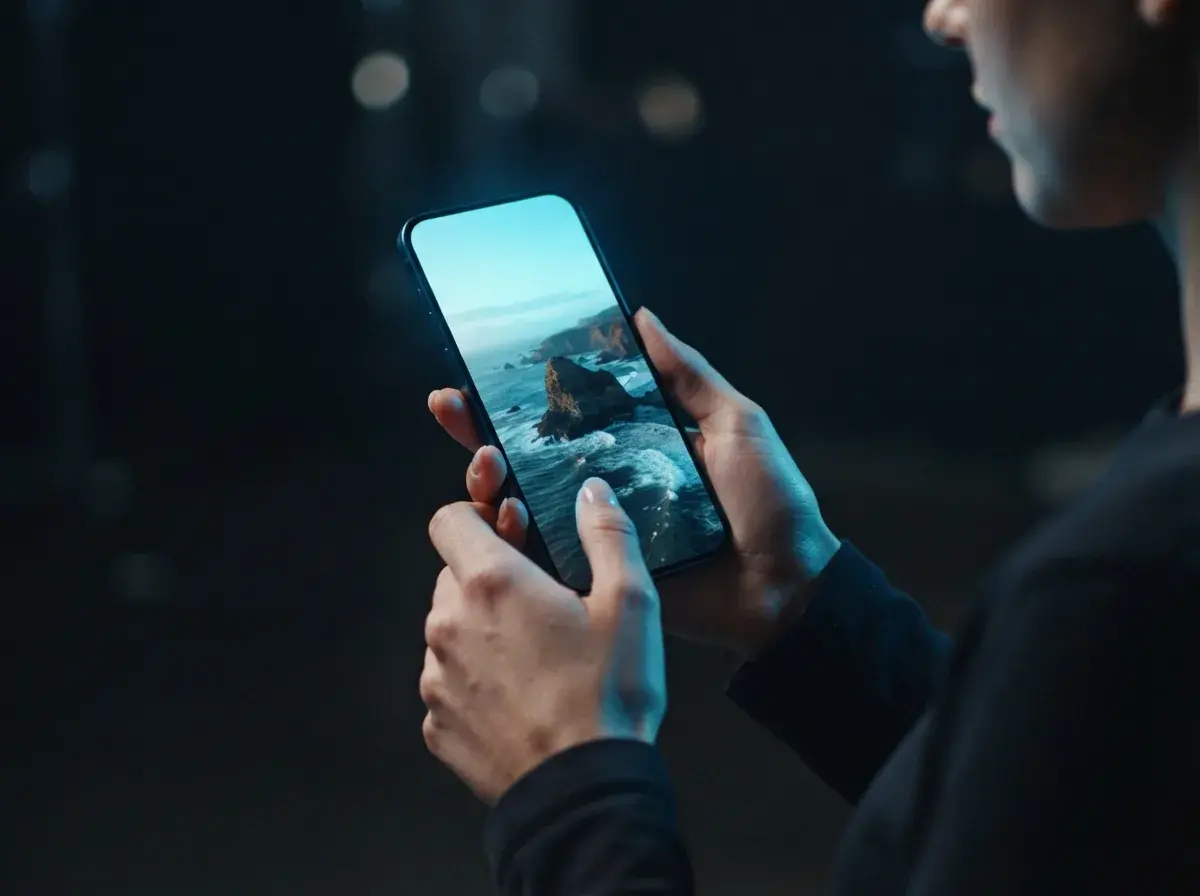
Graphic demonstration of camera movement paths and lighting angles applied to AI video generation

Maintaining character consistency in AI video

Achieving character consistency in AI video requires locking in distinctive, unchanging physical anchors across successive prompts. If you simply write a man walking and then a man talking, the model will generate two completely different faces and outfits. To keep an identity stable from one clip to the next, build a standardized character description block that you paste into every scene. Include immutable details like distinctive hairstyles, eye color, facial hair, specific garments, and signature accessories. For example, specify a woman in her late twenties with curly auburn hair tied in a loose bun, wearing silver wireframe glasses and an olive green wool trench coat. When you need to create multi-shot stories or explore how to make an AI video of yourself, starting from a clear reference photo or keeping this detailed seed description identical across generations ensures your protagonist looks recognizable throughout your entire project.

How to write AI video prompts without common mistakes

Learning how to write AI video prompts successfully means stripping away confusing buzzwords and cluttered descriptions. Many beginners stuff prompts with empty terms like ultra-realistic, 8k resolution, or mind-blowing masterpiece. These adjectives provide zero spatial or physical information to the model, cluttering the token window without refining the motion. Another frequent error is packing multiple competing actions into a five-second clip, such as a runner jumping, doing a backflip, and answering a phone call. Generative models excel when given one focused action per shot. Studying real-world AI video prompt examples shows that plain, literal descriptions of speed, posture, and lighting consistently outperform hype-heavy phrasing. When you are ready to test your ideas, opening OnVid's free AI video generator lets you turn concise text descriptions into high-definition AI videos right away without complicated software.
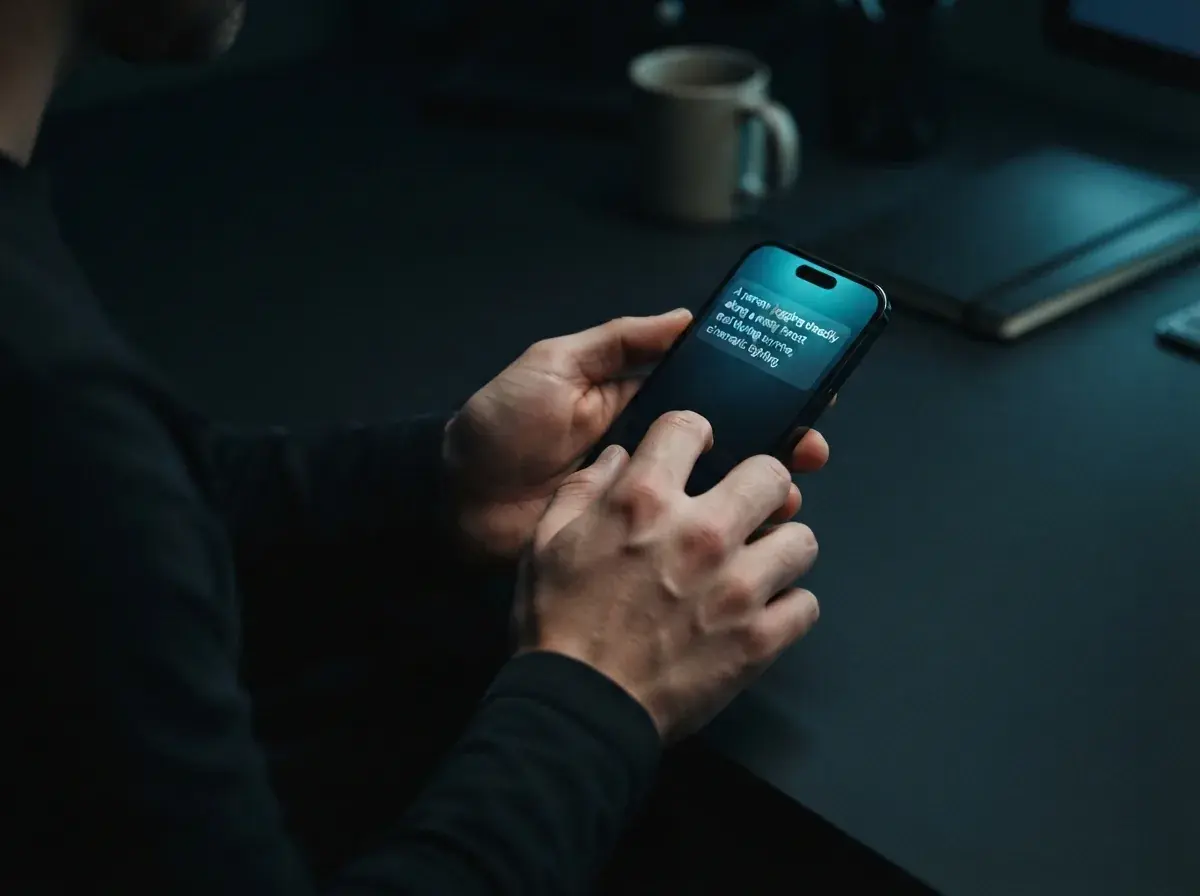
how to write ai video prompts — section inline 5

Key takeaways for effective AI video prompts

Clear directions always produce better results than vague ideas when you learn how to write AI video prompts. By anchoring your prompt with an explicit subject, precise movement, specific camera angles, and defined lighting, you give the generator exactly what it needs to produce a coherent scene. Treat every prompt as an iterative experiment where small adjustments to framing and style create noticeable improvements in your finished AI video. Want ready-made examples? Copy one of the 30 Sora 2 prompts, then test it with text to video or animate a photo with image to video.
FAQ

Frequently asked questions about how to write AI video prompts

Find straightforward answers below covering camera directions, scene structure, and how to write AI video prompts that turn basic ideas into smooth footage.

How to write AI video prompts that deliver predictable visual results?
To master how to write AI video prompts, structure your text around six core details: the subject, primary action, environment, camera movement, lighting, and visual style. Specifying exact camera directions like a slow tracking shot prevents random motion artifacts. Clear descriptions give an AI video generator the exact parameters needed to render your scene cleanly.
How to write AI video prompts as a beginner?
Beginners should start with a simple formula that pairs a clear subject with a single motion, such as a red sports car driving down a coastal road at sunset. Keeping actions straightforward avoids confusion during video generation. As you learn how to write AI video prompts, you can add layered camera cues and atmospheric lighting to build more cinematic clips.
What elements belong in an AI video prompt structure guide?
A reliable prompt structure divides your description into subject, action, setting, camera lens, lighting mood, and rendering style. Placing the primary subject and motion at the beginning ensures the generator prioritizes the main focus. Secondary details like volumetric lighting or 35mm film grain should be placed at the end to refine the shot's final aesthetic.
What are some cinematic video prompt examples that produce realistic motion?
Effective cinematic prompts combine real-world camera language with distinct lighting cues. For example: A detective walking through a rain-slicked alleyway at midnight, neon blue reflections, low-angle tracking shot, 35mm film texture. OnVid's free AI video generator handles these detailed visual directives smoothly to create believable camera pans and depth.
How do you maintain character consistency in AI video across multiple scenes?
To keep characters consistent, reuse an identical descriptive anchor that specifies clothing, hair color, facial features, and distinct accessories in every prompt. Starting from an existing image using an image to video workflow helps lock down character proportions before introducing new actions. You can also explore our guide on how to make AI faceless videos to bypass consistency challenges completely.
How many words should a 10-minute video script be when planning AI scenes?
A standard 10-minute video script usually requires between 1,300 and 1,500 words at a normal speaking pace of 130 to 150 words per minute. If you are pairing spoken narration with AI video, break that script into roughly 60 to 90 individual shot prompts of 5 to 10 seconds each. This granular approach ensures visual variety and keeps the footage aligned with your voiceover.
How do prompt descriptions change when generating longer AI clips?
Longer AI clips require prompts that focus on steady, continuous actions rather than sudden scene transitions. Describing an ongoing motion like a person hiking along a mountain ridge keeps the visual flow natural across extended timestamps. Splitting complex storylines into multiple shorter prompt generations gives you tighter creative control.
What mistakes should creators avoid when writing prompts for AI videos?
The most frequent mistake is stacking contradictory actions or describing multiple rapid scenes in a single prompt. AI video tools struggle when asked to show someone entering a room, sitting down, and opening a laptop all in one prompt. Stick to one core action per generation to prevent morphing limbs and erratic frame blending.
How should creators prompt fast athletic movement in sports videos?
When prompting fast athletic motion, specify slow-motion cues and exact body mechanics like a sprinter driving from the blocks.
Which camera movement terms work best in AI video prompts?
Standard cinematic terminology yields the most reliable results across video models. Terms like slow pan left, drone aerial view, static wide shot, low-angle tracking shot, and slow zoom in provide clear spatial boundaries. Avoid vague terms like dynamic movement because they often introduce chaotic camera spins and warped backgrounds.
Should you specify visual styles in the prompt or rely on style presets?
Using both produces the sharpest results. Selecting a preset inside an AI video generator sets the baseline rendering engine, while specific prompt descriptors like anamorphic lens flare or watercolor wash refine the exact mood. Combining a preset with subtle text cues gives you tailored aesthetics without confusing the generator.
What visual keywords improve clothing texture and fabric motion in AI videos?
Mention specific fabric weights, lighting angles, and wind dynamics, such as silk dress billowing in a gentle breeze with soft studio rim light. Describing tactile textures like velvet, coarse linen, or reflective metallic foil helps the model simulate realistic light reflection. See our article on AI videos for fashion for curated lookbook prompt ideas.
How does a tool prompt differ from a tool prompt?
In an image to video prompt, you do not need to describe the subject's appearance because the photo already establishes the visual details. Your prompt should focus solely on the desired movement, such as camera slowly orbits the subject while smoke rises gently in the background. Focusing strictly on motion prevents the tool from distorting the original image composition.
Do resolution terms like 4K and 8K actually improve AI video quality?
Terms like 4K, 8K, or photorealistic do very little to improve generation quality and often consume valuable prompt space. Describing specific photographic elements like sharp focus, natural morning sunlight, 35mm film grain, and high contrast produces far better clarity. Clear lighting specifications guide the model to render crisp edges and believable shadows naturally.
How long should an AI video prompt typically be for optimal results?
The ideal prompt length is between 25 and 50 words arranged into concise visual clauses. Prompts shorter than 10 words leave too much creative interpretation to the model, which leads to generic stock looks. Prompts that exceed 75 words often cause the model to ignore later instructions or blend conflicting concepts together.

See similar blogs

More from the blog

Put your prompt into action and create your first AI video

Paste your custom prompt into OnVid and watch your written scene turn into a finished AI video quickly.

No signup · No credit card · Free to start