
October 1, 2026
9 min read
Industry Insights

Tavus Griffin Explained: The First AI to Pass a Live Video Turing Test

Tavus Griffin is a new Human Interaction Model that listens, watches and talks at the same time on a live video call. In a one-minute call study run by Tavus, 48% of participants believed they were talking to a real person. Here is how the test worked, what the benchmarks show, and when you can actually use it.

By Reviewed by Jonah WellerHow we review

What is Tavus Griffin and how did it pass a video Turing test?

Tavus announced Griffin on October 1, 2026, calling it the first Human Interaction Model: a single video-to-video model that sees, hears, speaks and moves at the same time instead of a chain of separate systems taking turns. To test it, Tavus put 54 participants on one-minute live video calls and told them they would meet "another participant". Afterwards, 48% of them (26 of 54) said they believed they had been talking to a real person. Tavus's previous stack, which combined its Phoenix-4.5, Sparrow-2 and Raven-1 models, convinced just 2.4% of people (1 of 41) in the same kind of test. Participants who did suspect an AI usually noticed within the first 20 seconds, and on a 7-point scale they rated the calls 5.4 for naturalness, 5.6 for trust and 5.8 for wanting to talk again. Keep the caveats in mind: this is Tavus's own study, the sample is small, and the calls lasted one minute.

How a Human Interaction Model differs from earlier AI avatars

Most conversational avatars, including Tavus's earlier stack, pass a conversation between separate models: one decides when to speak, one understands what it sees and hears, and one renders the face. Griffin folds that into one full-duplex model, and that is the real difference between a turing test AI and a talking avatar. It keeps listening while it talks, can interrupt and be interrupted, nods along and gives you room to think, reacts to what you hold up to the camera, and gestures as it speaks. Tavus says it generates the whole frame in real time, not just a moving face, starting from a single reference image. That simultaneous back-and-forth is what earlier turn-based avatars lacked, and it is the main reason the Tavus Griffin AI held up for a full minute with so many participants.
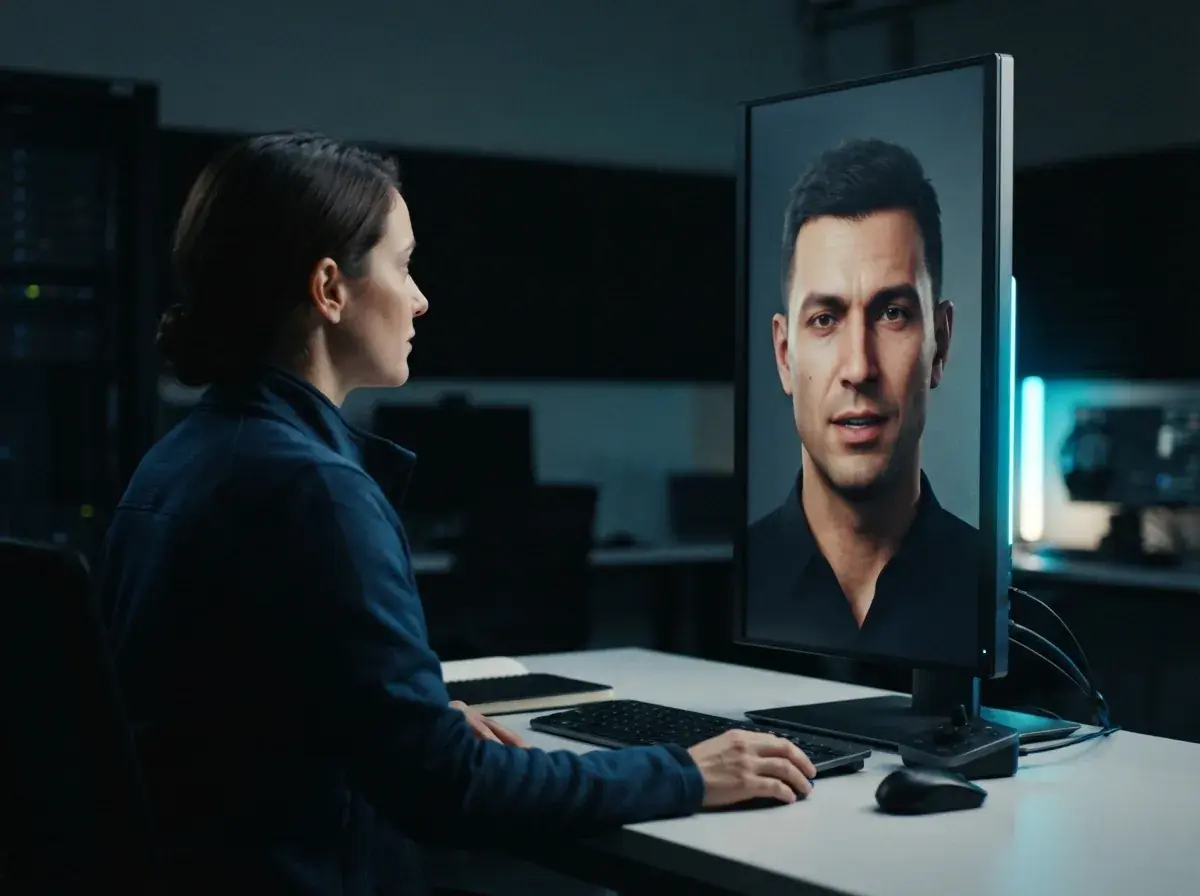
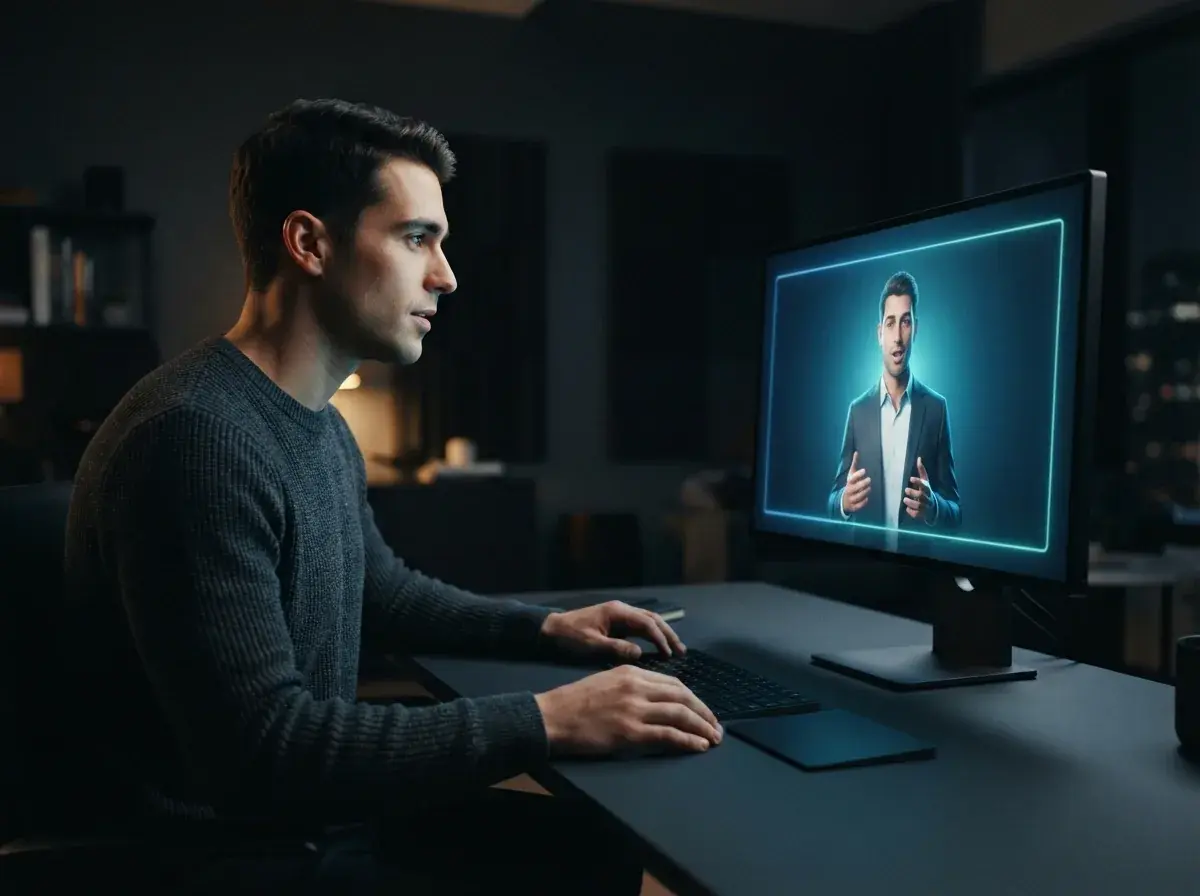
Diagram illustrating continuous conversational modeling and low-latency audio processing in a synthetic video stream

The technical hurdles of running a real time AI avatar

A real time AI avatar has to produce video as fast as the conversation moves, which is a very different job from rendering a clip you download later. Tavus reports that Griffin-Lite, the version testers can access, averages 0.43 seconds of video-generation latency on NVIDIA H100 GPUs and streams 720p video in 320-millisecond chunks. Pre-recorded tools can take longer per clip because nobody is waiting on the other end of a call. At OnVid, real-time interactive AI avatars are on our roadmap as coming soon. Today, creators use OnVid's AI video generator to make pre-recorded presenters, product explainers and narrative scenes from text prompts and still photos, with full control over the final pacing.

Griffin on the NVIDIA VideoFDB benchmark, and why Tavus is holding it back

Beyond its own study, Tavus points to NVIDIA's VideoFDB benchmark for face-to-face AI, where Griffin ranked first on both tracks. On generation it scored 3.83, close to the human reference of 3.92 and well ahead of the next-best system at 2.80. On perception it scored 3.73, against 4.20 for humans and 3.44 for the next-best model, MiniCPM-o 4.5. The same realism creates a risk: Tavus says further alignment and safety work is needed before a full release because the model can deceive a person into believing it is not AI, and it is building disclosure features so people know when they are talking to one.
Technical dashboard displaying synthetic video latency benchmarks and automated content safety checks

How creators can produce talking AI videos today

While interactive conversational models develop toward mainstream adoption, creators can produce compelling narrative clips right now using existing generative workflows. Using an AI avatar generator or an AI lip sync tool allows educators, marketers, and storytellers to turn written scripts into polished presenter clips without needing camera crews or recording studios. If you are exploring a versatile HeyGen alternative, OnVid's text to video platform turns simple text ideas or uploaded still photos into smooth, finished video ready for social sharing. You can choose your duration before generating, with options extending up to thirty seconds on Pro and sixty seconds on Max plans. It is free to start after you sign up, providing an accessible way to test video ideas, produce talking characters, and share dynamic clips without needing technical editing experience.

Practical workflows for producing synthetic presenter AI videos

Step 1: Define your visual assets and message requirements by choosing between an interactive conversational session or a structured presenter clip. Step 2: Prepare your script and visual style presets, ensuring your lighting, color balance, and tone match your brand identity across every scene. Step 3: Generate your video assets using targeted prompt descriptions or reference portraits to establish a cohesive visual anchor. Step 4: Review phoneme alignment, camera movement, and pacing before exporting your final media. Real-time interactive AI avatars that hold live two-way conversations are currently on the OnVid roadmap as a coming soon feature. Today, OnVid delivers dependable pre-recorded avatar clips, photo animation, and text-to-video tools that produce shareable videos from scratch.
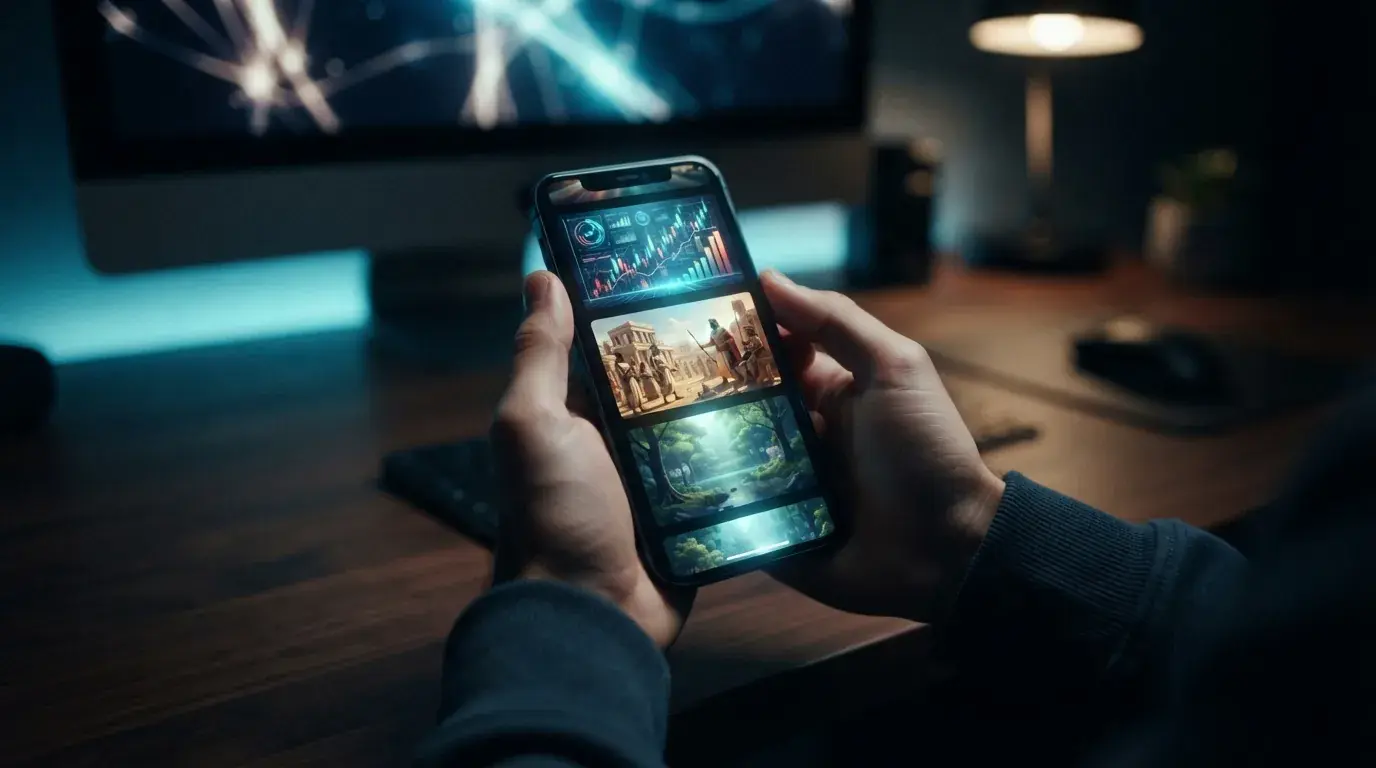
Smartphone screen showcasing a finished digital presenter video in a creative studio setting

The bottom line on Tavus Griffin

Tavus Griffin is the strongest evidence yet that live AI video can feel human: 48% of participants were fooled in a one-minute call, and it topped NVIDIA's VideoFDB benchmark. It is also not something most people can use yet, with access limited to a research preview while Tavus works on safety and disclosure. For now, pre-recorded AI video handles everyday production needs reliably, and real-time models like Griffin show where interactive video is heading next.
FAQ

Frequently asked questions about Tavus Griffin AI video

Clear answers about how Tavus Griffin works, what its Turing test and benchmark results mean, whether you can use it yet, and how it compares to standard video generators.

What is Tavus Griffin and how does it relate to conversational video?
Tavus Griffin is a Human Interaction Model from Tavus: a full-duplex, video-to-video model that listens, watches and talks at the same time during a live video call, generating the whole frame in real time from a single reference image. For creating pre-recorded scenes from prompts or photos instead, see our guide to the ai video generator.
Did the Tavus Griffin model pass a formal live video Turing test?
In Tavus's own study, 54 people had one-minute live video calls after being told they would meet another participant, and 48% (26 of 54) believed Griffin was a real person. Tavus calls this the first face-to-face pass of a video Turing test. It is a small, company-run study, so treat it as a strong early signal rather than an independent verdict.
How does full duplex AI video change live avatar interactions?
Full duplex AI video means both sides can speak and listen at the same time, as in a real call. Most avatar systems wait for one party to stop before responding, which creates noticeable pauses. The Tavus Griffin model works full duplex, so it can be interrupted mid-sentence and keep listening while it talks.
How did Tavus Griffin score on NVIDIA VideoFDB?
VideoFDB is NVIDIA's benchmark for face-to-face AI, with separate generation and perception tracks. Griffin ranked first on both: 3.83 on generation (human reference 3.92, next best 2.80) and 3.73 on perception (human reference 4.20, next best 3.44 from MiniCPM-o 4.5).
Is Tavus Griffin available, and is it free?
Not yet. Griffin-Lite is a research preview for a select group of early testers who apply through a form, and the full Tavus Griffin model is not on the Tavus platform. Tavus says it will arrive once it can be released safely and has not announced pricing.
Can you build pre-recorded marketing AI videos from prompts?
Yes, an AI video generator like OnVid specializes in generating polished, pre-recorded marketing content, product showcases, and social clips from text prompts or still photos. You enter your creative prompt or upload an image, select a style, and receive a downloadable HD video. This provides complete creative control over the final visual output without requiring live hosting infrastructure.
Does OnVid support live two-way conversational AI video avatars?
Real-time interactive AI avatars that hold live, two-way conversations are currently on our roadmap as a coming soon feature. Today, OnVid produces pre-recorded avatar and talking-presenter videos from text and photos. You can generate videos up to 30 seconds on Pro or up to 60 seconds on the Max plan.
What is a human interaction model in synthetic media?
Human Interaction Model is the name Tavus gives Griffin: one model that handles seeing, hearing, speaking and moving at once, like a person on a video call, instead of separate models for turn-taking, perception and rendering. It keeps listening while it talks and shows listening cues such as nods, so it does not freeze while the other person speaks.
What hardware requirements exist to run a real time AI avatar?
Tavus runs Griffin in its own cloud; Griffin-Lite averages 0.43 seconds of video-generation latency on NVIDIA H100 GPUs. End users connect through a normal video call in the browser rather than rendering anything on their own device. Pre-recorded video tools also render in the cloud, but deliver a finished file instead of a live stream.
Why is Tavus holding back a full Griffin release?
Tavus says Griffin can deceive a person into believing it is not AI, so it wants more alignment and safety work before a broad release. It is building disclosure features so people know when they are talking to an AI. Until then, access is limited to the Griffin-Lite research preview.
Can conversational video models generate full scenes from a single reference image?
Yes. Tavus says Griffin generates the full frame in real time from one reference image, and its current Phoenix-4.5 rendering model can also create new identities zero-shot from a single image. On the Tavus platform, custom faces can be trained from a short video or a single image.
What does a 48 percent score mean in a video Turing test?
It means 26 of the 54 participants believed they had spoken to a real person after a one-minute call. Participants were not choosing between a human and an AI side by side; they were told they would meet another participant and asked afterwards. Tavus's previous model stack scored 2.4% in the same kind of test, which is why the jump to 48% is the headline.
What are the commercial usage rules for content made as AI videos?
Commercial use depends on the model that made the video; check the OnVid Terms of Service and the model's terms before commercial use. Some models restrict commercial rights based on your active plan tier, while others grant broad usage. Always verify the specific licensing terms of the engine used to create your footage before commercial deployment.
How long can videos generated with OnVid be?
Videos are not unlimited in length and can reach up to 30 seconds on the Pro plan and 60 seconds on the Max plan. You select your target duration before generating your video. Usage is metered by credits per second of generated footage, and any failed video generation automatically refunds its credits to your balance.
What plans and credits are available on OnVid?
After you sign up you get free credits to test generating clips. Upgrading to Pro ($6.99 a week or $13.99 a month) or Max ($13.99 a week or $27.99 a month) adds watermark-free HD downloads and longer runtimes. To animate still photos, see our guide to image to video.
How does live conversational AI video compare to prompt-based generation?
Live conversational systems such as Tavus AI stream unscripted dialogue in real time, which suits support, interviews and sales calls. Text to video generation instead renders cinematic scenes, creative visuals and scripted stories that do not need live input. For more platform comparisons, see our guide to Tavus alternatives.

See similar blogs

More from the blog

Ready to make your own cinematic AI video?

Explore how models like Tavus Griffin are advancing conversational media, or use OnVid's AI video generator to create polished clips from text prompts and photos today.

No signup · No credit card · Free to start