
Every official GTA 6 trailer so far
Rockstar has released four main GTA 6 videos, plus short teasers. Every official GTA 6 trailer, with its date and song:
- GTA 6 trailer 1 (the reveal trailer): December 4, 2023, released a day early after a leak. Song: Tom Petty, "Love Is a Long Road". Watch on Rockstar's YouTube.
2. Trailer 2
May 6, 2025, 2:47. Song: The Pointer Sisters, "Hot Together". Rockstar said it passed 475 million views across platforms in 24 hours. Watch Trailer 2.
3. An Extended Look
August 27, 2026, 26:48. It premiered on Netflix, then on YouTube. Watch the Extended Look.
4. GTA 6 launch trailer
October 15, 2026, 1:29. Song: Justice featuring Tame Impala, SZA and King Gizzard & The Lizard Wizard, "Flower in a Hurricane". Rockstar's launch trailer page.
If you searched for "GTA 6 trailer 3", you want the launch trailer, the third full trailer after Trailers 1 and 2. The game itself came out on November 19, 2026, on PS5 and Xbox Series X|S. Many YouTube uploads are re-posts, so use Rockstar's channel for every GTA VI trailer and GTA 6 teaser in its original form.
What do Rockstar's videos show?
Watch the trailers back to back and three kinds of shots keep coming up. They are also the ones fans remake most.
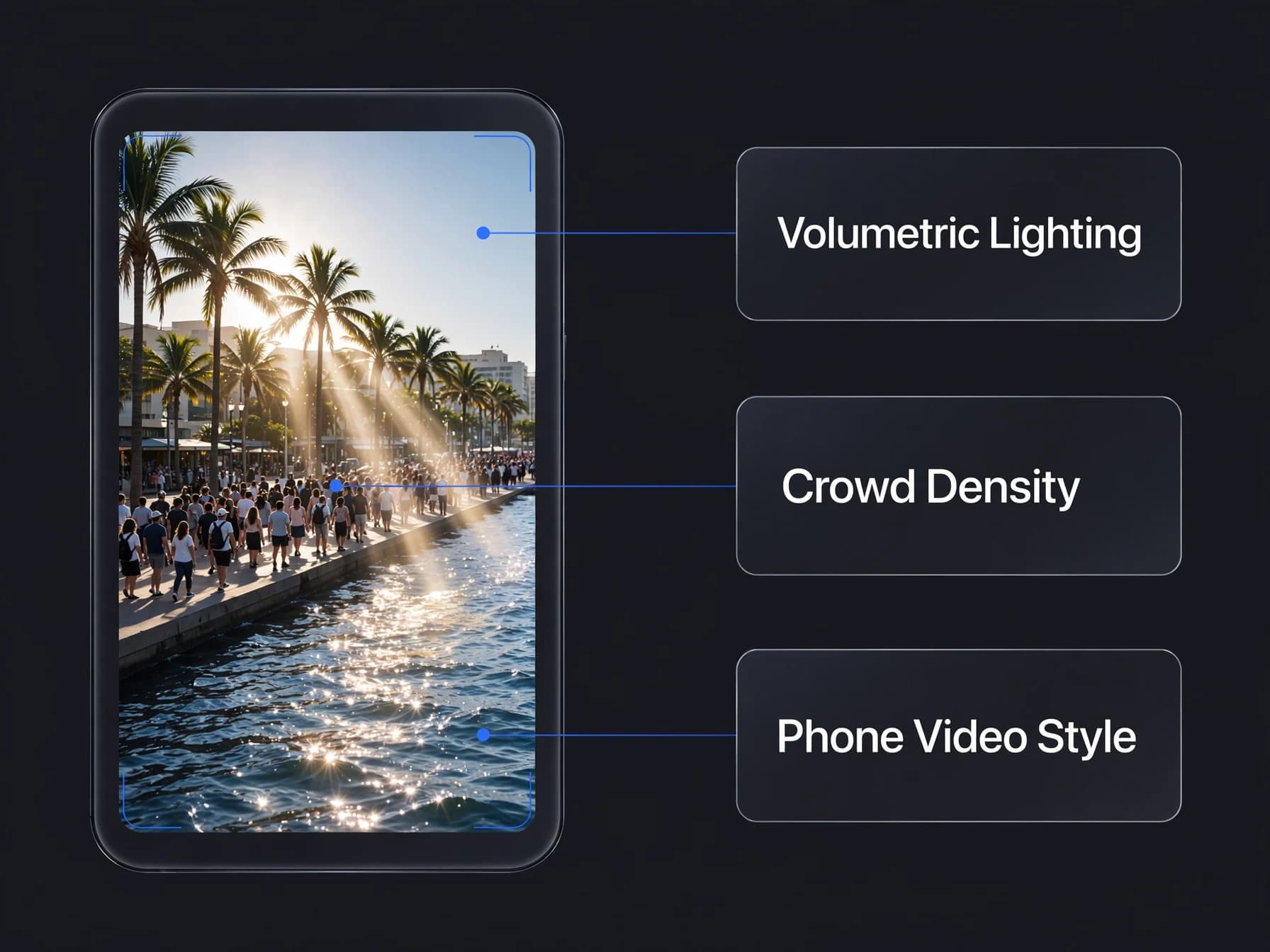
Phone-video moments. The trailers cut in shaky, social-media-style clips of Leonida's residents doing ridiculous things, a wink at the real viral videos that inspired them. They are short, funny and easy to recreate with your own phone footage.
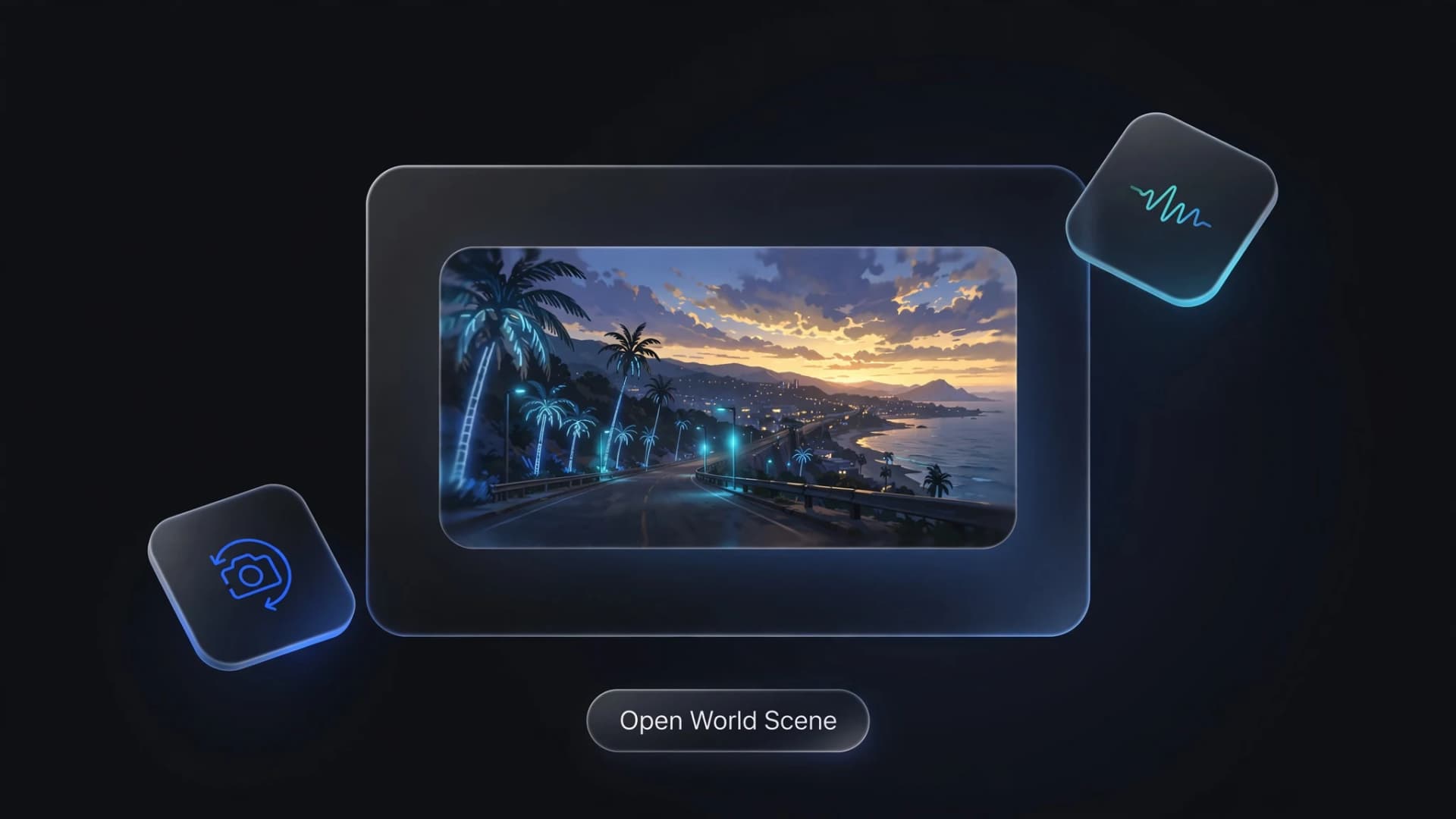
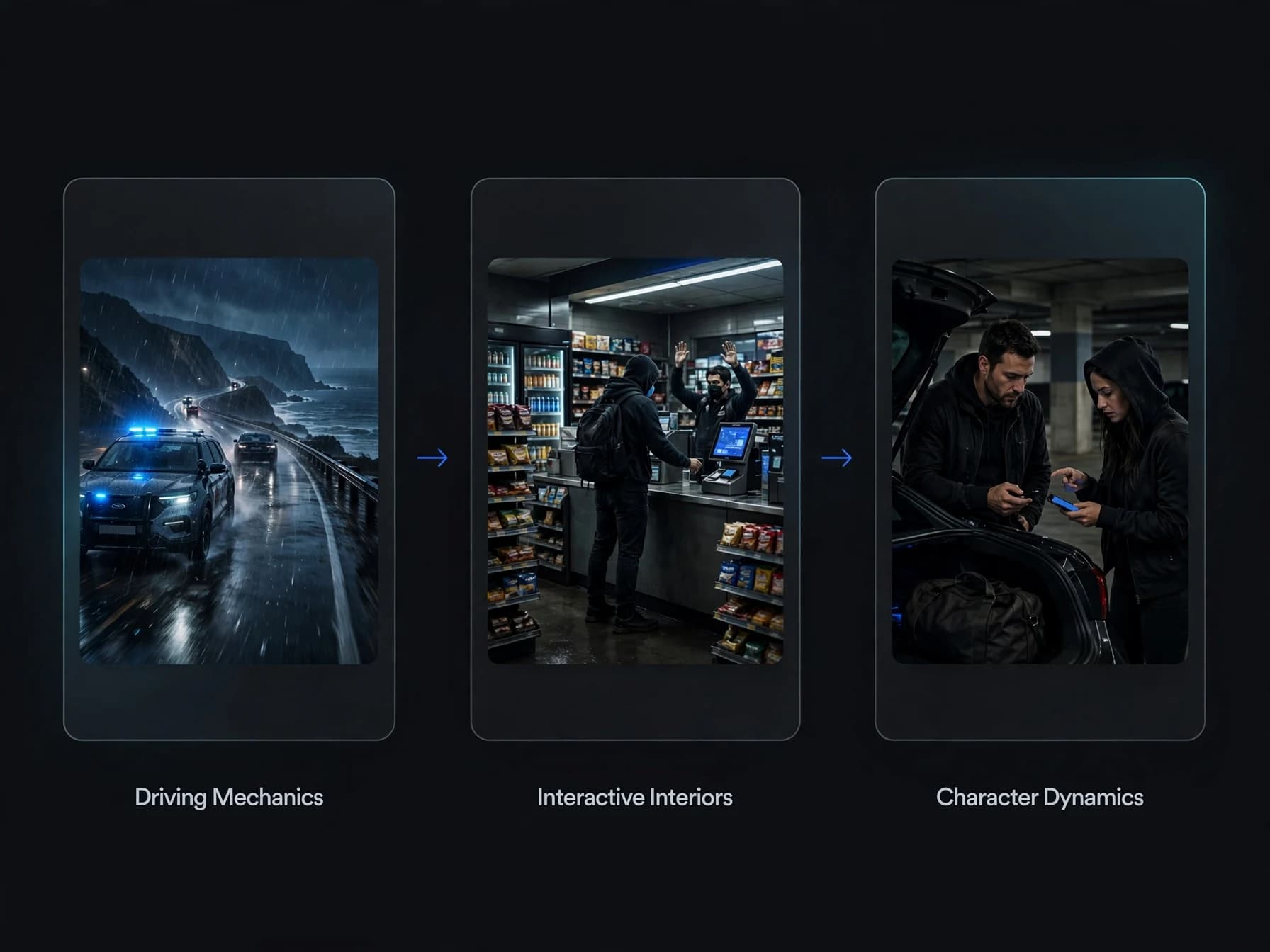
Driving. Sunset highways, beach roads, convertibles and police chases carry most of the pace.
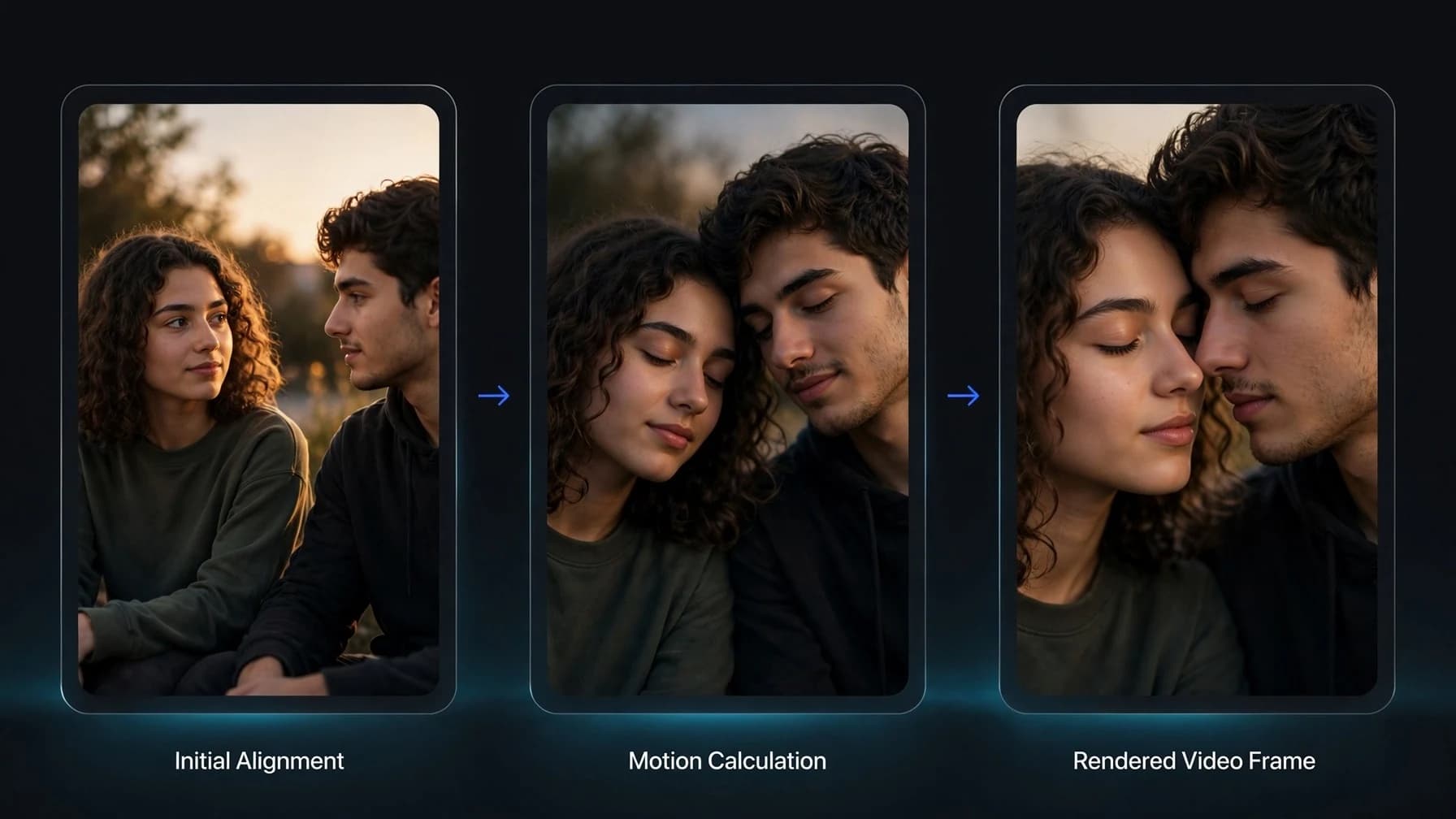
Characters. Jason and Lucia get close-ups, quiet two-shots and quick reaction cuts. Rockstar's premise is that their easy score goes wrong and they must rely on each other. In your own remake, the characters are you and your friends, not Rockstar's.
How a GTA 6 trailer is structured
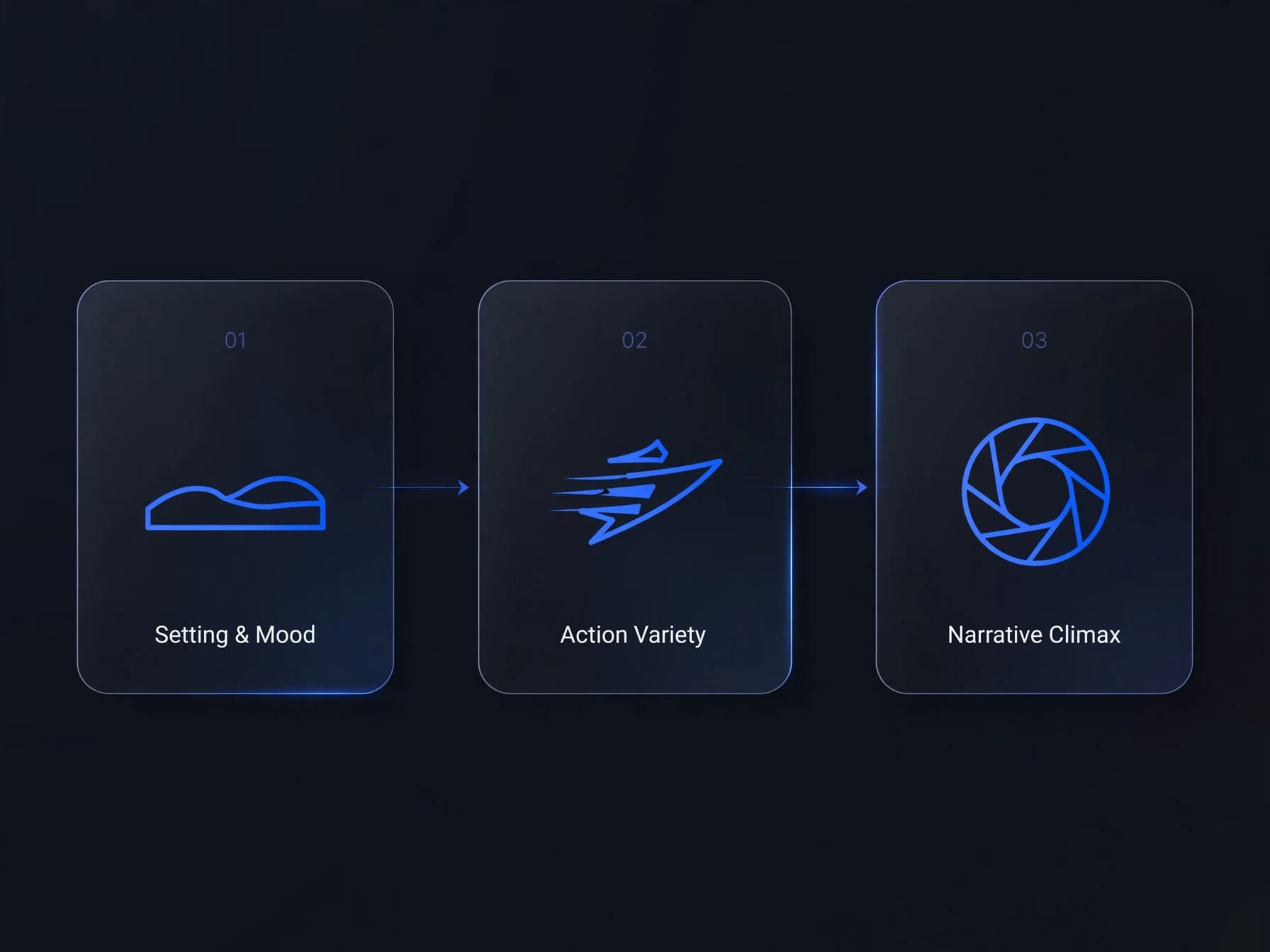
Rockstar trailers follow a simple three-act shape you can copy in 30 to 60 seconds:
- Setting and mood (first quarter): wide shots of the city and coast, slow music, no action yet.
- Action and variety (middle): the song kicks in and the cuts speed up, with chases, parties, wildlife, phone videos and small jokes.
- Climax (last quarter): the two leads together, a beat of quiet, then the hardest hit of the chorus over the biggest shot and the title card.
The song is the skeleton. Pick your music first, mark where the chorus lands, and cut every shot to it.
How to make your own remake step by step
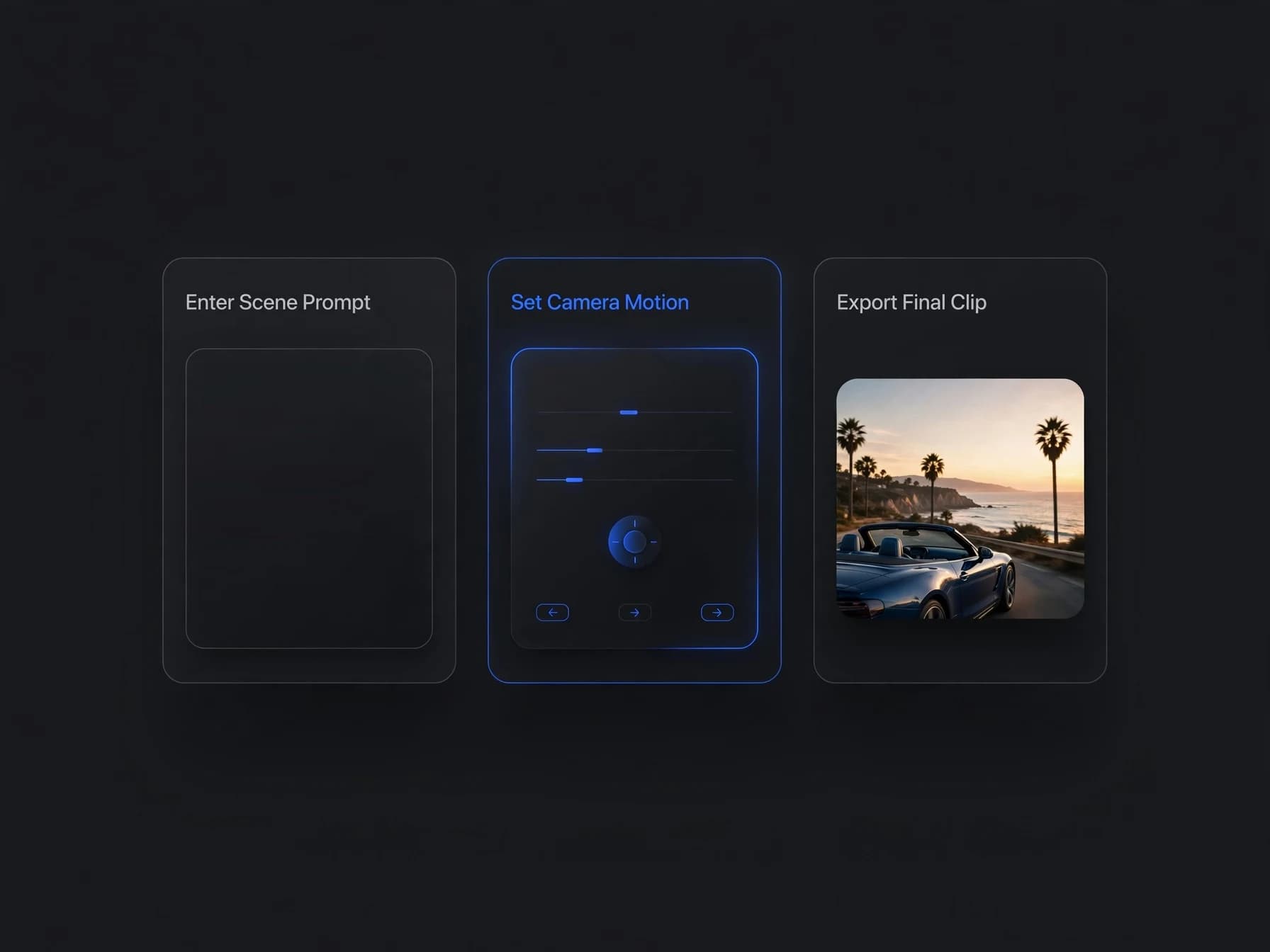
You can make a GTA 6-style trailer from your own clips with OnVid. It works best as a parody or tribute of your own life: your city, your car, your friends.
- Shoot 6 to 10 short clips of 2 to 5 seconds on your phone: a street, a drive, a friend reacting, a sunset.
- Restyle them with video to video. Describe the look, for example "sunny coastal city, saturated colors, cinematic film grain".
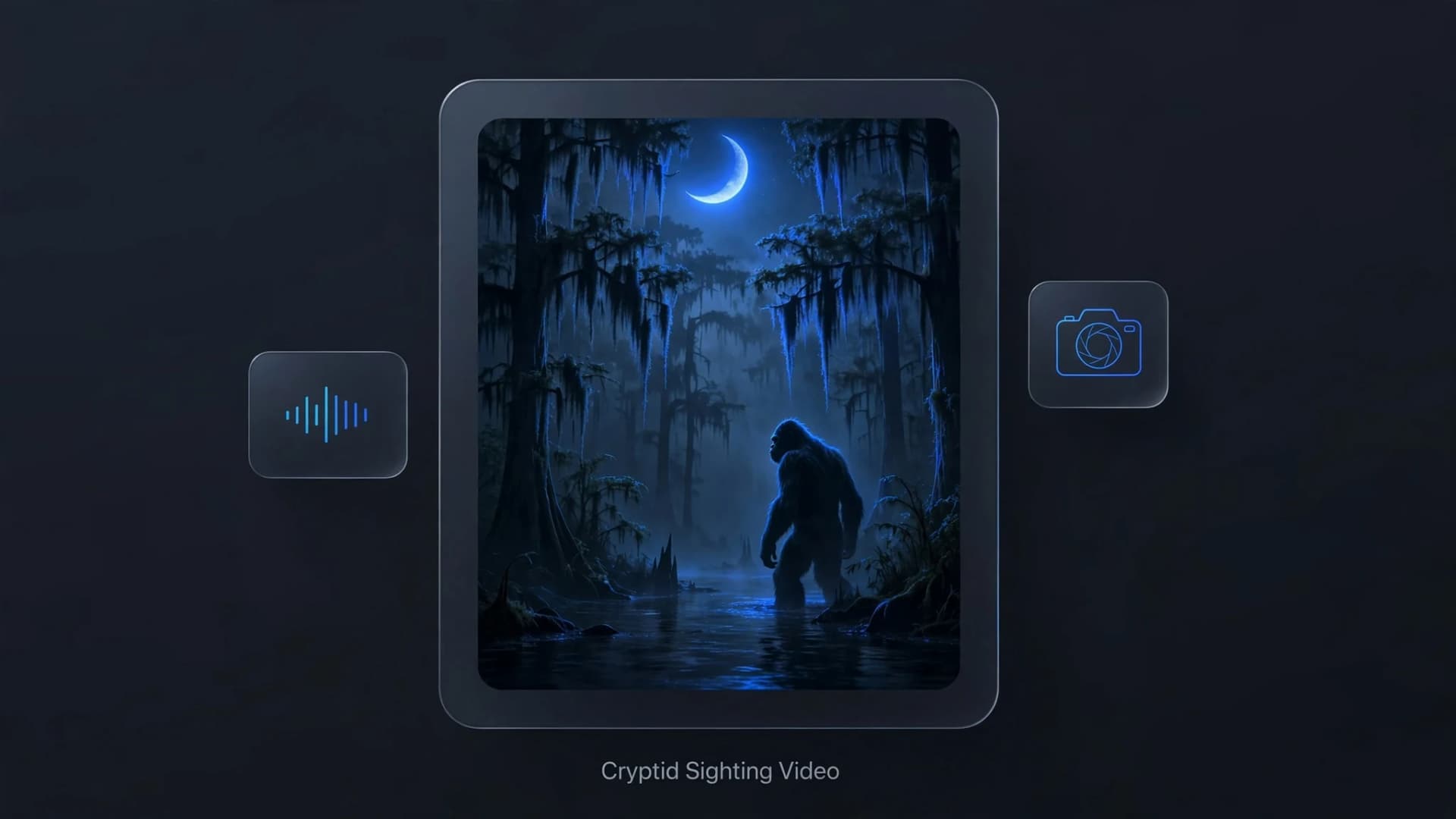
- Fill the gaps with image to video for photos, or text to video for shots you cannot film, such as an aerial view over a beach city.
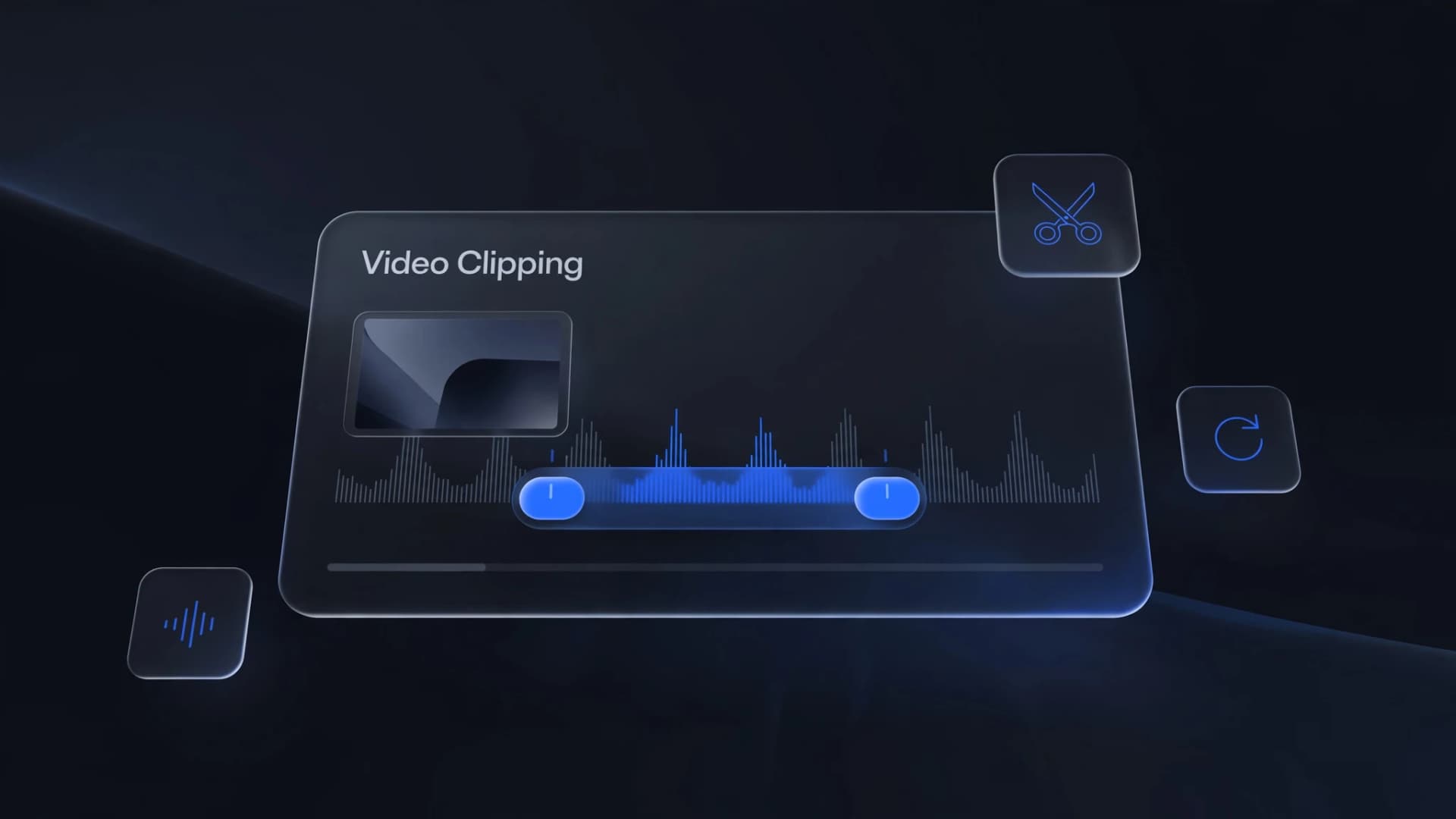
- Add music and sound with OnVid's sound tool. Use an original track, not the official trailer songs.
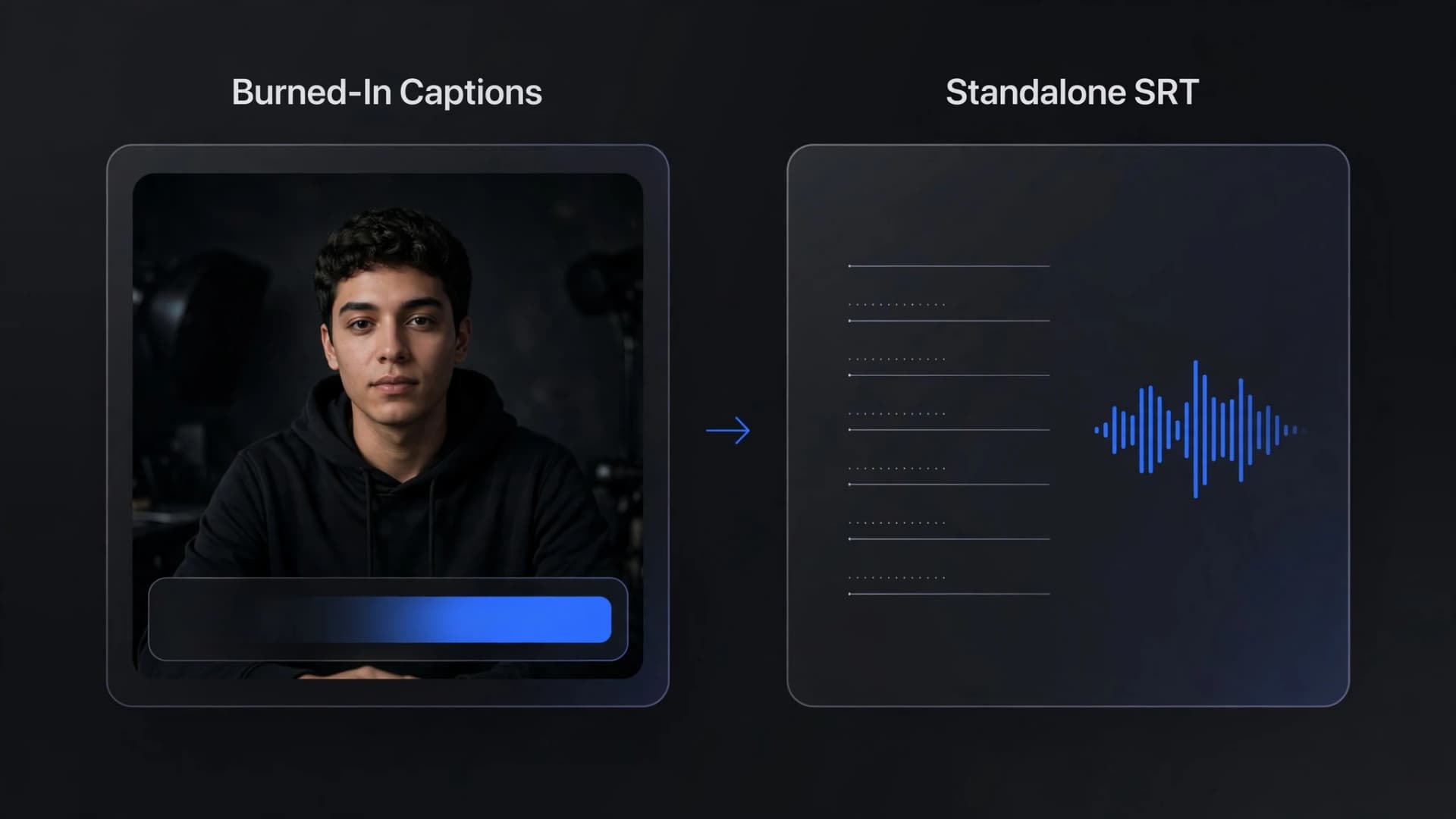
- Add a title card or captions with the captions tool, then cut everything to the beat.
For longer story cuts, our guide to how to make AI movies covers keeping the same characters across shots.
The look: color, angles and aerial shots
Three choices make a remake read as GTA 6 without copying a single frame:
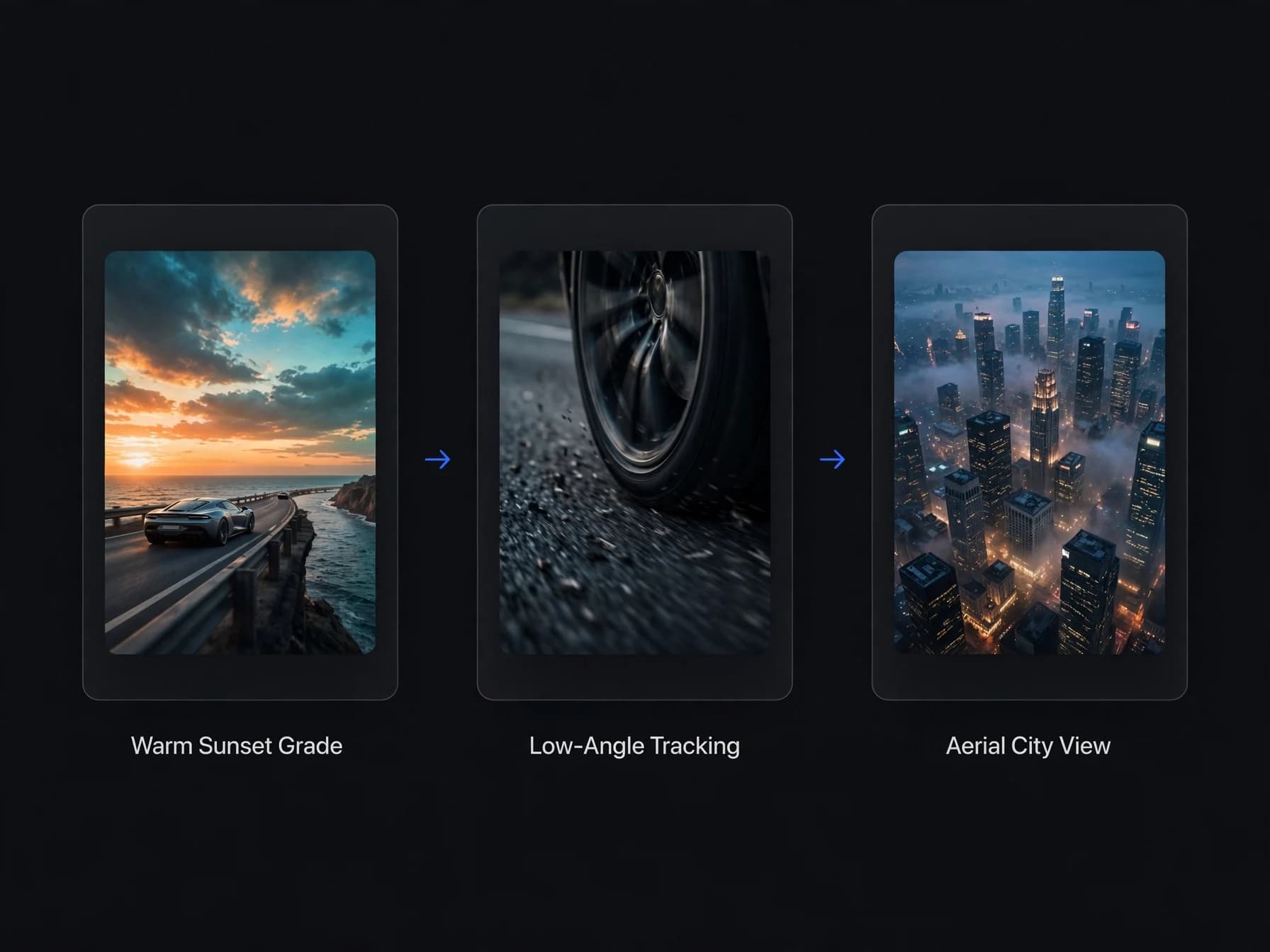
- Color: warm sunset skies against teal water by day, pink and blue neon at night. Put "golden hour, saturated, warm highlights, teal shadows" in every prompt so the shots match.
- Low tracking shots: the camera close to the road, following a car or a walking character. Prompt "low-angle tracking shot, camera follows at ground level".
- Aerial views: a slow glide over a beach city, a marina or a swamp at sunset makes a strong opening shot.
Write prompts shot by shot. Our guide on how to write AI video prompts has a formula that keeps subject, action, camera and light in order, and our AI video trends report shows which looks are working in feeds right now.
Mistakes to avoid in a fan remake
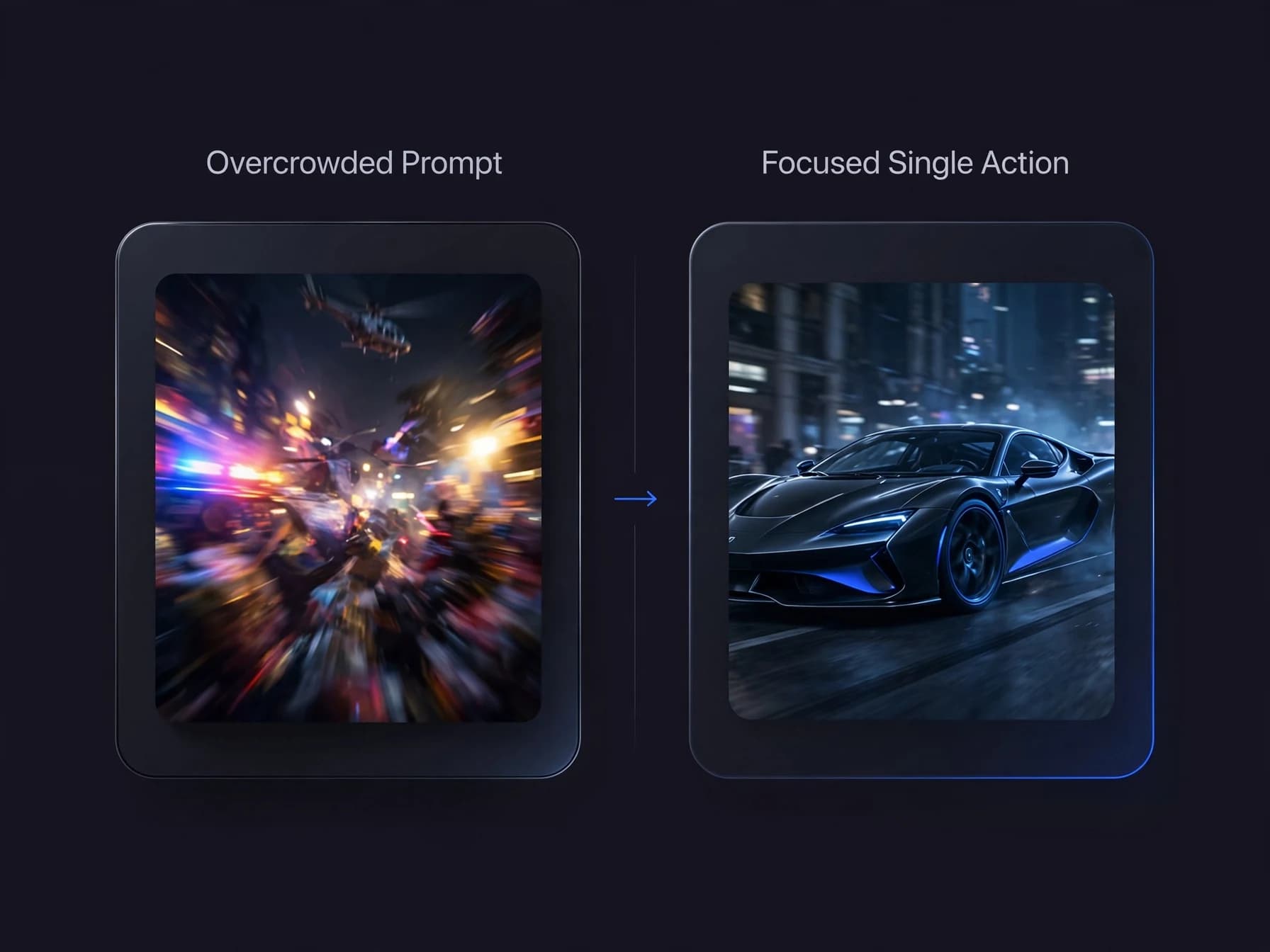
- Overcrowded prompts. Explosions, helicopters, a chase, a party and a sunset in one 5-second shot gives you mush. Give each shot one action.
- Copying Rockstar. Do not use the GTA logo, Rockstar's characters or their faces, or footage captured from the game. Make your own characters and call it a fan-made parody.
- Using the trailer songs. Licensed songs often get muted or claimed. Use an original track.
- Passing it off as real. Fake "leaked" clips spread fast and anger people when they are exposed. Label AI clips clearly; our guide to spotting AI videos shows what viewers look for.
- Running too long. The official launch trailer is under 1:30. Aim for 30 to 60 seconds.