An AI kiss video transforms two separate portrait photos into a moving romantic sequence through generative animation models. Anyone can produce a convincing kissing AI video by uploading well-lit pictures and guiding natural head movement with simple text instructions.
How an AI kiss video generator turns two photos into a kiss
An AI kiss video generator uses advanced diffusion models to calculate how two distinct faces should move toward each other naturally. The system analyzes eye gaze, head rotation, jaw angles, and lip contours to build intermediate frames that preserve each person's unique features. Instead of morphing flat pixels, modern models understand three-dimensional human anatomy to simulate organic physical closeness.
Creating an AI kissing video used to require frame-by-frame 3D modeling or manual animation software. Today, generative vision networks recognize depth, background perspective, and lighting consistency across every movement. When you provide still pictures, the engine infers natural micro-expressions such as closing eyelids, subtle smiles, and realistic head tilts.
OnVid brings multiple state-of-the-art vision models together so you can animate romantic clips without specialized technical knowledge. You can explore creative styles ranging from soft cinematic realism to vivid anime scenes while maintaining consistent character likeness throughout the clip.
How to make an AI kiss video step by step
Step 1: Select two clear portraits where both subjects face toward the center with open,
Step 2: Upload your reference portraits into OnVid's image to video workspace and choose
Step 3: Generate your clip using your plan credits, check the movement flow, and downloa
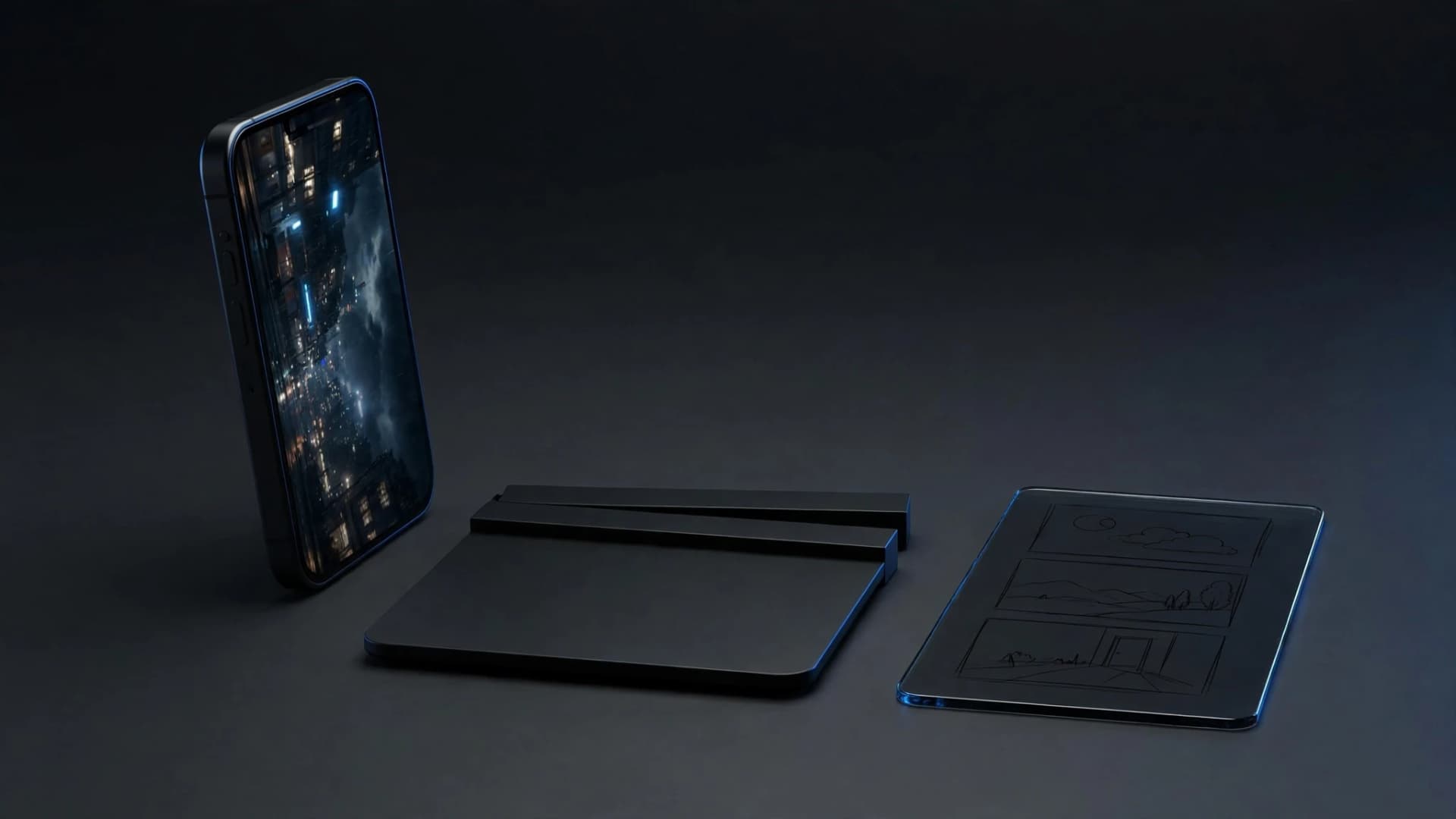
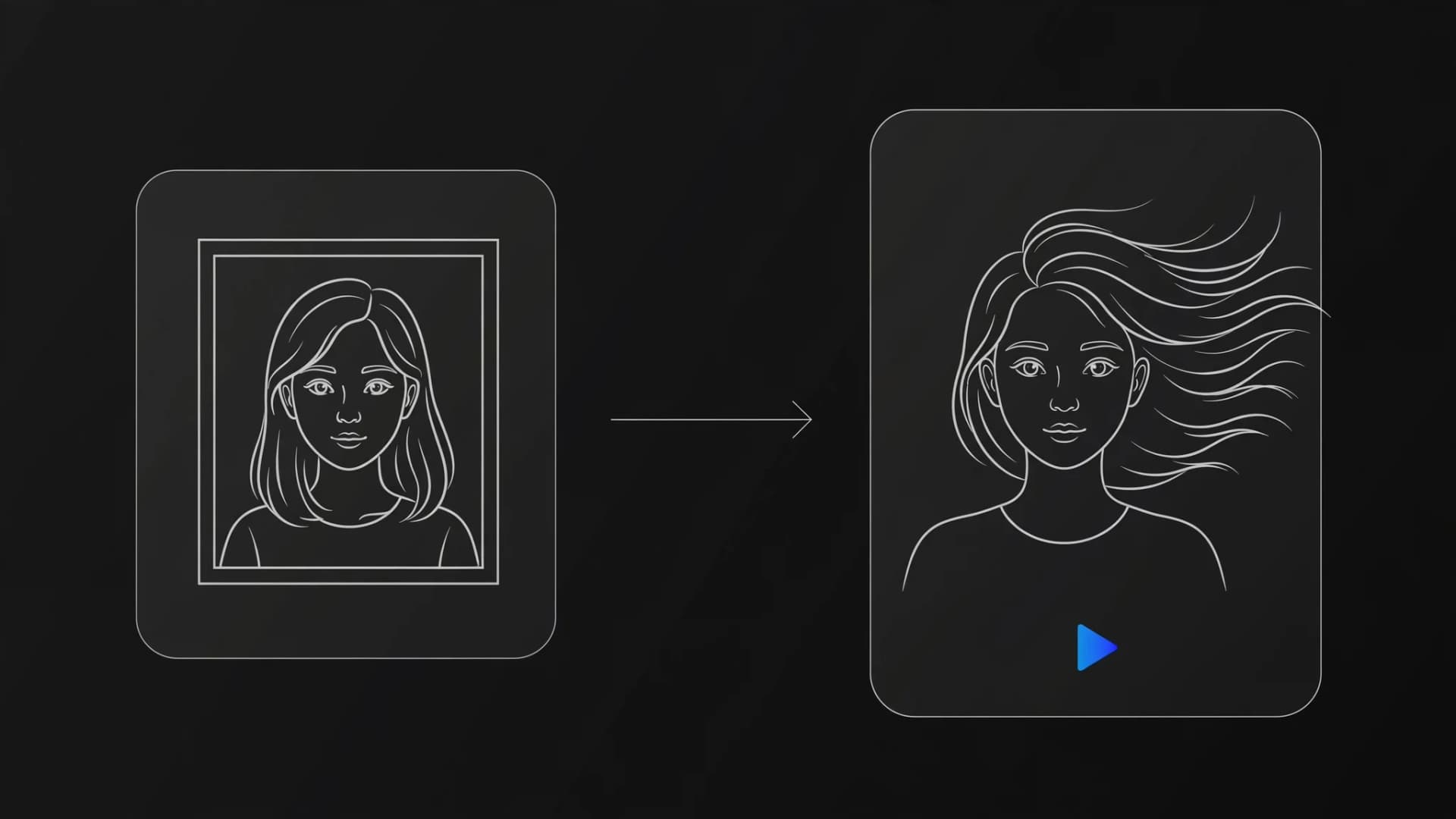
Step-by-step visual workflow showing photo upload prompt configuration and video export
Why a two-photo setup looks more realistic
Using an AI kissing video generator 2 photos workflow gives the generation engine distinct source data for each person. When you supply individual portraits instead of a single crowded image, the model preserves personal eye shapes, skin tones, and hair textures without blending identities together.
Multi-reference models like Seedance 2.5 evaluate both inputs separately before synthesizing interaction frames. This approach avoids the common smudge effect where noses or chins bleed into one another during close proximity. The resulting AI video maintains recognizable personal traits from the initial approach to the final embrace.
For the cleanest results, pick two photos captured at similar focal lengths and camera heights. Matching the depth of field between your two source pictures helps the video engine place both characters into a unified visual plane with coherent background shadows.
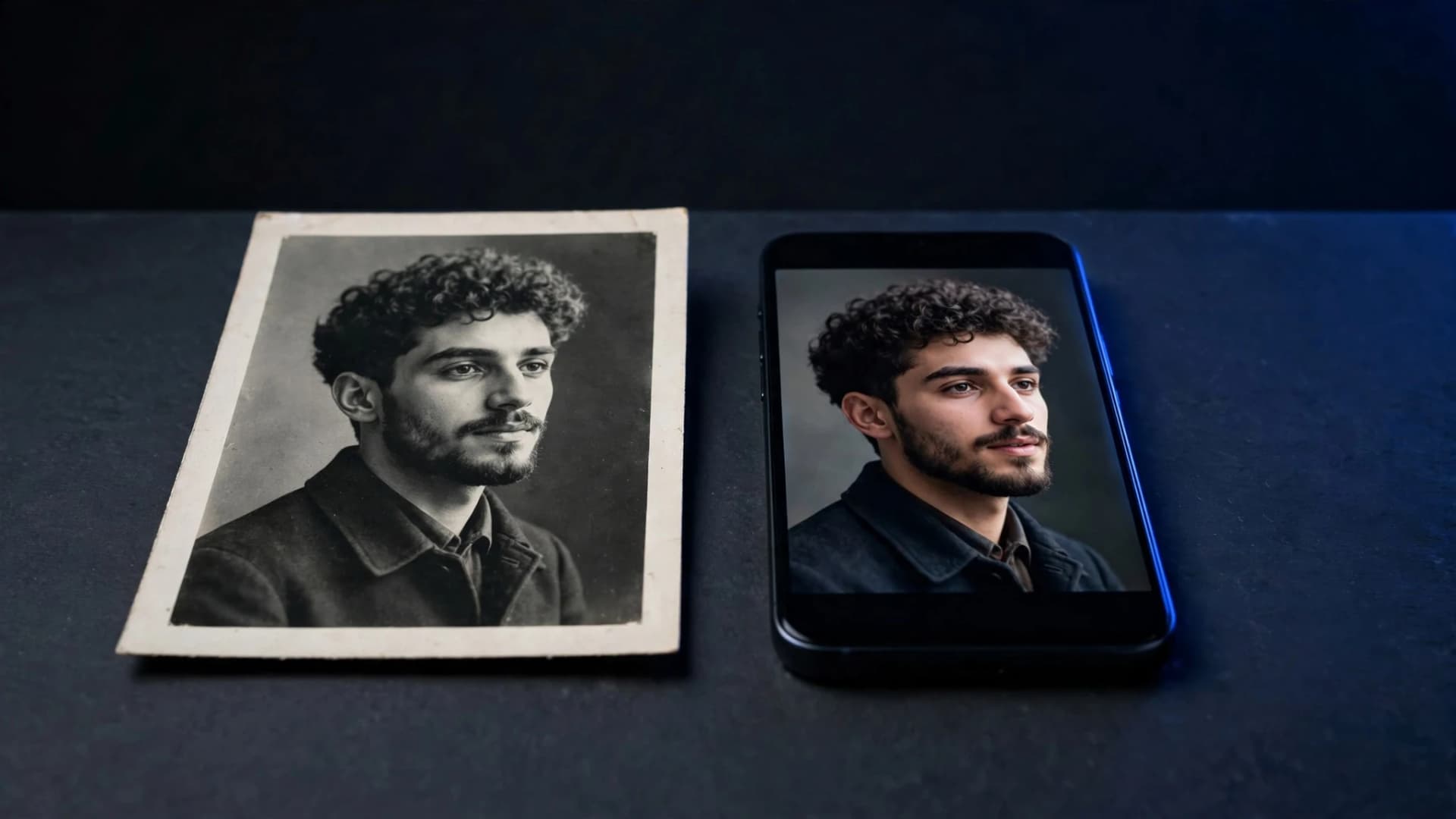
Two portrait reference images positioned alongside an animated composite frame
What makes the kiss look natural instead of awkward?
Camera distance and movement speed determine whether a romantic clip looks heartfelt or artificial. If the subjects move too quickly, the facial meshes can stretch awkwardly and distort subtle features around the mouth and nose. Setting a gentle, measured pace gives the diffusion engine adequate frames to render believable physical contact.
Lighting compatibility between your inputs plays a decisive role in visual credibility. When one portrait features harsh direct sunlight while the other uses dim indoor lighting, the synthesized clip must constantly reconcile conflicting shadow patterns. Using evenly lit images allows the generator to maintain steady contrast and skin tones.
Prompt phrasing also guides how natural the final AI video appears. Instead of generic commands, specify physical cues like slow eye blinks, a gentle head tilt, and a warm smile before contact. Clear physical directions prevent sudden head snaps or unnatural neck angles during the animation.
Natural facial rendering showing subtle lighting and expressive contours during a cinematic embrace
Creative concepts and ethical practices for romantic AI videos
Many creators make AI kiss video projects as playful anniversary keepsakes, fictional character vignettes, or concept art for romantic storytelling. You can place your characters in diverse environments, from rain-slicked city streets to golden-hour coastal viewpoints, by simply defining the background mood in your text prompt.
Respecting personal privacy and obtaining explicit consent remains essential whenever you use pictures of real individuals. Never generate romantic or intimate clips featuring acquaintances, public figures, or colleagues without their clear permission. Responsible creators focus on their own couples photos, self-portraits, or original fictional illustrations.
Once your clip finishes rendering, OnVid lets you download the HD file directly to share on social feeds or send to loved ones. If you want to explore more dynamic motion styles for your portraits, check out how to animate a photo or learn how to make AI dance videos using your favorite character art.
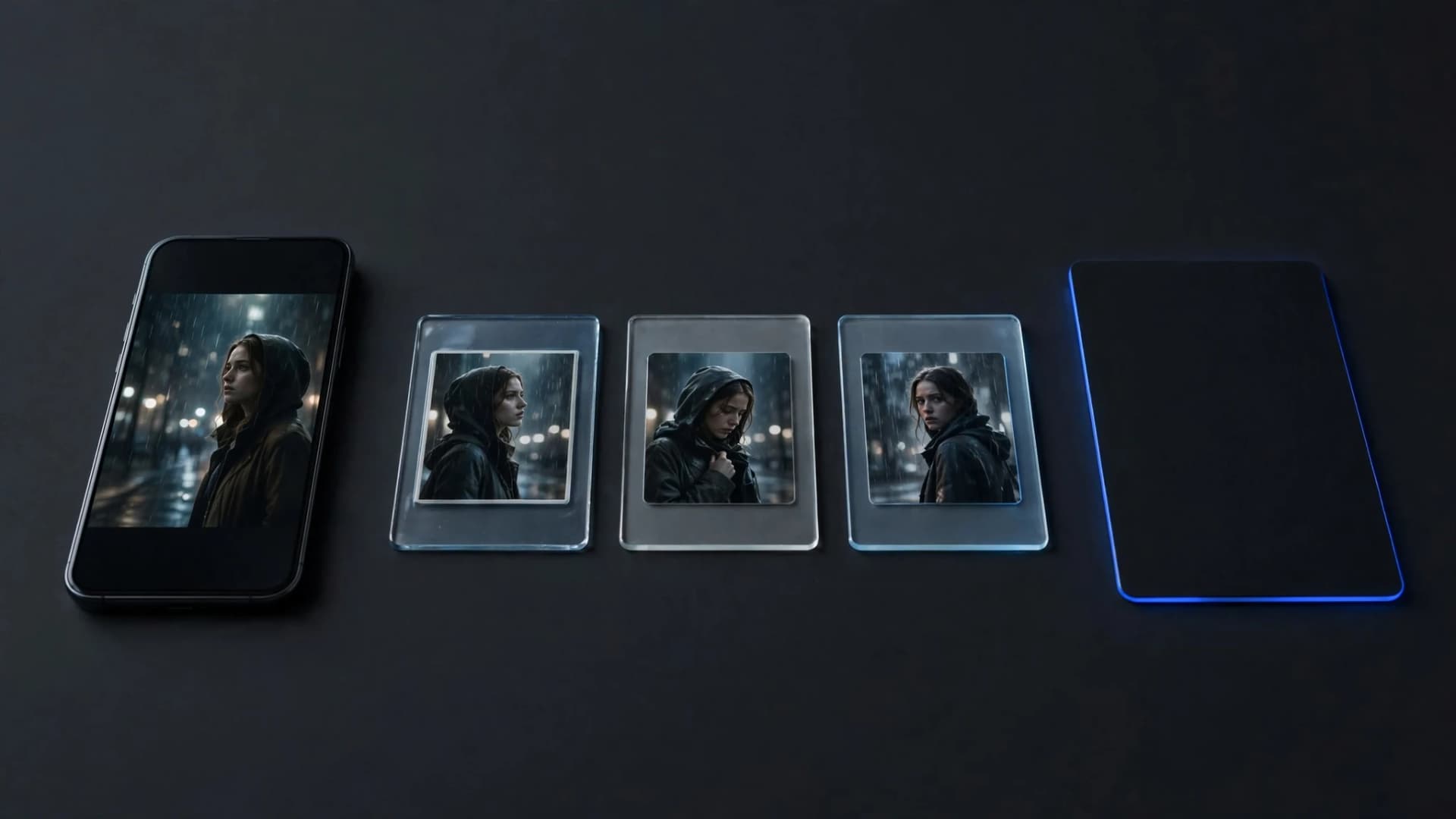
Smartphone screen playing an animated romantic clip in an ambient creative studio setting
Key takeaways for making an AI kiss video
Creating a convincing AI kiss video starts with selecting two clear portrait photos that share matching lighting and head angles. Combining both portraits into a single balanced side-by-side frame gives the motion engine clear visual landmarks to blend smoothly. Keeping movement prompts simple and deliberate avoids facial warping, giving you a natural romantic scene with reliable results.
Common questions about making an AI kiss video
Find clear answers to key questions about photo requirements, motion prompts, and plan credits before you generate an AI kiss video.
How do you create an AI kiss video from photo portraits?
To make an AI kiss video from photo portraits, upload a clear side-by-side picture or two individual portraits into an image-to-video workflow. Next, describe the romantic interaction in your prompt, specifying gentle head movement and natural pacing. An AI-video-generator then animates the facial movement and produces the finished clip.
Can you generate an AI hug and kiss video in a single generation?
Yes, an AI hug and kiss video can be produced by prompting the subjects to embrace before leaning in together. You can upload reference images and describe the sequence from an arm wrap to a kiss. Choosing a multi-image model like Seedance-2.5 inside OnVid's AI-video-generator helps keep the change from the hug to the kiss smooth.
What makes an AI kiss video look natural instead of distorted?
Natural motion in an AI kiss video depends on high-resolution source portraits where both subjects share similar lighting and head angles. Prompting slow, gentle motion prevents facial stretching around the mouth and nose. Avoiding extreme side profiles or cluttered backgrounds also keeps the generated clip clean and believable.
Do you need a paid plan to make an AI kiss video on OnVid?
Creating an OnVid account is free, and you can pick your photos and write your prompts before you pay. Generating clips needs a Pro plan ($7.99 a week or $14.99 a month) or Max ($14.99 a week or $28.99 a month). Credits are charged per second of video and vary by model, so start with short 5-second tests before longer clips.
Which image-to-video models work best to make AI kiss video clips?
Seedance-2.5, Kling 2.5 Turbo, and Hailuo-2.3 Fast excel at close-up character interaction and realistic expression shifts. Seedance-2.5 on OnVid supports multi-image reference and native audio, which adds emotional realism to intimate scenes. You can switch between different models to see which one renders your photo style best.
How long can an AI kissing video clip be on OnVid?
Standard motion clips run 5 or 10 seconds per generation, which is ideal for capturing an emotional embrace. Users on the Pro plan can produce extended sequences up to 30 seconds, while Max plan members can build videos up to 60 seconds. Credits are charged per second of video and vary based on the model selected.
Can you make an AI kiss video using two separate photos of different people?
Yes, you can combine two separate pictures into a single composite frame before generating an AI kiss video, or use multi-image reference models like Seedance-2.5. When using two photos, balance the brightness, color tones, and eye levels beforehand. This consistency prevents the AI-video-generator from warping facial features during close contact.
Why do faces sometimes warp during close physical contact in AI videos?
Facial warping happens when generative models struggle to separate overlapping facial boundaries like noses and lips. You can resolve this issue by specifying subtle, slow-motion movement in your text prompt rather than sudden actions. Using front-facing or three-quarter angle portraits also provides clearer geometric reference points.
What camera styles or visual aesthetics can you apply to kissing scenes?
You can customize the aesthetic by adding style keywords such as cinematic 35mm film, anime romance, soft golden hour lighting, or vintage watercolor. Specifying camera dynamics like a slow push-in or subtle orbit helps ground the scene. OnVid lets you pair detailed style prompts with motion settings to match any creative vision.
Can you generate sound effects or romantic background audio with the video?
Models like Seedance-2.0 and Seedance-2.5 on OnVid generate native synchronized audio directly alongside the visuals. This creates subtle ambient soundscapes, footsteps, or atmospheric murmurs without requiring third-party audio editing. If you prefer bespoke tracks, you can layer romantic music or dialogue in post-production.
Can I use an AI kiss video commercially for advertising or social media campaigns?
Commercial use depends on the model that made the video; check the OnVid Terms-of-Service and the model's terms before commercial use. Additionally, ensure you have explicit consent and commercial release permissions for any real personal likenesses included in your uploaded photos.
What are the privacy rules regarding uploading photos of real people?
You must always have clear permission from anyone whose photo you upload, animate, or share. Generating non-consensual depictions, sexually explicit media, or deepfakes of real individuals is strictly prohibited under OnVid safety guidelines. The platform enforces automated moderation filters to maintain ethical generation standards.
What should you do if an AI video generation fails or produces glitches?
If a video fails due to a server error or safety block, OnVid automatically refunds your credits back to your plan balance. For visual glitches like extra limbs or blurred features, refine your prompt to simplify the motion and check that your source image is crisp. Re-running the generation with an alternative model often resolves stubborn artifacts.
Can a tool turn illustrated or anime characters into kissing scenes?
Yes, an AI-video-generator also works with digital art, 2D sketches, and 3D character renders as well as real photographs. Keep the art style uniform between both characters so the rendering engine treats their textures consistently. Prompts specifying cel-shaded or anime motion will maintain the hand-drawn aesthetic throughout the clip.
How does video-to-video compare to image-to-video for romantic motion scenes?
Image-to-video synthesizes new motion directly from still portraits, giving you creative freedom through text prompting. In contrast, video-to-video on OnVid lets you upload an existing reference clip under 30 seconds to guide exact timing and character positioning. This allows you to transfer genuine human choreography directly into your animated characters.
How do you download your finished AI video in high definition?
Once the video finishes processing, you can preview the playback directly in your browser and download the MP4 file in HD. Paid subscribers on Pro and Max plans receive clean downloads without any watermarks.