Why creators learn How to Make AI Faceless Videos
Faceless video production allows creators to publish engaging stories and tutorials without appearing on camera or recording their own voices. Many people want to share ideas online but hesitate because of privacy concerns, lack of studio lighting, or complex filming setups. When you create faceless AI videos, you replace physical cameras with synthetic media, using text prompts and still imagery to generate motion sequences. This approach frees you to focus on storytelling, research, and pacing rather than personal branding or grooming. It also speeds up the production timeline dramatically, because you can test multiple video concepts in an afternoon instead of spending days on a single shoot. Platforms like TikTok, YouTube, and Instagram favor fresh narrative formats, which makes it easier to find an audience with niche educational topics, scary stories, or historical summaries. Learning how to make faceless videos gives you the ability to build an entire media channel from your desk using only a web browser.
How to Make AI Faceless Videos in four clear steps
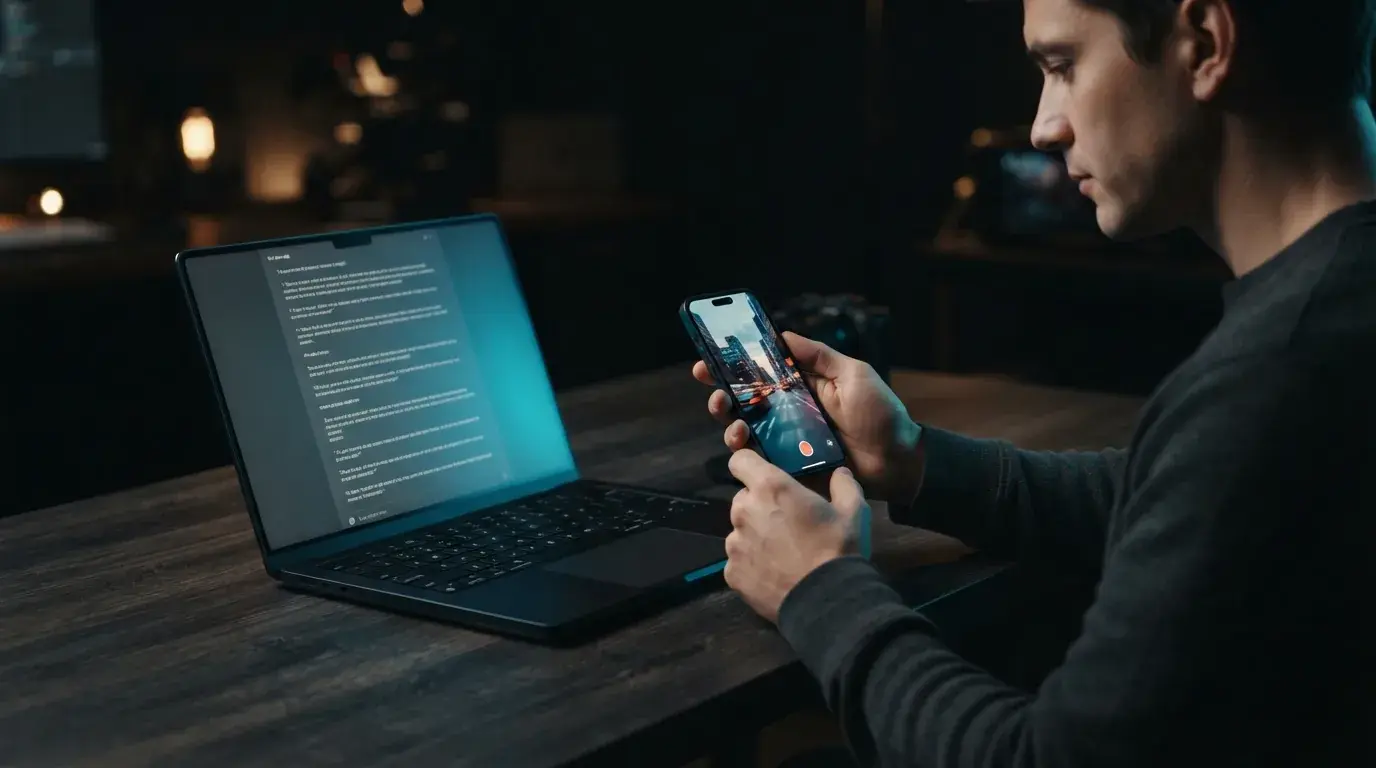
A text to video generator automated workflow lets you build an entire scene without picking up a camera or learning complex timeline editors. Here is the foundational four-step sequence to produce your first clip:
- Outline your concept and script. Write a concise thirty-second script with distinct visual cues for every sentence, focusing on a single curious question or compelling fact to hook the viewer immediately.
- Generate visual sequences. Input your scene descriptions into OnVid's free AI video generator to create ten-second clips that match your script beats, choosing styles like cinematic realism or digital animation.
- Add narration and captions. Generate an audio voiceover using a text-to-speech engine, then align the audio track with dynamic on-screen subtitles so viewers can follow along even with their sound muted.
- Review pacing and export your video. Trim unnecessary pauses between cuts, adjust the background music volume to stay below the narration, and download the finished high-definition video file ready for publishing.

Selecting visual aesthetics for your AI video projects
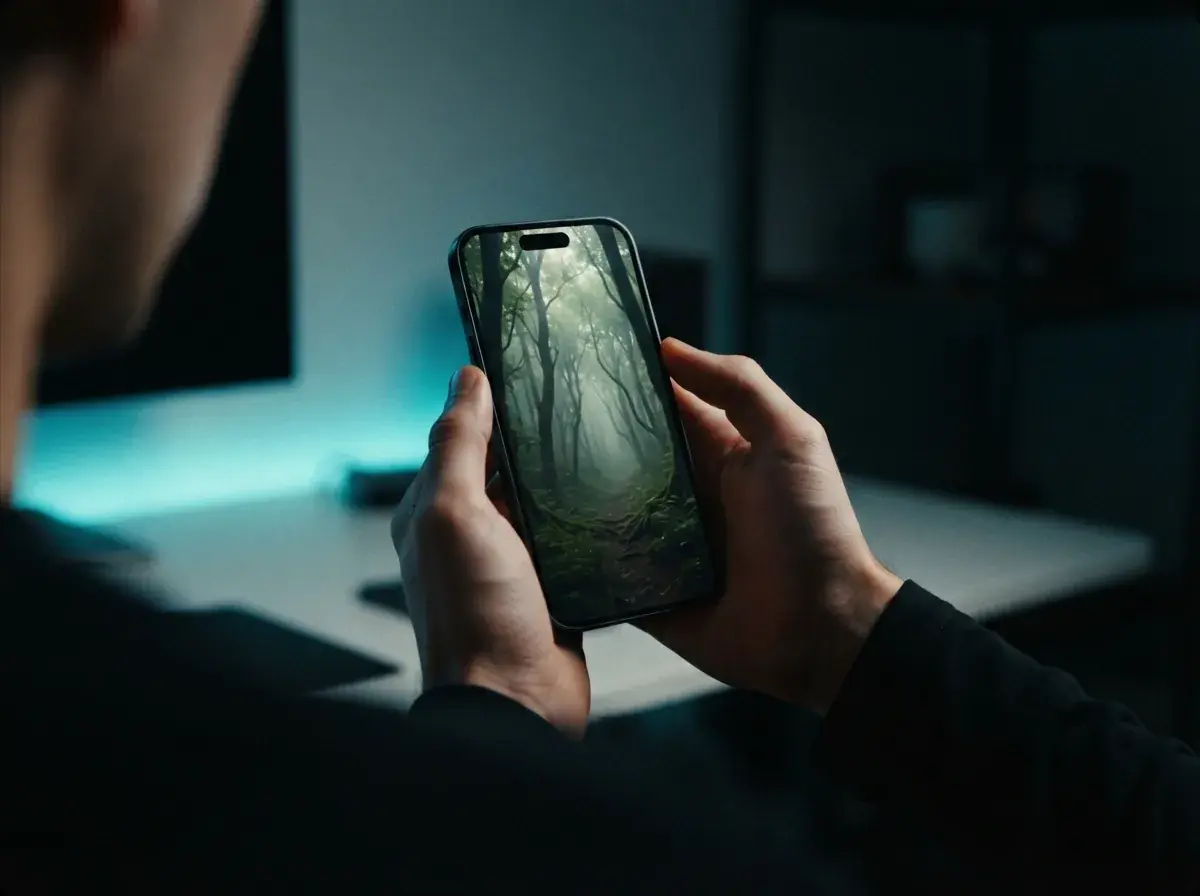
Finding a recognizable visual style is critical when you rely on a faceless video generator to tell your story. Consistency helps viewers instantly recognize your channel among endless feeds of media. You can choose a dark cinematic mood with high-contrast shadows, a bright modern 3D render style, or an illustrative watercolor aesthetic depending on your channel niche. If you are exploring what is AI video generation for the first time, start with prompt formulas that explicitly state camera angles, lighting temperature, and motion speed. For instance, prompting a slow tracking shot through a misty ancient forest produces a completely different mood than a fast-paced macro pan over glowing futuristic circuits. Keep your visual cues uniform across all scenes in a single video so the sequence feels cohesive. When your visuals maintain a steady mood, viewers stay immersed in the narrative rather than questioning the changing artistic style between cuts.
Can you profit from faceless YouTube Shorts monetization?
Achieving steady faceless youtube shorts monetization requires original scripts, engaging visual pacing, and consistent upload habits. Many creators mistakenly believe that mass-producing repetitive, low-effort clips will generate revenue, but platform partner programs strictly evaluate content originality and viewer retention. As highlighted in our recent AI video report, YouTube and similar platforms reward videos that deliver genuine educational value, clever entertainment, or authentic narrative curation. You can monetize through ad revenue sharing once your channel meets eligibility thresholds, but savvy creators also integrate affiliate links, sponsored mentions, and digital product sales into their video descriptions. Maintaining high viewer retention across your first three seconds is essential. Pair striking opening scenes with bold text overlays to capture interest immediately. By treating your channel like a media publication rather than an automated spam feed, you establish sustainable long-term revenue potential without ever stepping in front of a lens.
Common pitfalls when using an AI faceless video maker
Relying on an AI faceless video maker requires careful editorial control to avoid several common production traps. The most frequent mistake is pacing scenes too slowly. Modern mobile audiences expect visual changes or camera movement every two to three seconds, so lingering on a static scene causes retention drops. Another pitfall is ignoring audio balance. If background music overpowers your synthetic voiceover, viewers will swipe away before finishing the sentence. You should also steer clear of robotic, monotone scripts. Writing for spoken audio is different from writing an essay; use short sentences, natural conversational pauses, and punchy transitions. Finally, never upload identical video variations across multiple channels in an attempt to game algorithms. Platforms reward distinct creative effort, so make sure each piece of content has a unique hook, fresh prompt descriptions, and a clear takeaway that rewards the viewer for their time.
How to scale your AI video output effectively
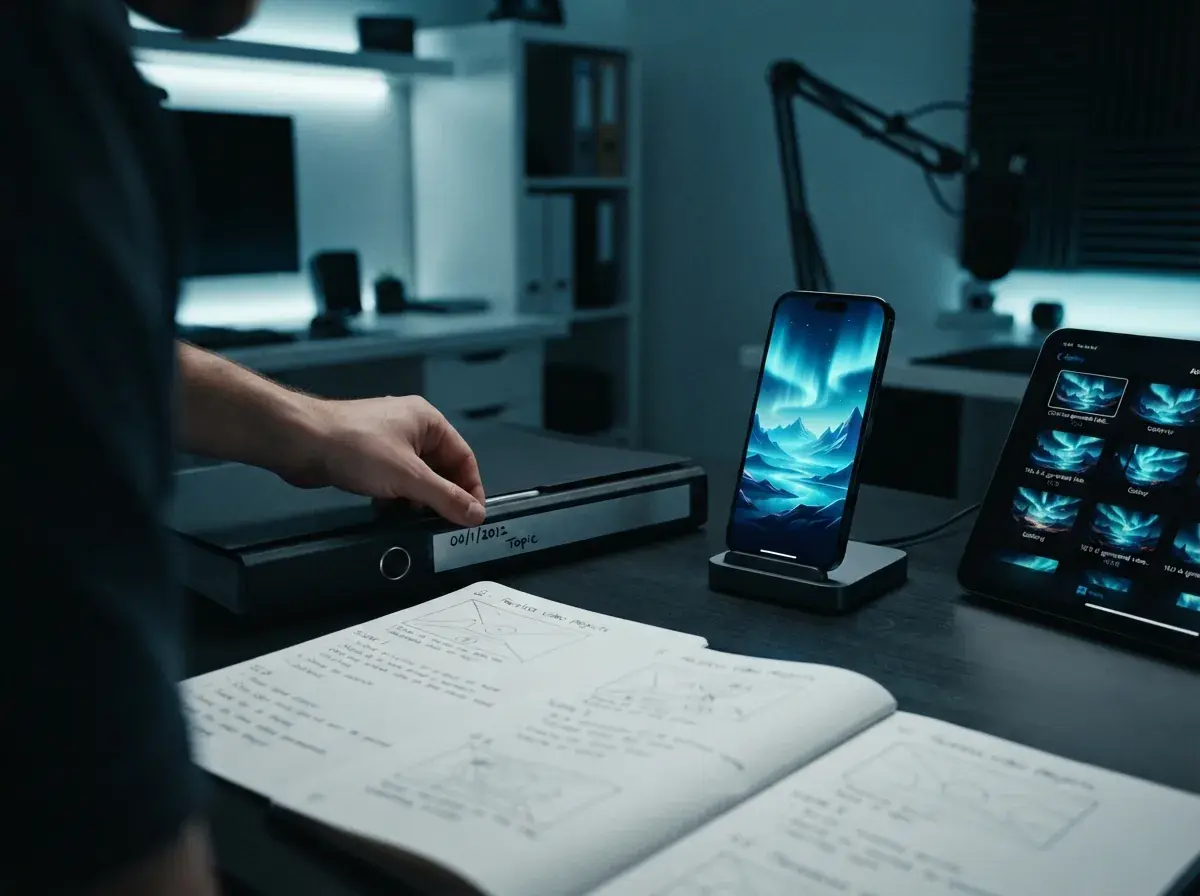
Once you master the basics of producing individual scenes, scaling your channel depends on building an organized weekly workflow. Batch your ideation by drafting five to ten script outlines in a single sitting, then generate your visual assets together to keep your visual style uniform. You can streamline creation even further by using an AI UGC video generator when producing customer-style explainers or social product highlights. Keep your video project files organized in folders labeled by topic and publication date, making it easy to repurpose top-performing clips into carousel posts or extended video compilations. Review your audience retention graphs weekly to identify the exact second where viewers drop off, and tighten your opening hooks accordingly. With structured batching and clear visual prompts, you can consistently produce polished, compelling video content without sacrificing your personal schedule or creative quality.