AI video upscaler
AI Video Upscaler: Upscale Any Video to 1080p, 2K or 4K
Make a blurry or low-resolution clip sharp. Upload a video or pick one you made on OnVid, choose 1080p, 2K or 4K, and download a cleaner MP4 with the original sound and length kept.
- 1Upload a video or pick one you made
- 2Choose 1080p, 2K or 4K
- 3Download the sharper MP4
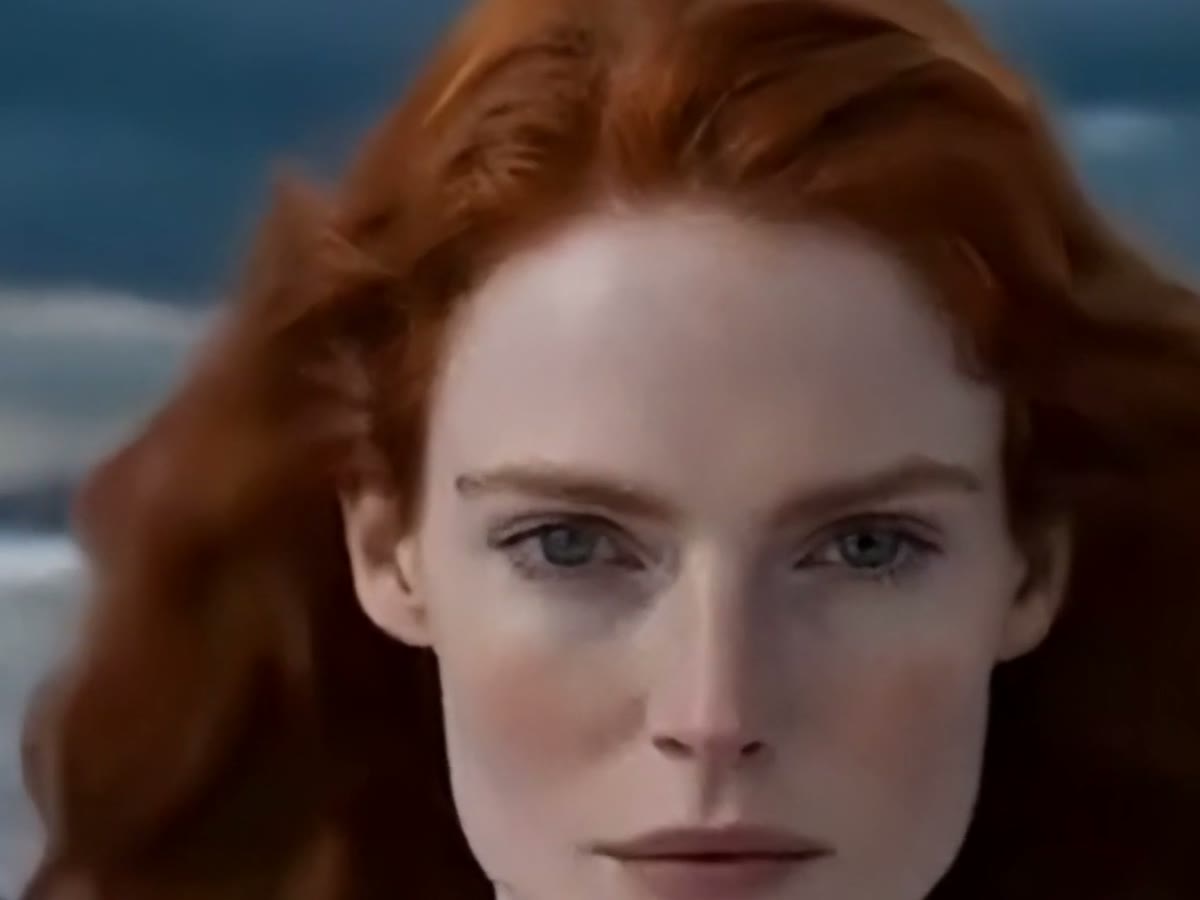
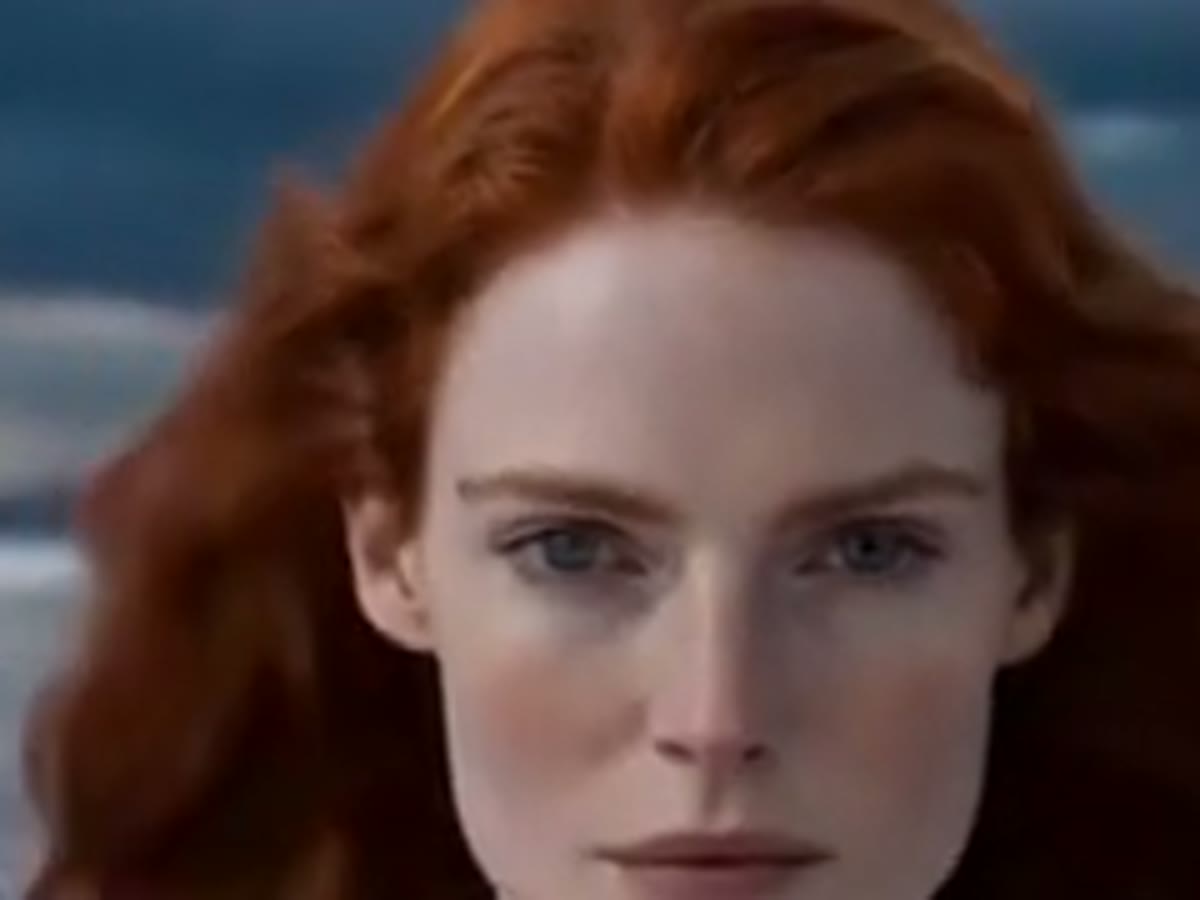
- 1Upload a video or pick one you made
- 2Choose 1080p, 2K or 4K
- 3Download the sharper MP4
 Kling 3 4K · cinematic
 Veo 3.1 native audio
 Seedance 2 #1 arena
 Wan 2.7 image-to-video
 Hailuo 2.3 expressive
 Hunyuan open sourceKling 3 4K · cinematicVeo 3.1 native audioSeedance 2 #1 arenaWan 2.7 image-to-videoHailuo 2.3 expressiveHunyuan open source
Why upscale a video with AI
Most AI video generators export 720p, and phone clips get squashed by every app they pass through. Plain resizing only makes the pixels bigger. AI upscaling rebuilds the detail.
A 4K video upscaler for AI and real footage
Sharper video, same sound and length, one MP4.
1080p, 2K and 4K output
Three target sizes at 30 frames per second, for clips up to 60 seconds.
Detail that stays steady
The whole clip is processed together, so new detail doesn't flicker from frame to frame.
AI footage mode
Videos made on OnVid use a mode tuned for the soft look AI video models leave behind.
Original sound kept
Your soundtrack, voices and music stay in the upscaled file.
Price shown before you start
Credits per second for each resolution, and the total for your clip on the button.
Who upscales video with OnVid
From AI clips to client deliverables.
AI video creators
Take a 720p clip from an AI video generator to 1080p or 4K before you post or edit it.
Every leading video model, one studio
Match the right engine to each idea — no extra accounts, no juggling tools.
Cinematic 4K text-to-video with native audio and multi-shot consistency.
The only model with synchronized dialogue and sound.
Film-grade generation with strong prompt adherence and synced audio.
Sharp, physically accurate motion in crisp 4K.
Native 2K motion with synced audio and omni-reference — the Hailuo 3 generation.
Expressive, characterful motion with lively faces.
Black Forest Labs' unified image + video + audio model, with clips up to ~20 seconds.
Native 4K clips up to 30s with synced sound.
Fast clips with synced native audio.
| Model | Resolution | Max length | Best for | Speed |
|---|---|---|---|---|
| 1080p | 5s / 10s | Cinematic, multi-shot | Max quality | |
| 720p / 1080p / 4K | 8s | Native audio | Balanced | |
S2 Sora 2 | 720p / 1080p | 4s / 8s / 12s | Prompt adherence | Balanced |
| 480p / 720p / 1080p | 5s / 10s | Sharp motion | Fast | |
| 768p / 2K | 5s / 10s | 2K detail with sound | Balanced | |
| 768p | 6s / 10s | Expressive motion | Fast | |
| 1080p+ | ~20s | Unified multimodal | Max quality | |
| 480p / 720p / 1080p | 5s / 10s | References + video remix | Fast | |
| 480p / 720p | 6s | Fast clips with sound | Balanced |


How to upscale a video in three steps
No software to install and no settings to tune.
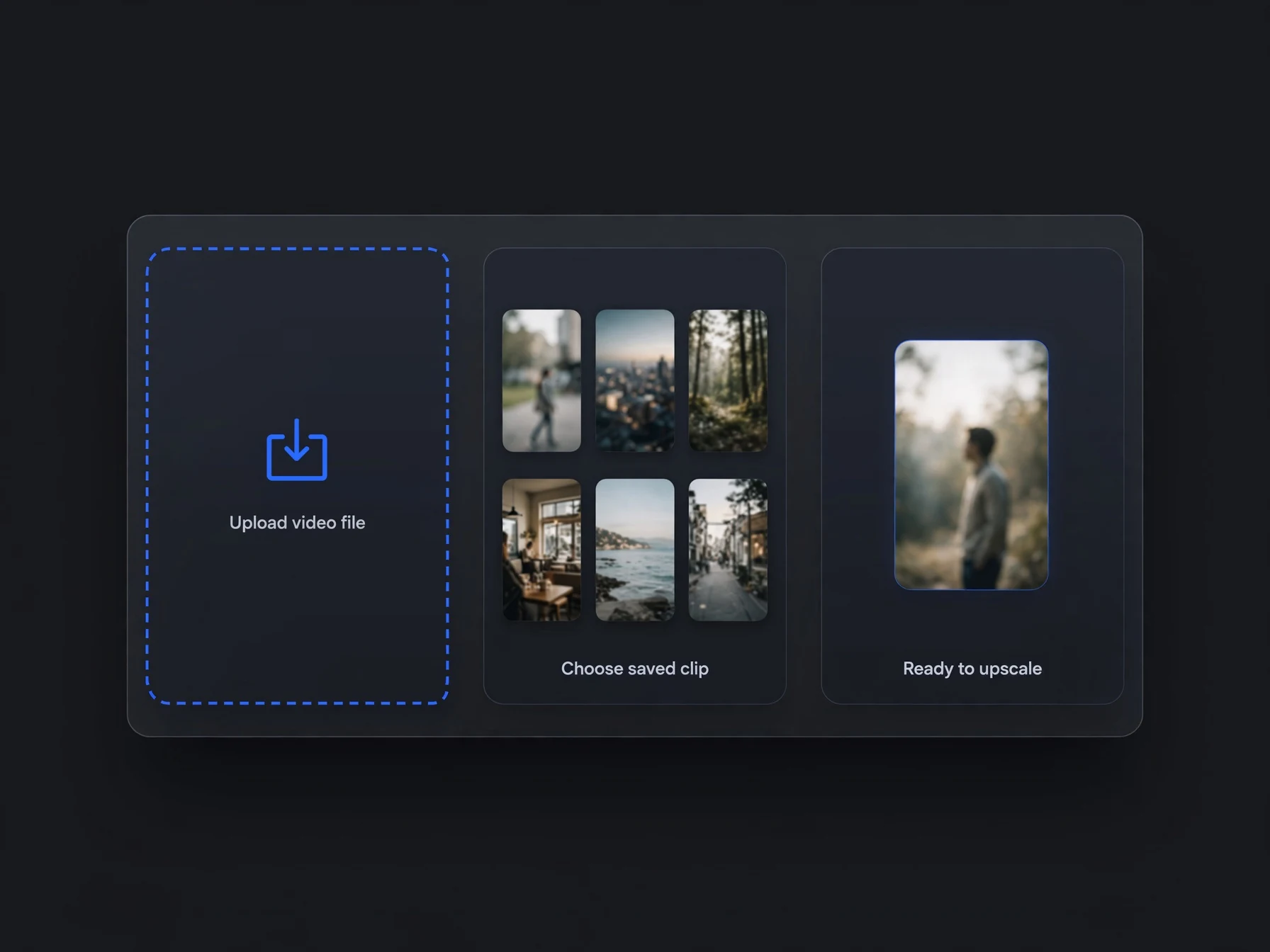
Add your video
Upload an MP4 or MOV up to 60 seconds, or pick one of the videos you made on OnVid.
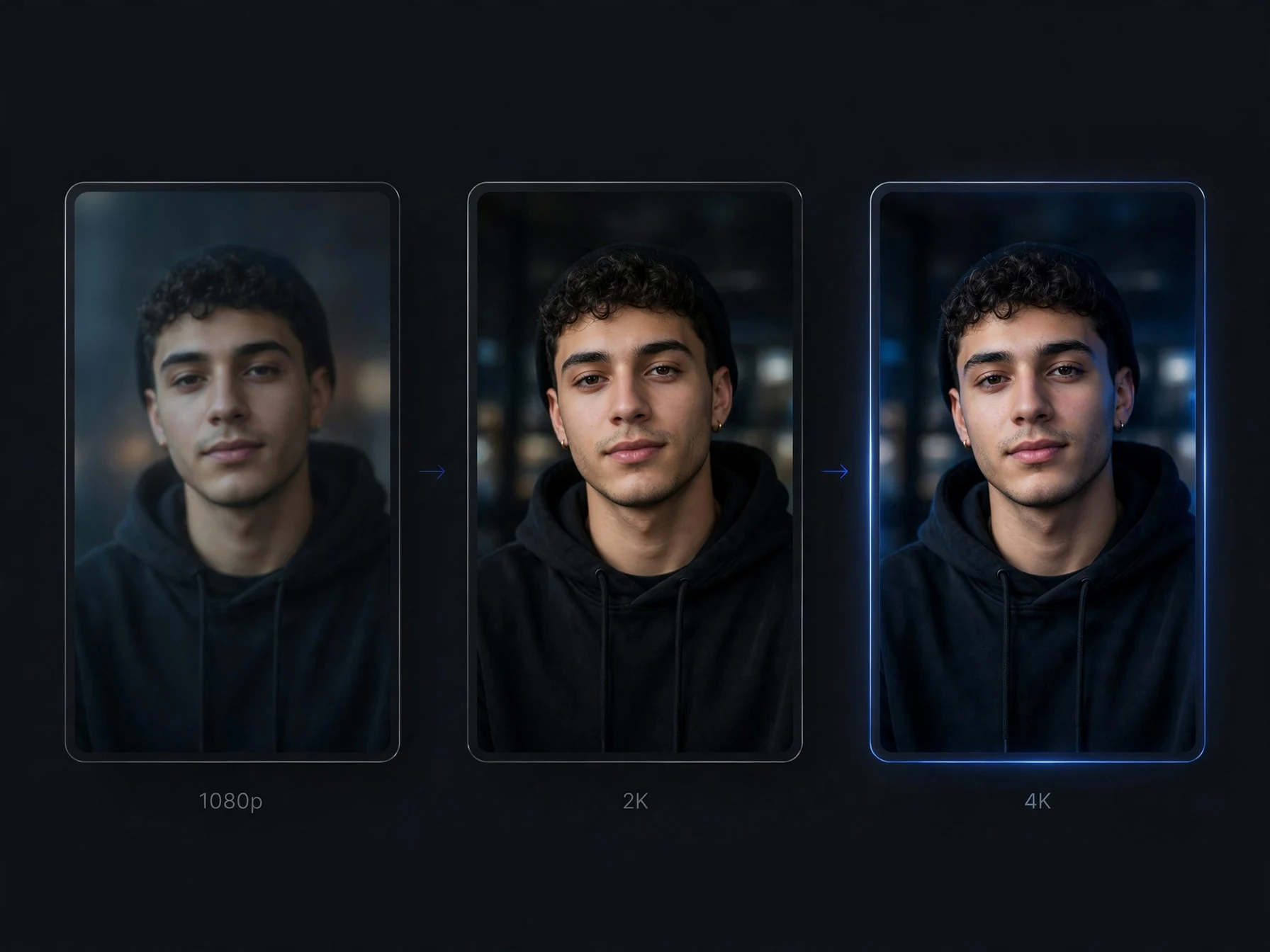
Pick the resolution
Choose 1080p, 2K or 4K. The price for your clip is shown on the button before you start.
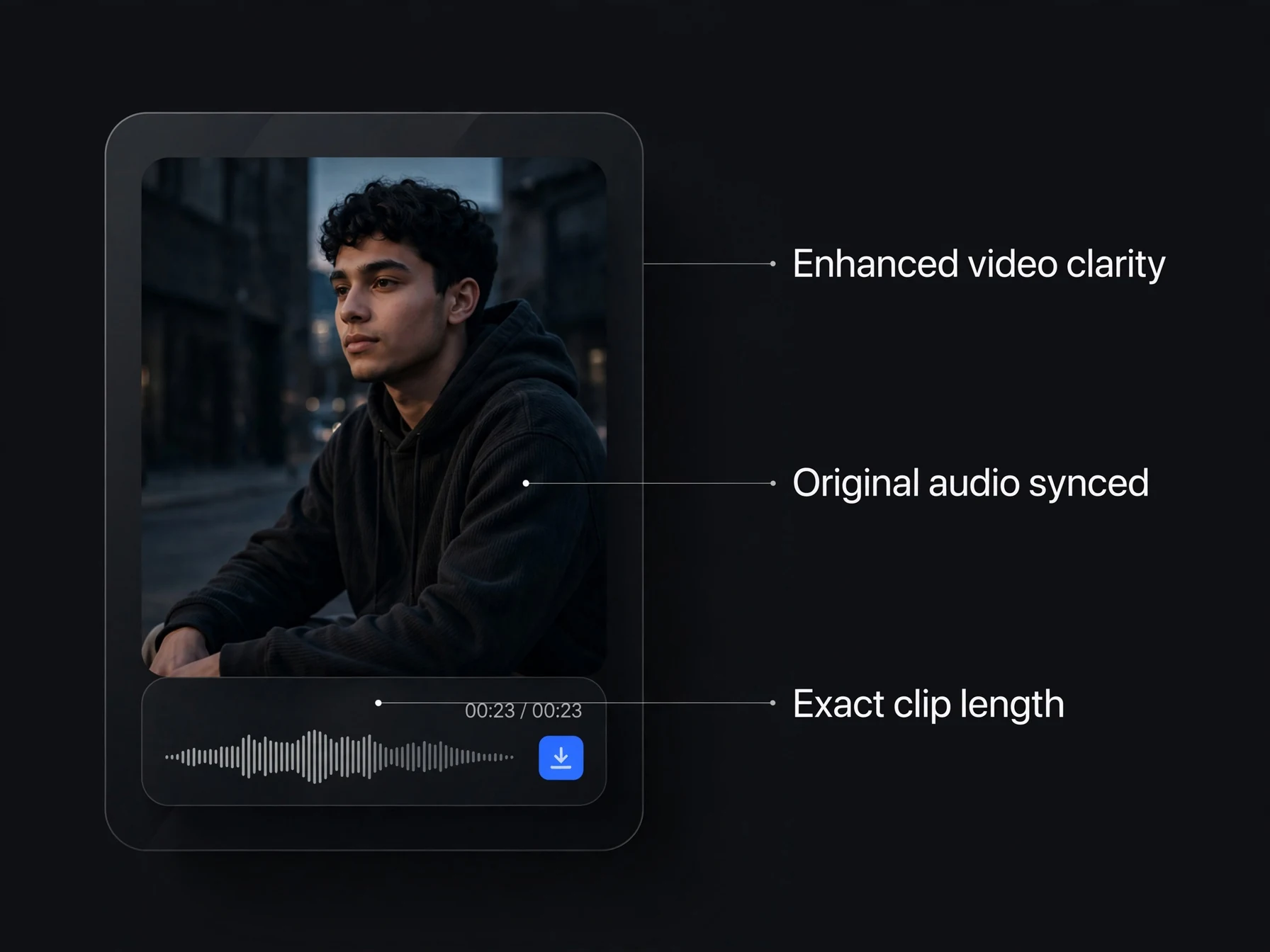
Download the sharper video
After a few minutes the upscaled MP4 is in your Library, with the original sound and length.
How does an AI video upscaler work?
What upscaling can fix, what it can't, and which resolution to pick.
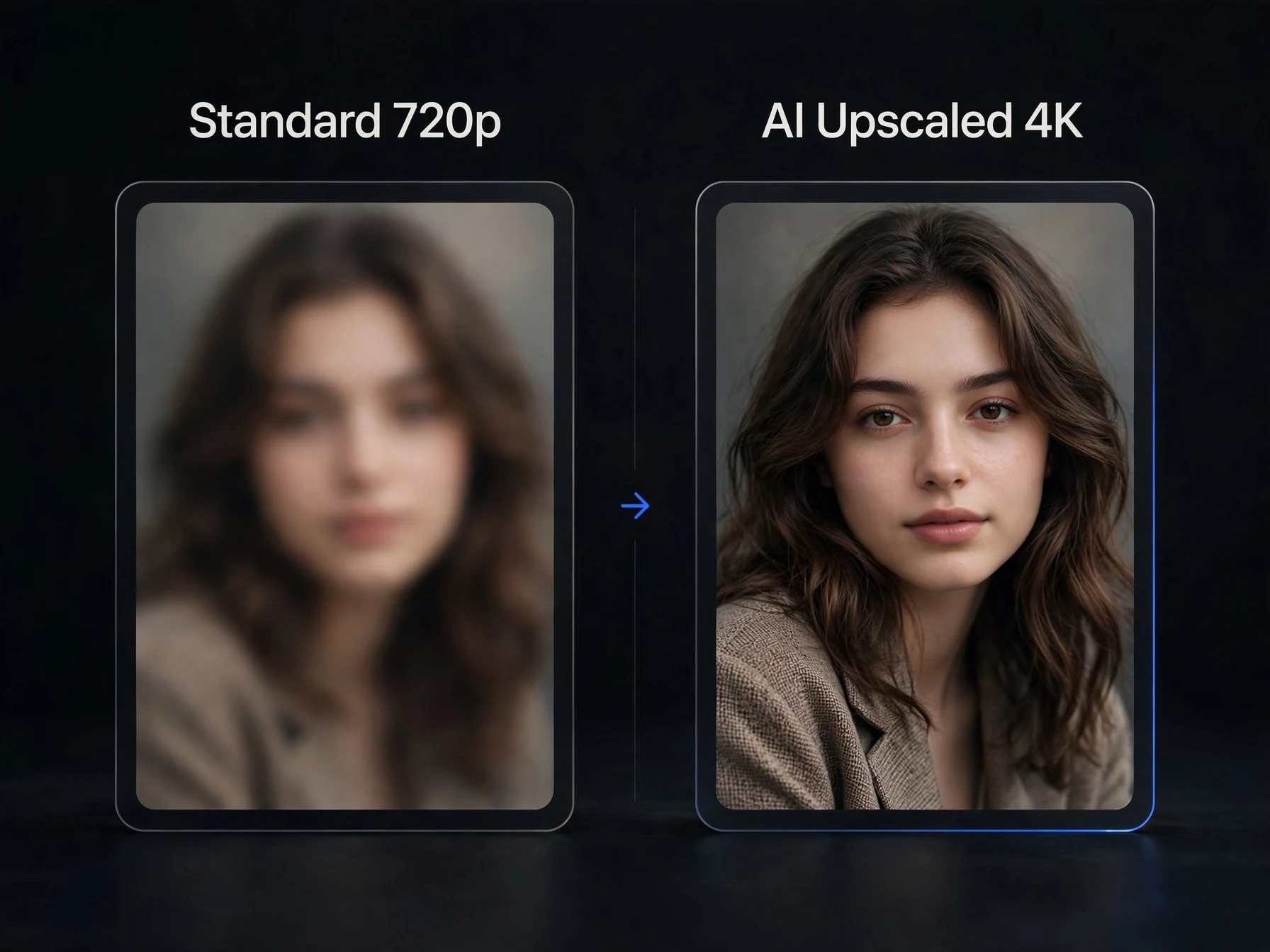
What is an AI video upscaler?
An AI video upscaler increases a video's resolution and fills in the missing detail with a model trained on high-quality footage. A normal resize from 720p to 4K just spreads the same pixels over a bigger frame, so the picture looks soft. An AI upscaler predicts what finer detail should be there, such as the edges of a face, strands of hair or the texture of fabric, and draws it at the new size. OnVid's upscaler outputs 1080p, 2K or 4K from clips up to 60 seconds and keeps the original audio.
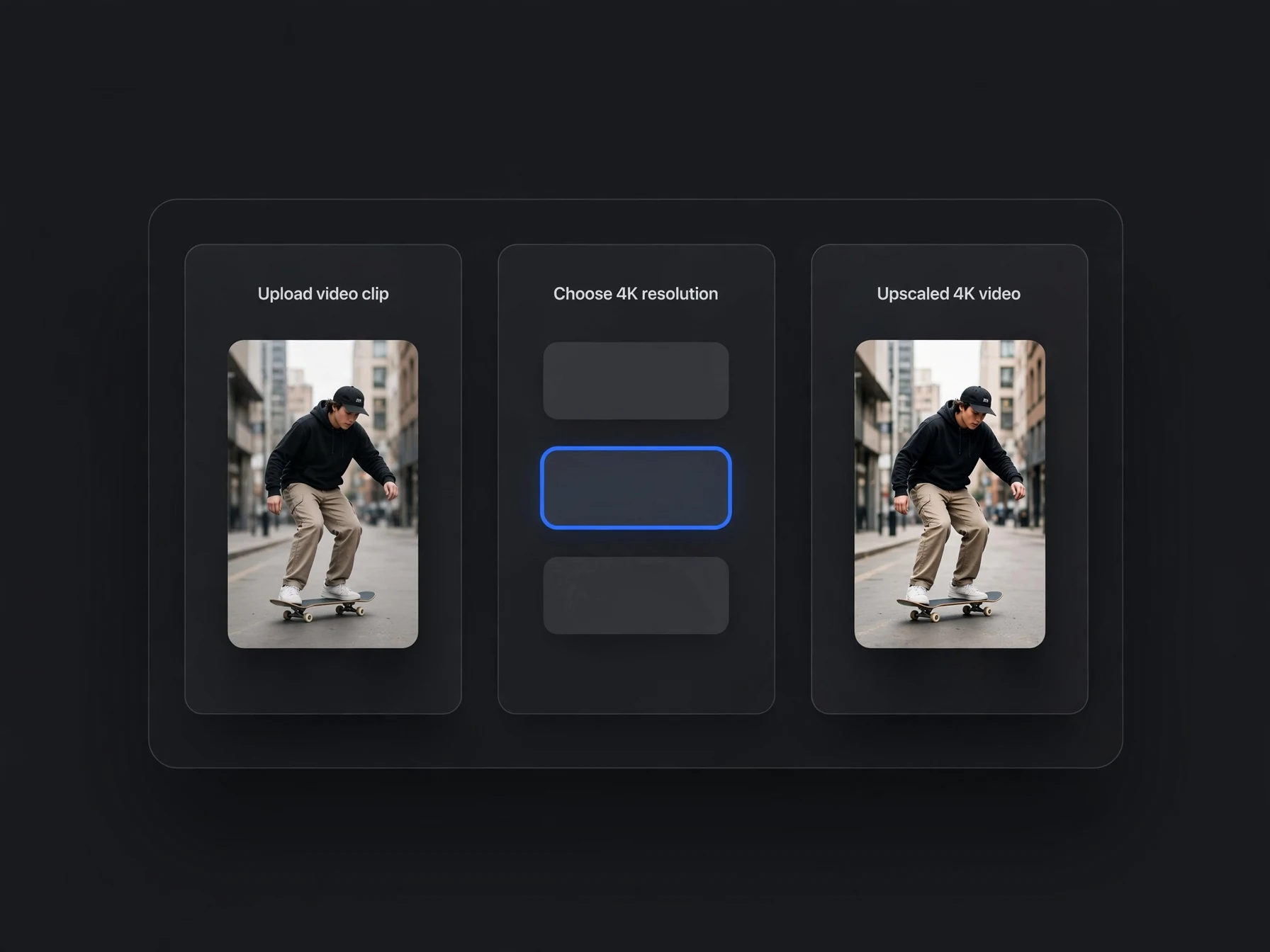
How to upscale a video to 4K
Open the upscaler, upload an MP4 or MOV up to 60 seconds, or pick one of the videos you made on OnVid. Choose 4K, check the credit cost on the button and start. The new video appears in your Library after a few minutes, at 4K and 30 frames per second, with the same sound and length as the original. If your clip is already 1080p, 2K or 4K are the useful steps up; resolutions at or below your clip's are greyed out.
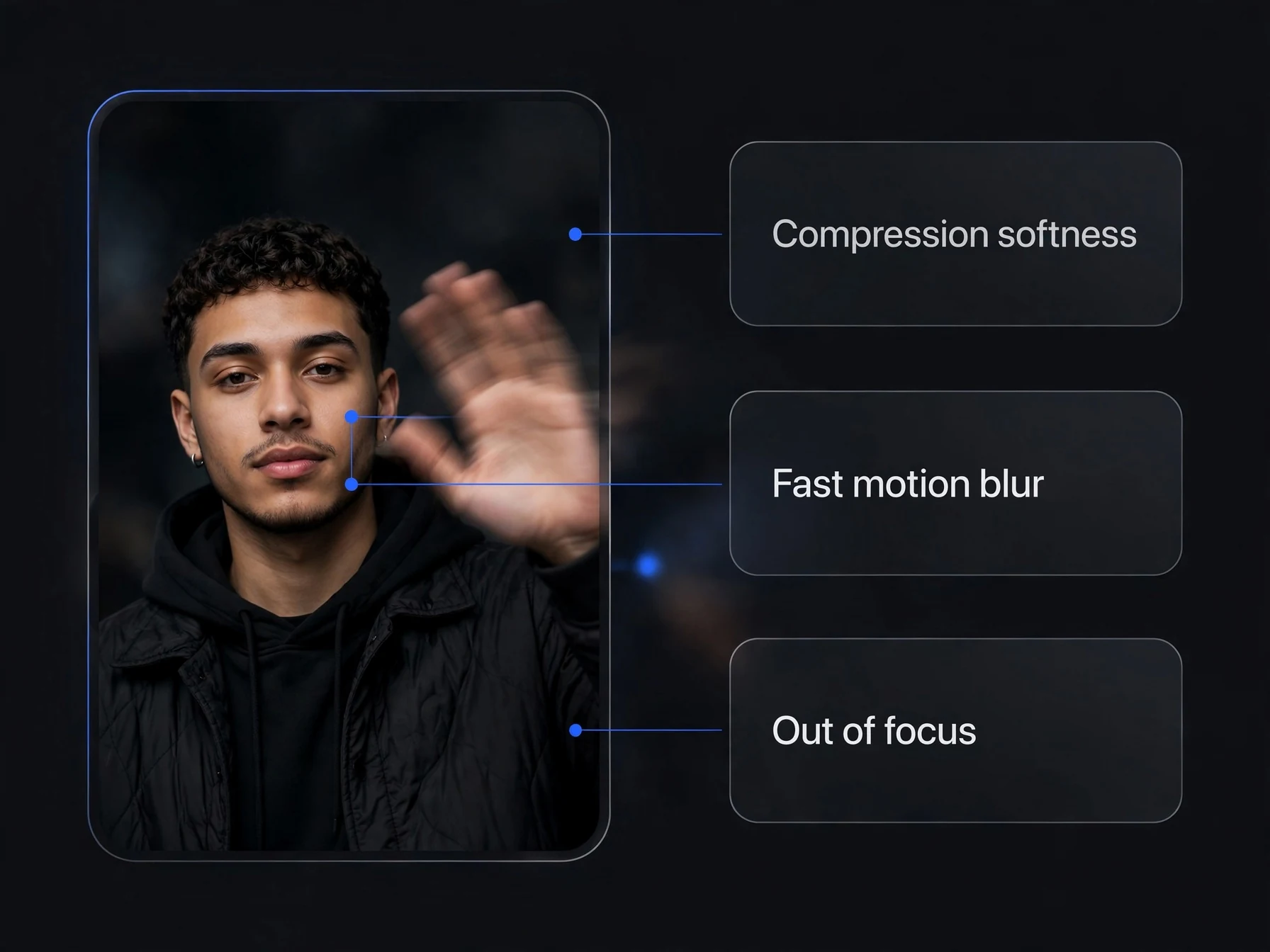
Can AI upscaling unblur a video?
It can fix the blur that comes from low resolution and heavy compression: soft edges, smeared faces, blocky detail. It can't fully recover a shot that was out of focus or blurred by fast motion, because that detail was never recorded. For the best result, start from the cleanest copy of your video you have, not a screenshot or a re-shared download.
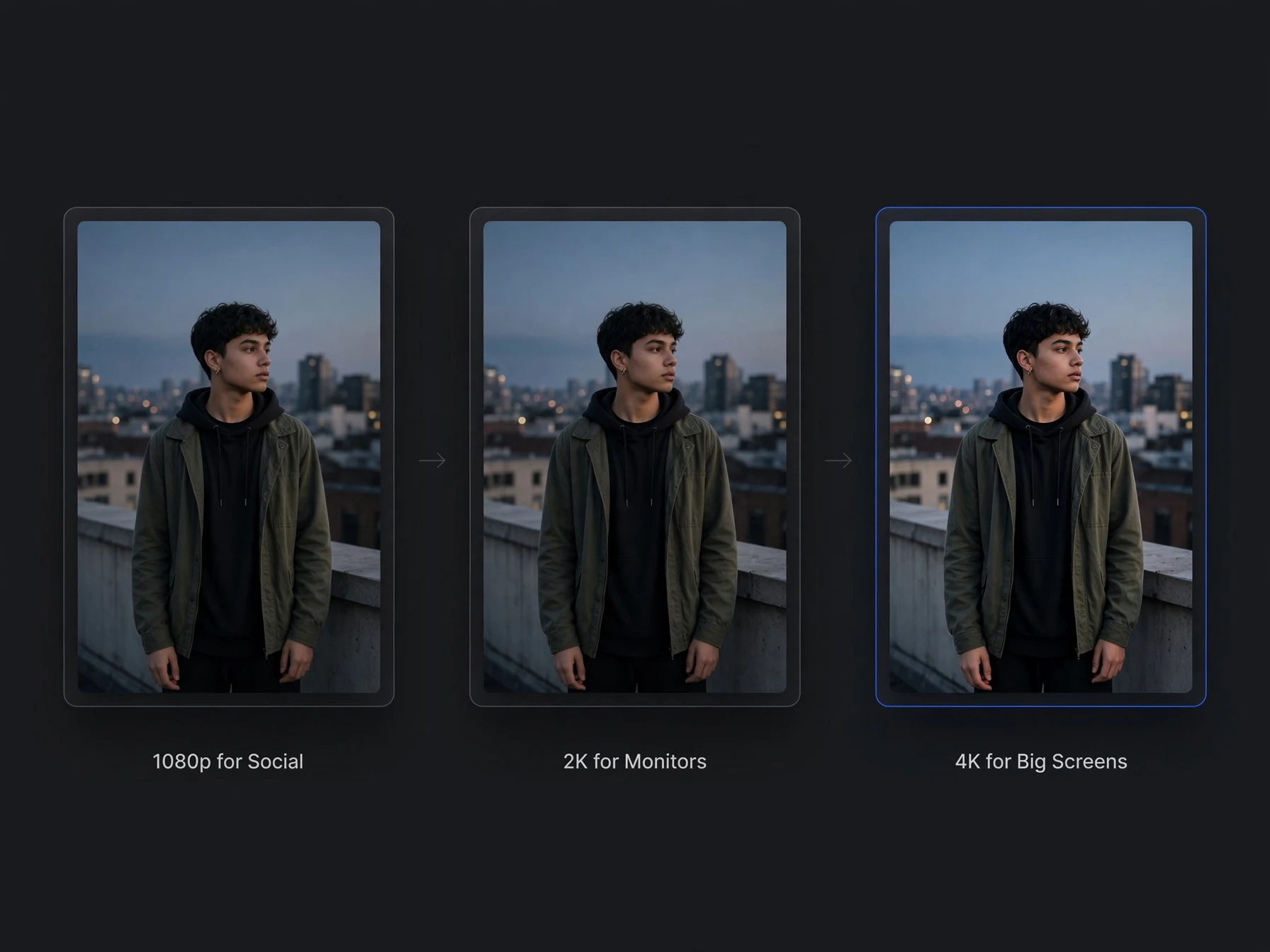
1080p, 2K or 4K: which should you pick?
1080p is enough for social media, where most apps play video at 1080p or below. 2K gives more room to crop and looks better on large monitors. 4K is for big screens, client delivery and editing projects that are already 4K. Higher resolutions cost more credits per second, so pick the size you will actually use.
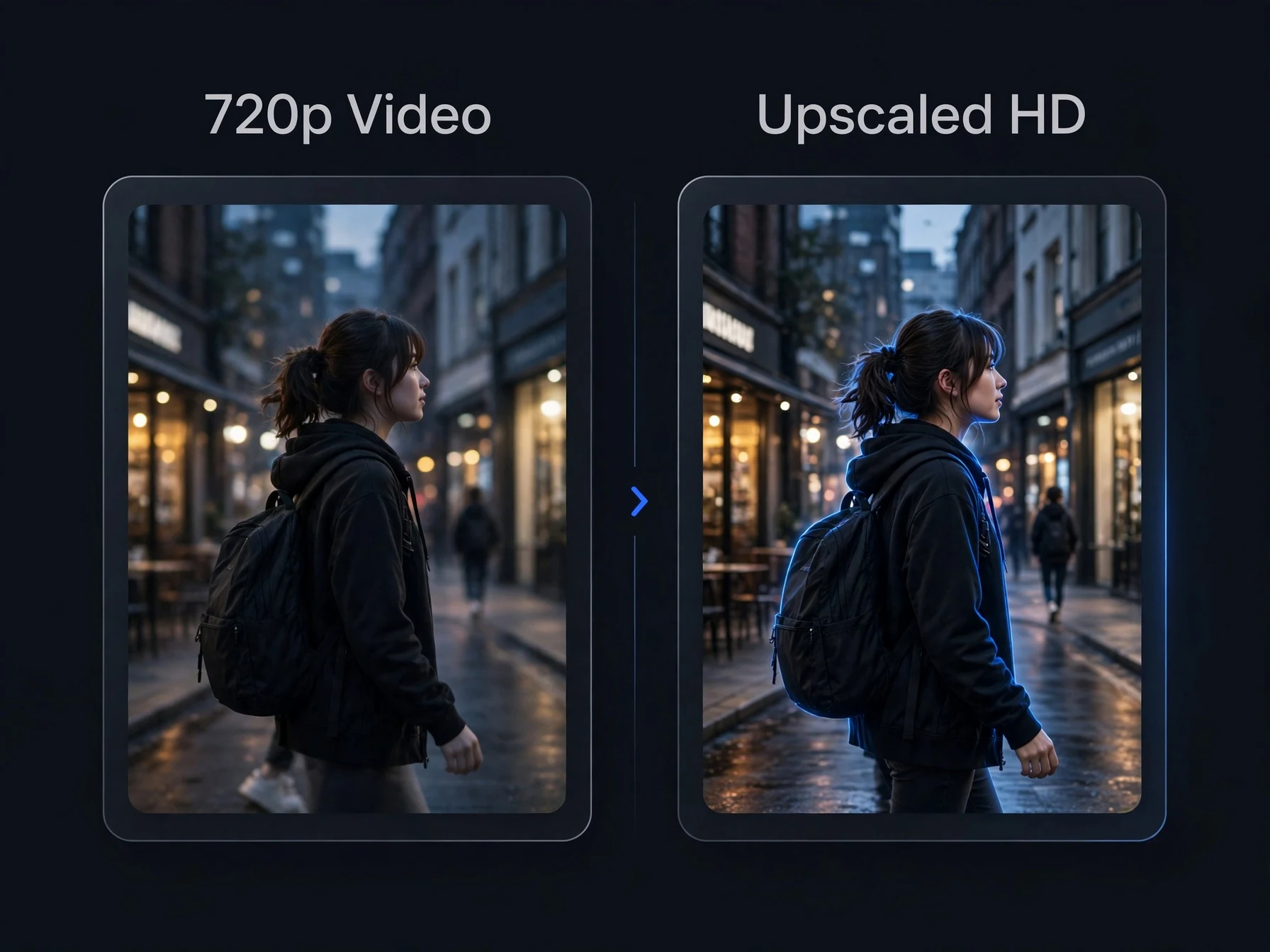
Upscaling AI-generated videos
Many AI video models render at 720p to save time and cost. Upscaling the result is usually cheaper than generating the same clip again at a higher resolution, and it works on any clip you made on OnVid: open it in your Library and tap Upscale. Those clips use a mode tuned for AI-generated footage.
Made with OnVid
Real clips generated from a single prompt — hover any card to play.
Kling 3Seedance 2MiniMax H3Hailuo 2.3AI video upscaling, answered
Limits, pricing and what to expect.
What is the best AI video upscaler?
It depends on your footage. For AI-generated clips and everyday video up to 60 seconds, OnVid upscales to 1080p, 2K or 4K in your browser with a mode tuned for AI footage, keeps the original sound and shows the price before you start.
Can I upscale a video to 4K?
Yes. Choose 4K when you start. The result is a 4K MP4 at 30 frames per second with the same length and sound as your clip.
How long can the video be?
Up to 60 seconds, in MP4 or MOV format. Longer videos need to be trimmed first.
Is the AI video upscaler free?
No. Upscaling is part of OnVid's Pro and Max plans and uses credits: 20 per second for 1080p, 35 for 2K and 50 for 4K, with a 5-second minimum. A 10-second clip at 1080p costs 200 credits.
Does upscaling keep the audio?
Yes. The upscaled video keeps the original soundtrack and the same length.
Can it unblur a video?
It sharpens blur caused by low resolution and compression. It can't fully restore a shot that was out of focus or blurred by fast motion.
Can I upscale videos I made with OnVid?
Yes. Open any finished video in your Library and tap Upscale. Those clips use a mode made for AI-generated footage.
How long does upscaling take?
Usually a few minutes, depending on the clip's length and the resolution. You can leave the page; the video appears in your Library when it's ready.
What happens if the upscale fails?
Your credits go back to your balance automatically.
Does it change the frame rate?
The output is 30 frames per second.
Same video, sharper detail
Upscale to 1080p, 2K or 4K and keep the original sound.