
What is the new X (Twitter) clip video feature?
On November 9, 2026, X, the app most people still call Twitter, added a built-in way of clipping videos on X. You pick a 5 to 60 second moment from someone else's video and post it as your own post, without downloading the file or opening another app.
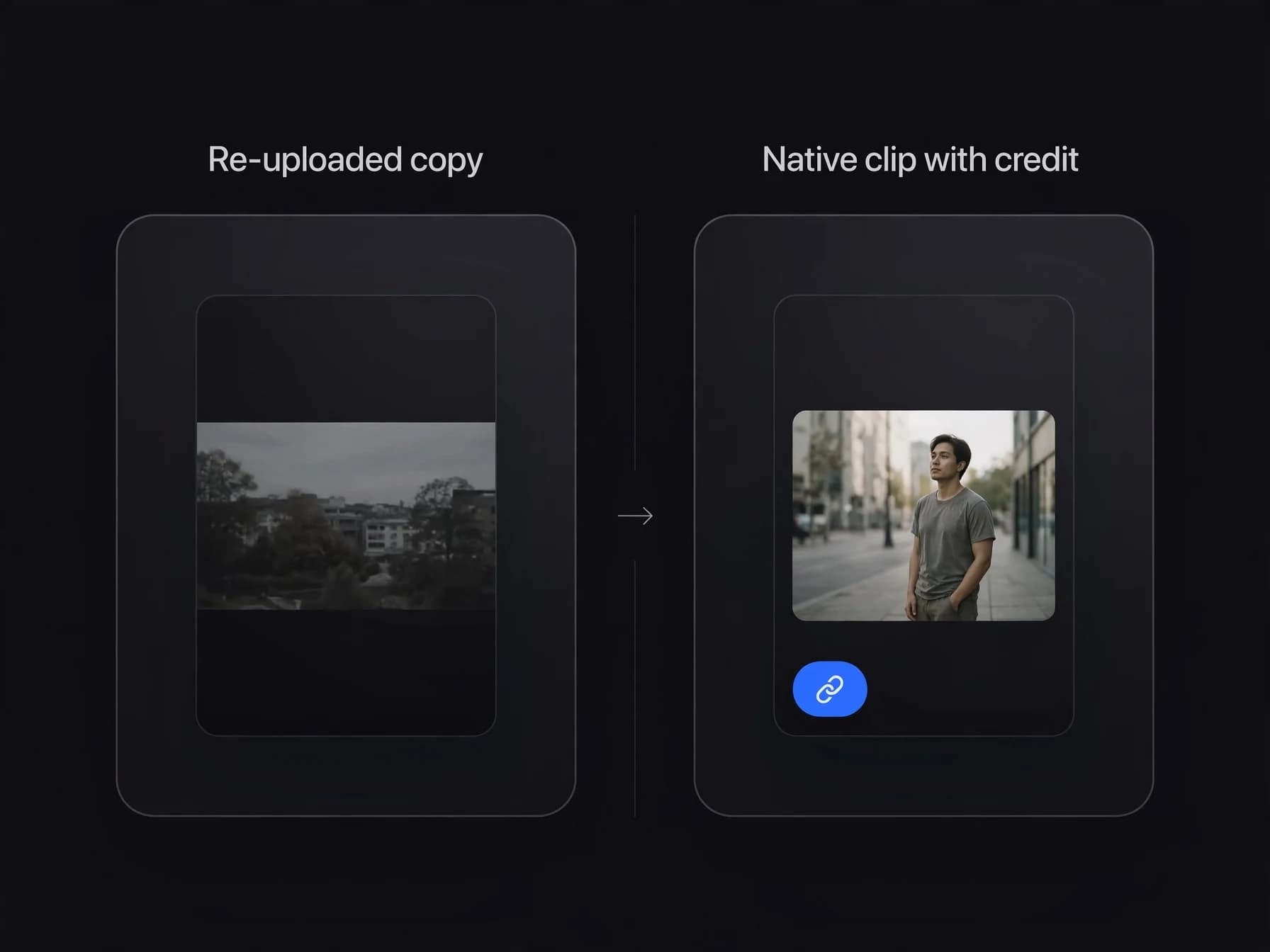
Every clip carries a "Clip from" label. Tapping it opens the original video at the exact second your clip starts, so the original creator still gets the views and the credit. That is the big change: before this, clipping on Twitter meant saving a video with a third-party downloader, trimming it in an editor and uploading a copy, which often broke the link to the person who made it.
X clipping also ties clips to money. Both the person who clips and the creator of the original video can earn from a clip's views through X's Original Content Rewards program, as long as each of them is enrolled.
The feature is live in the X app on iPhone and Android. Clipping on the desktop website was listed as "coming soon" at launch, so if you do not see the option in your browser, use the phone app.
How to clip videos on X (Twitter), step by step
Here is how to clip a video on X in the iPhone or Android app. If you searched for how to clip a video on Twitter or how to clip on Twitter, the steps are the same, because Twitter and X are one app.
- Update the app: install the latest version of X from the App Store or Google Play. Older versions do not show the clip option.
- Open the video: find a post with a pre-recorded video that runs at least 2 minutes.
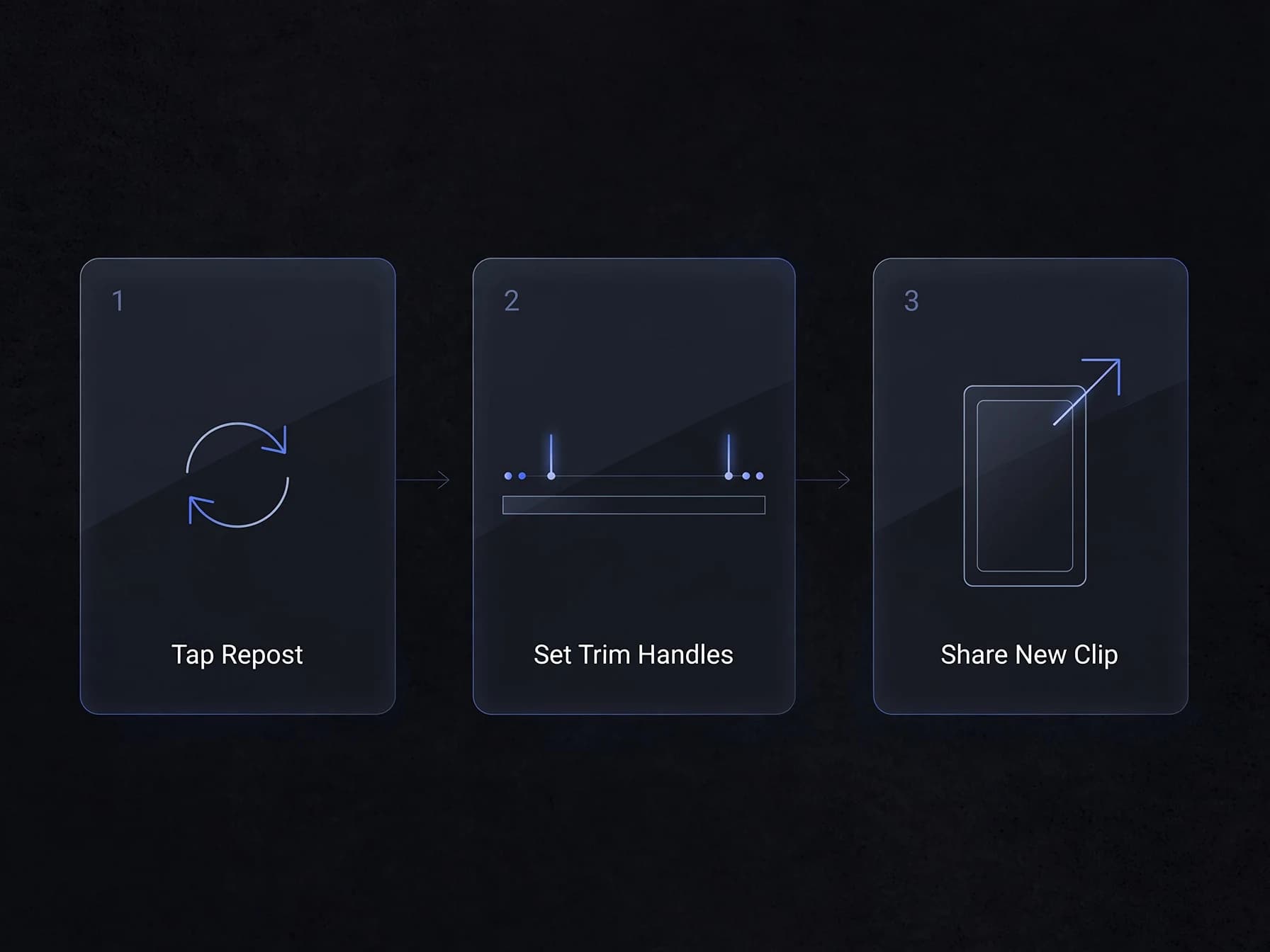
- Tap Repost: tap the Repost icon (the two arrows) under the video.
- Pick Clip video: choose "Clip video" from the menu that opens.
- Set the moment: drag the trim handles to the start and end of the part you want. Your clip must be between 5 and 60 seconds.
- Tap Next: X checks the length. If your clip is too long for that video, it tells you.
- Write your post: add your own text, like a hook or a short reaction, so people know why the moment matters.
- Tap Post: the clip goes out as a new post with the "Clip from" link back to the original.
Your clip lives on X as a post. X does not give you a downloadable file, so this tool is for sharing inside X, not for moving a video to TikTok or Instagram.
X clip length limits and rules
X keeps clips short so they send people to the full video instead of replacing it. Before you use the X clip video option, check these rules from launch:
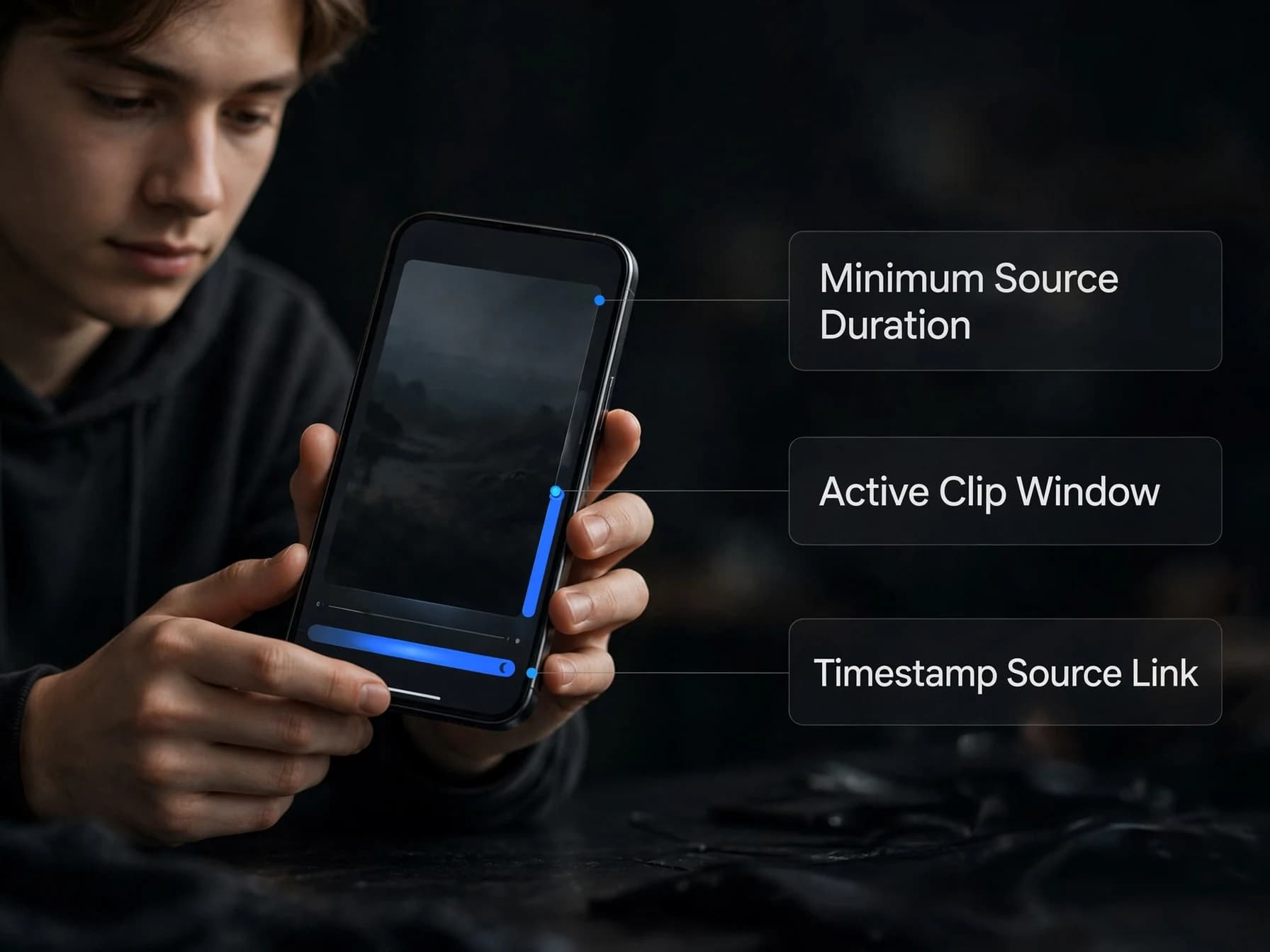
- Source video: only pre-recorded videos of 2 minutes or longer can be clipped.
- Clip length: 5 seconds minimum, 60 seconds maximum.
- 30% cap: a clip can be at most 30% of the original video.
- Live streams: not supported yet. X said live stream clipping is coming soon.
- Credit: every clip links back to the original at the matching timestamp.
The 30% rule is the one that trips people up. On a 2 minute video, 30% is 36 seconds, so that is your longest possible clip. A full 60 second clip needs a source of at least 3 minutes and 20 seconds. Long podcasts, interviews, sports streams and gaming videos are the easiest to clip because the cap never gets in your way.
Short videos under 2 minutes cannot be clipped at all. For those, a normal repost or quote post is still the only option inside X.
Can you get paid for clipping on X?
Yes, it is possible, but nobody outside X knows the rate yet. Here is what X has said about earnings from clips:
- Who earns: the clipper and the original creator can both earn from a clip's views.
- Program: earnings run through Original Content Rewards, the X creator payout program.
- Requirements: each person has to be enrolled, which includes an X Premium subscription and the program's impression and follower thresholds.
- Creator share: what the original creator earns from clips is counted the same way as views from embedded reposts of their content.
- Not included: clips do not count toward the Video Kickstart Bonus.
X has not published how much a clip pays, or how the money is split between the clipper and the creator. So treat clipping videos on X as a way to grow an account first and a possible income source second.
What does seem clear is the kind of clip that gets views: one moment with a clear payoff, a hook in the first two seconds and a post text that tells people what they are about to see. "Clipping" is already a job on TikTok and YouTube Shorts, where clippers cut streams and podcasts into short videos. X just made the cutting step part of the app.
What the X clipper can't do (and how to fill the gaps)
X's clip tool only trims. Clips that do well on TikTok, Reels and YouTube Shorts usually need more than that. Here is what is missing and what you can use instead:
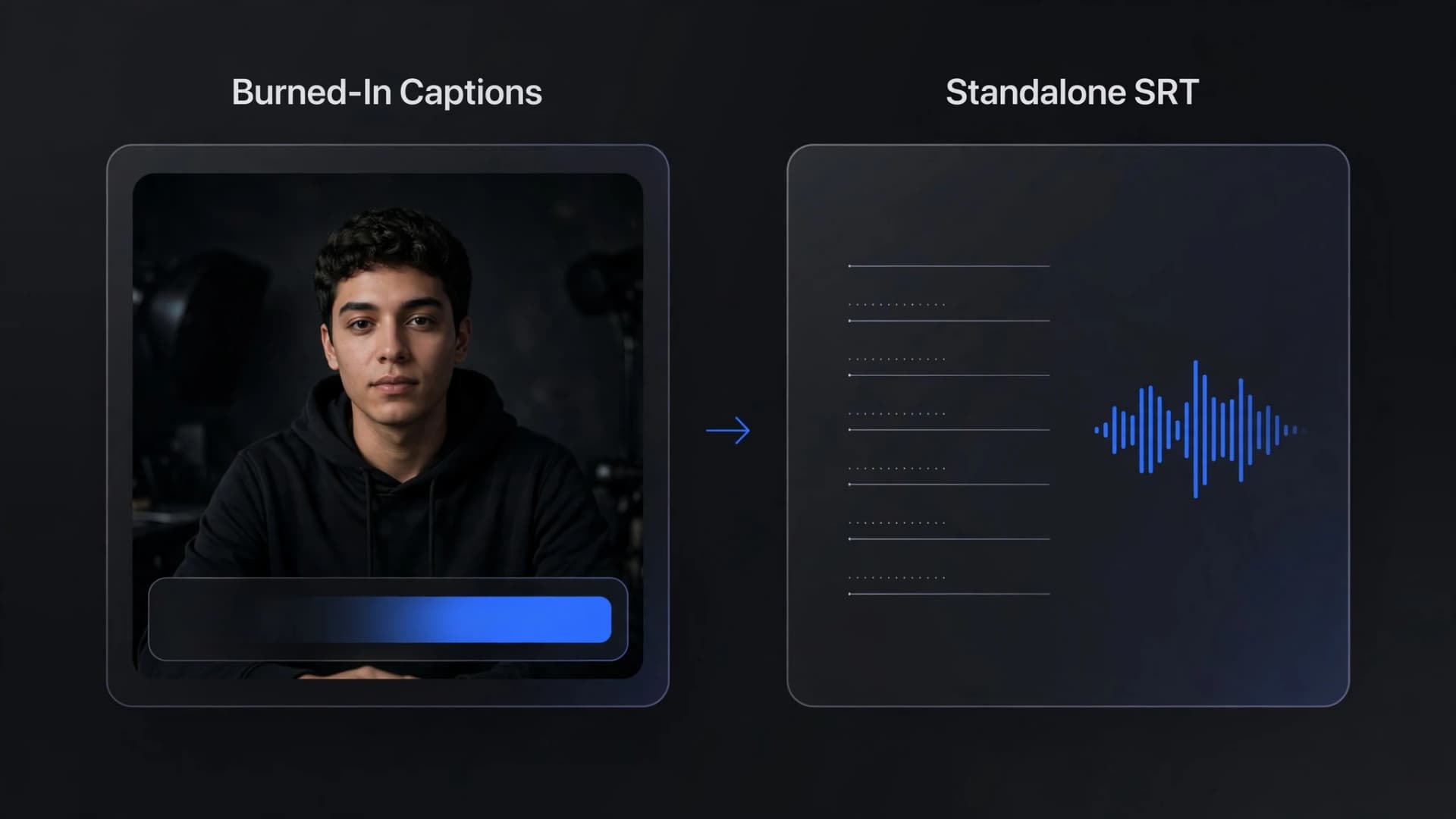
- Captions: X clips have no burned-in subtitles, and many people watch with the sound off. If you are clipping your own long video, OnVid's captions tool turns the speech into styled, word-by-word captions you can edit before you download.
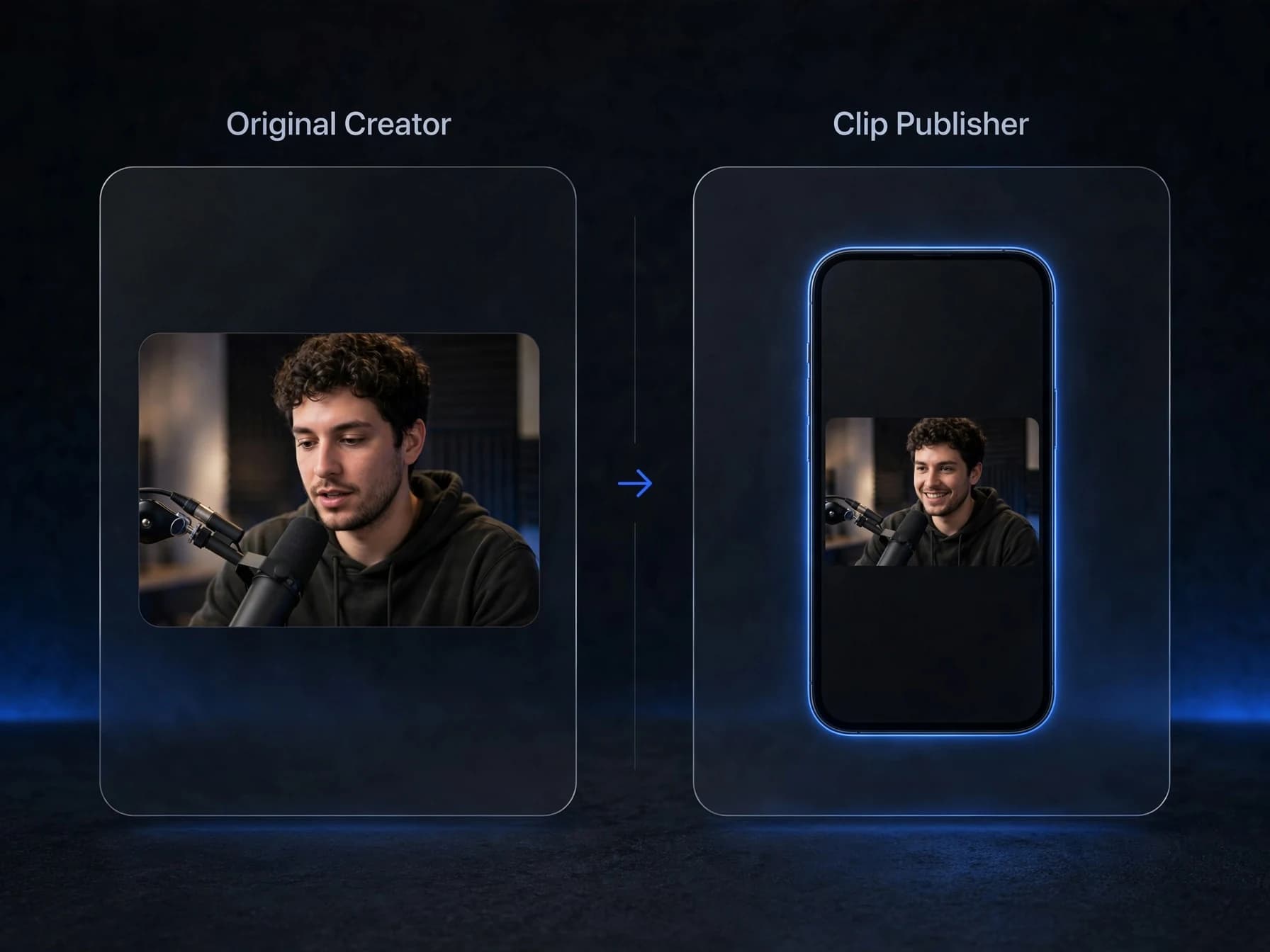
- Vertical 9:16: an X clip keeps the shape of the original. To check the right size for each app, use the free aspect ratio calculator.
- A file you can download: X clips stay on X. For your own videos, trim the moment in any editor, then shrink it with the free video compressor or turn it into a GIF for replies.
- Better quality: clips from old or low-resolution streams look soft on a phone. The AI video upscaler can sharpen your own footage to 1080p or 4K.
- Other languages: to reach viewers outside your language, the AI video translator can dub a clip of your own video.
A quick rule for what you post where: inside X, use the Clip video button on anyone's eligible video. Outside X, only repost video you made or have permission to use. Downloading someone else's Twitter video and uploading it to another app is not covered by X's clip feature.
How to clip videos on X that get views
Short clips live or die in the first two seconds. These tips work for clipping on X and on Twitter-style feeds in general:
- Start on the moment: begin your clip right before the line, goal or reaction, not ten seconds before it.
- Write the hook in the post text: X shows your text above the clip, so use it as a headline. "He did not see that coming" beats "Interesting clip."
- Keep it to one idea: a 20 second clip with one clear payoff usually does better than a 60 second clip with three.
- Clip long, popular videos: podcasts, interviews and streams over 3 minutes 20 seconds give you the full 60 seconds and lots of moments to choose from.
- Credit and context: the "Clip from" link already credits the creator. Adding the topic or name in your text helps people find it in search.
- Post while it is fresh: clips of news, sports and launches get most of their views in the first day.
If you make your own videos, clips are also free promotion. Anyone can use Clip video on X on your long uploads. Post long videos of 2 minutes or more, and other people can clip them and send viewers back to you. You can even make that longer video with an AI video generator from a text prompt or a photo, then let the clips do the marketing.