What Is B-Roll? Meaning, Examples and How to Use It
B-roll is the secondary cutaway footage that supports your main shot or dialogue. These supporting clips add context, cover edit points and make a video easier to follow.
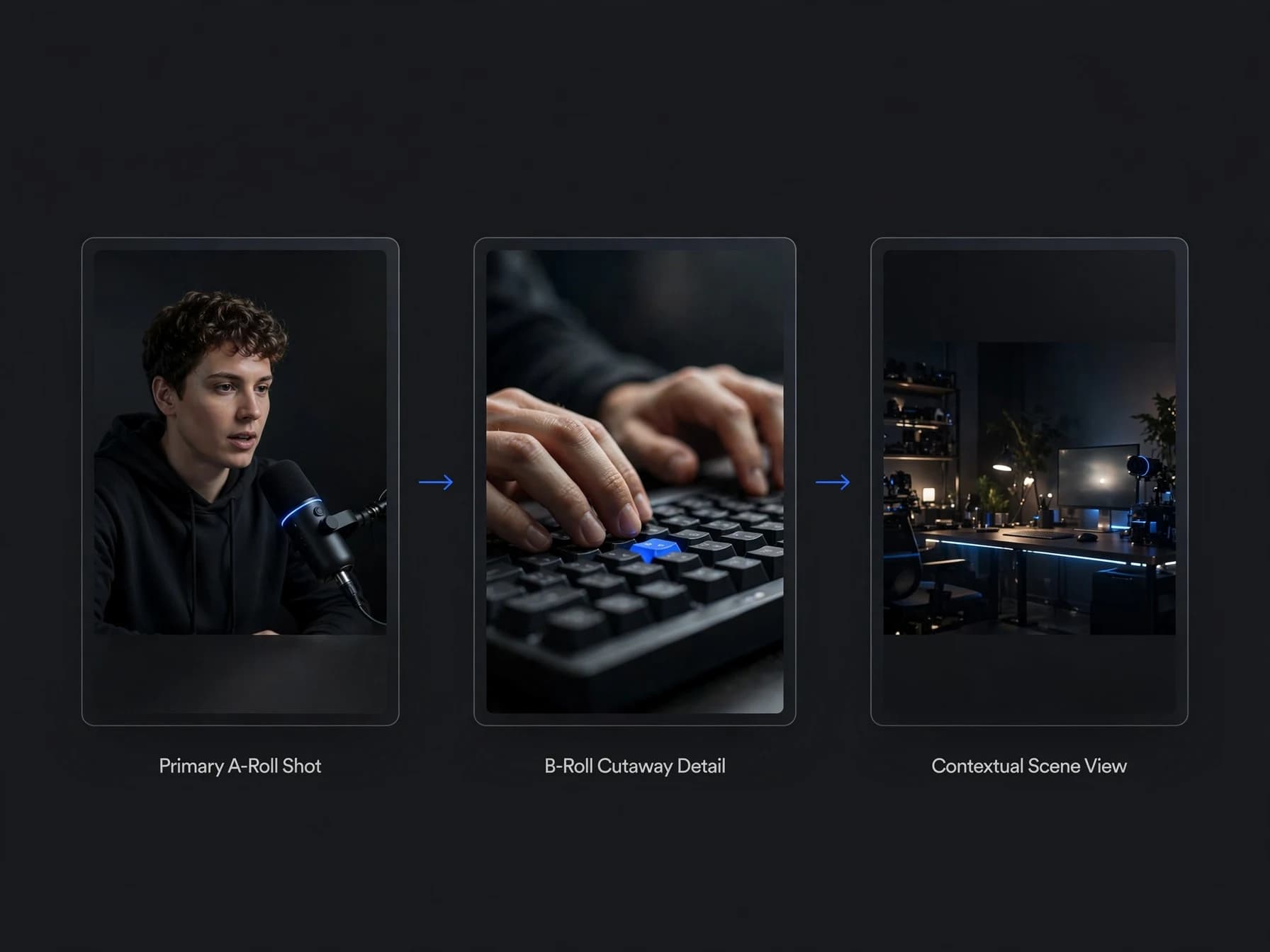
What is b roll footage? In filmmaking and video production, B-roll refers to secondary footage that supports, enriches, and cuts away from your primary subject. While primary footage captures the central action or speaking subject, secondary clips illustrate the concepts being discussed.
The historical b roll meaning originated in early dual-roll film editing, where editors spliced main narrative footage on an A-roll reel and cutaways onto a B-roll reel. Today, whether you shoot physical camera footage or create cutaways using OnVid's AI video generator, these supplemental clips keep viewers visually engaged.
Strong cutaways transform simple talking-head clips into rich visual stories. They hide rough audio cuts, emphasize crucial themes, and give viewers immediate context without slowing down your story.
Video editing timeline displaying primary A-roll and secondary B-roll cutaway footage tracks
What is b roll and how does it elevate an AI video?
The practical b roll meaning centers on supporting visual storytelling that clarifies and enriches your core message. Rather than watching a single continuous talking head, viewers see relevant visual cutaways that reinforce the spoken dialogue.
For example, an interview with a craft baker becomes far more engaging when interspersed with close-up shots of kneading dough, dusting flour, and hot bread emerging from an oven. These contextual cutaways clarify complex explanations faster than spoken words alone.
Video creators also rely on secondary visuals to establish geographic settings or depict the passage of time. A quick exterior shot of a city street or an office lobby anchors the narrative environment for your audience. Mastering these cutaways is also essential when learning how to make AI faceless videos, where secondary footage carries the entire visual story.
Artisan baker kneading bread dough used as a cutaway video shot during an interview
Key differences between primary A-roll and secondary cutaways
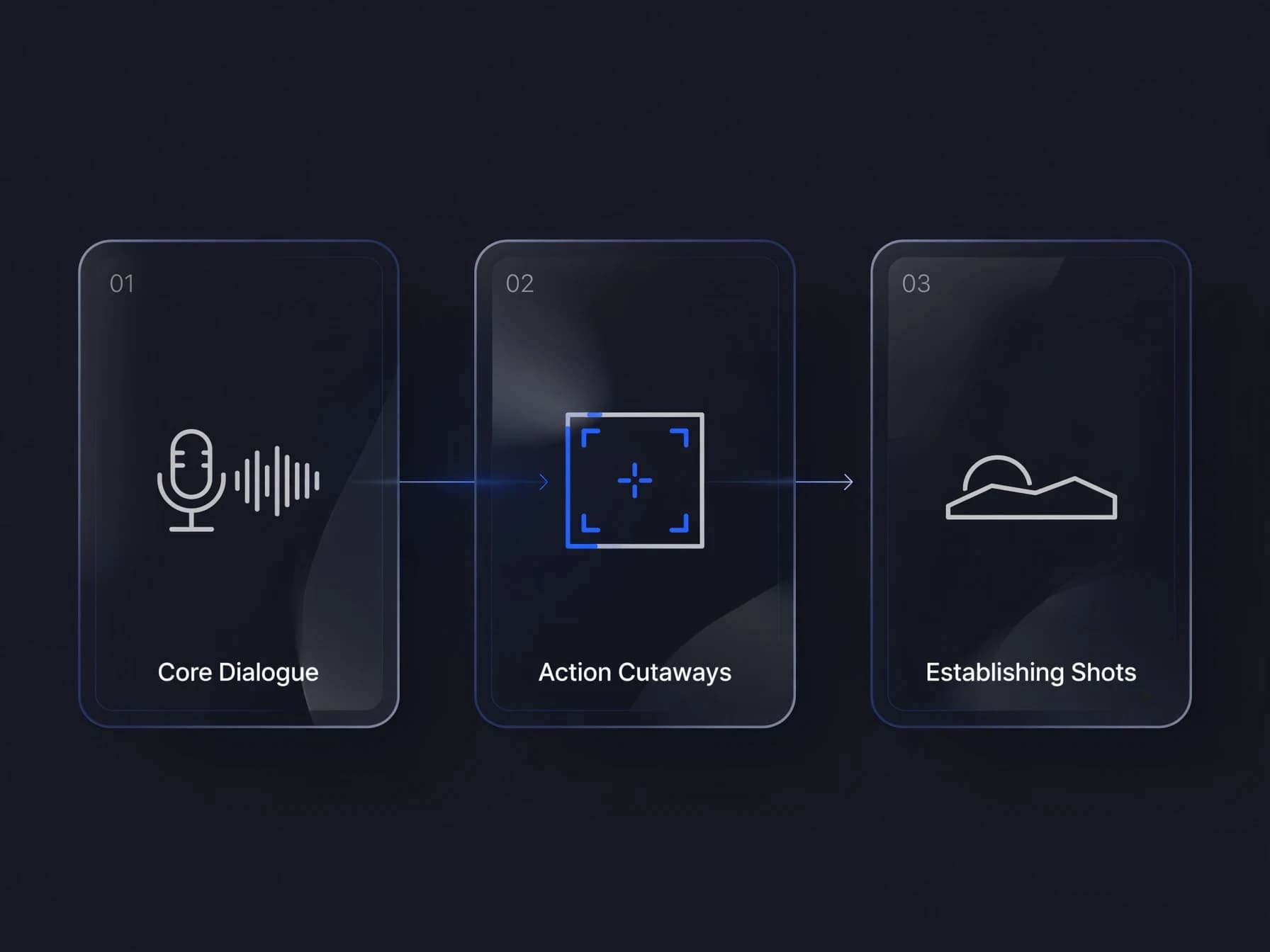
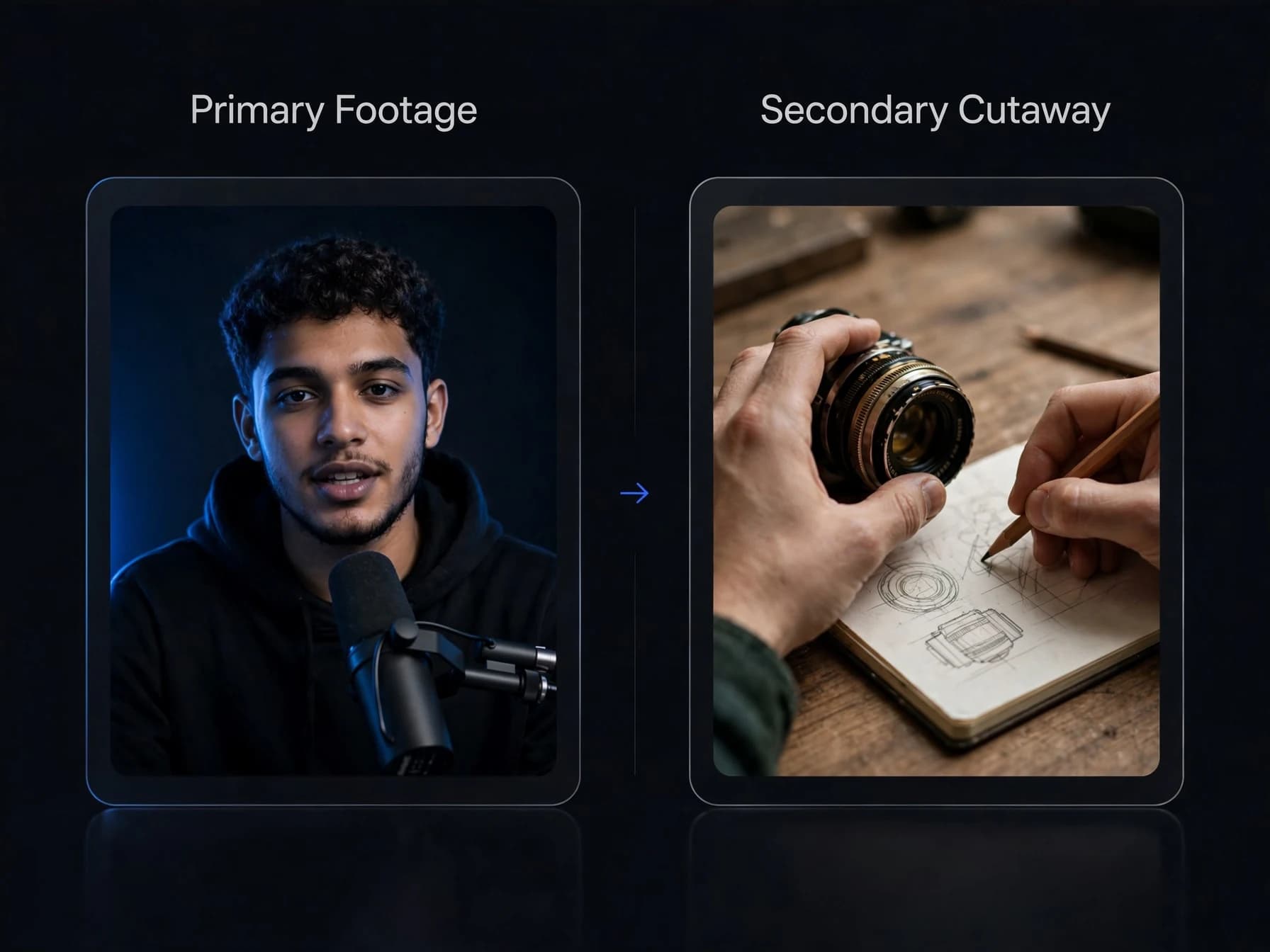
The core distinction between primary footage and secondary cutaways lies in narrative priority. Primary footage carries the primary interview or narrative spine, while secondary cutaways provide supporting visual texture and thematic depth.
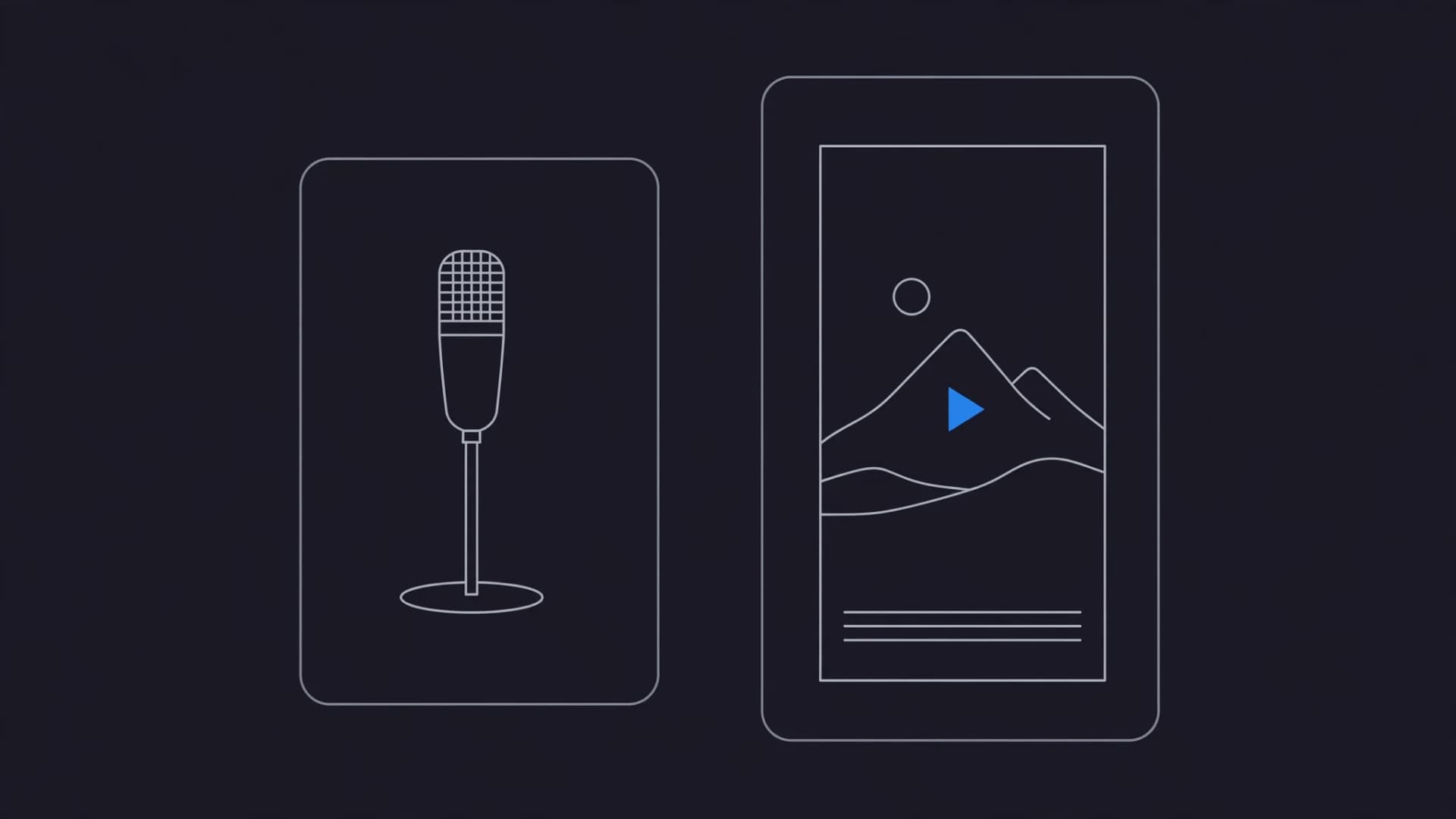
In a typical documentary setup, the subject speaking on microphone represents your primary layer. The cutaways of archival photos, workshop tools, or environment details constitute your secondary layer. You can even animate archival stills using image to video generation to keep still assets moving.
Both elements work in tandem during editing. When a speaker pauses or stumbles, dropping a secondary clip over the audio track hides the jump cut while preserving a smooth narrative flow.
Side-by-side comparison between primary interview footage and atmospheric secondary cutaway footage
Common types of cutaway shots to enhance your AI video
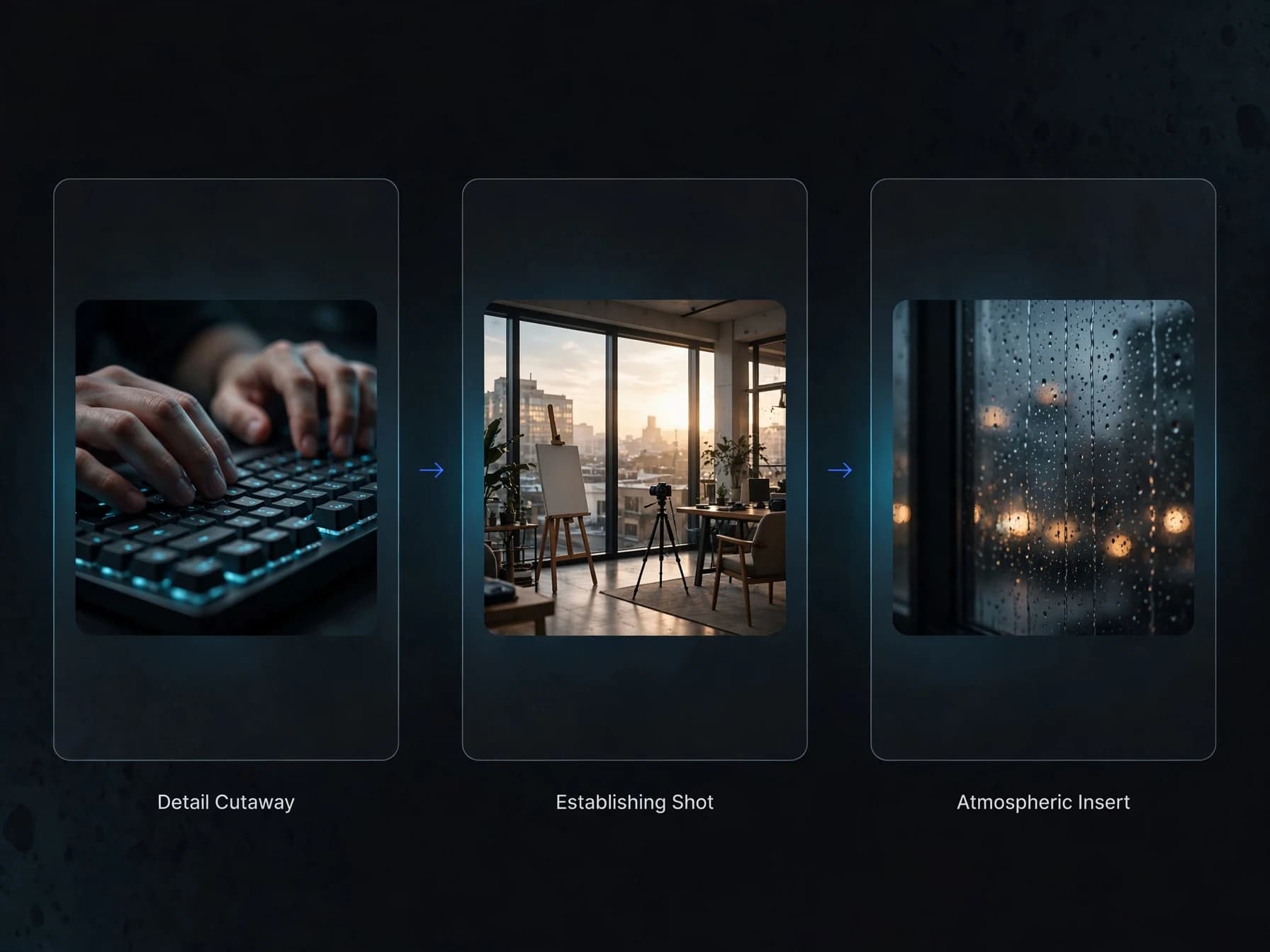
Successful projects rely on several distinct styles of secondary cutaway shots. Detail cutaways show extreme close-ups of hands typing, clock hands moving, or gears turning to emphasize focus and precision.
Establishing shots reveal the broader environment, while atmospheric inserts capture mood elements like falling rain or drifting morning mist. Having this b roll explained across different categories makes it easier to plan specific visual assets. If you already have a full outline ready, a script to video tool can help map out scenes and matching cutaways in one pass.
You can even turn text prompts and photos into supplemental clips using text to video tools to fill visual gaps when physical filming is impractical. Matching your cutaway style to your project tone ensures smooth visual continuity.
Grid displaying four common types of B-roll cutaway shots including detail, establishing, and atmospheric scenes
Step-by-step process to plan and edit secondary cutaways
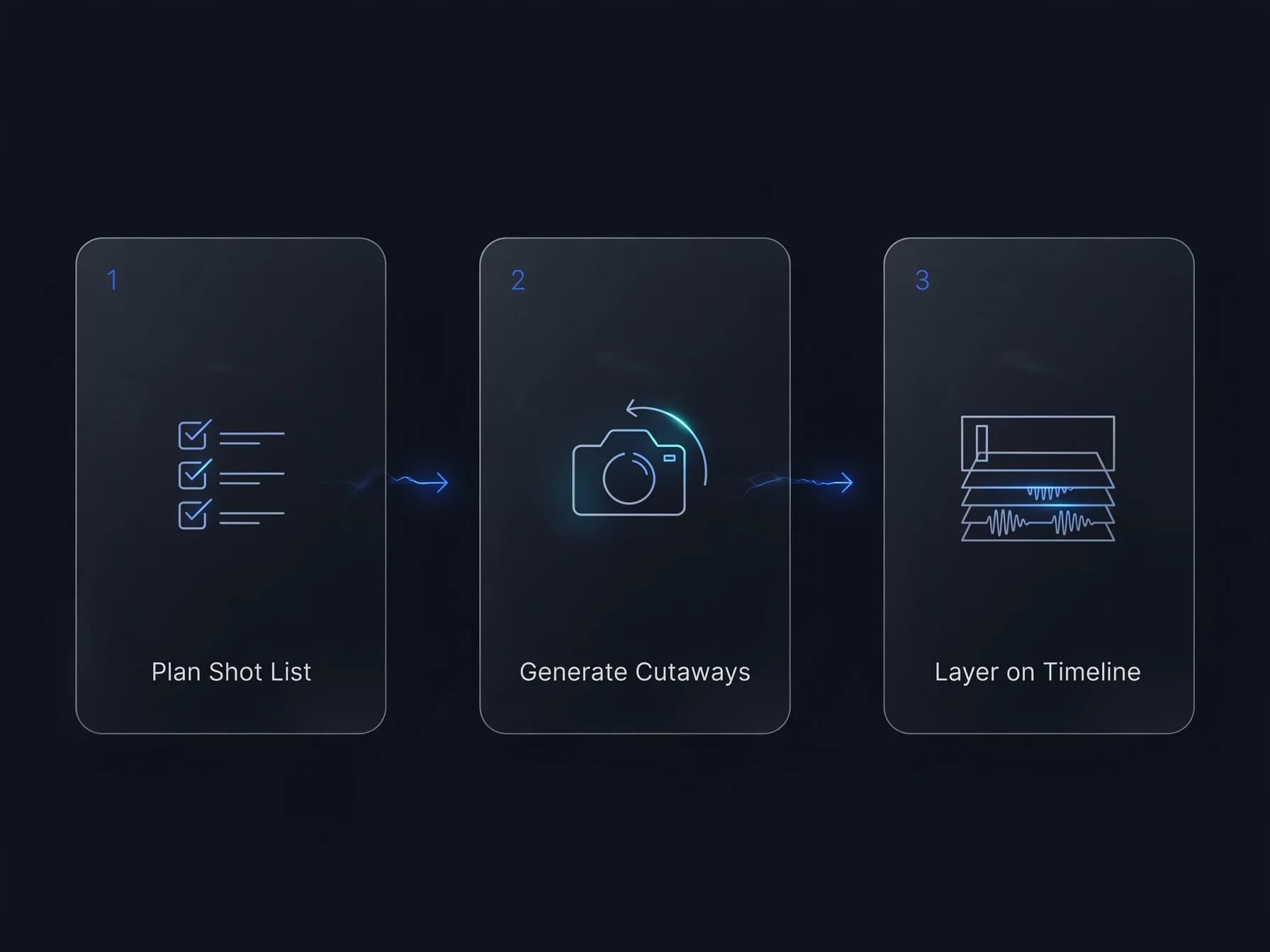
Step 1: Build a concise shot list before recording or generating your footage
Review your primary script to identify key phrases, locations, and actions that require direct visual demonstration.
Step 2: Capture or generate your secondary cutaways with matching lighting and consisten
Step 3: Layer your cutaway visuals directly over your primary dialogue track to smooth o
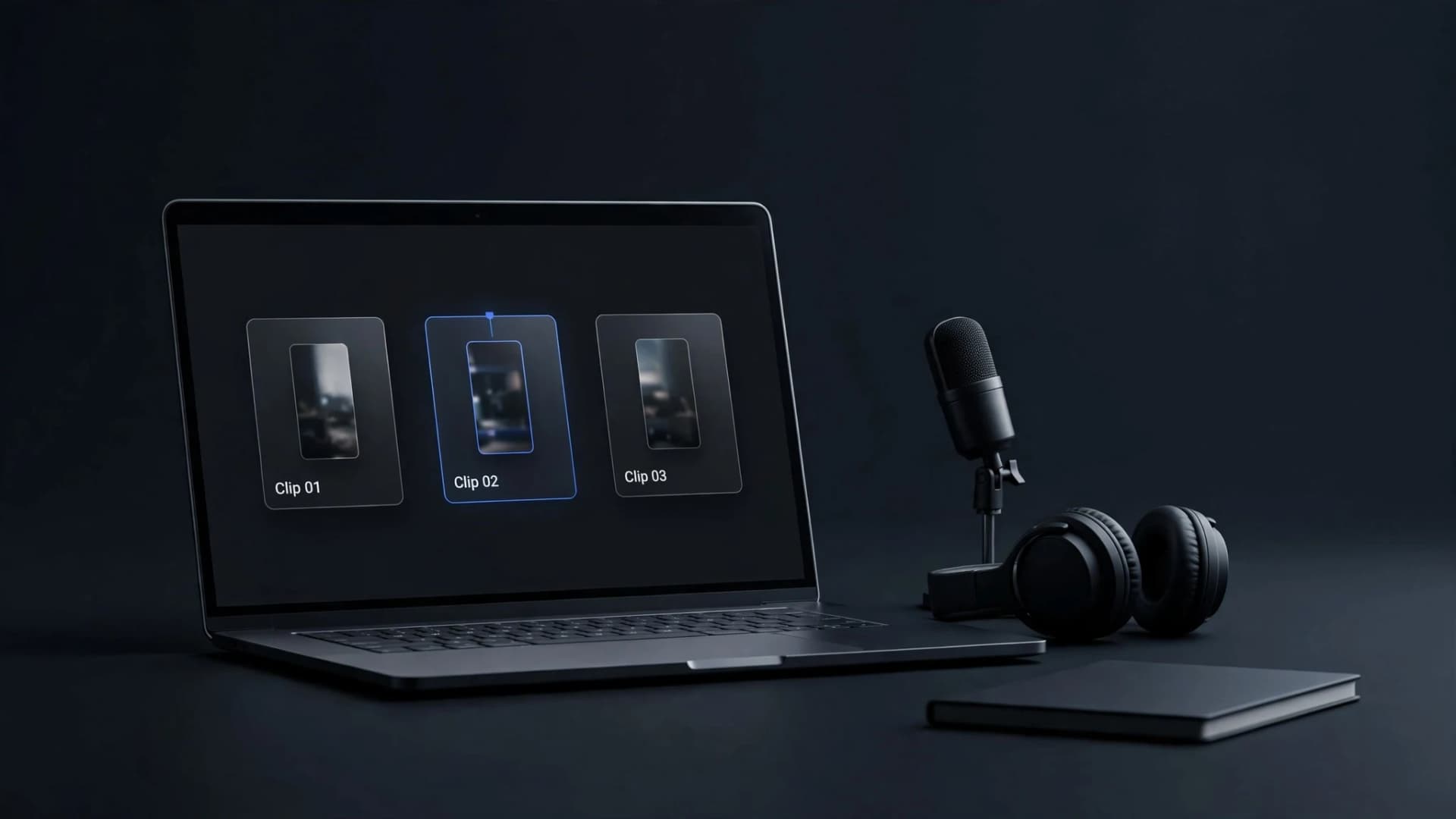
Video creator workspace featuring a structured B-roll shot list notebook and digital editing storyboard
Key takeaway on using B-roll in your video projects
Understanding what is b roll changes how you plan, shoot, and edit every video project. Supplementary cutaways provide the visual rhythm needed to hide jump cuts, emphasize spoken points, and keep viewers engaged. By treating your supporting footage as an essential storytelling layer rather than an afterthought, you create more dynamic and cohesive visual stories.
Frequently asked questions about what is b roll
Clear answers to the most common questions creators ask about what is b roll, how it differs from primary footage, and how to plan cutaways effectively.
What is B-roll in filmmaking and video production?
B-roll is secondary footage cut into a video to support, illustrate, or add context to the primary subject matter. While the main footage, called A-roll, carries the primary dialogue or interview, cutaway scenes show what the speaker is discussing or establish the atmosphere of a scene. Editors use this supplementary material to hide cuts, smooth pacing transitions, and maintain visual interest throughout a project.
What is the meaning of B-roll historically?
The term originates from early film editing practices when editors spliced physical film negatives across two alternating reels labeled A-roll and B-roll. Running alternating shots across dual synchronized projectors allowed seamless visual dissolves and concealed splice lines during lab printing. Today, video editors use the term digitally to describe all cutaway and supporting footage that accompanies the main audio or narrative track.
What are B-roll ideas for everyday creators?
Practical b roll examples include environmental establishing shots, over-the-shoulder action, detail close-ups, and street movement. Creators also capture listener reactions and landscape sweeps, or use text to video to create cutaways you did not film.
What is b roll footage used for during editing?
In editing suites, editors rely on supplementary clips to cover jump cuts in talking-head interviews without interrupting the spoken sentence. Cutting away to a detailed action or reaction allows creators to remove pauses, splice two separate takes together, and inject rhythmic pacing into long monologues. This supporting material keeps the audience visually engaged while the voiceover carries the educational or emotional point.
Is the term B-roll or v roll?
The correct term is B-roll, derived from the physical B reel used in traditional dual-roll film editing. While some people mistakenly hear it as v-roll because video starts with the letter V, v-roll is not a recognized production term. Industry professionals across film, television broadcasting, and social media production consistently call it B-roll.
Why do they call it B-roll?
Laboratories and editors named it B-roll because physical film was separated into an A roll containing odd scenes and a B roll containing even scenes and cutaways. Exposing both reels sequentially onto a single master reel eliminated optical lines between cuts and enabled smooth transition effects. The naming convention survived the transition from photochemical celluloid cutting to modern digital non-linear editing software.
What is the difference between A-roll and B-roll?
A-roll represents the core story driver, typically consisting of an interview, monologue, presentation, or scripted character action that delivers essential plot or instruction. B-roll consists of supplemental clips overlaid on top of that narrative to illustrate ideas, disguise cuts, or set the location. A-roll provides the informational structure, while the secondary imagery enriches the visual experience.
What is C-roll in film?
C-roll refers to tertiary footage recorded beyond standard primary and secondary cameras, such as behind-the-scenes material, time-lapses, or alternative angle coverage. In multi-camera live broadcasts and documentary shoots, C-roll provides extra security for editors handling fast-paced sequences. It serves as an auxiliary safety net when standard cutaways do not sufficiently capture scene dynamics.
What's another word for B-roll?
Common industry synonyms include cutaway footage, supplemental footage, secondary footage, and insert shots. Television newsrooms frequently refer to it as visual cover or wallpaper footage when it simply accompanies a reporter's voice track. Regardless of the exact label used, the fundamental purpose remains illustrating narration and concealing technical edit points.
How long should B-roll shots be on screen?
Most cutaway shots appear on screen for two to four seconds before cutting back to the speaker or advancing to the next angle. Fast-paced social reels often use one-second bursts to match energetic music, whereas cinematic documentaries might hold ambient establishing scenes for five to eight seconds. Keeping shots concise prevents viewers from growing bored while ensuring each visual point registers clearly.
How can you explain B-roll to a beginner?
If you want to explain what is b roll to someone new to video, describe it as the visuals showing what the speaker is talking about. For instance, when a chef explains how to dice an onion on camera, the close-up shot of the knife slicing the onion is the supporting clip. The interview audio continues uninterrupted while the picture cuts away to clarify the instruction.
What is AI b-roll and how do creators use it?
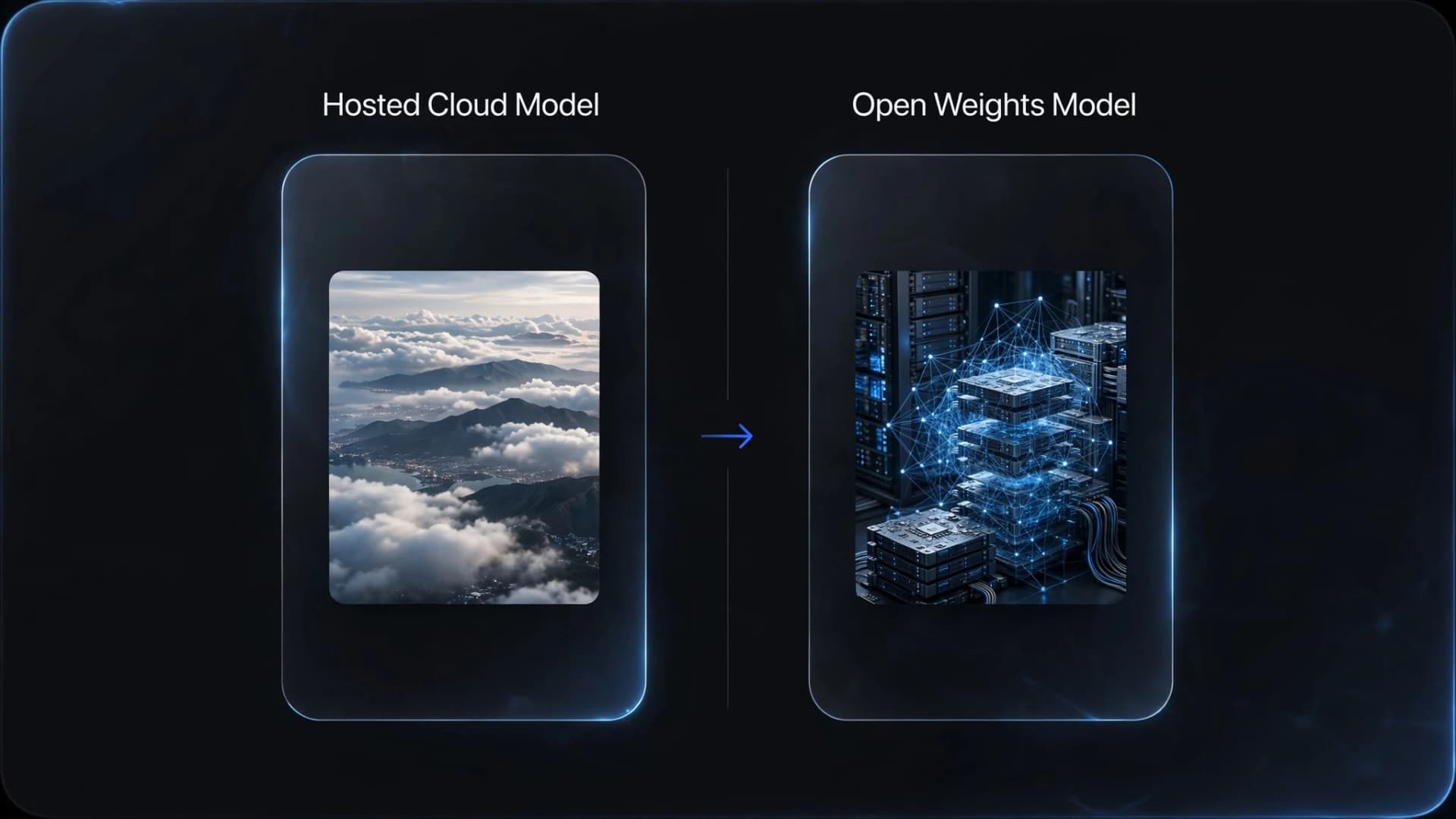
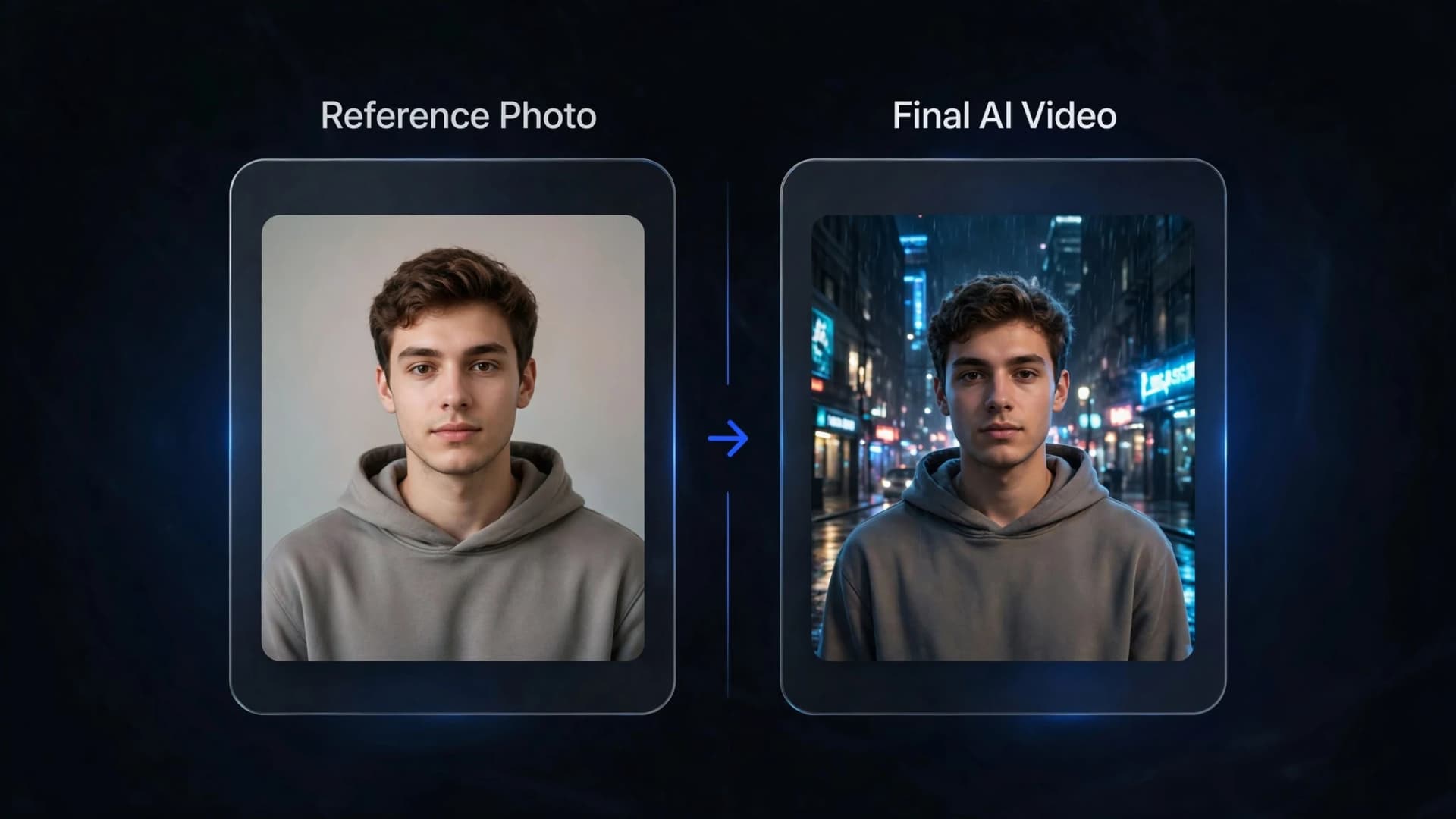
The phrase AI b roll refers to supplementary visual clips created with neural networks and diffusion algorithms rather than physical camera rigs. Video makers describe a specific scene, mood, or camera movement in text, producing custom cutaways that match unusual narration points. OnVid's image to video and text-to-video tools let you create matching supplementary clips directly from text descriptions or reference stills to fill coverage holes in any edit.
Can you make professional B-roll without expensive camera gear?
Modern smartphones capture exceptional high-definition cutaway clips when paired with steady natural light and controlled slow-panning camera movements. Creators also use an AI video generator to render hyper-specific visual assets that would otherwise require travel or specialized macro lenses. Focusing on steady camera motion, clean framing, and complementary subject matter matters far more than camera sensor size.
What are common mistakes to avoid when shooting B-roll?
A frequent mistake is moving the camera erratically without holding steady on the subject at the beginning and end of each shot. Creators also fail to capture wide, medium, and close-up variety, leaving editors without matching coverage to assemble a coherent sequence. Recording at least five seconds of clean, stabilized footage per shot gives you enough usable heads and tails for trimming in editing.
How does audio layering work alongside B-roll clips?
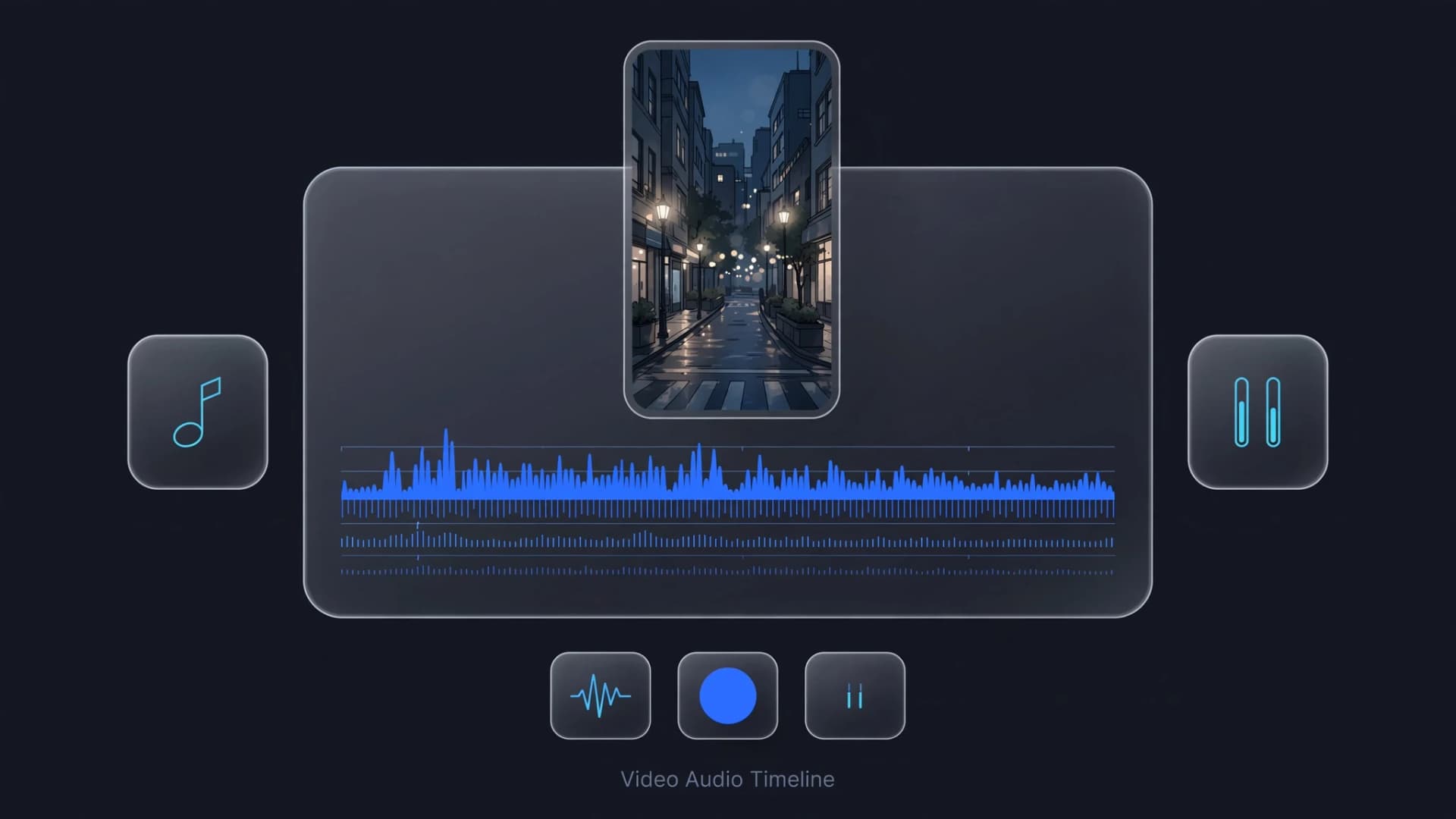
When laying cutaway clips over an interview, editors keep the main speech clear while introducing quiet natural ambient sound recorded on location. Mixing ambient room tones or subtle sound effects underneath the visual cutaway makes the edit feel immersive rather than artificial. Balancing audio levels ensures the narration remains the loudest element while supporting atmospheric audio fills the background space. If an AI cutaway came out silent, you can generate matching ambience for it with the AI sound effects tool.