
How long can AI videos be?
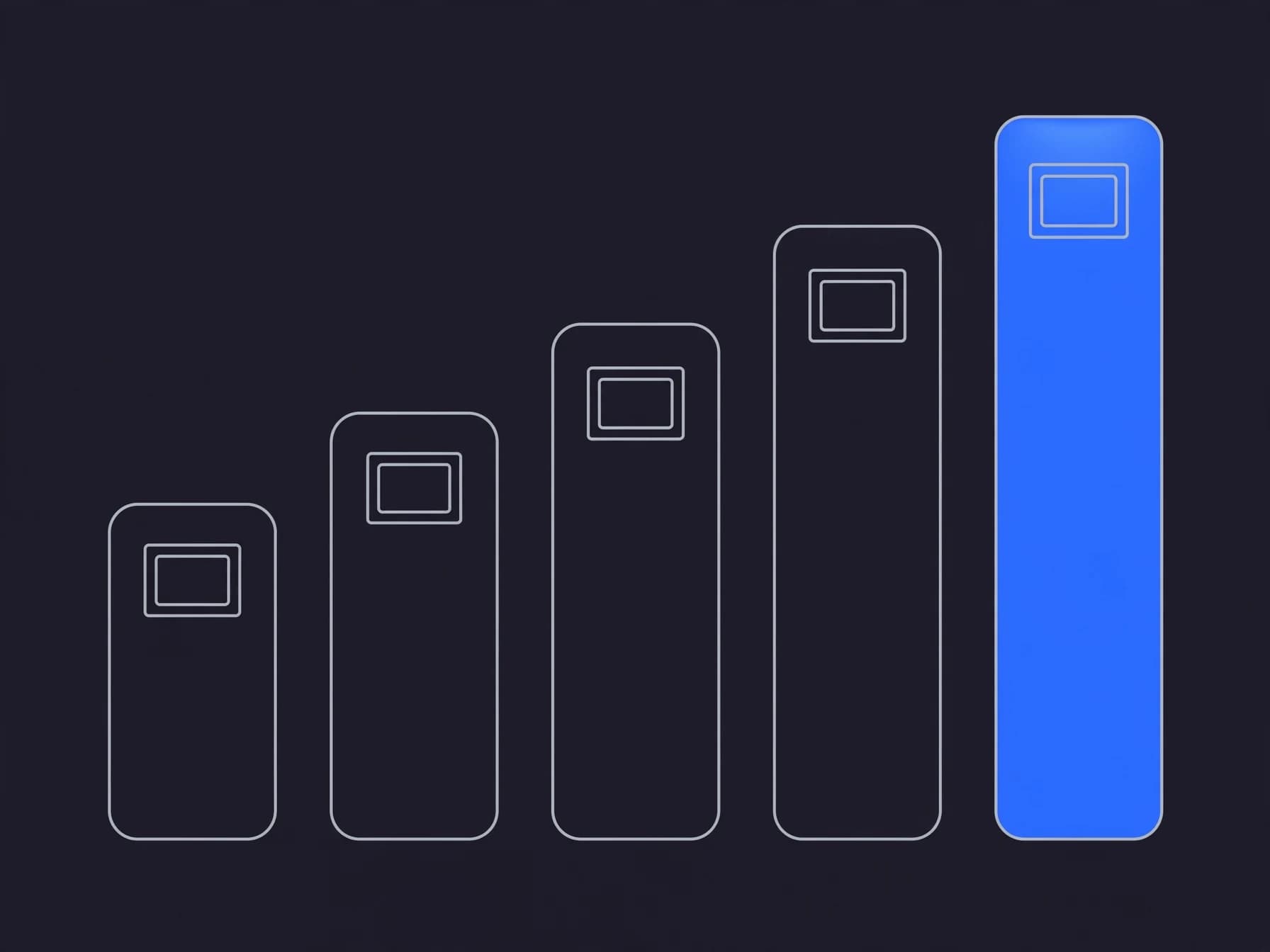
Every AI video model has a hard limit on one clip. This is the longest single clip each one makes on OnVid, from our live model list on November 25, 2026:
| Model | Longest single clip | Native sound |
|---|---|---|
| Kling 4.0 | 30 s | Yes |
| Kling 4.0 Flash | 20 s | Yes |
| FLUX 3 Max | 20 s | Optional |
| Gemini Omni Flash | 15 s | Yes |
| MiniMax H3 Max | 15 s | Yes |
| PixVerse V6 | 15 s | No |
| Seedance 2.0 and 2.5 | 10 s | Yes |
| Wan 2.7, Luma Ray 3.2, LTX-2.3 | 10 s | No / optional |
| Veo 3.1 and Veo 3.1 Fast | 8 s | Yes |
| Grok Imagine | 6 s | Yes |
Outside OnVid the limits are similar. Sora 2 clips ran about 10 to 15 seconds before OpenAI closed the Sora app in April 2026 and its API in September. Google removed Veo Extend from Flow on November 5, so a Veo clip there now stops at 8 seconds (our Veo 3.1 Flow guide has the details).
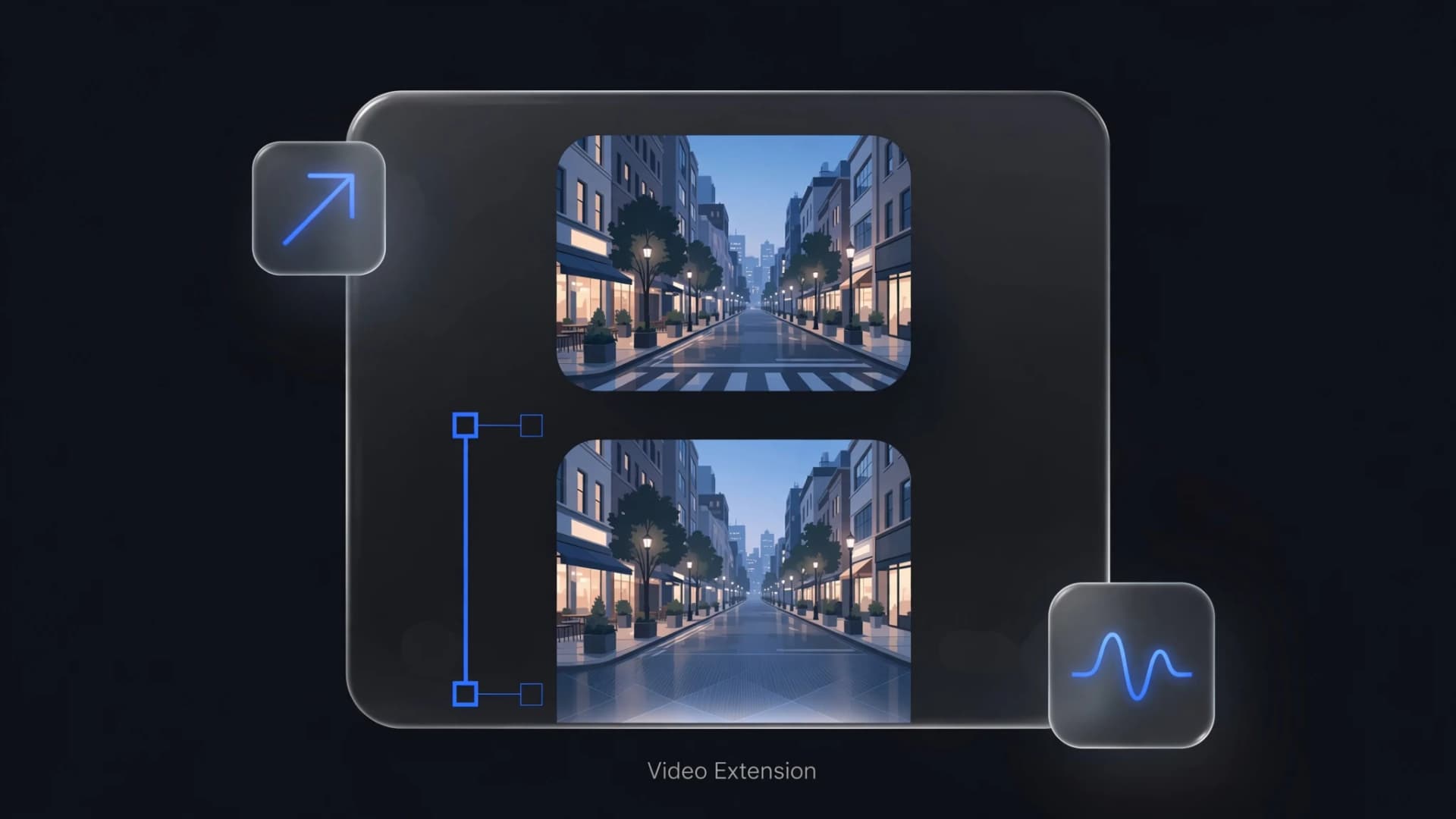
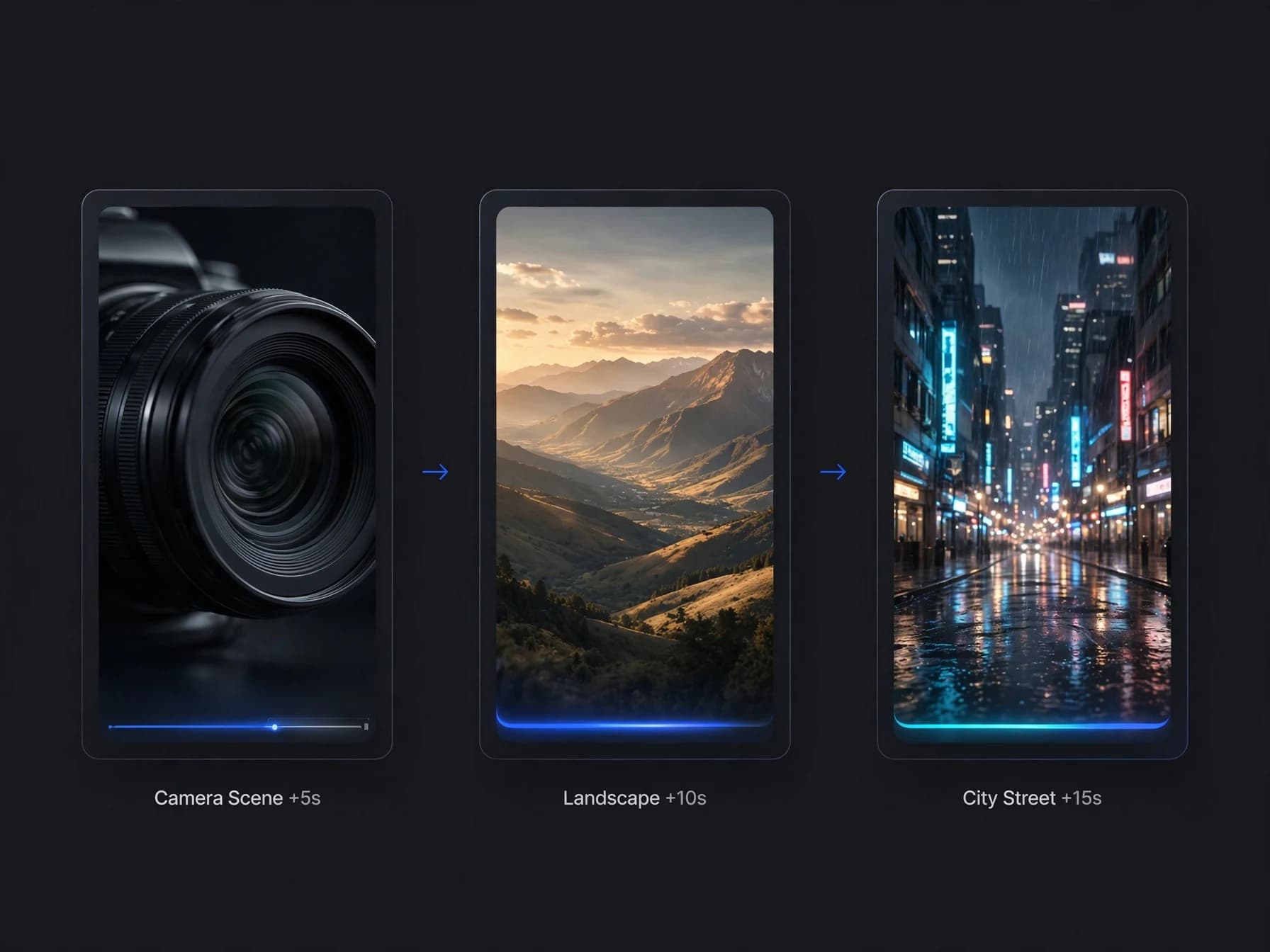
So if you need more than 8 or 10 seconds, or want to make a Veo 3 video longer than 8 seconds, you have two choices: pick a model that goes longer, like Kling 4.0, or make the clip longer after it is made. The fastest way to make an AI video longer is the AI video extender: upload the clip, choose +5, +10 or +15 seconds and it carries on the same shot.
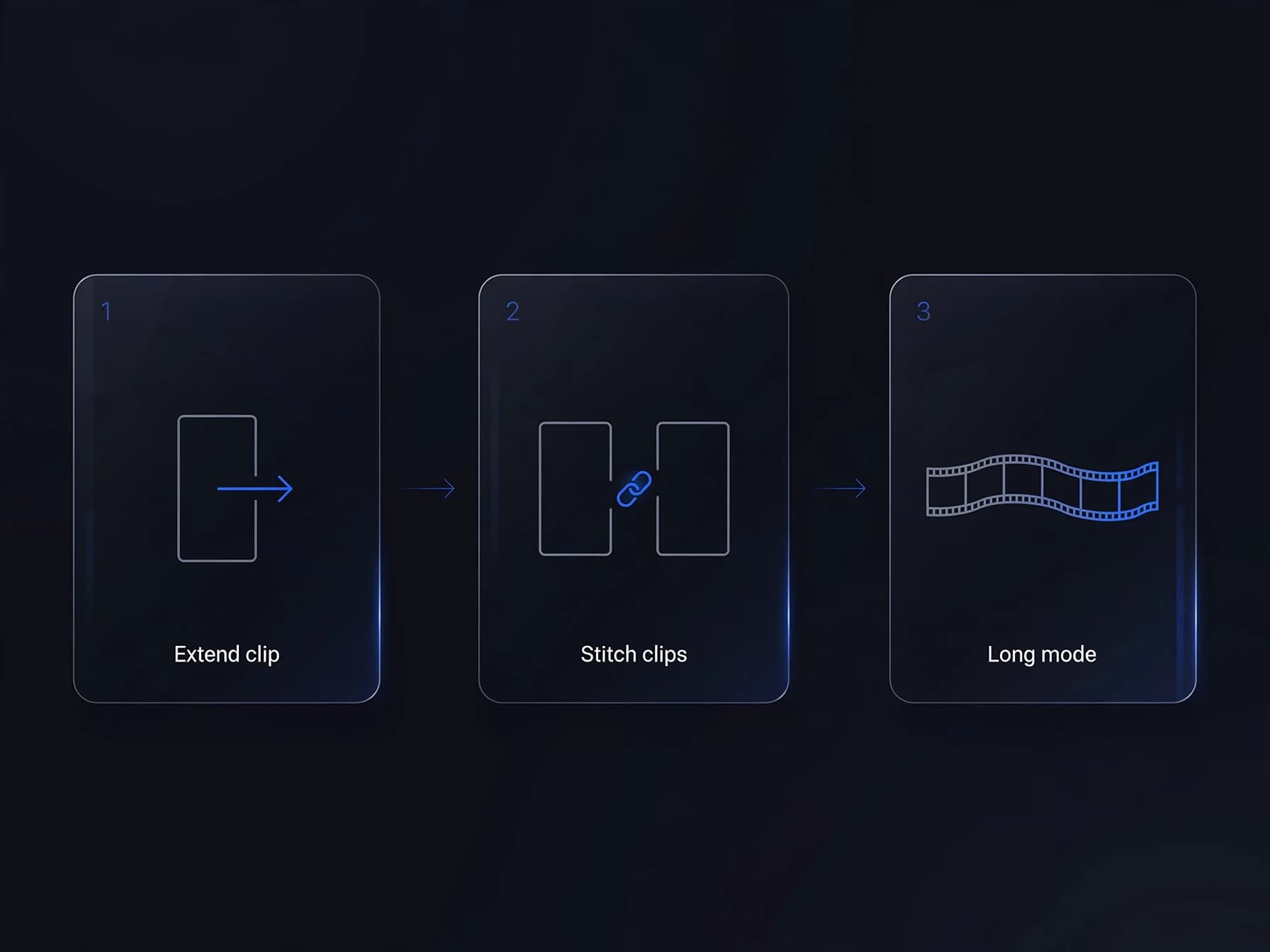
Three ways to make AI videos longer
1. Extend a finished clip. To extend an AI video, an extender reads the end of your video and generates new seconds that continue it: same faces, clothes, light and camera style. It is the best choice when you have one good clip that ends too soon, like a Veo shot that cuts off at 8 seconds. You can also type what happens next, or leave it empty and let the scene carry on.
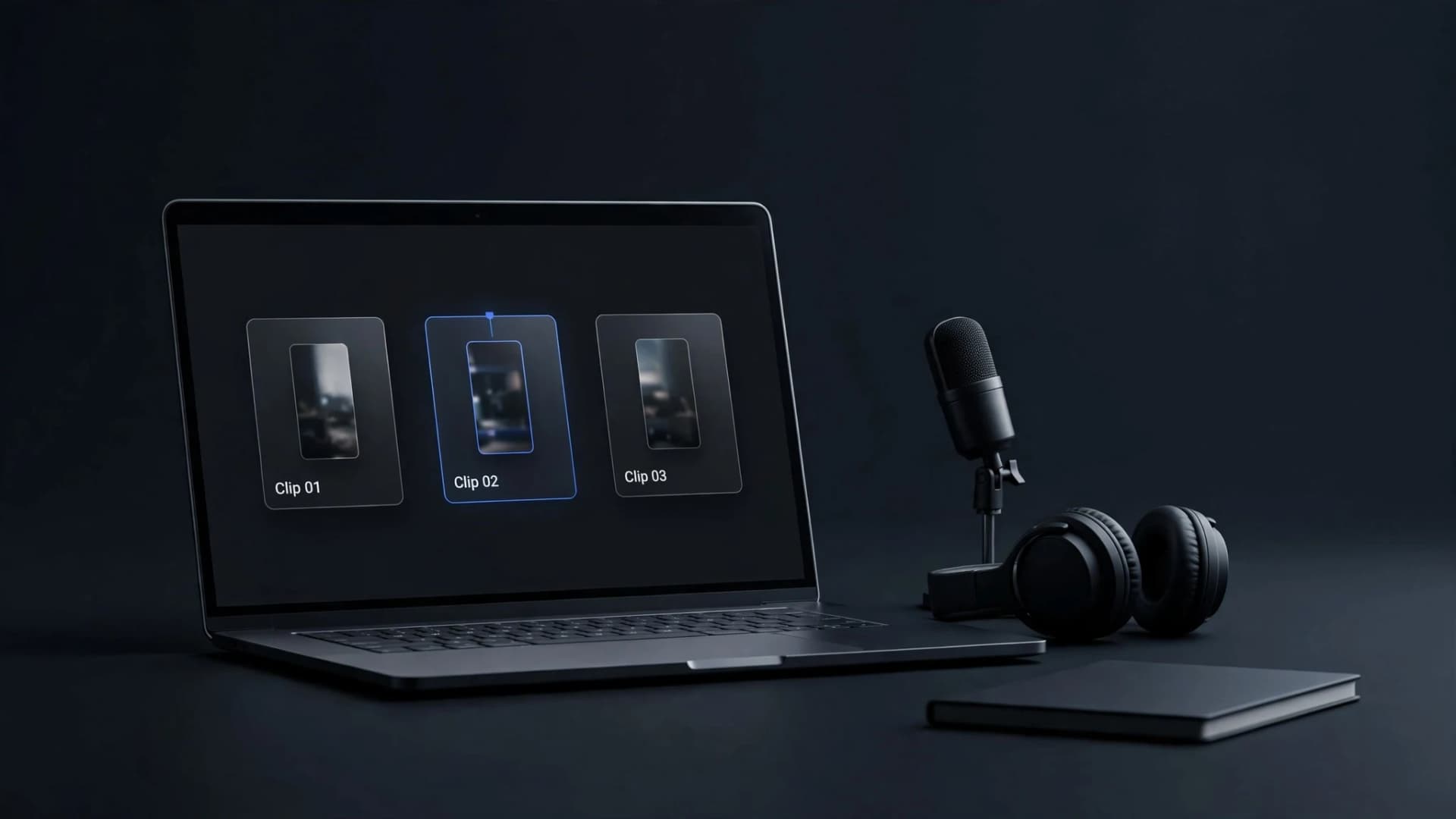
2. Stitch several clips. Make two or more clips and join them in any video editor, such as CapCut or Premiere. This gives you the most control over each shot, and it costs nothing extra. The risk is jumps between clips: a face that changes, a light that flips, music that stops. The tips below help with that.
3. Use a long-video mode. Some apps chain clips for you. On OnVid, Max plans can make 30 or 60-second videos in one request: the app generates the first part, uses its last frame as the start of the next, and merges everything into one MP4. It is the easiest way to get a full minute, but it is only on Max plans and costs a little more than the parts on their own.
Which one to pick:
- One clip, a few seconds short: extend it.
- A story with several different shots: stitch them. Stitching is also how most people make AI videos longer for free.
- One continuous 30 or 60-second shot, without editing: long-video mode.
How to extend an AI video on OnVid, step by step
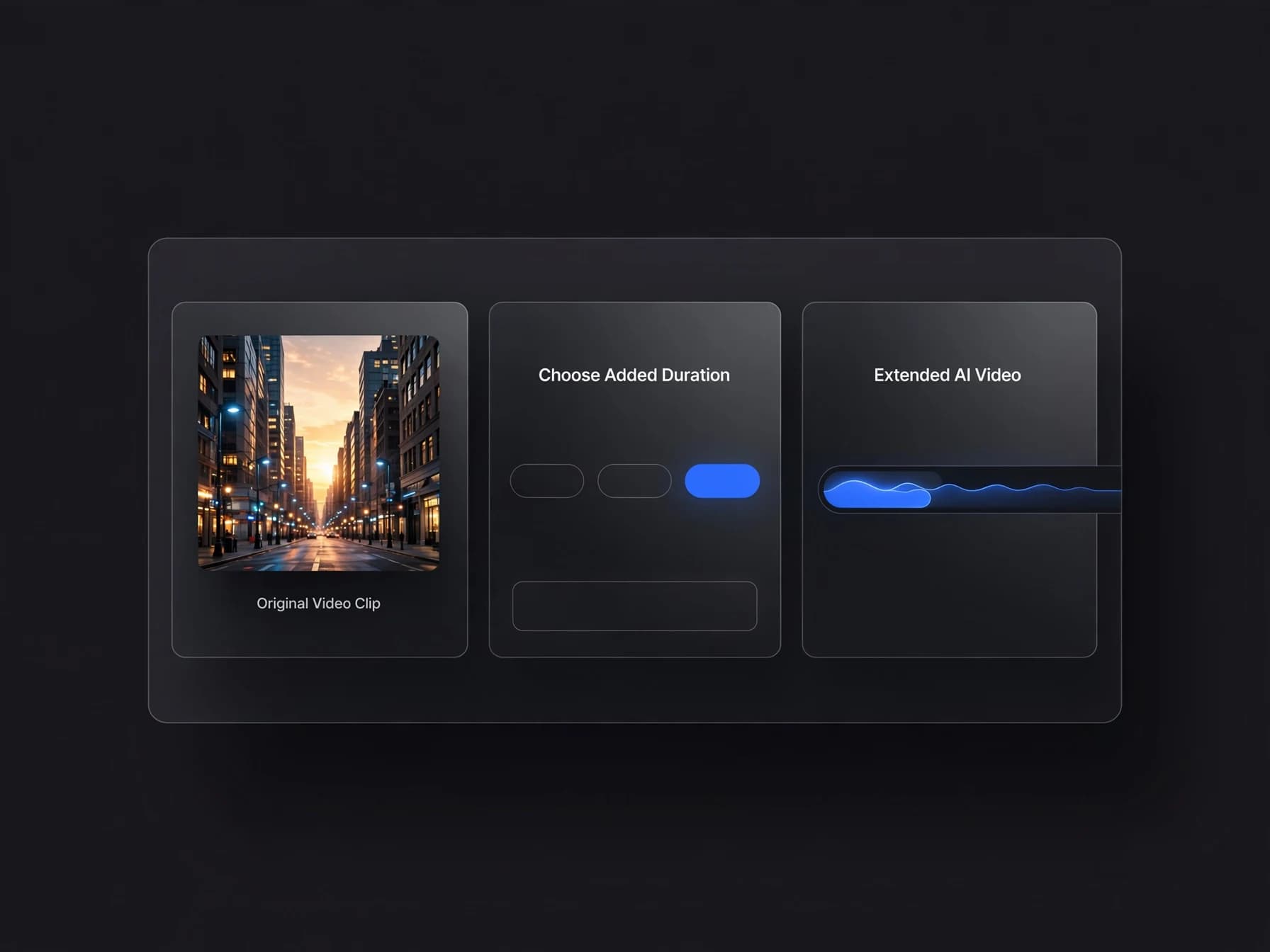
- Open the AI video extender and upload your clip. It can come from Veo, Kling, Sora or any other app, as long as it is a normal MP4 or MOV.
- Choose how much to add: +5 seconds for a reaction or a camera move, +10 for a full action, +15 for a longer beat.
- Say what happens next, or leave it empty. "She turns to the window and smiles" works better than a whole new scene. An empty box lets the shot continue on its own.
- Check the price on the button and start. At 768p, +5 seconds costs 362 credits, +10 costs 724 and +15 costs 1,087. If the extension fails, the credits go back automatically.
- Extend again if you need more. You can keep extending the result while it is under 60 seconds.
The new seconds are joined to the original in one MP4, with the soundtrack carried through. If your first clip came out silent, our soundtrack generator can make a matching soundtrack for the whole thing afterwards.
Tips for stitching AI clips without jumps
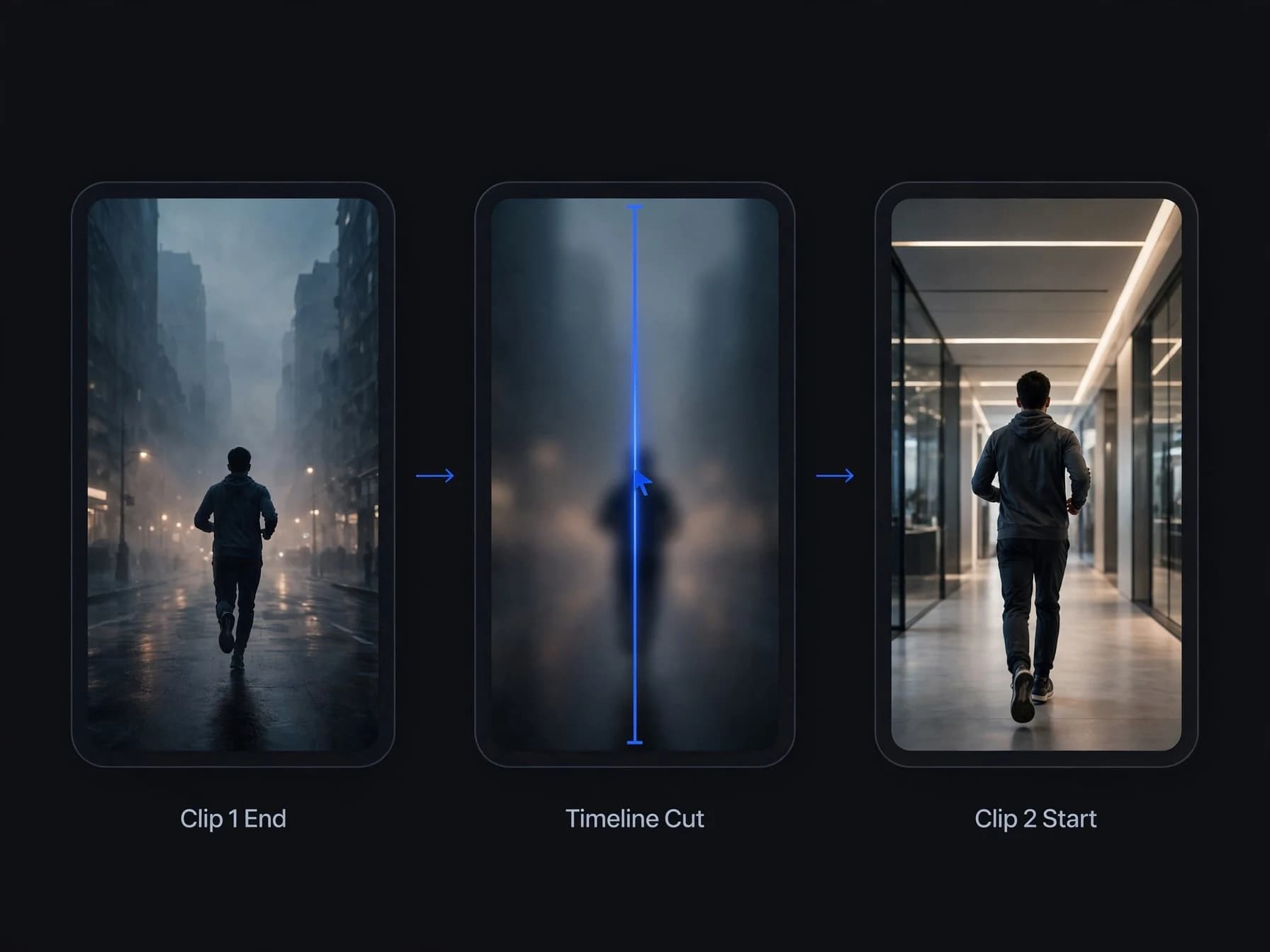
Joining clips is free, but the cut is where viewers notice it is AI. These habits make the joins hard to see:
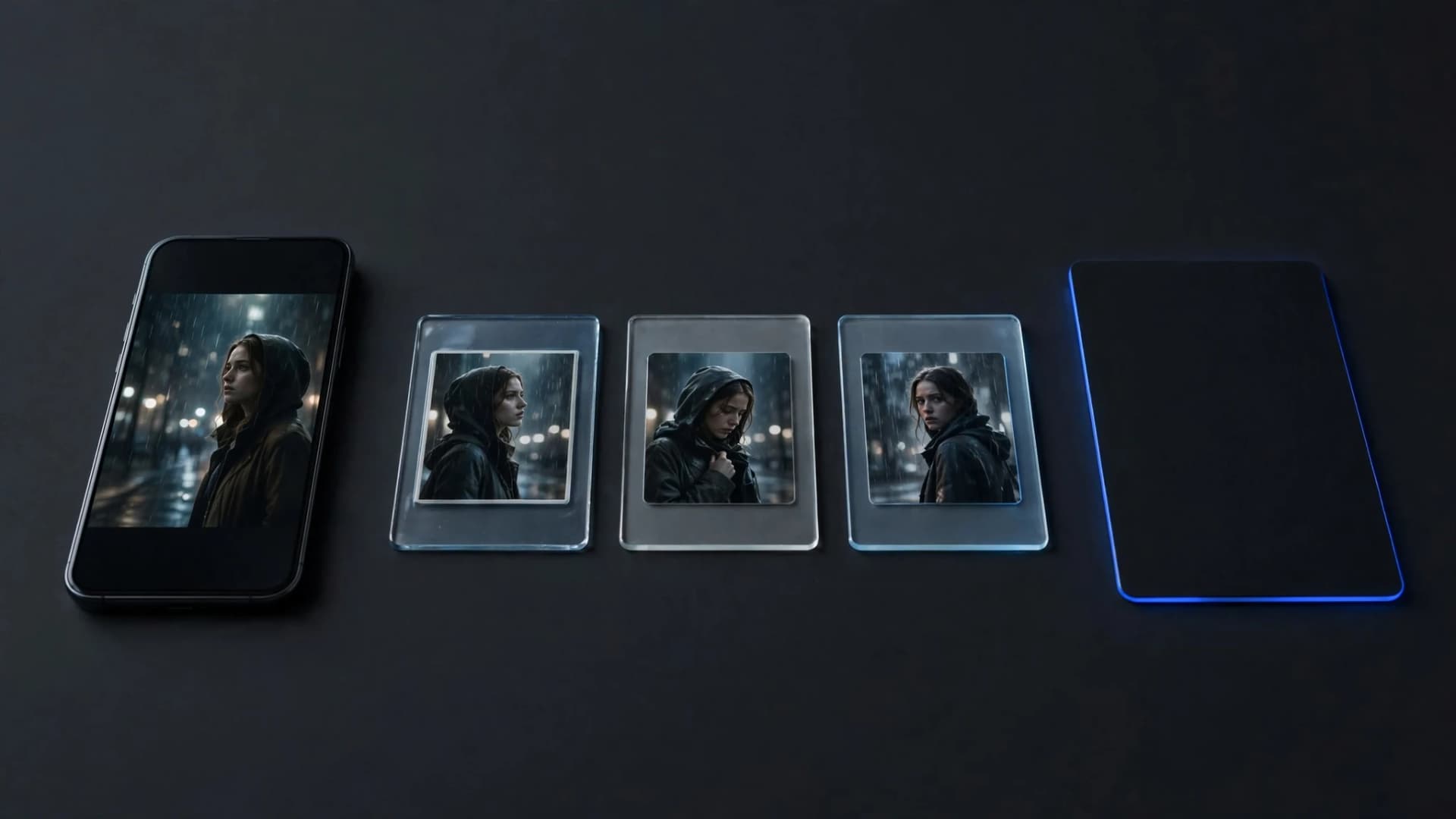
- Start each clip from the last frame of the one before. Take a screenshot of the final frame and use it in image to video. The next clip then starts exactly where the last one ended.
- Keep the same prompt base. Copy the description of the person, place, light and camera into every clip, and only change the action.
- Use one model for the whole video. Two models draw the same person differently. Pick one and stay with it.
- Cut on movement. A join during a turn, a camera move or a cut-away hides small changes better than a join on a still face.
- Add one soundtrack at the end. Separate clips often have separate music. Remove it and lay one track over the finished edit.
Veo, Kling and Sora: how to make each one longer
Veo 3.1. One clip stops at 8 seconds, and Flow no longer has Veo Extend. Make your Veo 3.1 clip, then add 5 to 15 seconds with the extender, or use the 30 or 60-second long-video mode on a Max plan. An 8-second clip at 720p with sound uses 1,840 OnVid credits.
Kling. For longer Kling videos, the newest Kling already goes to 30 seconds in one clip, which is the easiest way to get a long shot without any joins. Older Kling versions stop at 5 or 10 seconds, so extend or chain those.
Sora 2. OpenAI closed the Sora app in April 2026 and the Sora API in September, so no app runs Sora 2 any more. If you saved clips from it and need one longer, upload it to the extender, or start a new shot from its last frame with Veo or Kling. Our Sora alternatives guide compares the options.
Grok Imagine and Meta AI. These make short clips (Grok Imagine's are 6 seconds) and have no long mode. Extending or stitching are the ways to go longer.
What longer AI videos cost, and what is free
Length is what drives the price of an AI video: most models charge per second, so a 30-second video costs about three times a 10-second one.
- Stitching is the cheapest way to make AI videos longer: it costs nothing beyond the clips themselves.
- Extending on OnVid costs 362 credits for +5 seconds at 768p, and more at 1080p or 2K. The exact price shows on the button before you start.
- Long-video mode (30 or 60 seconds, Max plans) costs the sum of the parts plus 25%, because each part has to be generated in order from the one before.
The OnVid AI video generator is free to start after you sign up, and preview stills cost nothing. Longer AI videos are mostly a paid feature everywhere: Extending and long videos are part of the paid plans, starting with OnVid Pro at $7.99 a week. Videos you make on a paid plan have no watermark, and a failed render gives its credits back.