
Veo 3.1 Flow changes on December 5: what goes and what stays
Google's Flow help page lists the change plainly: on December 5, 2026, Veo 3.1 Fast, Veo 3.1 Quality and Omni Flash 1.1 will be retired in Flow. Until then they keep working at their normal credit rates. If you came here asking what happens to Veo 3.1 in Flow, that is the short answer: Veo 3.1 is retired from Flow in its Fast and Quality forms: the two full-quality versions go, and a lighter one stays.
It is the second cut in a month. Veo Extend was removed from Flow on November 5, 2026. To make a clip longer in Flow now, you need a Google AI Plus, Pro or Ultra plan and Omni Flash 1.2.
After December 5, Flow has two video models left:
- Omni Flash 1.2: Google's newer Gemini video model. Clips up to 10 seconds for everyone, 11 to 15 seconds on paid plans, at 360p or 720p, with upscaling to 1080p (and 4K on Ultra).
- Veo 3.1 Lite: 4, 6 or 8-second clips at 720p for every user.
Google recommends those two for new projects. It does not name a direct replacement for Veo 3.1 Quality.
Veo 3.1 Flow credit costs before and after, and Lite's limits
Here is what one clip costs in Flow credits, from Google's own table. The dollar column uses Google AI Pro, which gives 1,000 Flow credits a month for $19.99, so one credit is worth about 2 cents.
| Model in Flow | Clip | Credits | About, on AI Pro | After December 5 |
|---|---|---|---|---|
| Veo 3.1 Quality | 8 s | 100 | $2.00 | Retired |
| Veo 3.1 Fast | 4, 6 or 8 s | 20 (10 on Ultra) | $0.40 | Retired |
| Omni Flash 1.1 | 8 s, 720p | 12 | $0.24 | Retired |
| Veo 3.1 Lite | 4, 6 or 8 s, 720p | 10 (5 on Ultra) | $0.20 | Stays |
| Omni Flash 1.2 | 8 s, 720p | 24 (3 per second) | $0.48 | Stays |
If you are counting Google Flow credits, two things stand out. Lite is the cheapest clip in Flow, but it is also the lowest resolution. And Omni Flash 1.2 costs twice what Omni Flash 1.1 did for the same 8 seconds at 720p, so the same monthly credits buy fewer clips after the switch. Monthly credits still do not roll over, and free accounts keep 50 credits a day.
Veo 3.1 Lite is the only Veo left in Flow, so know its limits before you plan a project around it:
- 720p only. Google lists Lite at 720p. Quality was the setting people used for sharp, detailed shots meant for a big screen.
- 8 seconds at most. Clips are 4, 6 or 8 seconds. With Veo Extend gone, you can't stretch a Veo clip inside Flow anymore.
- Cheaper, not better. At 10 credits a clip it is a fifth of what Quality cost. That is good for drafts and social posts, less good for a final ad or a film shot.
With Veo 3.1 Fast retired as well, the cheap draft option inside Flow is Lite or Omni Flash. If your Flow Veo 3.1 work was mostly quick tests, Lite will feel fine. If you were paying for Quality to get the detail, you need somewhere else to run the full model.
Is Veo 3.1 going away everywhere?
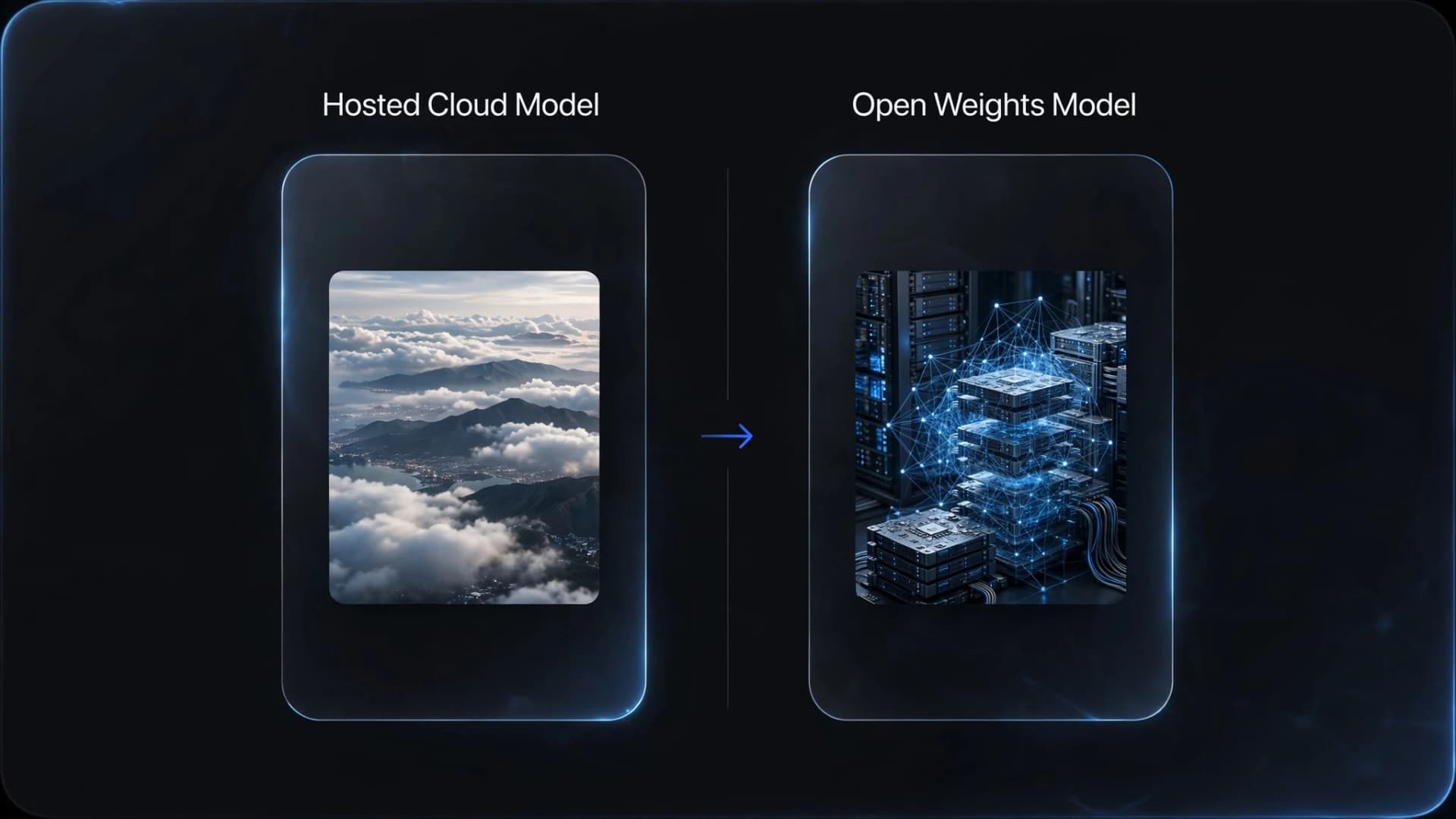
No. Google's notice is about Flow, its own creative app. It says nothing about the model leaving Google's developer platforms, and apps that run Veo 3.1 through Google's API keep offering it. That includes OnVid, as well as Runway, Luma, Higgsfield and InVideo, which all listed Veo 3.1 when we checked on November 25, 2026.
So the question for most people is not whether Veo 3.1 survives, but where to run it once Flow stops. The answer depends on what you used Flow for. If you want Google's whole toolbox (scenes, the Gemini models and the credits that come with a Google AI plan), stay in Flow and switch to Omni Flash 1.2 or Lite. If you want the full Veo 3.1 at 1080p or 4K, with sound and longer edits, use an app that still runs it.
What to do before December 5
You have about ten days. A short checklist:
- Download the videos you want to keep. Google's notice does not say what happens to finished clips or old projects, so don't count on them staying where they are.
- Spend credits on the models that are leaving. Monthly credits don't roll over anyway. Use them on Veo 3.1 Quality clips you may want later, while the price is 100 credits.
- Save your best prompts. Write down the prompts and settings that worked. Veo prompts carry over to other apps as they are; our guide to writing AI video prompts shows how to tidy them up.
- Test the same prompt on Omni Flash 1.2 and Lite. Run two or three of your usual shots now, so you know before December 5 whether the remaining Flow models are good enough for you.
Keep using full Veo 3.1 on OnVid
On OnVid, Veo 3.1 is the full model, not Lite. You can make 4, 6 or 8-second clips at 720p, 1080p or 4K, in 16:9 or 9:16, with native sound: dialogue, music and effects are generated with the picture. Veo 3.1 Fast is there too for quicker, cheaper drafts.
- Text to video and image to video both run Veo 3.1, so you can animate a still or a product photo.
- Longer clips: the AI video extender adds 5 to 15 seconds to a finished video, which covers what Veo Extend used to do.
- Sharper output: the AI video upscaler takes any clip up to 1080p, 2K or 4K.
- Fixing sound: if a clip comes out silent, the video soundtrack tool creates one for it.
An 8-second Veo 3.1 clip at 720p with sound uses 1,840 OnVid credits, and the same clip at 1080p uses 2,944. Veo 3.1 Fast at 720p uses 1,104. You see the exact cost before anything starts, and a failed video gives its credits back. OnVid Pro is $7.99 a week or $14.99 a month, and you can use the OnVid AI video generator from the web, the mobile apps or ChatGPT. Until December 4, Pro Yearly is $49.99 for the whole year; our AI video Black Friday deals page compares it with other apps' offers.
Omni Flash 1.2 or Veo 3.1: which should you use?
Google is steering Flow users toward Omni Flash 1.2, and it is a capable model: clips up to 15 seconds on paid plans, extending, editing and upscaling in one place. OnVid runs it as Gemini Omni Flash too, at up to 15 seconds.
Pick Omni Flash 1.2 for longer single clips, quick edits and the lowest cost per second. Pick Veo 3.1 when the shot has to look its best: realistic people, detailed scenes and dialogue that matches the lips, at 1080p or 4K. Many people will use both, drafting in Omni Flash and making the final shot in Veo 3.1. If you are weighing Veo against other models as well, our Kling vs Veo comparison covers the main differences.